A manager builds next week's schedule in a spreadsheet. Someone calls in sick Friday morning. Now that manager is texting six people, checking who's already at overtime, and hoping the replacement knows the closing procedure. Multiply that across every location, every week, and you have a tax on operations that never shows up cleanly on a P&L.
That tax is real money. According to Dataintelo (2025), automated scheduling tools cut labor costs by an average of 8.2% annually and reduce scheduling admin time by up to 70% compared with manual methods. For a founder watching burn multiple and revenue per employee, that is not a soft productivity claim. It is margin you can defend in a board meeting.
The stakes go beyond cost. When shift coverage depends on one manager's phone contacts and memory, the operation does not scale. It routes through a person. The right workforce scheduling software turns staffing into a repeatable system: forecast demand, publish schedules, handle swaps, and stay compliant without anyone playing air traffic controller every morning. If you are building systems that survive due diligence, that shift from heroics to process is the whole point. The same logic that drives founders toward better event management tooling or tighter contract lifecycle management applies here: reduce the manual coordination, keep the signal.
What's inside
This guide covers eight workforce scheduling software platforms built for teams that need labor forecasting, shift coverage, compliance support, mobile self-service, and payroll or POS integration. It is written for operators and founders who care whether a tool reduces manual coordination enough to scale, not just whether it has a feature list.
We evaluated each platform on five criteria: forecasting depth (how well it predicts staffing needs), shift coverage workflows (swaps, open shifts, auto-fill), compliance support (breaks, rest periods, Fair Workweek), integration fit (payroll, POS, HCM), and usability for both managers and employees. Pricing and G2 ratings reflect verified, current sources.
TL;DR
- Best for enterprise workforce management: Workday, for organizations that need worker-first scheduling, AI forecasting, and compliance-by-design across a unified HR and finance platform.
- Best for complex enterprise labor operations: ADP WorkForce Suite, when scheduling has to sit alongside payroll, absence management, and labor analytics at scale.
- Best all-in-one for hourly and shift-based businesses: Workforce.com, pairing AI-driven labor forecasting with HR and payroll in one system.
- Best for SMB and multi-location scheduling: When I Work, for straightforward staff scheduling software with strong shift swaps and messaging.
- Best value for small businesses: Homebase, with a genuinely usable free tier covering scheduling and time tracking.
- Best for restaurants: 7shifts, purpose-built for POS integration, labor controls, and tip management.
For most operators, the decision comes down to scale and industry. Enterprise control points to Workday or ADP. Multi-location retail and services point to Deputy or When I Work. Restaurants point to 7shifts. Teams wanting scheduling inside a broader HR suite point to Factorial.
What is workforce scheduling software?
Workforce scheduling software is a tool that automates how businesses forecast staffing needs, build and publish employee schedules, manage shift changes, and stay compliant with labor rules. It replaces spreadsheets and group texts with a single system that connects demand data, availability, and coverage.
Also called employee scheduling software, staff scheduling software, or employee rota software, these platforms typically include:
- Schedule creation and templates: build weekly rosters from reusable schedule templates instead of starting from scratch.
- Labor forecasting: predict staffing needs from sales data, foot traffic, or historical demand.
- Shift swapping and open shifts: let employees trade shifts or claim open ones with manager approval rules.
- Availability management: collect who can work when, so schedules respect real constraints.
- Communication: push schedules, reminders, and changes to mobile devices.
- Reporting: track labor cost, overtime, and coverage against forecast.
- Integrations: connect to payroll, time tracking, POS, and broader workforce management scheduling software or HCM systems.
The category spans lightweight shift scheduling software for a single café up to enterprise labor scheduling software that optimizes thousands of workers across regions. What unites them is the goal: make staffing decisions faster, cheaper, and more consistent. The market reflects that pull. Apps Run The World (2024) put the workforce scheduling software segment at $1.6 billion in 2024, growing to a forecast $2.3 billion by 2029.
When to use workforce scheduling software
Improve forecast-driven staffing
Labor forecasting matters most when demand swings and you pay people by the hour. A retail store on a holiday weekend, a restaurant during a lunch rush, a clinic with seasonal volume: over-staff and you burn margin, under-staff and you lose revenue or wreck service. Labor scheduling software that reads sales data or foot traffic and turns it into a staffing recommendation is where the 8.2% labor cost reduction lives. It matters even more across multi-location operations, where no single manager can eyeball demand for the whole footprint.
Reduce shift chaos and manager back-and-forth
Most manual coordination happens after the schedule is published. Someone needs to swap, someone calls out, a shift goes uncovered. Shift swapping, open shift claiming, and automated reminders move that work off the manager's plate. Employees trade shifts inside the app, coverage rules decide who is eligible, and the manager approves with one tap. That is the difference between a founder-dependent operation and one that runs on process.
Centralize compliance and labor oversight
Break rules, minimum rest periods, and Fair Workweek laws are not optional, and the penalties are real. Compliance scheduling logic checks shifts against labor law before they are published, flags violations, and keeps an audit trail. For a business operating across states or cities with different rules, centralizing that logic in one system is far safer than trusting each manager to know the local requirements.
Comparison table
Sorted by relevance to enterprise-through-SMB workforce scheduling. Pricing and G2 ratings reflect verified sources as of mid-2026.
| # | Product | Intent | Key use case | Pricing | G2 rating |
|---|---|---|---|---|---|
| 1 | Workday | Enterprise HCM + scheduling | Worker-first scheduling with AI forecasting across a unified HR platform | Quote-based; 30-day free trial on Adaptive Planning | 4.2/5 |
| 2 | ADP WorkForce Suite | Enterprise workforce management | Time, scheduling, absence, and compliance tied to payroll | Quote-based | 4.1/5 |
| 3 | Workforce.com | All-in-one for hourly teams | AI-driven labor forecasting plus HR and payroll | Quote-based | 4.5/5 |
| 4 | When I Work | SMB and multi-location | Shift scheduling, swaps, and team messaging | From $2.50/user/mo | 4.4/5 |
| 5 | Homebase | Small hourly businesses | Free scheduling, time tracking, and payroll add-ons | Free; paid from $30/location/mo | 4.5/5 |
| 6 | Deputy | Hourly-work scheduling | Scheduling, compliance, and forecasting for shift teams | From $5/user/mo | See below |
| 7 | 7shifts | Restaurants | Scheduling, POS integration, and labor controls | Free; paid from $29.99/location/mo | 4.5/5 |
| 8 | Factorial | HR suite + scheduling | Scheduling inside broader people ops | From $8/user/mo | 4.4/5 |
1. Workday
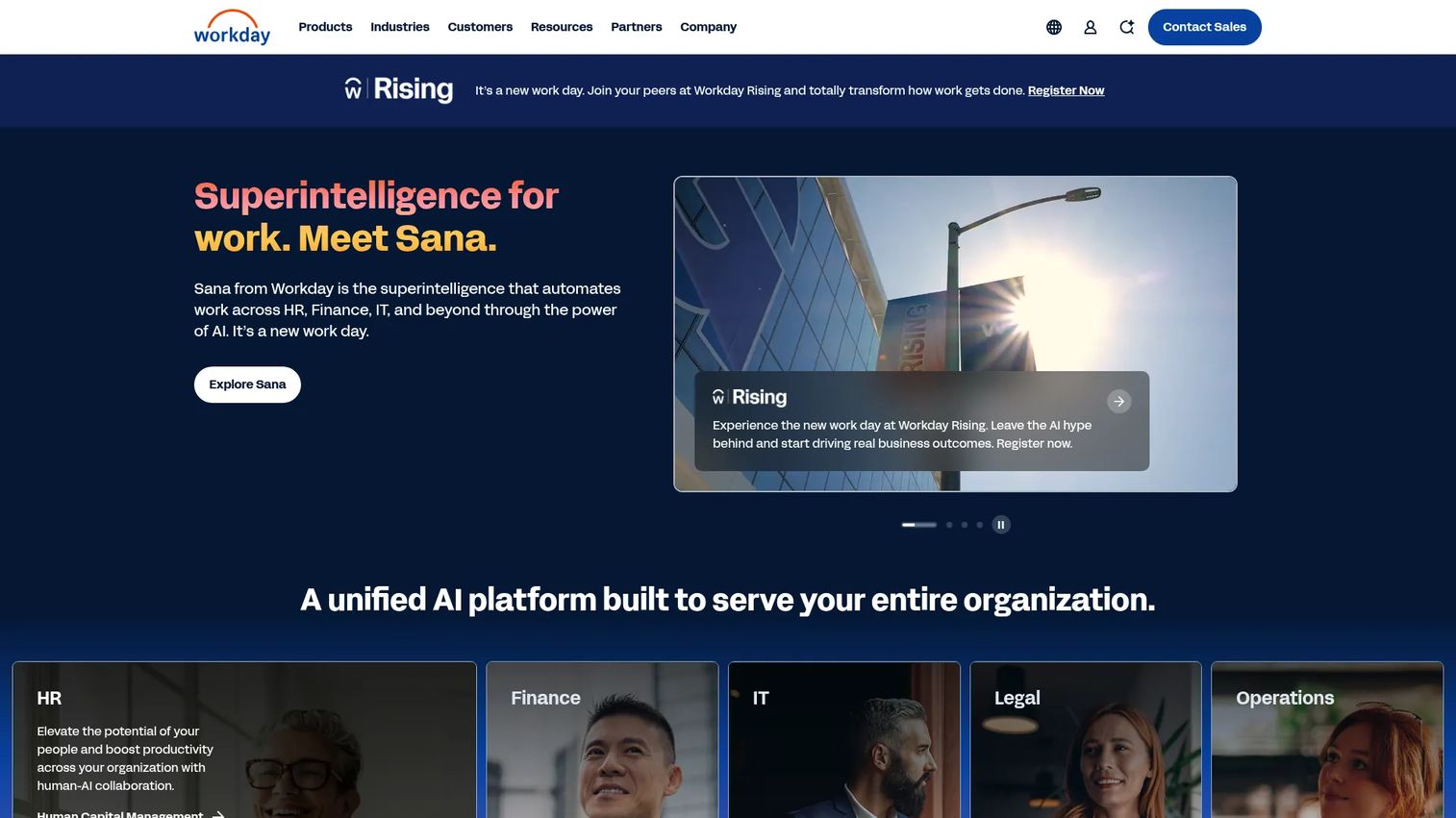
Workday is cloud-based enterprise software spanning HR, finance, planning, and analytics, with workforce management scheduling built into its broader platform. Its scheduling approach is worker-first: it factors employee preferences, skills, and availability into demand-driven schedules, then layers AI forecasting and compliance validation on top. For large organizations, the pull is having scheduling live inside the same system that runs payroll, planning, and reporting.
Best for: Large organizations that need a unified HR, finance, and planning platform where scheduling is one integrated piece.
Key strengths
- Unified HR and finance platform: scheduling, payroll, and planning share one data model, so labor decisions connect to the numbers.
- Real-time reporting and analytics: track labor cost against forecast and workforce metrics without stitching dashboards together.
- AI agents and automation: AI forecasting and validation alerts flag coverage gaps and compliance risks before schedules publish.
Why choose Workday: Workday fits when scheduling is inseparable from the rest of your workforce and financial operations. The tradeoff is that it is built for scale, so smaller teams will find it heavier than they need. For an enterprise standardizing on one platform, having labor scheduling, compliance, and analytics under one roof reduces the fragmented-data problem that slows weekly decisions.
Workday pricing: Pricing is largely quote-based. Workday Adaptive Planning offers a 30-day free trial, and core Adaptive Planning plus Close & Consolidation are priced by contact with sales. Full HCM and scheduling pricing depends on modules and headcount.
For a founder scaling past a few hundred employees, Workday earns its place when you need labor data to roll up cleanly into the metrics your board scrutinizes.
2. ADP WorkForce Suite
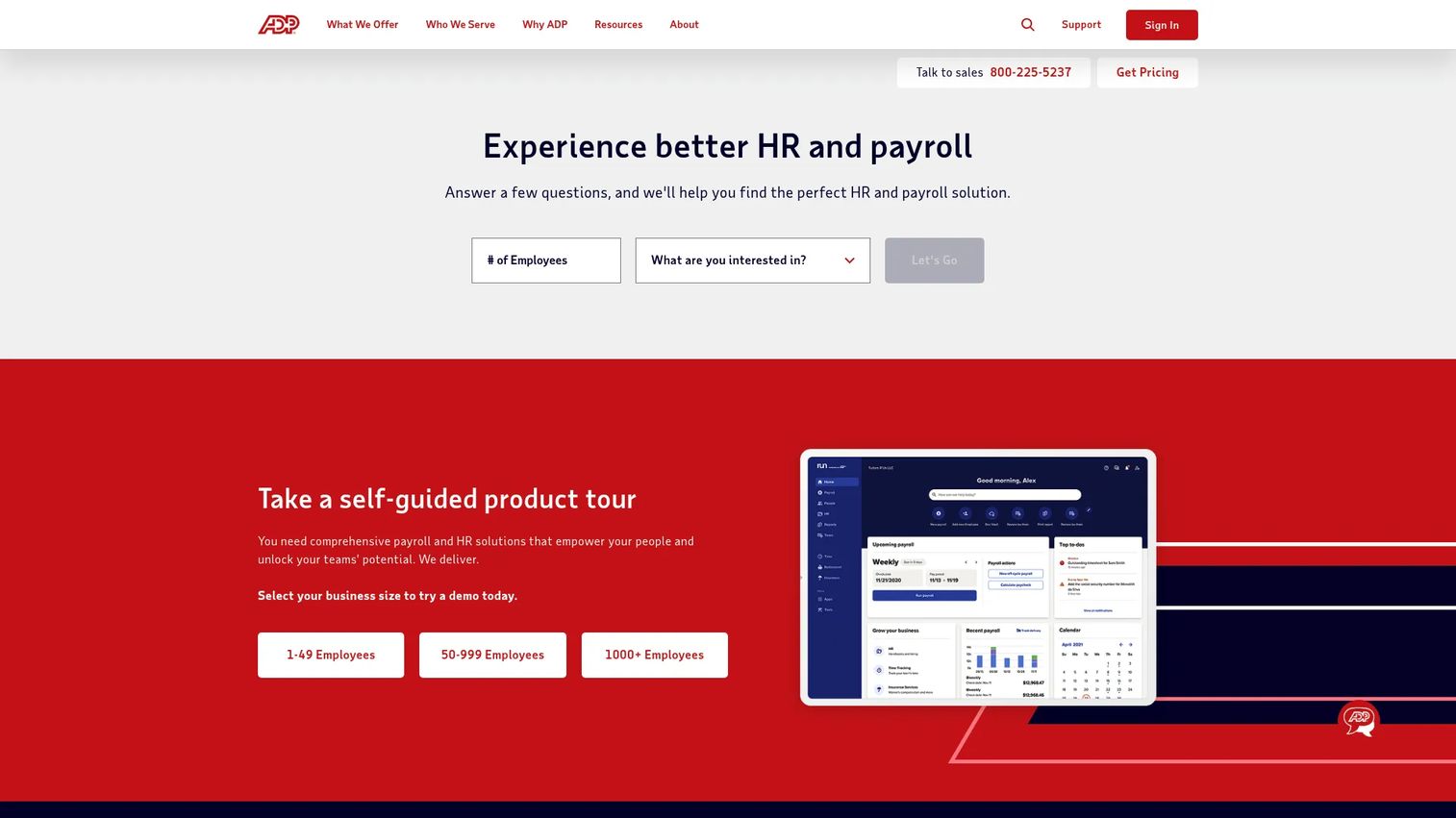
ADP WorkForce Suite is enterprise workforce management software covering time and attendance, scheduling, absence management, compliance, and labor analytics, with tight integration into ADP's payroll and HCM stack. Its scheduling is demand-based and skill-aware, matching the right people to the right shifts while enforcing labor rules. For organizations already running ADP payroll, adding scheduling to the same suite is a natural consolidation move.
Best for: Large organizations that need complex workforce management across time, scheduling, leave, and compliance in one connected system.
Key strengths
- Time and attendance tracking: capture hours accurately and feed them straight into payroll.
- Absence management and leave cases: handle time off, leave requests, and coverage impact in one place.
- Automated scheduling and labor analytics: build demand-based schedules and measure labor cost against output.
Why choose ADP WorkForce Suite: ADP fits enterprises that value payroll integration above all and want scheduling, attendance, and compliance under the same vendor. The tradeoff is complexity, this is not a quick self-serve setup, but for a business with intricate labor rules and high headcount, that depth is the point. Scheduling data flowing directly into payroll removes a common source of error and reconciliation work.
ADP WorkForce Suite pricing: ADP does not publish public pricing for the WorkForce Suite. Pricing is quote-based and depends on headcount, modules, and implementation scope. Expect a sales conversation to scope your requirements.
For operators already committed to ADP, the suite consolidates scheduling into existing payroll and compliance infrastructure rather than adding another disconnected tool.
3. Workforce.com
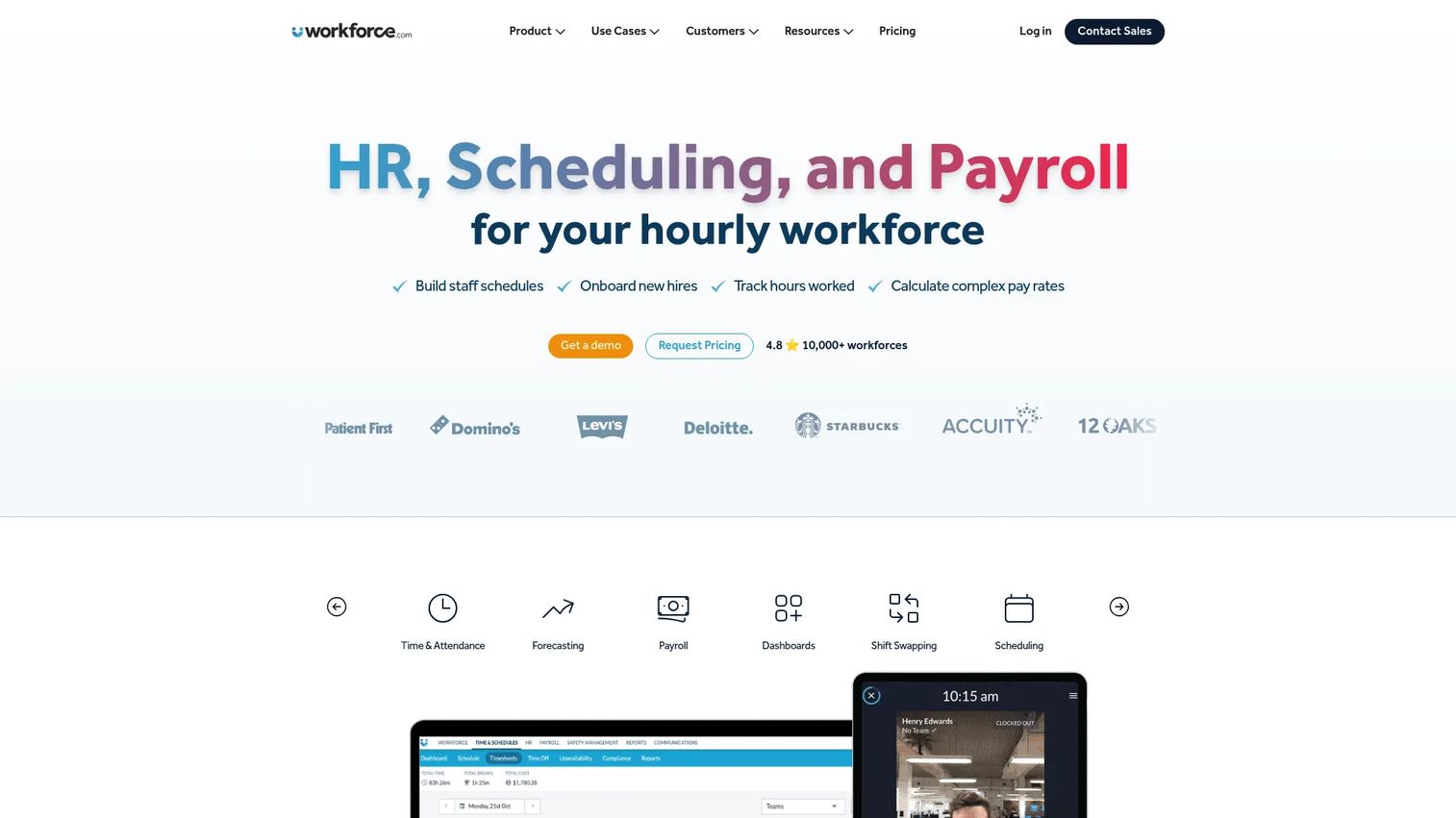
Workforce.com is an all-in-one workforce management platform combining scheduling, HR, payroll, and compliance for hourly and shift-based businesses. Its standout is AI-driven scheduling and labor forecasting that ties staffing to demand, often linked to POS integration so schedules track sales in real time. The platform aims to reduce labor cost and speed up schedule creation while keeping compliance automated in the background.
Best for: Hourly and shift-based businesses that want scheduling, HR, and payroll in one system with strong forecasting.
Key strengths
- AI-driven scheduling and labor forecasting: predict demand and build cost-optimized schedules that match sales patterns.
- HRIS and employee lifecycle management: manage hiring, onboarding, and records alongside scheduling.
- Payroll, time and attendance, and wage/tax automation: run payroll from the same hours you schedule and track.
Why choose Workforce.com: Workforce.com fits operators who want forecasting depth without buying a full enterprise HCM. It pairs labor cost reduction with operational reporting, so managers see where staffing drifts from demand. The tradeoff is that it is aimed at hourly operations, so purely salaried teams get less from the shift-centric features.
Workforce.com pricing: Pricing is quote-based. The pricing page states plans are licensed per user and depend on modules, headcount, and implementation requirements. There is no public starting price listed.
For a multi-location retail or hospitality operation, Workforce.com is a strong middle ground: forecasting and compliance without the weight of a pure enterprise platform.
4. When I Work
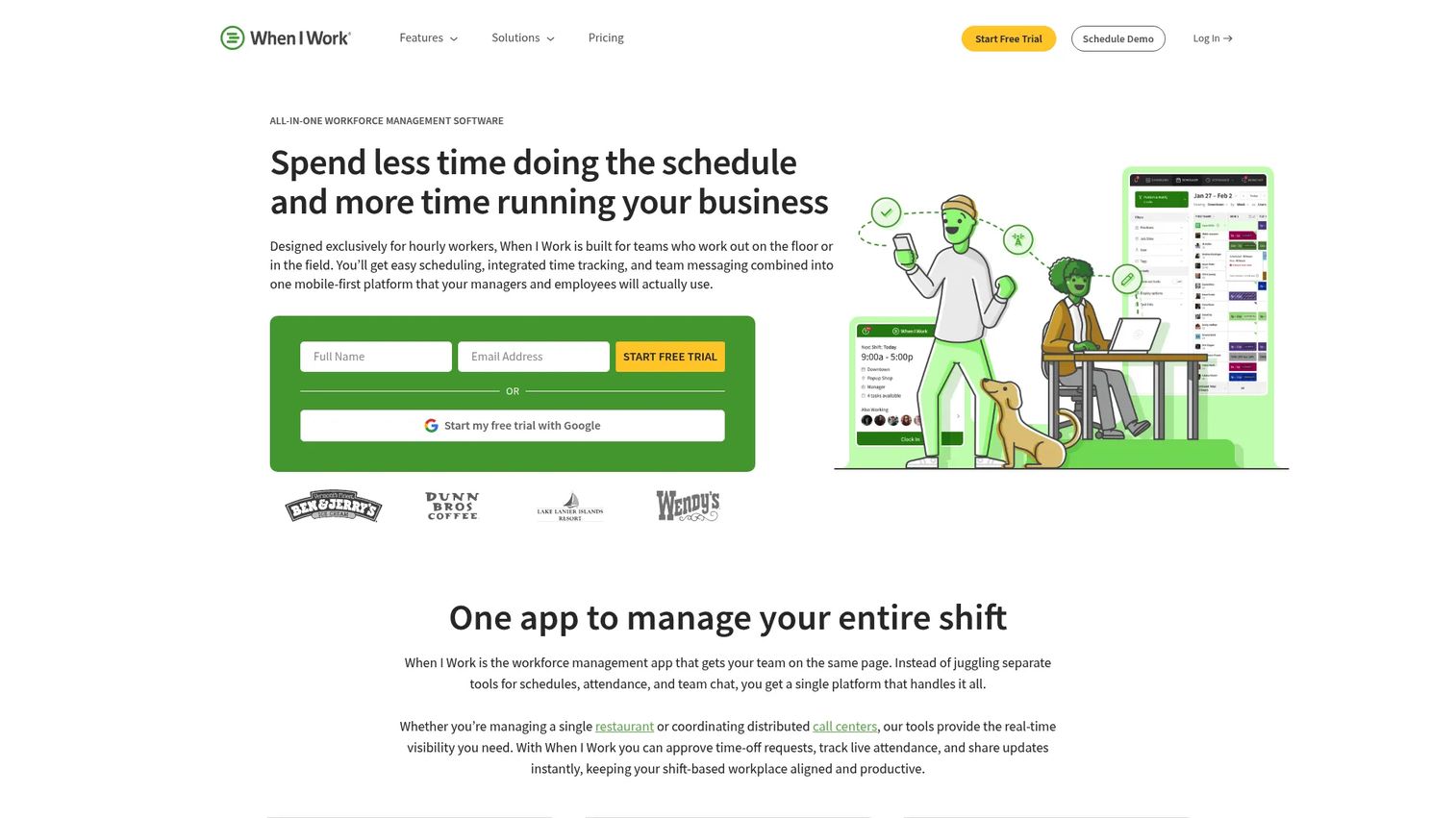
When I Work is shift-based workforce management software focused on scheduling, time tracking, and team messaging for hourly teams. It handles multi-location scheduling, availability management, shift swaps, and OpenShifts, with GPS and geofencing for clock-ins. As an employee scheduling app, it is built to be easy for both managers building rosters and staff picking up shifts on their phones.
Best for: Hourly, shift-based teams that need clean scheduling and time tracking without enterprise overhead.
Key strengths
- Employee scheduling and multi-location support: build and publish rosters across sites from one place.
- Shift swaps and OpenShifts: let staff trade or claim open shifts with approval control.
- Time tracking and team messaging: capture hours with GPS clock-ins and communicate in the same app.
Why choose When I Work: When I Work fits SMB and multi-location teams that want mobile self-service and fast setup over deep enterprise forecasting. The tradeoff is lighter labor forecasting than platforms like Workforce.com, but for many operators that is the right call. It reduces the daily coordination load without a heavy implementation.
When I Work pricing: Public pricing starts at $2.50 per user per month on the Essentials plan, with Pro at $5 and Premium at $8 per user per month. There is a 14-day free trial and no credit card required. No public free tier is listed on the pricing page.
For a founder running a lean multi-location operation, the per-user pricing scales predictably and the mobile experience keeps managers out of the swap-coordination loop.
5. Homebase
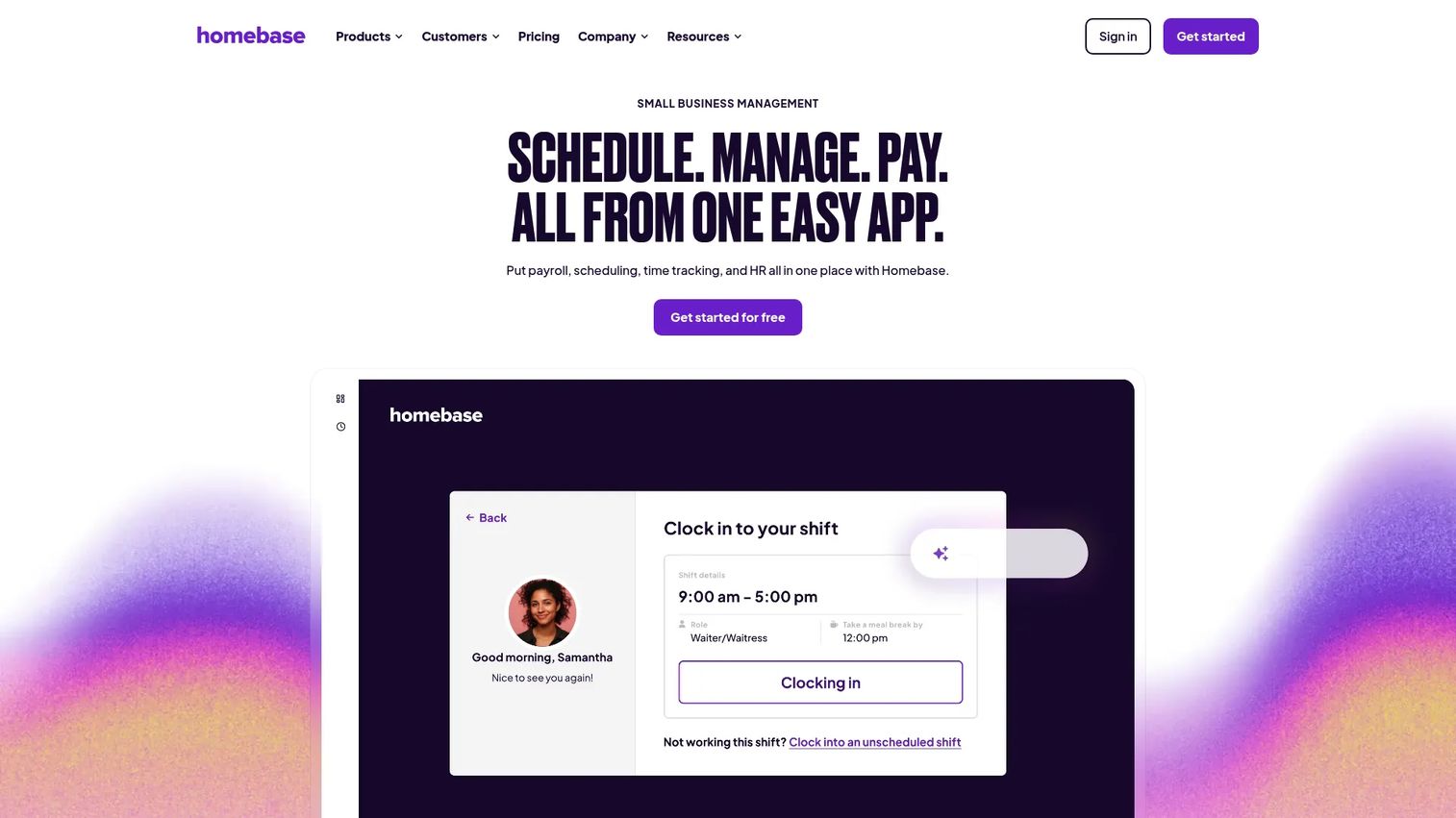
Homebase is workforce management software for hourly teams, covering scheduling, time tracking, payroll, hiring, and team communication. Its draw is a genuinely usable free tier, making it one of the more accessible entry points into employee scheduling software for small businesses. It handles scheduling, time tracking with GPS snapshots, and payroll add-ons in one system.
Best for: Small hourly businesses that need scheduling, time tracking, and payroll in one affordable system.
Key strengths
- Employee scheduling: build and share schedules and let staff view them on mobile.
- Time tracking with GPS snapshots: verify clock-ins and reduce time theft.
- Payroll and payroll add-ons: run payroll from tracked hours with bundled options.
Why choose Homebase: Homebase fits small businesses watching every dollar that still want real scheduling and time tracking. The free Basic plan covers up to 10 employees at a single location, which is rare in this category. The tradeoff is that forecasting and multi-location depth sit behind paid tiers, but the on-ramp is hard to beat.
Homebase pricing: The Basic plan is free for up to 10 employees at one location. Paid tiers run Essentials at $30, Plus at $70, and All-in-One at $120 per location per month. Payroll-inclusive bundles start at Core ($49/month plus $6/employee), with Grow and Scale options above it.
For an early-stage business or a single location, Homebase gets you off spreadsheets at zero cost and scales as you add locations.
6. Deputy
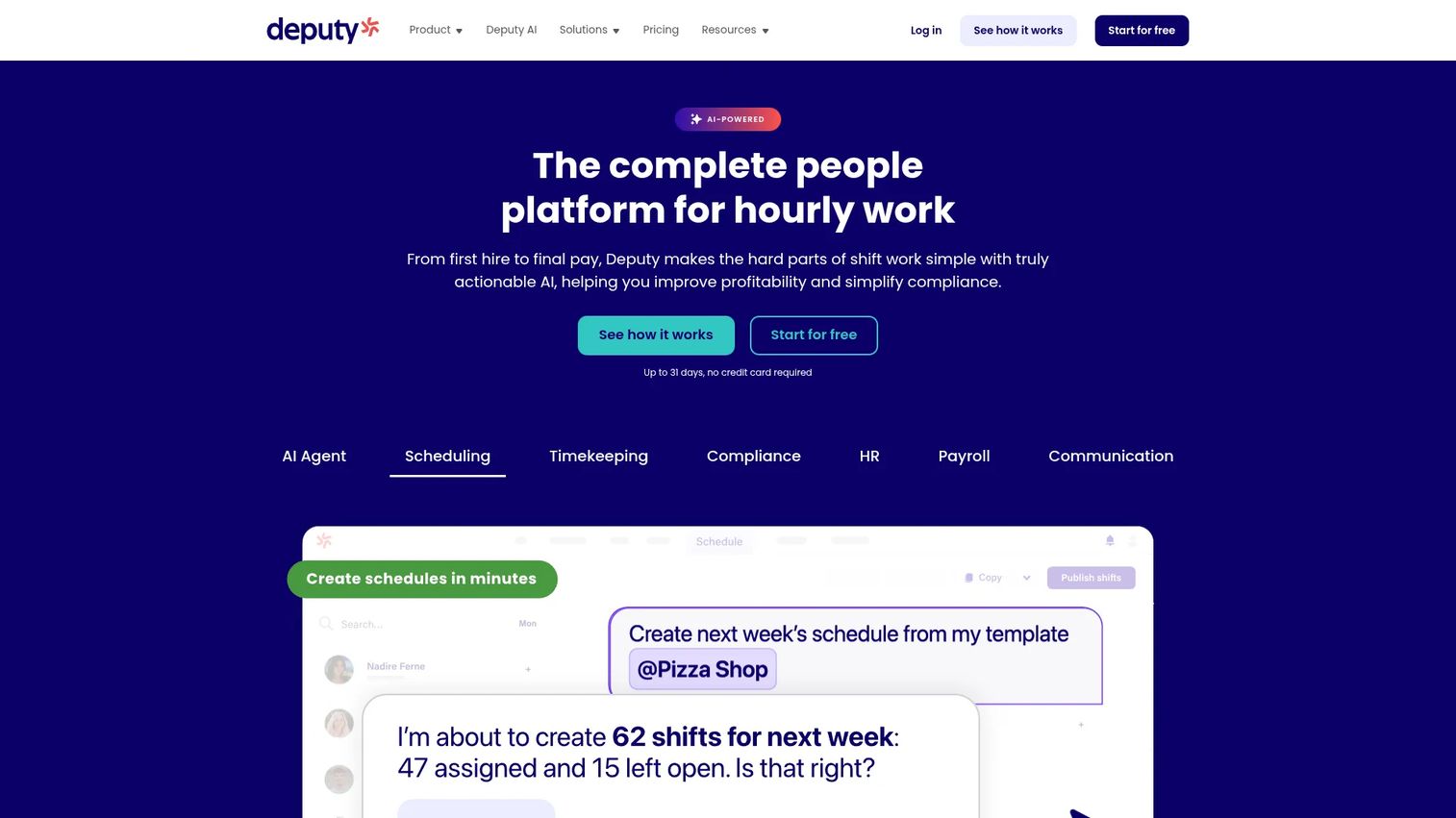
Deputy is workforce management software for scheduling, time tracking, and team communication, with strong labor law compliance and forecasting for shift-based teams. It streamlines the daily workflow: build schedules, push them to mobile, handle shift swaps, and enforce compliance rules automatically. For multi-location hourly operations, Deputy balances ease of use with labor optimization.
Best for: Hourly-work businesses that need scheduling, attendance, and compliance-aware coordination across sites.
Key strengths
- Scheduling and shift management: build schedules fast and let staff swap shifts on mobile.
- Time tracking and timesheets: capture accurate hours that flow into payroll.
- Labor law compliance and forecasting: enforce break and rest rules and forecast staffing from demand.
Why choose Deputy: Deputy fits operators who want compliance scheduling and forecasting without an enterprise deployment. It handles the swap-and-coverage workflow cleanly and layers on labor optimization, so managers spend less time reacting. The tradeoff is that the deepest analytics and add-ons sit in higher tiers, but the core scheduling experience is strong at every level.
Deputy pricing: Public plans are Lite at $5, Core at $6.50, and Pro at $9 per user per month, billed upfront or in monthly installments. Add-ons include Payroll (enabled by Paycor), HR, Messaging+, and Analytics+. A free trial is available.
For a growing multi-location business, Deputy sits in the sweet spot: compliance and forecasting that scale without the cost or complexity of full enterprise workforce management.
7. 7shifts
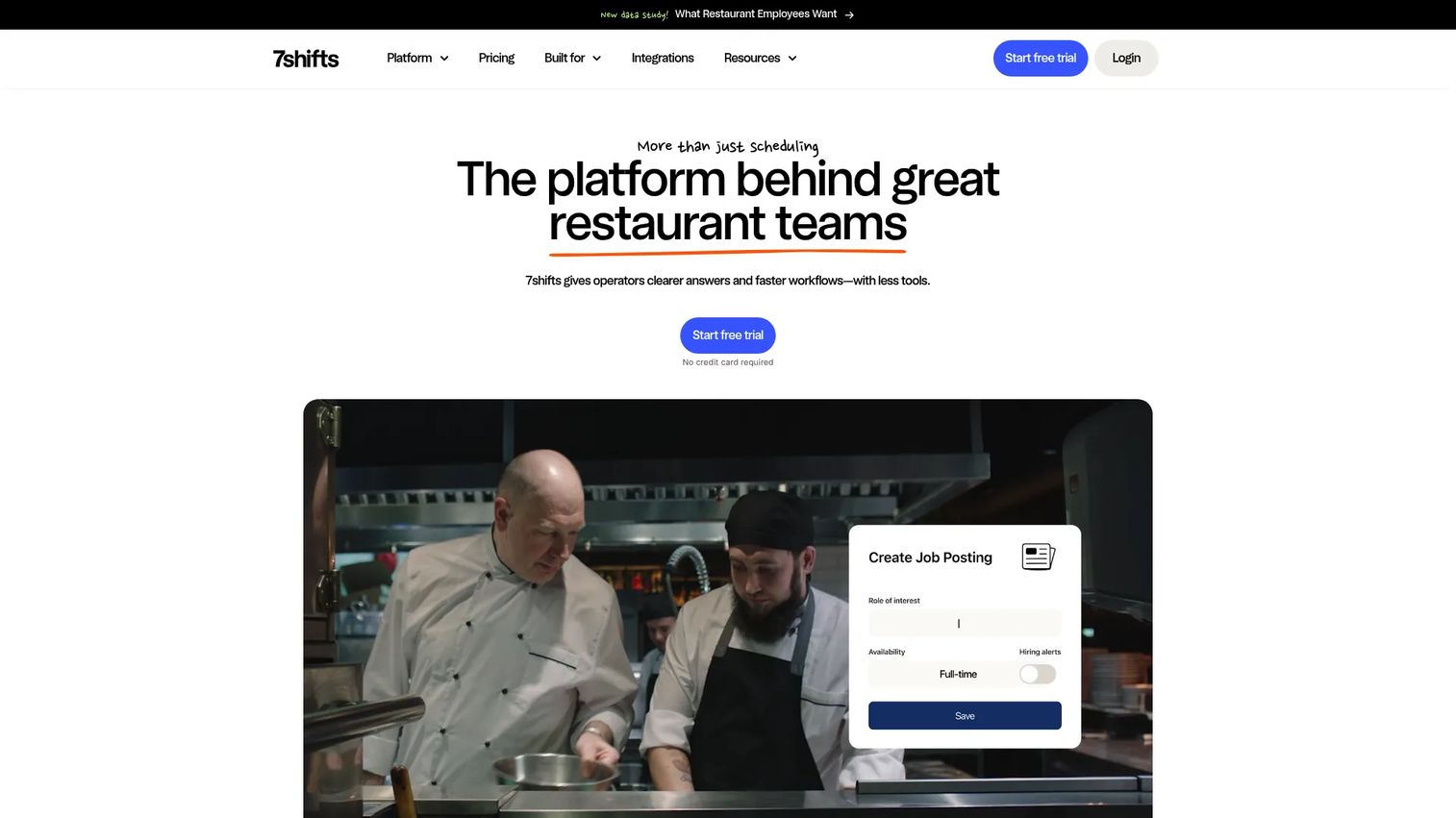
7shifts is a restaurant team management platform built around scheduling, time tracking, communication, labor compliance, payroll, tips, and onboarding. It is purpose-built for restaurants, with POS integration that ties labor to sales and shift bidding that helps managers fill coverage gaps. If you run a restaurant, its features map to the exact problems you face nightly.
Best for: Restaurants that want an all-in-one workforce management platform tuned to hospitality.
Key strengths
- Scheduling and shift management: build schedules and handle coverage with shift bidding and swaps.
- Team communication and announcements: keep staff aligned on changes in one channel.
- Time clocking and labor compliance: track hours and enforce break and labor rules built for restaurants.
Why choose 7shifts: 7shifts fits restaurant operators who want scheduling that speaks their language: POS-linked labor controls, tip management, and coverage tools designed for shift bidding. The tradeoff is focus, this is built for restaurants, not general enterprise scheduling, and that focus is exactly why it wins in hospitality.
7shifts pricing: The Comp plan is free for a single location with up to 20 employees. Paid plans are Entrée at $29.99, The Works at $69.99, and Gourmet at $135 per month per location. Add-ons cover Tip Management, Manager Log Book, Task Management, and Employee Onboarding.
For a restaurant group, 7shifts turns nightly coverage scrambles into a managed process and ties labor cost directly to POS sales data.
8. Factorial
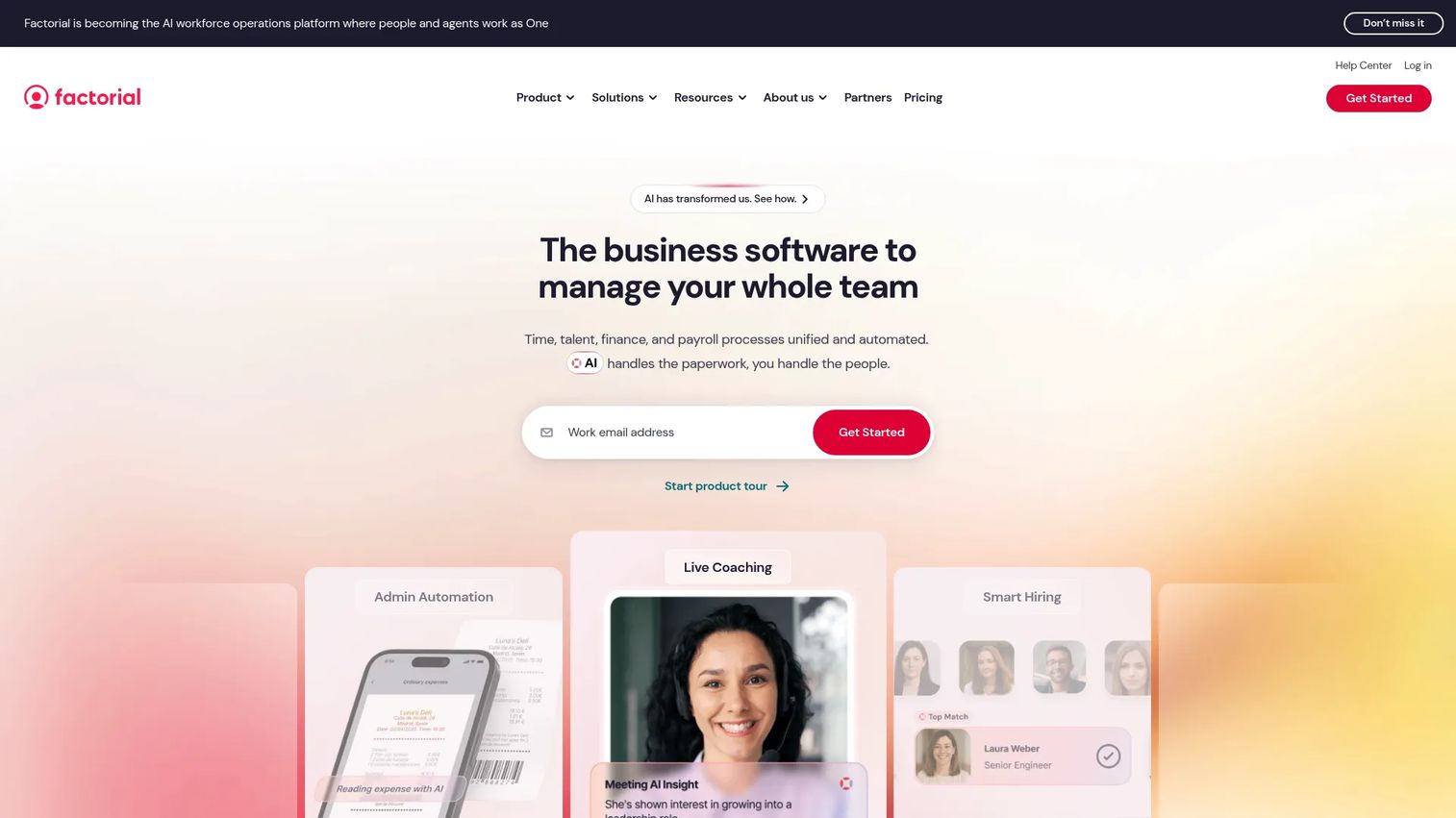
Factorial is all-in-one HR and business management software covering time, talent, payroll, finance, and IT workflows, with scheduling as one module inside a broader people ops platform. For teams that want shift scheduling software alongside core HR rather than as a standalone tool, Factorial consolidates the stack. It handles time off, time tracking, shifts, and document management in one place.
Best for: SMBs that want a unified HR platform with time, payroll, document, and scheduling tools together.
Key strengths
- Time off management: handle leave requests and balances alongside scheduling.
- Time tracking and shifts: capture hours and manage shift-based schedules in one system.
- Document management and digital signature: keep HR paperwork and approvals in the same platform.
Why choose Factorial: Factorial fits teams that value consolidation, one platform for HR, payroll, and scheduling, over deep shift forecasting. The tradeoff is that its scheduling is lighter than restaurant- or retail-specialized tools, but the payoff is fewer systems to manage. For a founder trying to reduce tool sprawl while increasing signal, that consolidation is compelling.
Factorial pricing: Factorial says plans are tailored, and all plans include Factorial Core. The pricing page shows a starting price of $8 per month per user. Specific tier pricing is scoped with sales.
For an SMB building out people ops, Factorial folds scheduling into the same platform running HR and payroll, which keeps your data in one place instead of scattered across tools.
Considerations before you buy
Forecasting accuracy
Ask what demand data the tool actually uses. Sales history, foot traffic, and POS data drive better forecasts than a manager's gut. Check how far ahead it forecasts and whether managers can override recommendations, because no model is perfect and local knowledge still matters. The gap between a rough estimate and a real forecast is where the labor cost savings live.
Compliance coverage
Confirm the platform handles the specific rules you face: meal and rest breaks, minimum rest between shifts, overtime thresholds, and Fair Workweek predictability pay. Look for automated flags before schedules publish and an audit log you can produce if challenged. If you operate across jurisdictions, one system enforcing local rules beats hoping each manager knows them.
Shift coverage workflows
Coverage is where manual work piles up. Evaluate open shift claiming, shift bidding, auto-replacement suggestions, and swap approval rules. The best employee rota software lets staff resolve most coverage themselves while managers keep approval control. That is the difference between a system and a group text.
Integrations
Scheduling data is only as useful as where it flows. Verify payroll integration so tracked hours become paychecks without re-entry, plus connections to time tracking, HCM, ERP, and POS integration where relevant. Fewer disconnected systems means cleaner data and fewer reconciliation errors.
Mobile experience
Around 67% of frontline workers in 2025 expect to access schedules, request swaps, and get real-time notifications on their phones, per Dataintelo (2025). Test the mobile self-service experience from an employee's view: can they set availability, claim shifts, and get alerts without friction? Adoption lives or dies on the mobile app.
Conclusion
There is no single best workforce scheduling software, there is the one that fits your scale, industry, and how much manual coordination you are trying to remove. Enterprises that need worker-first scheduling, AI forecasting, and unified data point to Workday or ADP WorkForce Suite. Hourly and multi-location operations that want forecasting without enterprise weight land on Workforce.com or Deputy. Lean multi-location teams get strong value from When I Work, small businesses from Homebase's free tier, restaurants from 7shifts, and teams consolidating people ops from Factorial.
The through-line for founders is the same one that drives every good systems decision: does this reduce founder-dependent, manager-dependent coordination enough to scale? Automated scheduling delivers real labor cost reduction and pulls staffing off spreadsheets and out of group texts. Start with the tool that matches your operation, run it against one location or team, and measure the coordination time you get back in the first month.
If you are also rethinking how your team demonstrates and onboards its own product, Start your journey with Guideflow today!
FAQs
Workforce scheduling software is a tool that automates forecasting staffing needs, building and publishing employee schedules, managing shift changes, and enforcing labor compliance. It replaces spreadsheets and manual coordination with a single system that connects demand, availability, and coverage. It is also called employee scheduling software or staff scheduling software.
It reduces labor costs by matching staffing to actual demand, preventing over-staffing during slow periods and understaffing during peaks. According to Dataintelo (2025), automated tools cut labor costs by an average of 8.2% annually and reduce scheduling admin time by up to 70%. Better forecasting and overtime control drive most of the savings.
The most useful features are open shift claiming, shift bidding, automated replacement suggestions, and configurable swap approval rules. Together they let employees resolve most coverage themselves while managers keep final approval. Strong mobile self-service is what makes these features actually get used.
Most platforms integrate with payroll so tracked hours convert to pay without re-entry, and many offer POS integration so schedules track sales data in real time. Restaurant-focused tools like 7shifts and all-in-one platforms like Workforce.com lean heavily on POS links. Always verify your specific payroll and POS systems are supported before buying.
Compliance support is essential for any business subject to break laws, rest-period rules, overtime thresholds, or Fair Workweek predictability requirements. Good compliance scheduling flags violations before schedules publish and keeps an audit trail. For multi-jurisdiction operations, centralizing this logic is far safer than relying on individual managers.
For enterprise multi-location operations, Workday and ADP WorkForce Suite offer the deepest control and forecasting. For mid-market and SMB multi-location teams, Workforce.com, Deputy, and When I Work all handle multiple sites well while staying easier to deploy. The right pick depends on how much forecasting depth and compliance complexity you need.
SMB-focused tools like Homebase, When I Work, and Deputy can be set up in days, often with self-serve onboarding and a free trial. Enterprise platforms like Workday and ADP WorkForce Suite require a scoped implementation that can take weeks or months depending on headcount and integrations. Match the implementation weight to your stage.
Yes, especially given free and low-cost options. Homebase offers a free tier for up to 10 employees, and When I Work starts at $2.50 per user per month. Even a small employee scheduling app removes hours of weekly coordination and reduces scheduling errors, which pays for itself quickly for any shift-based team.