A release ships on Friday afternoon. By Monday, three teams are pointing fingers, one customer segment is seeing errors, and nobody can say exactly what changed or how to undo it. That is not a rare story. It is the default when release coordination lives in spreadsheets, Slack threads, and someone's memory.
The stakes keep rising because release frequency keeps rising. The global release management market was worth roughly USD 3.8 billion in 2025 and is projected to reach USD 9.2 billion by 2034, growing at a 10.3% CAGR, according to Dataintelo (2024). Teams are not buying this software because releases are getting easier. They are buying it because releases are getting more frequent, more complex, and more expensive to get wrong.
For a product manager, this is not an abstract DevOps concern. Release cadence maps directly to how fast you can validate a bet, how much support load a bad rollout creates, and whether onboarding changes reach users without breaking activation. If you have ever shipped a feature flag change and watched a metric move the wrong way with no clean way to roll back, you already understand why release management software exists.
This guide is written for the people who feel release chaos most: product managers coordinating cross-functional launches, release managers owning the process, and DevOps and IT leaders responsible for release safety at scale. If you are also rethinking how you communicate product changes to users, an interactive demo can carry launch messaging into changelogs, in-app announcements, and lifecycle emails without engineering time, and platforms like Guideflow pair that with analytics on how users actually engage. It is a useful companion to the release tooling below, though the tools in this list solve a different job: getting the code out safely in the first place.
The same discipline that makes a release safe also shows up in adjacent categories. If your evaluation touches governance and audit trails, the patterns in audit management software overlap heavily. If your releases lean on pipelines and automation, best AI orchestration platforms covers the coordination layer. And if release risk is really a compliance and security question for you, best AI security posture management tools is worth a look.
What's inside
This is a buyer-intent shortlist of seven release management software tools, chosen for the capabilities that actually reduce release risk: release coordination, release automation, observability, rollback, feature flags, and enterprise readiness. We prioritized tools with public evidence of real-world use, verified pricing where available, and clear fit for a specific release scenario rather than generic DevOps breadth.
The audience is practical: product managers, release managers, DevOps teams, and IT leaders comparing platforms. Each entry names who it fits and where it is strongest in the software delivery lifecycle, so you can pattern-match to your own release process instead of reading feature dumps.
TL;DR
- Best for governed, controlled deployments: Octopus Deploy handles release automation and rollback across many environments with strong approvals and audit trails.
- Best for feature flags and progressive delivery: LaunchDarkly gives you targeted rollouts, experimentation, and release safety without redeploying.
- Best for complex, multi-system release events: Cutover runs runbook-driven release coordination with stakeholder communication built in.
- Best for enterprise CI/CD governance: CloudBees standardizes pipeline control, compliance, and policy enforcement at scale.
- Best for release planning and portfolio visibility: Planview connects strategy to execution across programs and dependencies.
- Best for AI-native delivery automation: Harness combines CI/CD, deployment verification, and feature management in one platform.
- Best all-in-one DevOps platform: GitLab folds code, CI/CD, environments, and release governance into a single tool.
What release management software is and why teams use it
Release management software is a category of tools that plan, schedule, automate, validate, monitor, and roll back software releases so teams can ship changes with more control and less risk. It sits on top of your CI/CD pipeline and coordinates the human and technical steps that turn a build into a live change your customers actually see.
The category exists because shipping is no longer a single event. A modern release involves multiple teams, environments, dependencies, and rollout stages. Release management software gives you one place to see and govern all of it.
Core capabilities most buyers evaluate:
- Release planning and scheduling: define what ships when, with clear ownership and dependencies mapped ahead of time.
- Release orchestration: sequence deployments across environments, services, and teams in the right order.
- CI/CD integration: connect to build and test pipelines so releases flow from code to production without manual handoffs.
- Feature flags and progressive delivery: expose changes gradually to segments, canary groups, or percentages before full rollout.
- Observability and release metrics: watch deployment health in real time and tie it to DORA metrics like deployment frequency and change failure rate.
- Rollback and incident response: reverse a bad change fast, ideally without a redeploy, to keep MTTR low.
- Audit trails and governance: capture who approved what, when, and why, for compliance and post-incident review.
The strongest platforms treat these as one connected workflow, not seven disconnected features. That is what separates release management software from a pile of scripts.
When to use release management software
Not every team needs a dedicated release platform on day one. Here is how to tell when the manual approach has stopped scaling.
Coordinate cross-functional releases without losing track of dependencies
When a single release touches product, engineering, QA, support, and go-to-market, verbal coordination breaks down fast. You need a shared view of what is shipping, what depends on what, and who signs off before the next step. Release management software gives every stakeholder release visibility into the same plan, so the go-to-market team is not surprised by a launch and support is not blindsided by a change. This is the moment when a spreadsheet stops being enough.
Reduce risk on frequent or high-stakes deployments
The more often you ship, and the more customers each change affects, the more expensive a mistake becomes. Progressive delivery, canary releases, and feature flags let you limit blast radius by exposing changes to a small group first. Observability tells you within minutes whether a rollout is healthy. If your deployment frequency is climbing and each release feels like a coin flip, release safety tooling is how you make shipping boring again, in the best way.
Standardize rollout and rollback workflows
Manual release processes are fragile because they depend on the person who happens to remember the steps. Standardizing rollout and rollback into repeatable, automated workflows removes that single point of failure. When something goes wrong at 2 a.m., a defined rollback path matters more than heroics. If your team relies on tribal knowledge to ship and recover, that is the signal to formalize the release process.
Comparison table
Compare these tools on intent, what makes each one different, verified pricing where public, and G2 rating. Use the intent column to shortlist, then read the full sections for fit.
| # | Product | Intent | Key differentiation | Pricing | G2 rating |
|---|---|---|---|---|---|
| 1 | Octopus Deploy | Governed deployment automation | Runbooks and rollback across complex environments | Free; Professional $4,330/yr; Enterprise $24,600/yr | 4.5/5 |
| 2 | LaunchDarkly | Feature flags and progressive delivery | Release control without redeploying | Developer free; Foundation usage-based; Enterprise custom | 4.5/5 |
| 3 | Cutover | Complex release event orchestration | AI-powered runbooks with stakeholder comms | Custom quote | 4.2/5 |
| 4 | CloudBees | Enterprise CI/CD governance | Policy enforcement and compliance at scale | Free; Team $30/user/mo; Enterprise custom | 4.4/5 |
| 5 | Planview | Release planning and visibility | Strategy-to-execution across portfolios | Contact for pricing | 4.1/5 |
| 6 | Harness | AI-native delivery automation | CI/CD plus deployment verification | Free plan; Essentials and Enterprise via sales | 4.6/5 |
| 7 | GitLab | All-in-one DevOps platform | Code, CI/CD, and release management unified | Free; Premium $29/user/mo; Ultimate custom | 4.5/5 |
1. Octopus Deploy
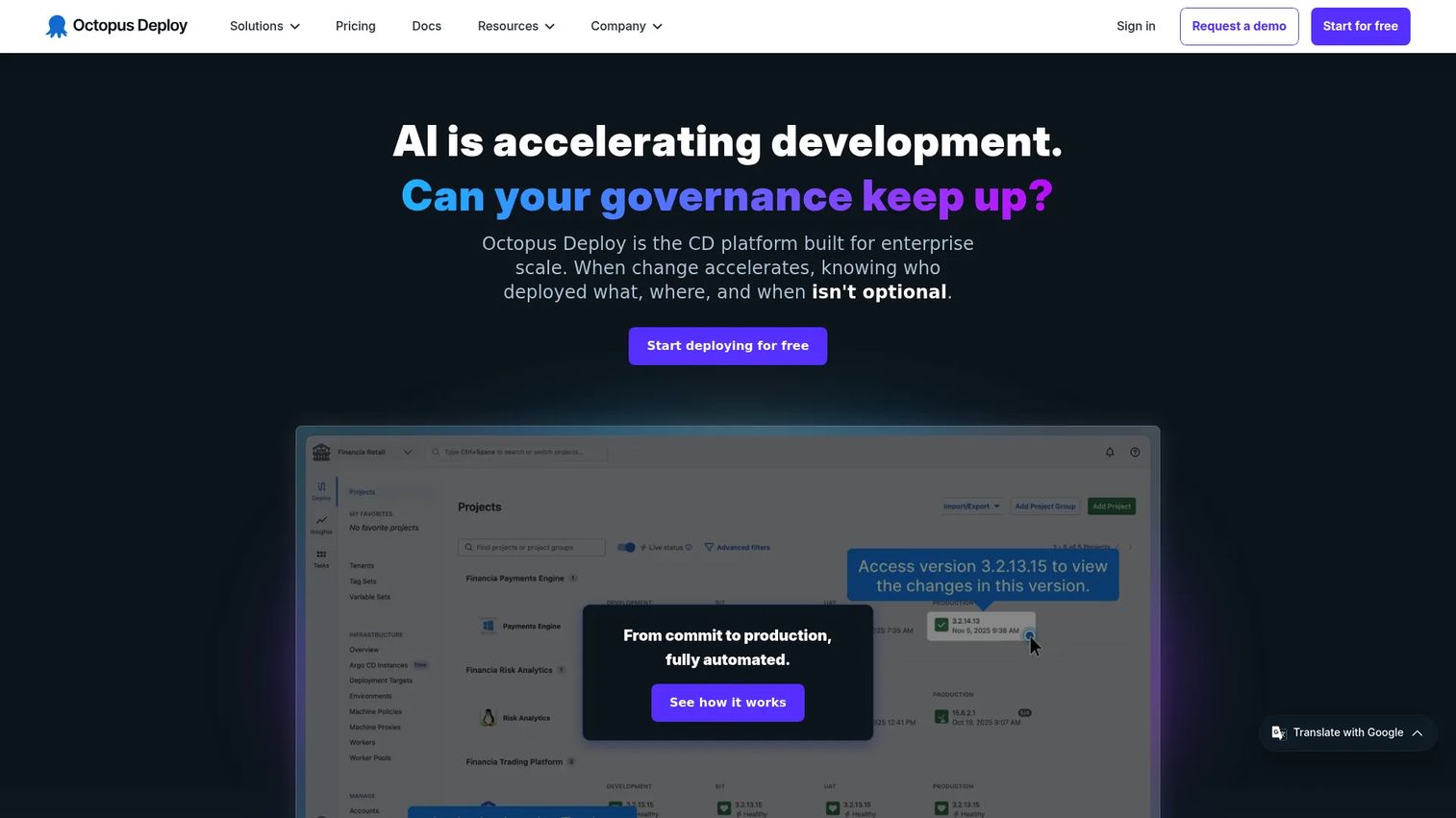
Octopus Deploy is a continuous delivery and deployment automation platform built for enterprise software teams that need to ship the same release across many environments without losing control. It focuses on the part of the software delivery lifecycle where a build becomes a governed, repeatable deployment, with approvals, environment promotion, and rollback baked in. For teams drowning in bespoke deployment scripts, Octopus turns release automation into a standardized, auditable process.
Where it stands out is orchestration across complexity. If you deploy to dozens of targets, multiple tenants, or a mix of cloud and on-prem, Octopus gives you a consistent release process instead of a different one per environment. Runbook automation extends that discipline to operational tasks like database maintenance and disaster recovery, so the same governed workflow covers more than just app deployments.
Best for: Teams needing governed, scalable continuous delivery with deployments and runbooks across complex environments.
Key strengths
- Release orchestration: promote a release through dev, staging, and production with consistent, repeatable steps.
- Deployment automation: replace hand-rolled scripts with standardized, auditable deployment workflows.
- Runbook automation: apply the same governed process to operational and recovery tasks, not just deployments.
Why choose Octopus Deploy: If your pain is deployment complexity and inconsistency across environments, Octopus is purpose-built for it. It fits release managers and platform teams who want strong approvals and audit trails without stitching together a custom system. Teams that need visual, repeatable control over where and how code lands will feel at home.
Octopus Deploy pricing: Octopus offers a Free tier at $0 per year, a Professional plan at $4,330 per year, and an Enterprise plan at $24,600 per year, all billed annually. Add-ons cover Tenants, Machines, and Premium Support. The free tier makes it practical to evaluate before committing to a paid plan.
2. LaunchDarkly

LaunchDarkly approaches release management from a different angle: instead of orchestrating where code deploys, it controls what users actually experience once it is deployed. Through feature flags, you separate deploy from release, ship code dark, then turn features on for specific segments, percentages, or canary groups. That distinction matters for product managers who want to control exposure without waiting on a redeploy.
This is release control as a product capability. You can run experimentation and A/B testing on new features, target rollouts by user attributes, and watch observability signals to catch problems early. If a flagged change misbehaves, rollback is a toggle, not a deployment, which keeps MTTR low and blast radius small. Progressive delivery becomes a routine part of shipping rather than a special project.
Best for: Teams that need feature flags, controlled rollouts, and experimentation at scale.
Key strengths
- Feature flags and targeting: expose features to precise segments and roll them back instantly with a toggle.
- Experimentation and A/B testing: measure the impact of a change on real users before full rollout.
- Observability and release safety: monitor flagged releases and catch regressions before they spread.
Why choose LaunchDarkly: Choose it when release control and gradual exposure matter more than deployment orchestration. It is the natural fit for product and engineering teams practicing progressive delivery, where the goal is to limit risk on every change. Pair it with a deployment tool and you cover both halves of a safe release.
LaunchDarkly pricing: LaunchDarkly starts with a free Developer plan. The Foundation plan is usage-based, billed yearly, at $10 per service connection per month plus $8.33 per 1,000 client-side monthly active users per month, with additional AI run pricing past a threshold. Enterprise and Guardian plans use custom pricing for teams needing advanced governance and scale.
3. Cutover
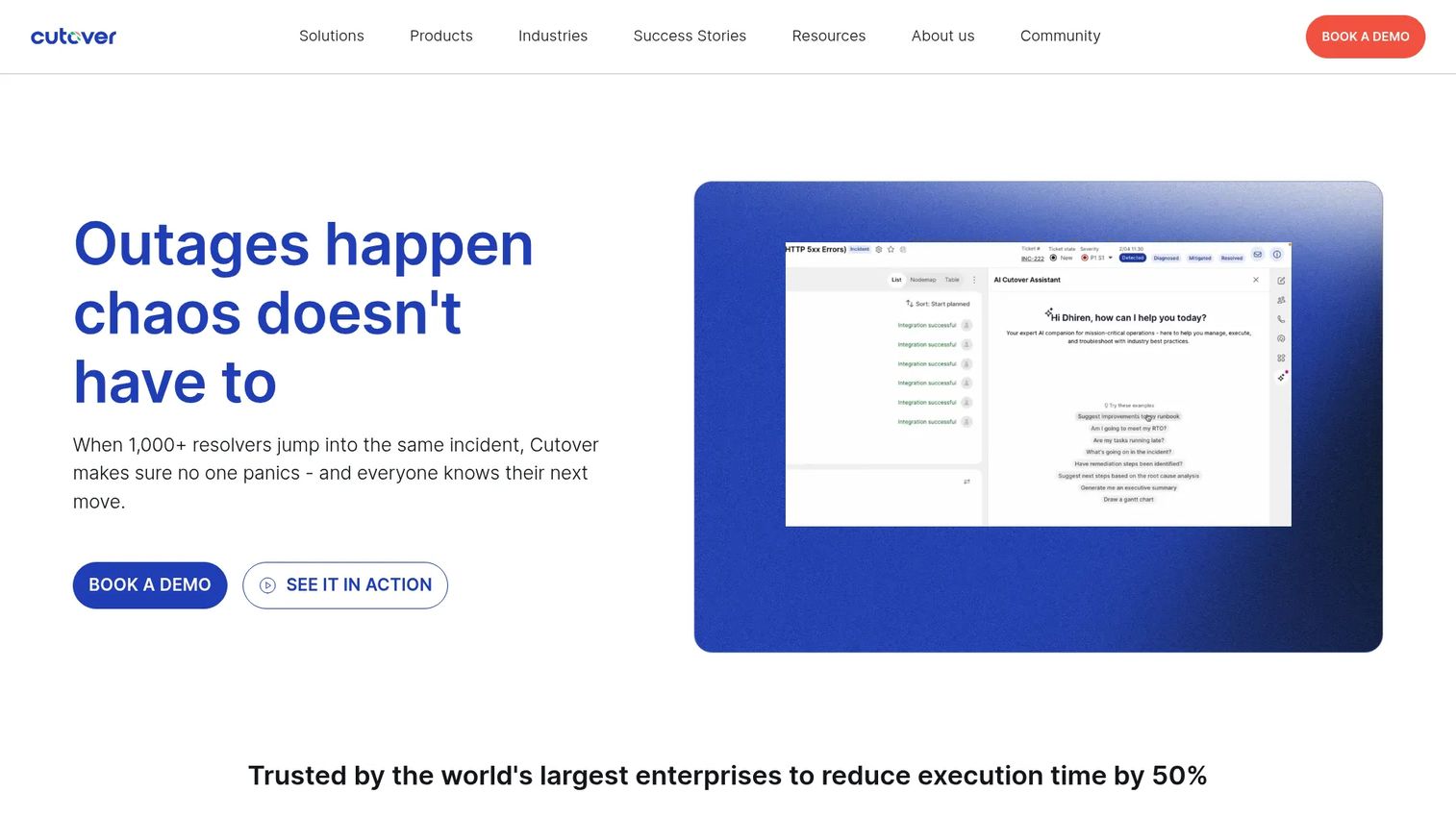
Cutover is an enterprise collaborative automation platform for IT operations, incident response, recovery, and runbook orchestration. Where other tools focus on the pipeline, Cutover focuses on the release event itself: the complex, cross-system change that involves dozens of people executing hundreds of steps in a tight window. Think major migrations, coordinated cutovers, and recovery scenarios where timing and communication decide the outcome.
Its command-center approach turns runbooks into live, trackable workflows. Every step has an owner, a status, and a dependency, so stakeholder communication happens inside the plan instead of across scattered channels. AI-powered runbooks help teams tighten and reuse these plans, and dashboards give leadership real-time release visibility during high-stakes events. For regulated enterprises, the audit trail this produces is as valuable as the coordination itself.
Best for: Large enterprises needing orchestrated IT operations, major incident response, and recovery automation.
Key strengths
- AI-powered runbooks: turn complex release events into structured, trackable, reusable workflows.
- Integration suite: connect the many systems and tools involved in an enterprise release.
- Dashboards and analytics: give leadership real-time visibility into release execution and health.
Why choose Cutover: Choose Cutover when your releases are events, not just deployments. It fits enterprise IT and release teams coordinating change across many systems and stakeholders under real time pressure. If your biggest risk is human coordination breaking down mid-release, this is where it shines.
Cutover pricing: Cutover uses custom, tailored pricing and does not publish public numeric prices. Pricing depends on scale and scope, so you will need to contact the vendor for a quote aligned to your release operations. This is common for enterprise platforms serving regulated, large-scale environments.
4. CloudBees
CloudBees is enterprise DevOps software for CI/CD, release orchestration, and feature management. Its center of gravity is governance: helping large engineering organizations standardize how releases execute while enforcing policy, security, and compliance across many teams. If you have hundreds of developers and need every pipeline to follow the same rules, CloudBees is built for that scale.
The platform combines cloud-native CI/CD and workflow orchestration with progressive delivery and feature management, so you get both pipeline control and gradual rollout in one place. Security, compliance, and governance controls let platform teams enforce guardrails without slowing every team down. For organizations with formal audit and regulatory requirements, that policy enforcement layer is the differentiator.
Best for: Enterprises needing governed CI/CD and progressive delivery at scale.
Key strengths
- Cloud-native CI/CD and workflow orchestration: standardize pipeline execution across many teams.
- Feature management and progressive delivery: roll out changes gradually with built-in release control.
- Security, compliance, and governance controls: enforce policy and produce audit-ready release records.
Why choose CloudBees: Choose it when governance and standardization are non-negotiable. It fits IT leaders and platform teams in regulated or large enterprises who need consistent, compliant release execution rather than team-by-team improvisation. The tradeoff for that rigor is a platform designed for organizational scale.
CloudBees pricing: CloudBees Unify multi-tenant SaaS offers a Free plan, a Team plan at $30 per user per month, and an Enterprise plan with annual custom pricing. The Free plan includes up to 2,000 workflow execution minutes and five monthly active users; Team includes 10,000 minutes and up to 25 monthly active users. Single-tenant and on-prem options use custom pricing.
5. Planview
Planview is enterprise portfolio, product, and work management software for connecting strategy to execution. It approaches release management from the planning end of the software delivery lifecycle rather than the deployment end. For large organizations juggling many initiatives, Planview gives leaders visibility into what is shipping across programs, how work depends on other work, and whether releases align with strategic priorities.
This is the planning-heavy use case. Strategic portfolio management and scenario planning help teams sequence releases across a whole portfolio, not just a single pipeline. AI-assisted connected work through Planview Anvi surfaces dependencies and risks earlier. If your release problem is really a coordination and prioritization problem across dozens of teams, Planview addresses that layer that execution-only tools do not.
Best for: Large enterprises needing portfolio visibility and strategy-to-execution alignment.
Key strengths
- Strategic portfolio management: see and prioritize releases across many programs and teams.
- Scenario planning: model release sequencing and dependencies before committing.
- AI-assisted connected work: surface risks and dependencies across the portfolio with Planview Anvi.
Why choose Planview: Choose it when your challenge is release planning and cross-program visibility, not the mechanics of deployment. It fits IT leaders and program-level owners at large organizations who need to coordinate many initiatives and prove alignment to strategy. It is strongest for visibility and coordination rather than execution.
Planview pricing: Planview does not publish public numeric pricing on its site. Its AgilePlace product page shows a single pricing plan and a 30-day free trial, but directs buyers to contact the team for a quote. Expect custom pricing scaled to enterprise portfolio needs.
6. Harness
Harness is an AI-native software delivery platform spanning DevOps, testing, security, and cost optimization. It is built for teams that want release velocity without giving up safety, combining CI/CD with automated deployment verification that watches releases and can trigger rollback when metrics degrade. For fast-moving engineering teams, that automation across the pipeline is the core appeal.
The platform is broad by design. Continuous Delivery and GitOps handle deployment, Continuous Integration handles builds, and Feature Management and Experimentation add release control and gradual rollout. Deployment verification uses signals to judge whether a release is healthy, so you are not staring at dashboards during every rollout. If you want one modern platform to cover CI/CD, feature flags, and observability-driven release safety, Harness consolidates that stack.
Best for: Engineering teams wanting an all-in-one platform for CI/CD, feature flags, security, and cloud cost management.
Key strengths
- Continuous Delivery and GitOps: automate deployments with modern, declarative workflows.
- Continuous Integration: connect builds and tests directly into the release pipeline.
- Feature Management and Experimentation: add gradual rollout and release control alongside deployment.
Why choose Harness: Choose it when you want release velocity backed by automated safety checks. It fits modern DevOps teams that value automation and consolidation over assembling many point tools. The AI-native verification is especially useful for teams shipping often who cannot manually babysit every deploy.
Harness pricing: Harness offers a Free plan, plus Essentials and Enterprise plans that require contacting sales. The pricing page does not display public numeric starting prices for the paid tiers. The free plan lets teams evaluate the platform before moving into a sales conversation for enterprise packaging.
7. GitLab
GitLab is an AI-powered DevSecOps platform covering software development, security, and operations in one place. Its release management value comes from integration: code, CI/CD, environments, security testing, and release coordination all live in the same tool, which removes the handoffs and context loss that come with stitching together separate systems. For teams tired of tool sprawl, that consolidation is the whole pitch.
Because everything sits together, release workflows connect naturally to the code and pipelines that produce them. Source code management and CI/CD drive deployments, environments track where code runs, and monitoring integrations plus governance features round out the release process. If you want fewer disconnected tools and a single audit trail across the software delivery lifecycle, GitLab covers a lot of ground under one roof.
Best for: Teams that want one platform for code, CI/CD, security, and release management.
Key strengths
- Source code management and CI/CD: run code and pipelines in one connected system.
- Security testing and vulnerability management: shift security left inside the release workflow.
- Project planning and collaboration: coordinate work and releases without leaving the platform.
Why choose GitLab: Choose it when consolidation matters more than best-of-breed depth in any single area. It fits teams that want to reduce the number of disconnected tools and keep code, CI/CD, and release governance together. The tier differences matter here, so match your release needs to the right plan.
GitLab pricing: GitLab offers a Free plan at $0 per user per month, a Premium plan at $29 per user per month billed annually, and an Ultimate plan with custom pricing. Self-managed and dedicated options are also available. Release-relevant governance and advanced security features concentrate in the higher tiers, so check which capabilities your release workflow requires.
Considerations
Before you commit, run every shortlisted tool through this buyer's checklist. The goal is to confirm the platform fits your release reality, not just its demo.
Integration depth with CI/CD, observability, and incident tools
A release platform is only as good as its connections. Verify native integration with your existing CI/CD pipeline, observability stack, and incident management tools. Weak integration forces manual glue work, which reintroduces the fragility you were trying to remove. Ask specifically which platforms are supported natively versus through custom work.
Governance, approvals, and auditability
If you operate under compliance requirements, approvals and audit trails are not optional. Confirm the tool captures who approved what and when, enforces approval gates, and produces records you can hand to an auditor. Rollout governance should be configurable to your risk profile, not one-size-fits-all.
Rollback and release safety support
Ask how fast and how cleanly you can reverse a bad change. Feature-flag rollback is a toggle; deployment rollback may require a redeploy. Understand which model each tool uses and whether it fits your MTTR targets. A tool that makes rollback slow undermines the point of buying it.
Support for progressive delivery and feature flags
If gradual exposure matters to you, confirm the tool supports canary releases, percentage rollouts, and segment targeting. Progressive delivery is how you limit change failure rate on frequent releases. Not every platform treats this as a first-class capability, so verify depth, not just a checkbox.
Scalability across teams, products, and environments
Your release volume will grow. Make sure the tool scales across more teams, products, and environments without a pricing or performance cliff. Check how it handles multi-tenant, hybrid, and multi-environment setups if that reflects your future.
Reporting, metrics, and release maturity tracking
Finally, confirm the platform reports the metrics that prove release health, including deployment frequency, lead time for changes, change failure rate, and MTTR. Without these, you cannot track release maturity or justify the investment. A release checklist is good; measurable release metrics are better.
Conclusion
The right release management software depends entirely on what kind of release problem you have. If deployment complexity across environments is your pain, Octopus Deploy gives you governed orchestration and rollback. If you want to control exposure and roll back without redeploying, LaunchDarkly and its feature flags are the clearest fit. For complex, multi-system release events, Cutover turns coordination into a command center. CloudBees and GitLab suit teams that need governance and consolidation at scale, Planview owns the planning and portfolio layer, and Harness brings AI-native automation to fast-moving pipelines.
The mistake is buying for the category instead of the scenario. Shortlist two or three tools that match your actual release risk, your team's coordination reality, and your governance requirements. Then map each against your workflow and run a pilot on a real release before you commit. The tool that makes your next deployment feel routine is the right one, regardless of which name tops a generic list.
FAQs
Release management software is a category of tools that plan, schedule, automate, validate, monitor, and roll back software releases. It sits on top of your CI/CD pipeline to coordinate the human and technical steps that move a change from build to production safely. The goal is fewer incidents, cleaner coordination, and more control over how releases reach customers.
CI/CD tools automate building, testing, and deploying code. Release management software adds the coordination, governance, and control layer on top: approvals, scheduling, progressive delivery, rollback, and stakeholder communication. CI/CD gets the artifact ready; release management decides how, when, and to whom it ships, and how you recover if something breaks.
Prioritize release orchestration, CI/CD integration, feature flags and progressive delivery, observability, rollback, and audit trails. The exact weighting depends on your risk profile. Teams shipping often care most about feature flags and fast rollback; regulated enterprises weigh governance and auditability more heavily.
Both. DevOps and platform teams own execution, but product managers benefit directly because release cadence, feature exposure, and rollback safety shape activation, retention, and support load. Feature flags in particular give product teams control over what users see without waiting on a deployment, which makes release management a shared concern, not a purely engineering one.
Feature flags separate deploying code from releasing a feature. You ship code dark, then turn a feature on for specific segments, percentages, or canary groups. This enables progressive delivery, targeted rollouts, and instant rollback via a toggle, which lowers change failure rate and keeps MTTR short when something goes wrong.
Look for progressive delivery, automated deployment verification, strong observability, and fast rollback. Exposing changes gradually limits blast radius, verification catches regressions early, and a clean rollback path means a bad release is a quick reversal rather than a fire drill. Together these lower your change failure rate on every deployment.
Evaluate integration depth with your existing stack, governance and audit capabilities, scalability across teams and environments, and support for progressive delivery and rollback. Then run a pilot on a real release. Enterprise fit is proven in production, not in a feature list, so test coordination and recovery under realistic conditions.
Track the four DORA metrics: deployment frequency, lead time for changes, change failure rate, and MTTR. Deployment frequency and lead time show speed; change failure rate and MTTR show stability. Reading them together tells you whether you are shipping faster without sacrificing safety, which is the whole point of release management software.