You have 47 feature requests in the backlog. Sales wants three of them yesterday. Engineering says two are impossible this quarter. Your CEO just asked what ships in Q2, and the board deck is due Friday.
Spreadsheets held up when you were a team of five. Now you have eight stakeholders pulling in different directions, and the "roadmap" is a Google Sheet nobody trusts.
The global roadmapping software market hit $1.8 billion in 2025 and is projected to reach $4.2 billion by 2034, growing at 12.4% CAGR, according to MarketIntelo (2026). That growth tracks a real shift: product teams are done managing strategy in tools that were never built for it.
The right roadmap tool does three jobs. It turns strategy into visible priorities. It gives stakeholders a shared view instead of five conflicting ones. And it produces something you can put in front of leadership without spending an afternoon reformatting slides. This guide breaks down which tools do that well, and which fit your specific team, budget, and planning style.
What's inside
This guide is written for product managers and product leaders choosing software to plan, prioritize, and communicate a roadmap.
We selected tools based on four criteria that matter most to PMs:
- Roadmap views and flexibility: timeline, swimlane, and portfolio views that map to how you actually plan
- Prioritization depth: frameworks, scoring, and inputs that replace opinion-led planning
- Collaboration and stakeholder sharing: who can view, comment, and stay aligned without a meeting
- Integrations: connection to Jira, dev tools, feedback sources, and your existing stack
Pricing and G2 ratings reflect verified values at time of writing. Where a vendor keeps pricing custom, we note that plainly.
TL;DR
- Best overall for product teams: Aha! Roadmaps, a full strategy-to-release system with deep prioritization.
- Best for customer-driven prioritization: Productboard, which ties feedback directly to roadmap decisions.
- Best for prioritization frameworks: airfocus, built around scoring and decision clarity.
- Best for visual, presentation-ready roadmaps: Roadmunk, now part of Tempo, for stakeholder-friendly views.
- Best for planning inside work management: ClickUp and monday.com, if you want roadmaps next to execution.
- Best for enterprise coordination: Microsoft Project and Wrike, for formalized scheduling and portfolio planning.
What is roadmap software
Roadmap software is a planning tool that helps product teams turn strategy, ideas, and dependencies into a visual, shareable plan of what gets built and when.
It sits above task management. Where a project tracker answers "what is being worked on right now," roadmap software answers "what are we building over the next two or three quarters, why, and in what order." It connects goals to initiatives, initiatives to features, and features to delivery.
The core jobs it solves:
- Planning: map initiatives and features across a timeline or set of themes
- Prioritization: rank inputs using frameworks like RICE, value versus effort, or weighted scoring
- Milestone tracking: set targets and track progress toward releases
- Dependency management: surface what blocks what before it derails a quarter
- Stakeholder sharing: publish read-only or interactive views for sales, leadership, and customers
- Release planning: tie roadmap items to actual delivery in dev tools
Key capabilities to expect from modern roadmapping software:
- Multiple roadmap views (timeline, swimlane, portfolio, now-next-later)
- Prioritization scoring and custom fields
- Two-way sync with Jira, Azure DevOps, and other dev tools
- Feedback and idea intake to inform strategic roadmaps
- Presentation-ready exports and shareable links
- Permissions and governance for cross-team access
Adoption is heaviest in complex, regulated industries. BFSI, IT and telecom, and healthcare together represent 57.8% of roadmapping software adoption by industry, per MarketIntelo (2026), which reflects how much these teams rely on structured planning.
When to use roadmap software
Align strategy with execution
You need roadmap software the moment your plan involves more than one team and more than one quarter. Goals live in one doc, initiatives in another, delivery in Jira, and nobody can see how they connect.
Spreadsheets break here. A cell can hold a date, but it cannot show that Initiative A depends on Initiative B, or that a delayed release cascades into three others. Roadmap tools make those relationships visible, so a slip in one place updates the picture everywhere.
Prioritize feature requests and ideas
When every stakeholder believes their request is priority one, planning becomes politics. Roadmap software replaces that with structure.
Frameworks like RICE or weighted scoring force each input through the same filter: reach, impact, effort, confidence. The output is a ranked list you can defend in a room, tied to product discovery and strategy rather than whoever argued loudest. That is the difference between a roadmap people question and one they trust.
Share executive-ready plans
At some point you stop planning for yourself and start communicating to others. Leadership wants themes and outcomes. Sales wants dates. The board wants the strategic story.
This is where roadmap views and exports matter. A presentation-ready timeline or now-next-later view lets you show the right level of detail to each audience without rebuilding the plan five times. The best roadmap planner tools generate these outputs directly, so your board deck comes from the same source of truth your team works in.
Comparison table
Here is a side-by-side view of all 10 roadmap tools, sorted by relevance to product teams. Pricing reflects entry paid tiers where public; some vendors keep pricing custom.
| # | Product | Best for | Key differentiator | Pricing | G2 rating |
|---|---|---|---|---|---|
| 1 | Aha! Roadmaps | Full strategy-to-release systems | Deep strategy, goals, and prioritization | From $59/user/mo | 4.4/5 |
| 2 | Productboard | Customer-feedback-driven roadmaps | Feedback signals tied to prioritization | Free; paid from $19/maker/mo | 4.3/5 |
| 3 | airfocus | Prioritization frameworks | Modular scoring and Priority Poker | Custom | 4.4/5 |
| 4 | Roadmunk | Visual, presentation-ready roadmaps | Timeline and swimlane views | From $19/editor/mo | 4.0/5 |
| 5 | ClickUp | Roadmaps inside work management | All-in-one views and docs | Free; paid from $7/user/mo | 4.7/5 |
| 6 | monday.com | Visual cross-functional planning | Flexible Work OS and dashboards | Free; paid from $9/seat/mo | 4.7/5 |
| 7 | Wrike | Operationally complex teams | Request intake and reporting | Free; paid from $25/user/mo | 4.2/5 |
| 8 | Miro | Early-stage roadmap collaboration | Visual canvas and workshops | Free; paid from $8/member/mo | 4.6/5 |
| 9 | Jira | Product and engineering alignment | Backlog-to-timeline in Atlassian | Free; paid from $7.91/user/mo | - |
| 10 | Microsoft Project | Enterprise scheduling | Dependency and portfolio management | From $10/user/mo | 4.0/5 |
Best 10 roadmap software tools for product teams
1. Aha! Roadmaps
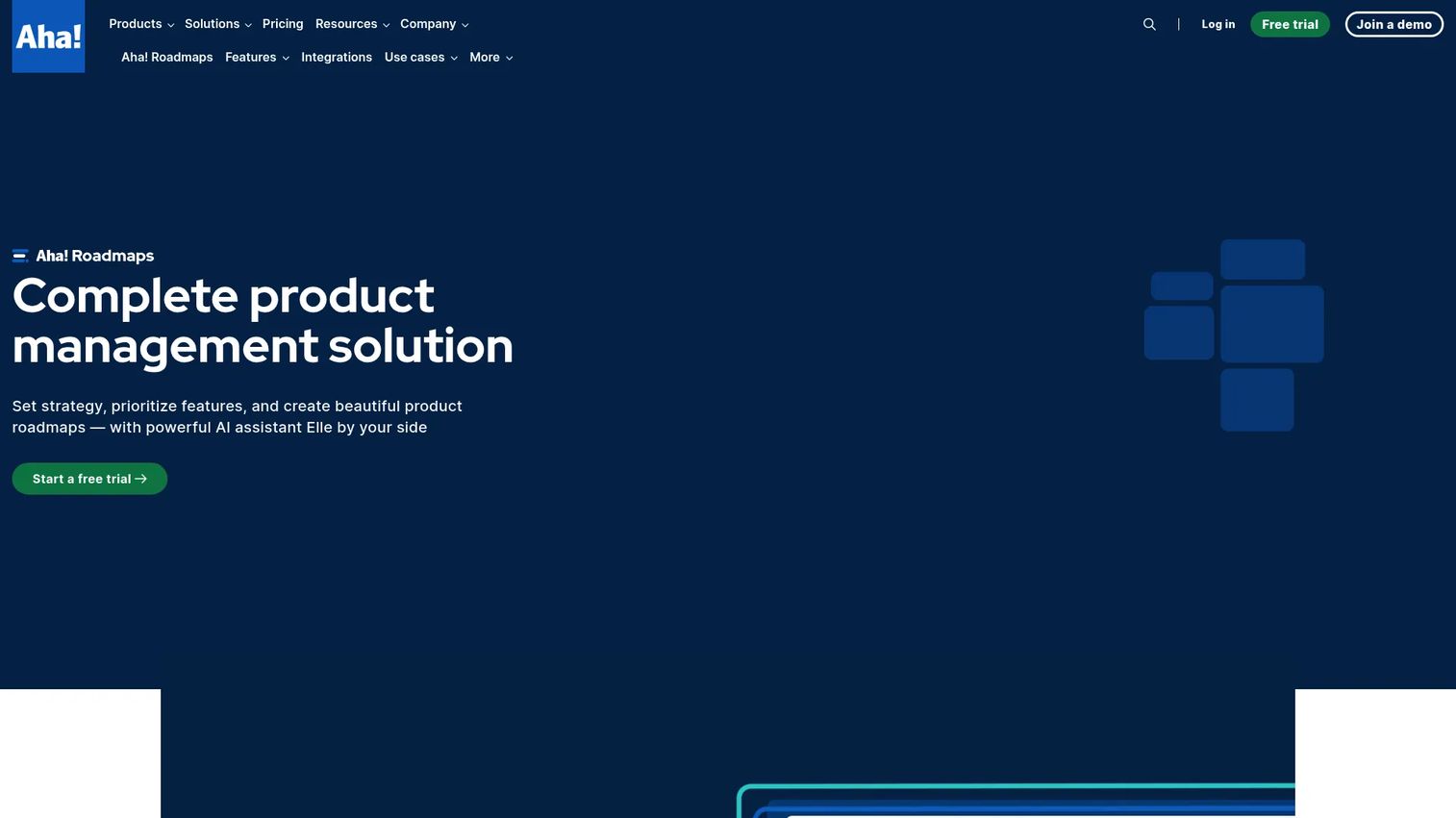
Aha! Roadmaps is product roadmapping software built to connect strategy, prioritization, and delivery in one system. It is the most complete option on this list for teams that want to set goals, rank features against them, and track releases without stitching three tools together. Where lighter tools stop at the visual, Aha! goes deep on the strategy layer underneath it.
The platform links every roadmap item back to a goal or initiative, so you can always answer why something is on the plan. Prioritization scoring, custom workflows, and release reporting round out a system that scales from a single product line to a full portfolio.
Best for: Product teams that need an all-in-one strategy-to-release roadmapping system.
Key strengths
- Strategy and goal planning tied to roadmap items
- Feature prioritization with scoring frameworks
- Release and progress reporting for delivery visibility
Why choose Aha! Roadmaps: If your roadmap needs to survive board scrutiny and connect to actual delivery, Aha! carries that weight. The trade-off is depth: teams that only want a quick visual may find it more system than they need.
Aha! Roadmaps pricing: Premium starts at $59 per user per month, billed annually. Enterprise is $99 per user per month. A 30-day free trial is available; there is no free tier.
2. Productboard
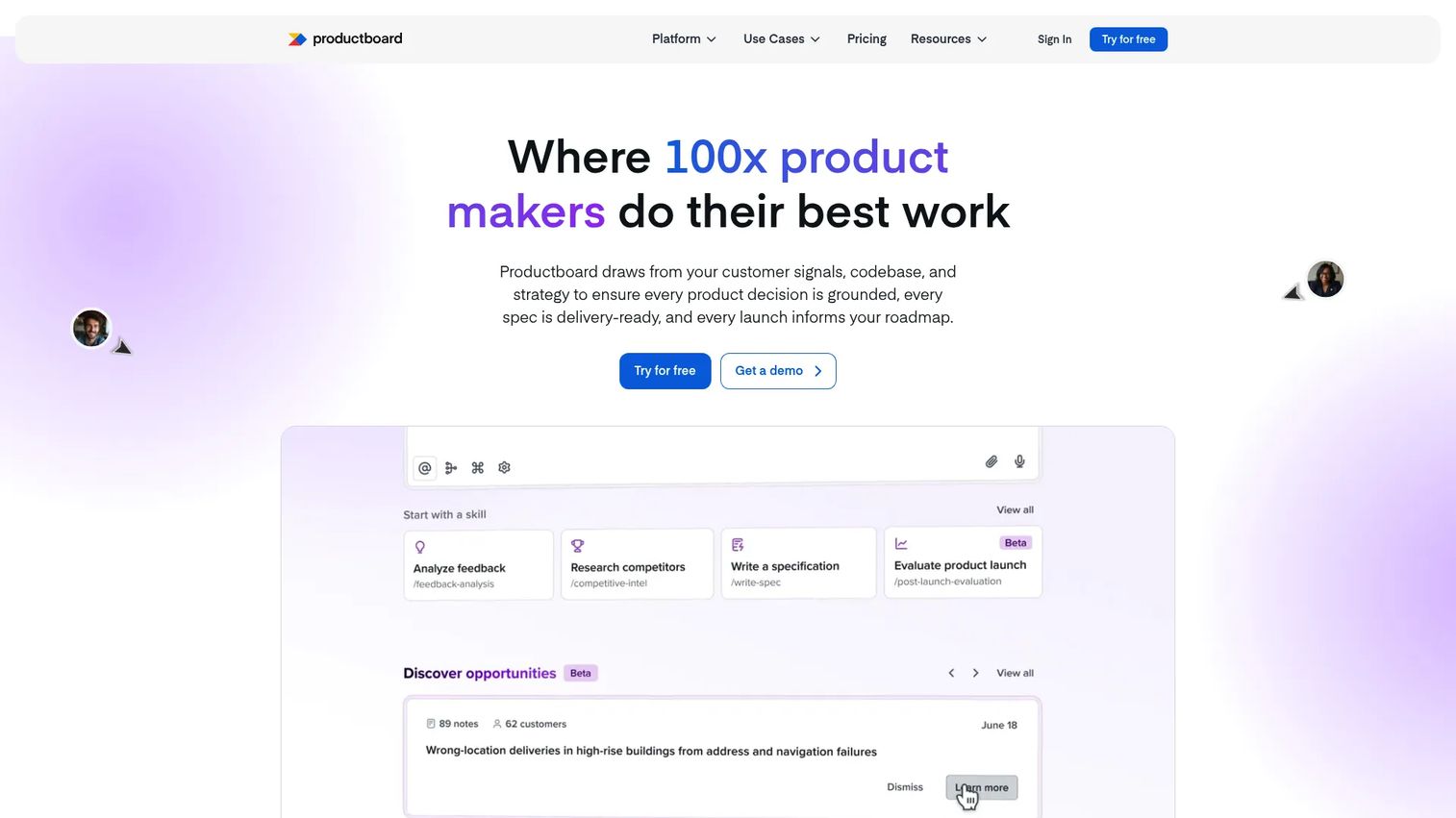
Productboard is a product management platform that turns customer signals into priorities and roadmaps. It is built for teams that want prioritization grounded in what customers actually ask for, not just internal opinion. Feedback flows in, gets tagged and analyzed, and feeds directly into roadmap decisions.
Its AI Spark feature helps analyze feedback at volume and draft product documents, which cuts the manual work of synthesizing hundreds of requests. For PMs running structured discovery, that connection between insight and plan is the core draw.
Best for: Product teams that need customer-feedback-driven prioritization and roadmap planning.
Key strengths
- Customer feedback and insights collection
- Roadmapping and release planning
- AI Spark for feedback analysis and document drafting
Why choose Productboard: Choose it when customer input is your primary prioritization input and you want that link built into the tool. Teams that plan mostly from internal strategy may not use the feedback engine to its full value.
Productboard pricing: A free plan is available. Plus is $19 per maker per month and Business is $59 per maker per month, both billed annually. Enterprise is custom.
3. airfocus
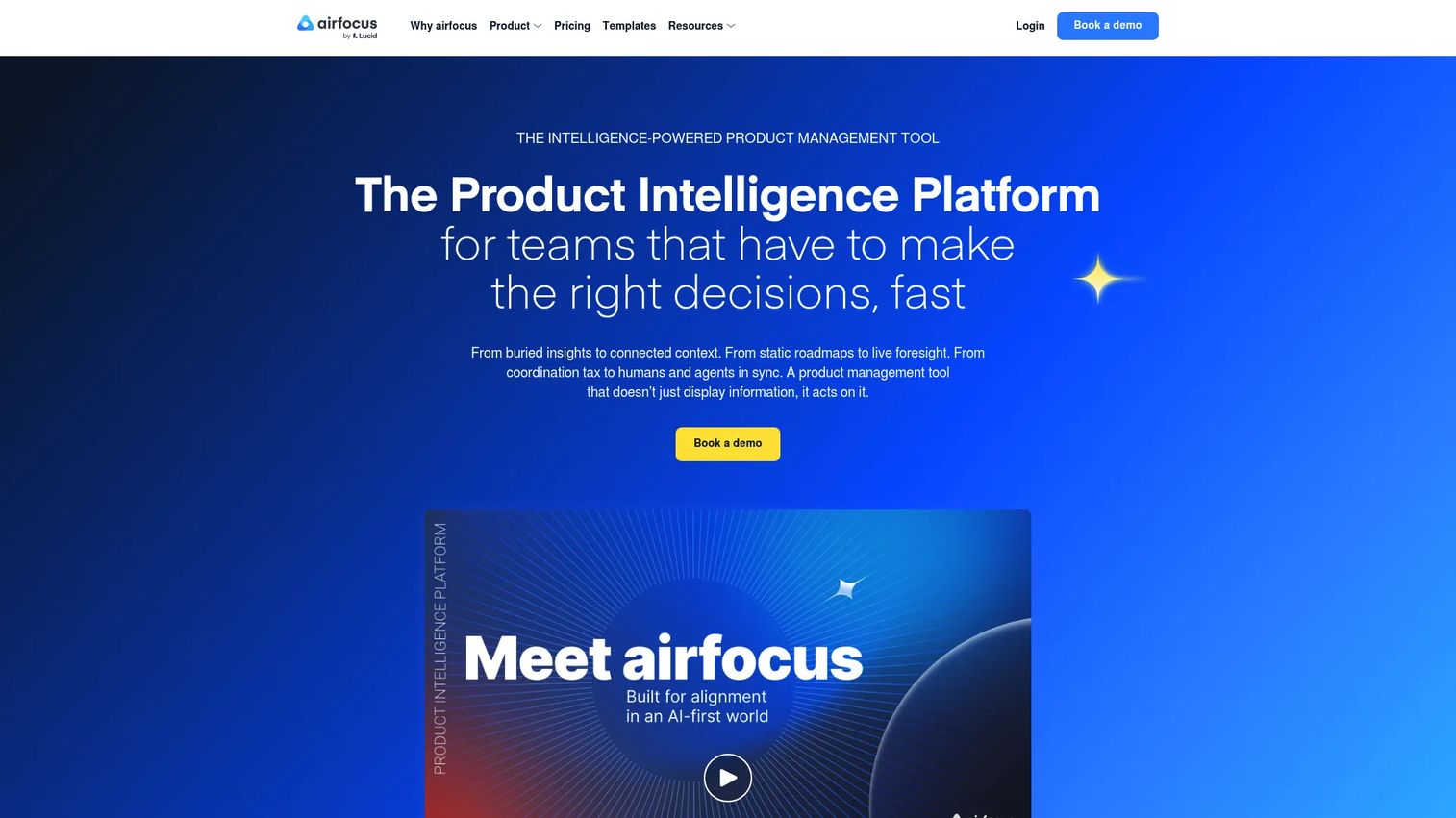
airfocus is a modular product management and roadmapping platform built around decision-making. Its standout is prioritization: scoring frameworks and a collaborative Priority Poker feature help teams rank work with less bias and more consensus. For PMs who find prioritization the hardest part of the job, this is where airfocus earns attention.
The modular design lets teams turn on roadmaps, portfolio management, OKRs, feedback, and capacity planning as needed, so the workspace matches your process rather than forcing you into one.
Best for: Product teams needing a flexible roadmapping and prioritization workspace.
Key strengths
- Roadmaps and portfolio management
- Prioritization frameworks and Priority Poker
- Feedback and insights with a branded portal, plus OKRs and integrations
Why choose airfocus: Pick it when prioritization clarity is your biggest gap and you want scoring baked into the workflow. The modular approach rewards teams willing to configure it to their process.
airfocus pricing: airfocus offers Professional and Enterprise plans, both on request pricing. No public dollar amount is listed on the pricing page.
4. Roadmunk
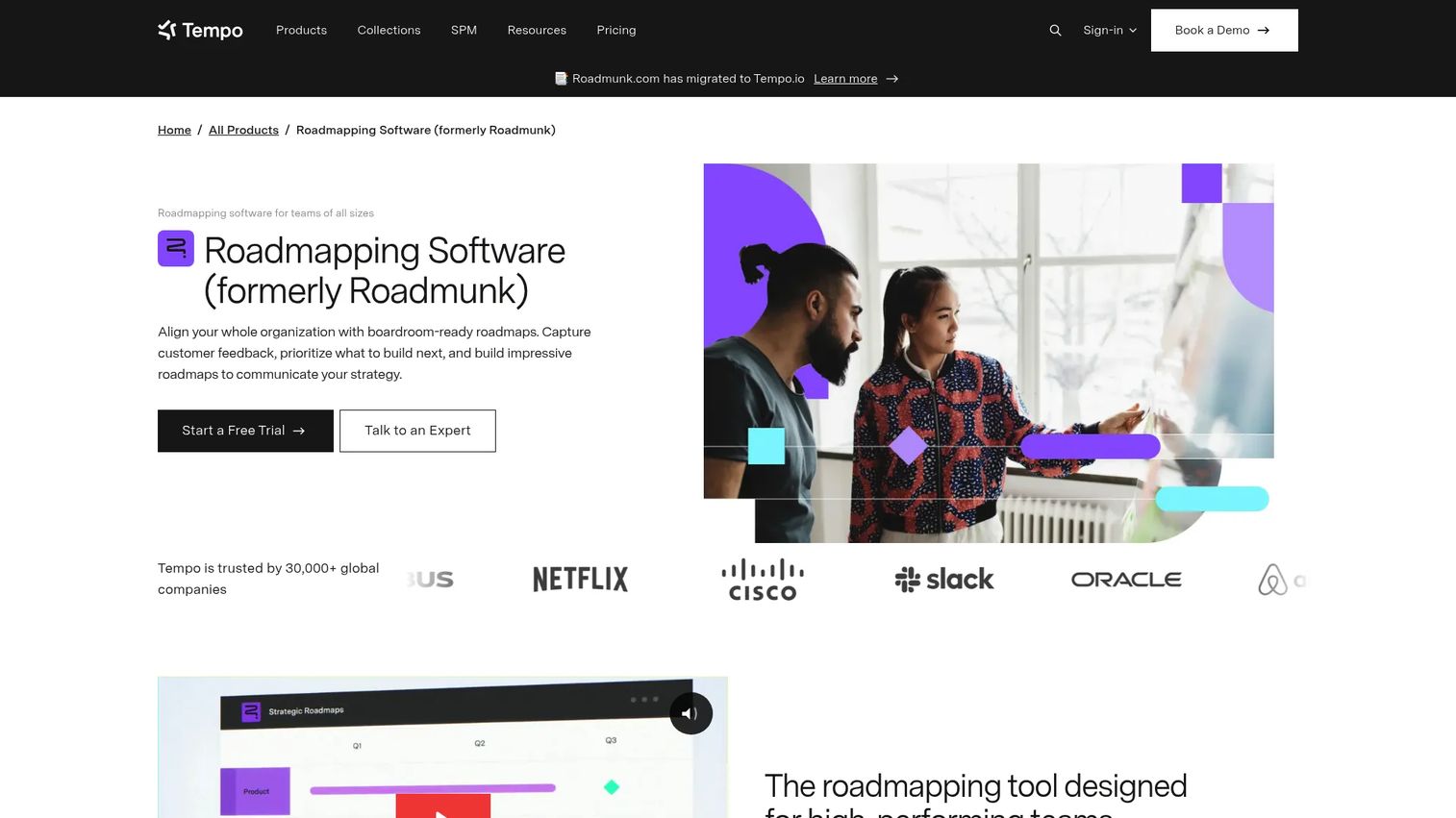
Roadmunk, now part of Tempo, is product roadmapping software focused on building, prioritizing, and sharing roadmaps that stakeholders can actually read. Its timeline and swimlane views are built for presentation, which makes it a strong fit when communication matters as much as planning.
Beyond visuals, it pairs a feedback inbox and portal with prioritization workflows, so customer input can shape what lands on the roadmap. Jira and Azure DevOps sync keeps the plan connected to delivery.
Best for: Teams that need visual roadmaps with customer feedback and prioritization workflows.
Key strengths
- Timeline and swimlane roadmap views
- Feedback inbox, feedback portal, and Chrome extension
- Jira and Azure DevOps sync, plus one-way imports from Asana, GitHub, GitLab, Shortcut, and Trello
Why choose Roadmunk: Choose it when your roadmap needs to look board-ready without extra formatting work. The visual polish is its edge; teams wanting deep strategy layering may want more.
Roadmunk pricing: Starter is $19 per editor per month, Business is $49, and Professional is $99, all billed annually. Enterprise is custom. Additional reviewer seats are $5 per reviewer per month.
5. ClickUp
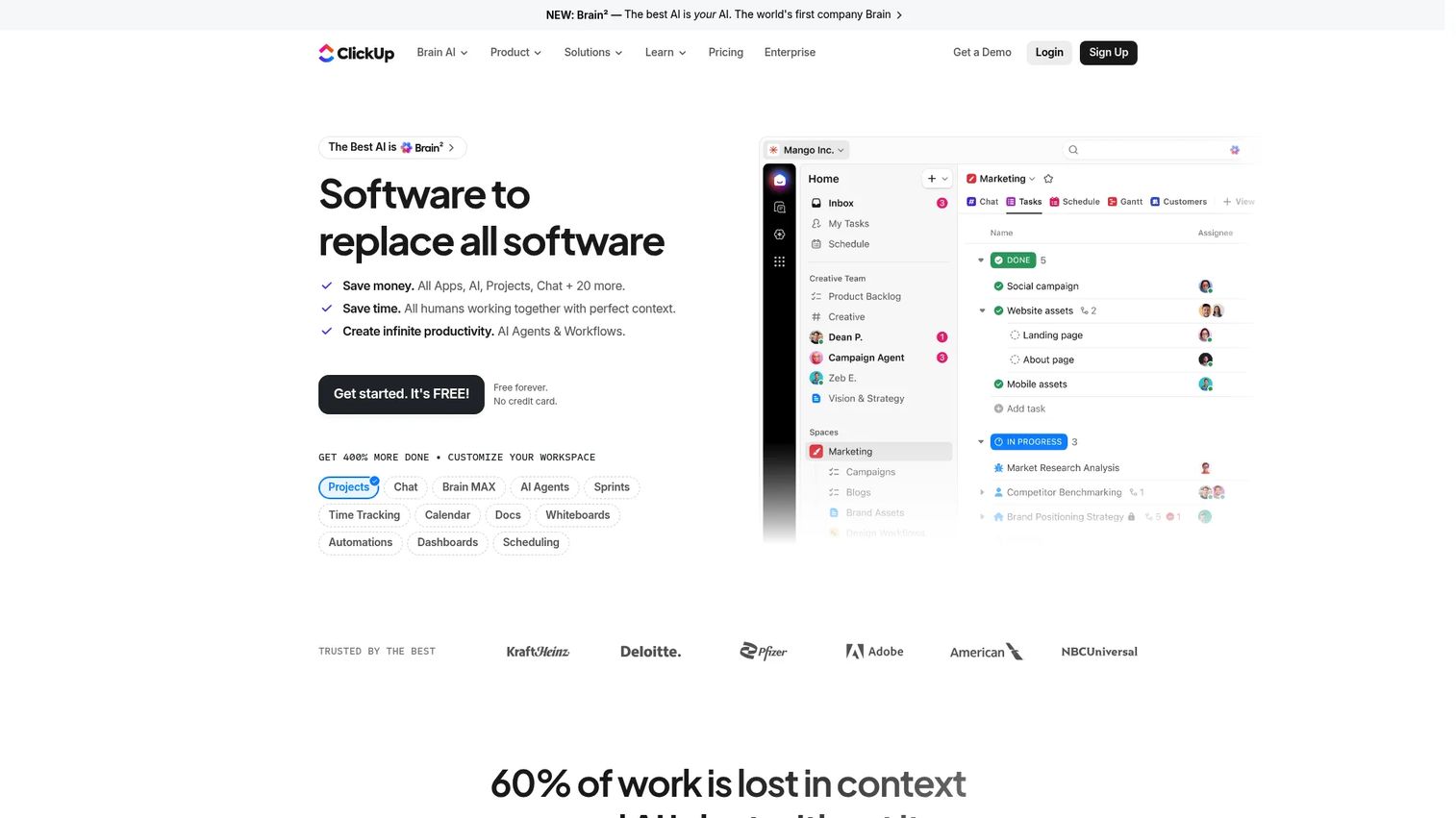
ClickUp is an all-in-one work management platform where roadmap planning lives alongside tasks, docs, and delivery. For teams that want their roadmap next to execution rather than in a separate tool, that consolidation is the appeal. You build a roadmap view, then click straight through to the tasks that make it real.
Multiple views, dashboards, automations, and built-in AI make it flexible enough to serve as roadmap, tracker, and doc hub at once. That breadth is both its strength and the thing to watch: more surface area means more setup.
Best for: Teams that want one platform for project management, collaboration, and AI-assisted work.
Key strengths
- Task and project management with multiple views
- Docs, wikis, chat, and whiteboards
- Time tracking, automations, dashboards, and AI features
Why choose ClickUp: Choose it when you want roadmapping and daily execution in the same place, and you are willing to configure it. Dedicated roadmap tools go deeper on strategy; ClickUp wins on breadth and price.
ClickUp pricing: Free Forever is available. Unlimited is $7 per user per month and Business is $12 per user per month, both billed yearly. Enterprise is custom.
6. monday.com
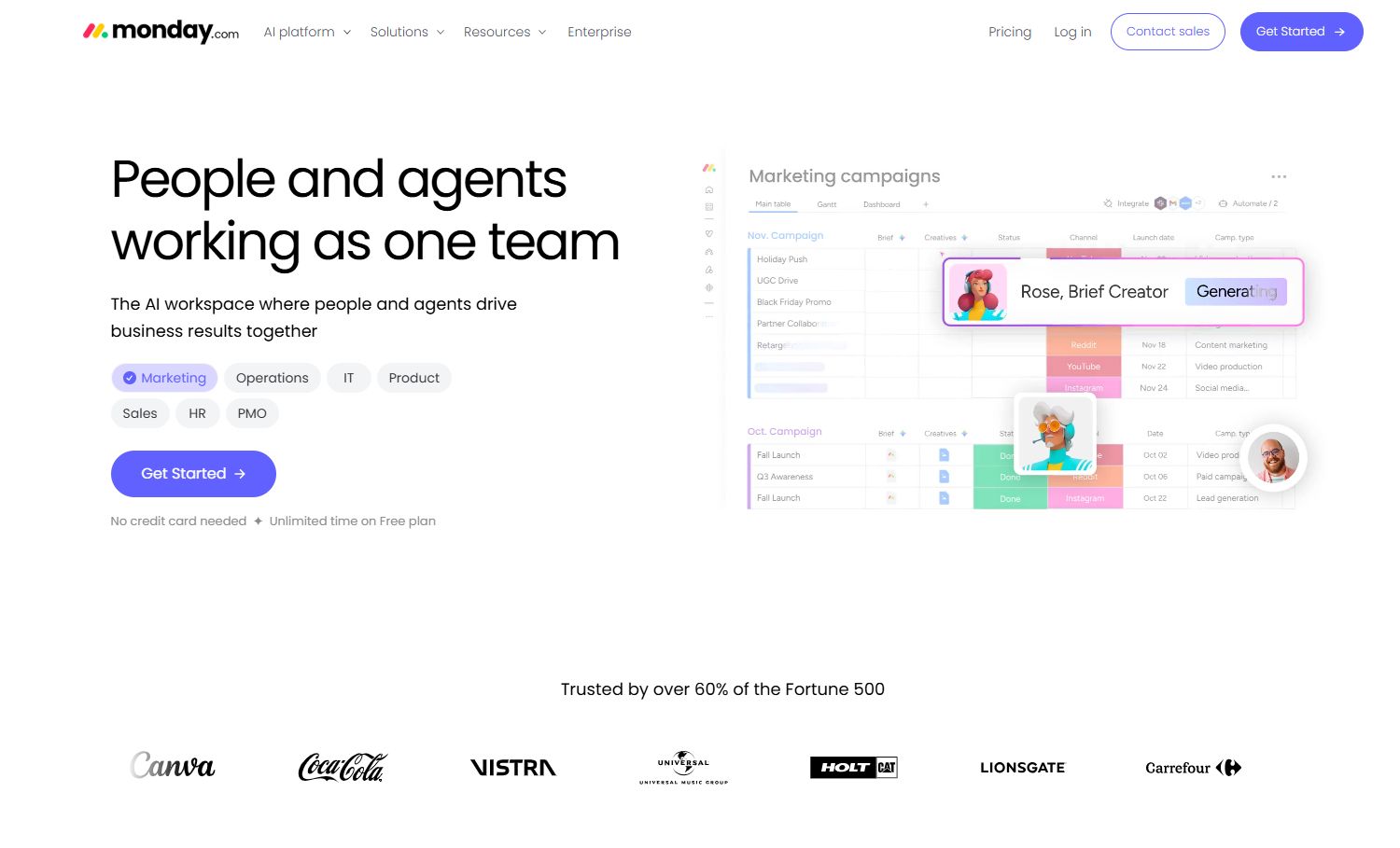
monday.com is a Work OS for managing projects, workflows, and team collaboration, with the flexibility to build visual roadmaps on top of its board and timeline structure. For cross-functional teams that want broad visibility and easy customization, it turns roadmap planning into something the whole org can read.
The strength here is adaptability. You shape boards, timelines, and dashboards to match how your team plans, then share views across marketing, sales, and leadership without extra tooling.
Best for: Teams that need a customizable work management platform for projects and operations.
Key strengths
- Flexible database and Work OS structure
- Dashboards and reporting
- Integrations and automations
Why choose monday.com: Pick it when cross-functional visibility and visual customization matter more than PM-specific strategy features. It is a general planning platform, so the roadmap is what you build it to be.
monday.com pricing: A free plan is available. Basic is $9 per seat per month, Standard is $12, and Pro is $19, all billed annually. Enterprise is custom.
7. Wrike
Wrike is a work management platform built for teams with real operational complexity. Its strength is structure: request intake forms, custom workflows, timeline planning, and reporting that hold up when many teams and stakeholders feed into the same plan. If your roadmap has to absorb inbound requests and route them cleanly, Wrike is built for that.
The reporting and BI layer gives leadership visibility into progress across a portfolio, which suits organizations that need governance alongside planning.
Best for: Teams needing a scalable work management platform with collaboration and reporting.
Key strengths
- Project and task management with request intake
- Dashboards, reporting, and BI
- Automation, AI, and integrations
Why choose Wrike: Choose it when intake volume and cross-team coordination are your real challenge, not just visual roadmapping. It scales well; smaller teams may find it heavier than they need.
Wrike pricing: A free plan is available. Team is $25 per user per month, billed annually. Business, Pinnacle, and Apex tiers require contacting sales.
8. Miro
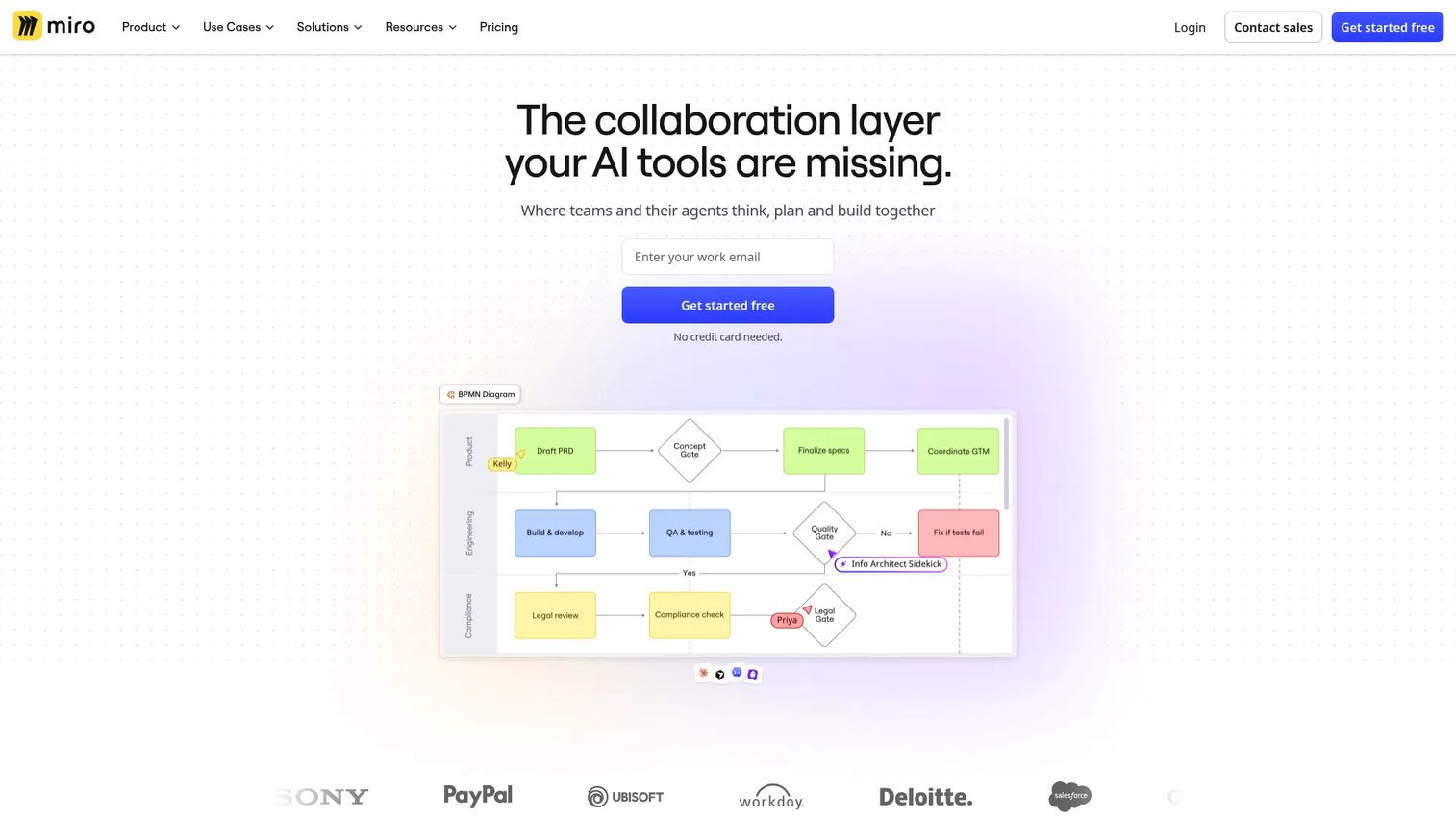
Miro is a visual collaboration workspace, and it is strongest in the phase before your roadmap is locked. Strategy mapping, workshops, and brainstorming happen on an open canvas, which makes it the tool teams reach for when a roadmap is still an argument, not a plan. You align on themes and sequencing here, then move structured planning into a dedicated roadmap tool.
With thousands of templates and an AI-powered workspace, it turns messy discovery into a shared visual that stakeholders can react to in real time.
Best for: Cross-functional teams that need a visual canvas for collaboration and AI-assisted planning.
Key strengths
- 7,000+ templates
- AI-powered workspace
- 250+ integrations
Why choose Miro: Choose it for the collaborative, pre-roadmap thinking that dedicated tools handle less naturally. It excels at ideation and alignment; it is not built to be your system of record for release planning.
Miro pricing: A free plan is available. Starter is $8 per member per month and Business is $20 per member per month, both billed yearly. Enterprise pricing is not publicly listed.
9. Jira
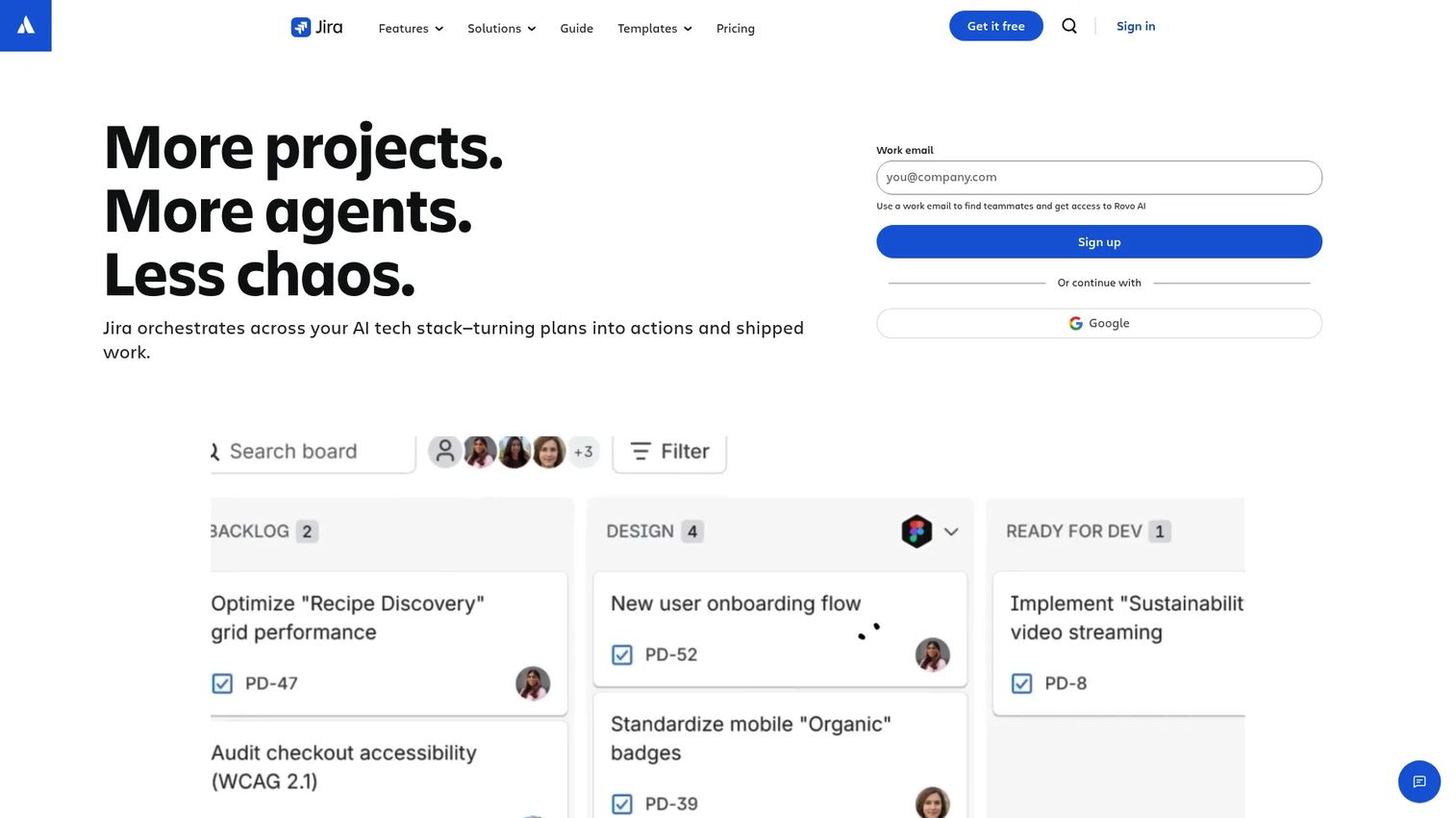
Jira is Atlassian's work management and project tracking software, and for teams already living in the Atlassian stack, it doubles as a roadmap layer close to delivery. Its timeline view turns the backlog into a roadmap, so product and engineering plan against the same source of truth, with dependencies and releases visible in one place.
Because the roadmap sits on top of the work itself, there is no sync gap between what you plan and what gets built. That tight coupling is exactly why product-plus-engineering teams choose it.
Best for: Teams needing flexible issue tracking and cross-functional project management.
Key strengths
- Unlimited goals, projects, tasks, and forms on Free
- Backlog, list, board, timeline, calendar, and summary views
- Automation, dashboards, and cross-team planning
Why choose Jira: Choose it when engineering alignment and delivery visibility outweigh the need for a polished executive roadmap. It is closest to the work; stakeholder-facing views may need extra shaping.
Jira pricing: Free covers up to 10 users. Standard is $7.91 per user per month and Premium is $14.54 per user per month. Enterprise requires contacting sales.
10. Microsoft Project
Microsoft Project is Microsoft's project management family for planning, scheduling, tracking, and portfolio management. In formalized planning environments, it handles program-level coordination, dependencies, and scheduling that lighter tools do not attempt. For enterprise teams standardized on Microsoft 365, it fits the existing stack.
Its Gantt, dependency, and scheduling views suit organizations that plan at the program and portfolio level, where resource management and detailed sequencing matter as much as the roadmap view itself.
Best for: Teams that need Microsoft-native project scheduling and portfolio management.
Key strengths
- Grid, timeline (Gantt), dependency, and scheduling views
- Advanced project, resource, and portfolio management
- Integration with Microsoft 365 and Power Platform
Why choose Microsoft Project: Choose it for enterprise scheduling and portfolio coordination inside a Microsoft environment. It is scheduling-first; teams wanting a lightweight product roadmap may find it more than needed.
Microsoft Project pricing: Planner Plan 1 is $10 per user per month, Planner and Project Plan 3 is $30, and Planner and Project Plan 5 is $55, all paid yearly. Planner is also included in Microsoft 365 plans.
Considerations before you buy
Before you commit, pressure-test each tool against how your team actually works.
Prioritization depth
Look at how the tool ranks work, not just how it displays it. Does it support the framework you use, whether RICE, value versus effort, or weighted scoring? A roadmap that cannot defend its own order is just a prettier backlog.
Integration with your stack
Your roadmap should not become an island. Check for two-way sync with Jira or Azure DevOps, plus connections to your feedback sources and analytics. Weak integrations mean manual updates, and manual updates mean the roadmap goes stale.
Stakeholder sharing and views
Different audiences need different levels of detail. Confirm the tool produces read-only links, presentation-ready exports, and view types (timeline, now-next-later, portfolio) that match how you communicate to sales, leadership, and customers.
Maintenance and release cadence
Roadmap rot is real. As your product changes, someone has to keep the plan current. Favor tools that update automatically from linked delivery data over ones that demand constant manual upkeep, especially if you ship frequently.
Scale and permissions
Consider where your team is headed. Can the tool handle multiple product lines, granular permissions, and portfolio views as you grow? Pricing that scales aggressively per seat is worth flagging early, before the bill surprises you.
Conclusion
There is no single best roadmap software, only the best fit for your team, budget, and planning style.
If you need a full strategy-to-release system, Aha! Roadmaps is the most complete. If customer feedback drives your prioritization, Productboard connects insight to plan. For prioritization clarity, airfocus leads. For visual, board-ready roadmaps, Roadmunk delivers. If you want roadmapping next to execution, ClickUp and monday.com fit. For enterprise scheduling and portfolio work, Microsoft Project and Wrike hold up, while Jira keeps product and engineering aligned. For the messy thinking before the plan exists, Miro is where teams align.
Your next step: shortlist two or three based on your biggest gap, whether that is prioritization, stakeholder communication, or delivery visibility. Most offer free trials or free tiers, so build a real roadmap in each before you commit. The tool that makes your plan trustworthy to the people who question it most is the one worth paying for.
FAQs
Roadmap software is used to plan, prioritize, and communicate what a product team will build and when. It connects strategy and goals to specific initiatives and features, ranks them by priority, tracks progress toward releases, and produces shareable views for stakeholders across sales, leadership, and customers.
A Gantt chart shows tasks and dependencies along a timeline, focused on execution and scheduling. Roadmap software operates at a higher level: it links strategy and outcomes to initiatives, supports prioritization frameworks, and communicates the "why" behind the plan. Many roadmap tools include Gantt-style views, but a Gantt chart alone does not carry strategy or prioritization.
Teams apply scoring frameworks such as RICE (reach, impact, confidence, effort), value versus effort, or weighted scoring. Each input runs through the same criteria, producing a ranked list grounded in data rather than opinion. Tools like airfocus and Productboard build these frameworks in, so prioritization stays consistent and defensible in stakeholder discussions.
Yes, that is one of its core jobs. Roadmap software gives every stakeholder a shared, current view instead of five conflicting spreadsheets. Read-only links, presentation-ready exports, and different view types let you show the right level of detail to sales, leadership, and customers, which reduces the endless "what are we building" conversations.
Prioritize prioritization depth, two-way integrations with your dev tools, flexible roadmap views (timeline, swimlane, now-next-later), stakeholder sharing and exports, dependency management, and low-maintenance updates that pull from linked delivery data. The right mix depends on whether your biggest gap is prioritization, communication, or delivery visibility.
Yes. Small teams benefit from structure early, before ad hoc planning creates confusion. Tools with free tiers, such as ClickUp, monday.com, Jira, Miro, and Productboard, let small teams start without cost. The main thing to watch is maintenance overhead: pick a tool light enough that keeping it current does not become a second job.
Roadmap tools surface dependencies visually, showing how initiatives and releases connect so a slip in one area updates the picture everywhere. For release planning, tools that sync with Jira or Azure DevOps tie roadmap items to actual delivery, keeping the plan aligned with what engineering ships without manual reconciliation.
It depends on your biggest need. Aha! Roadmaps suits PMs who want a full strategy-to-release system. Productboard fits those who prioritize from customer feedback. airfocus is strongest for prioritization frameworks, and Roadmunk for presentation-ready visuals. If you already work in Atlassian, Jira keeps product and engineering on one plan.