


You've probably used an AI writing assistant already, even if you didn't realize it. Gmail's autocomplete, Grammarly's suggestions, and that "improve writing" button in Notion all run on the same underlying technology.
The difference between tools that save you hours and tools that waste your time comes down to matching the right assistant to your actual workflow because marketers save 2.5 hours per day. This guide covers 15 AI-powered writing assistants tested for output quality, ease of use, pricing, and workflow integration. You'll find tools for general drafting, grammar correction, SEO content, marketing copy, and creative writing.
Each tool was evaluated based on how well it performs its primary function, how quickly you can start producing content, and whether it fits into existing marketing team workflows.
What is an AI writing assistant
AI writing assistants are software tools that use artificial intelligence to help with writing tasks. They rely on large language models (LLMs) and natural language processing (NLP) to understand prompts and generate relevant text.
An LLM is a type of AI trained on massive amounts of text data. It learns patterns in language and uses those patterns to predict what words come next. NLP is the broader field of teaching computers to understand and work with human language.
Content generation capabilities
Content generators create new text from prompts. You describe what you want, and the tool produces a first draft. This is the "blank page to first draft" use case, where you get something to react to and refine rather than staring at an empty document.
Grammar and style correction
Editing assistants focus on improving existing text. They catch grammar mistakes, suggest clearer phrasing, and flag awkward sentences. The best editing tools work in real time across browsers and apps, so suggestions appear as you type in Gmail, Google Docs, or Slack.
Tone and voice adjustment
Many AI writing assistant tools can shift between formal, casual, persuasive, or technical tones. You might draft an email conversationally, then ask the tool to make it more professional for a different audience.
SEO optimization features
SEO-focused tools combine AI writing with keyword research and content scoring. They analyze top-ranking pages for your target keyword, then suggest topics to cover and terms to include. The goal is ensuring your content matches what search engines reward.
What to look for in AI writing assistant software
Output quality and accuracy
The most important factor is whether the tool produces text you can actually use. Look for natural-sounding output that requires minimal editing.
Watch out for hallucinations, which is when AI confidently generates false information like citing studies that don't exist or stating incorrect facts. Every tool hallucinates sometimes. The question is how often and how obviously because GPT-5 still hallucinates.
Ease of use and learning curve
Some tools work with minimal input. You type a few words, and useful content appears. Others require detailed prompts and specific formatting to get good results. Consider how much time you're willing to invest in learning prompt engineering before choosing a tool.
Integration with marketing and sales workflows
The best AI writing assistant software connects to tools you already use:
- Browser extensions: Write with AI assistance in any web app
- Native integrations: Direct connections to Google Docs, WordPress, email clients
- CRM connections: Sync content with Salesforce, HubSpot, or your existing stack
Teams using marketing automation software benefit most from tools that plug into existing systems.
Pricing and value for teams
Most AI writing assistants use freemium models. You get limited access for free, then pay for more usage or advanced features. Pricing structures include per-seat pricing, usage-based billing, and flat monthly fees. Free tiers are often generous enough for individual use.
Security and data privacy
If you're writing about sensitive business topics, check whether the tool stores or trains on your content. Some tools use inputs to improve their models. Others offer enterprise plans with data privacy guarantees and SOC 2 compliance.
AI writing assistant tools comparison table
# | Tool | Best for | Key differentiation | Pricing | G2 rating |
|---|---|---|---|---|---|
1 | Claude | Natural long-form drafting | Large context window | Free + $20/mo | 4.7/5 |
2 | ChatGPT | Versatile brainstorming | Flexibility across content types | Free + $20/mo | 4.7/5 |
3 | Jasper | Marketing content at scale | Brand voice and templates | From $49/mo | 4.7/5 |
4 | Surfer SEO | SEO content strategy | SERP analysis and scoring | From $89/mo | 4.8/5 |
5 | Grammarly | Editing and polish | Real-time suggestions | Free + $12/mo | 4.7/5 |
6 | ProWritingAid | Stylistic editing | Detailed writing reports | Free + $10/mo | 4.5/5 |
7 | Copy.ai | Quick marketing copy | Template library | Free + $49/mo | 4.7/5 |
8 | Frase | SEO briefs on a budget | Research from top content | From $15/mo | 4.8/5 |
9 | Writesonic | Affordable copywriting | Variety of content types | Free + $16/mo | 4.7/5 |
10 | Rytr | Budget text generation | Low pricing | Free + $9/mo | 4.7/5 |
11 | QuillBot | Paraphrasing | Paraphraser and summarizer | Free + $10/mo | 4.3/5 |
12 | Anyword | Performance scoring | Content scoring before publishing | From $49/mo | 4.8/5 |
13 | Clearscope | Enterprise SEO | Content grading | From $189/mo | 4.9/5 |
14 | Sudowrite | Creative writing | Story-specific features | From $19/mo | 4.5/5 |
15 | Hypotenuse AI | Product descriptions | Batch generation | From $29/mo | 4.7/5 |
Best 15 AI writing assistants in 2026 (free and paid)
1. Claude
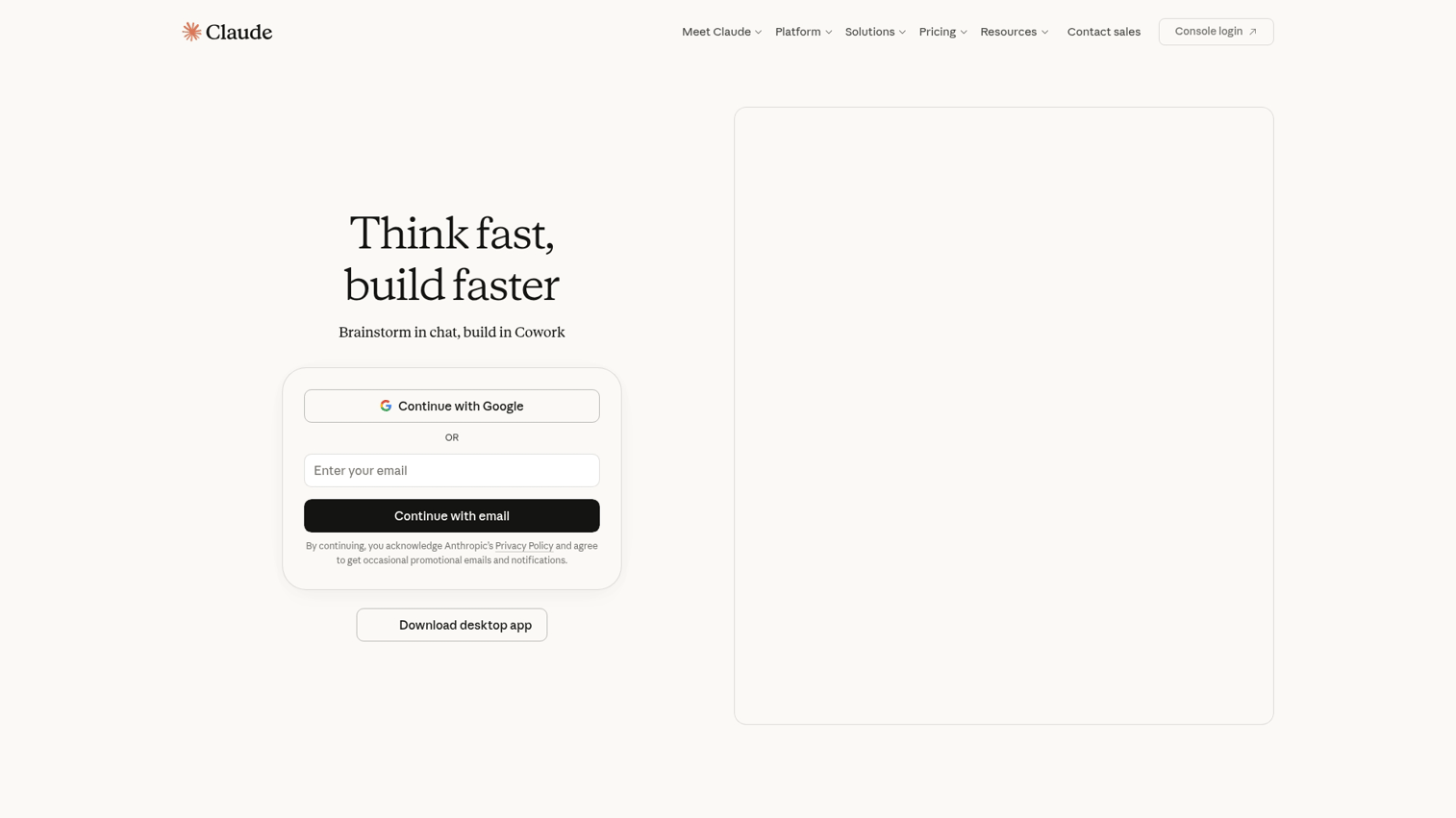
Claude by Anthropic consistently produces the most natural-sounding long-form content among AI writing assistants. Where other tools generate text that feels obviously AI-written, Claude's output reads more like a human draft.
The standout feature is its large context window. You can paste entire documents, lengthy research, or detailed briefs, and Claude maintains coherence throughout its response.
Best for: Writers who want natural, nuanced drafts for articles, reports, and documentation.
Key strengths
- Natural language quality: Output requires less editing to sound human
- Large context window: Handles long documents and complex briefs
- Conversational refinement: Iterate on drafts through back-and-forth dialogue
Why choose Claude
Pick Claude when output quality matters more than speed or templates. It excels at thoughtful, well-structured content but lacks marketing-specific features.
Pricing
Free tier available. Pro plan at $20/month for higher limits.
2. ChatGPT
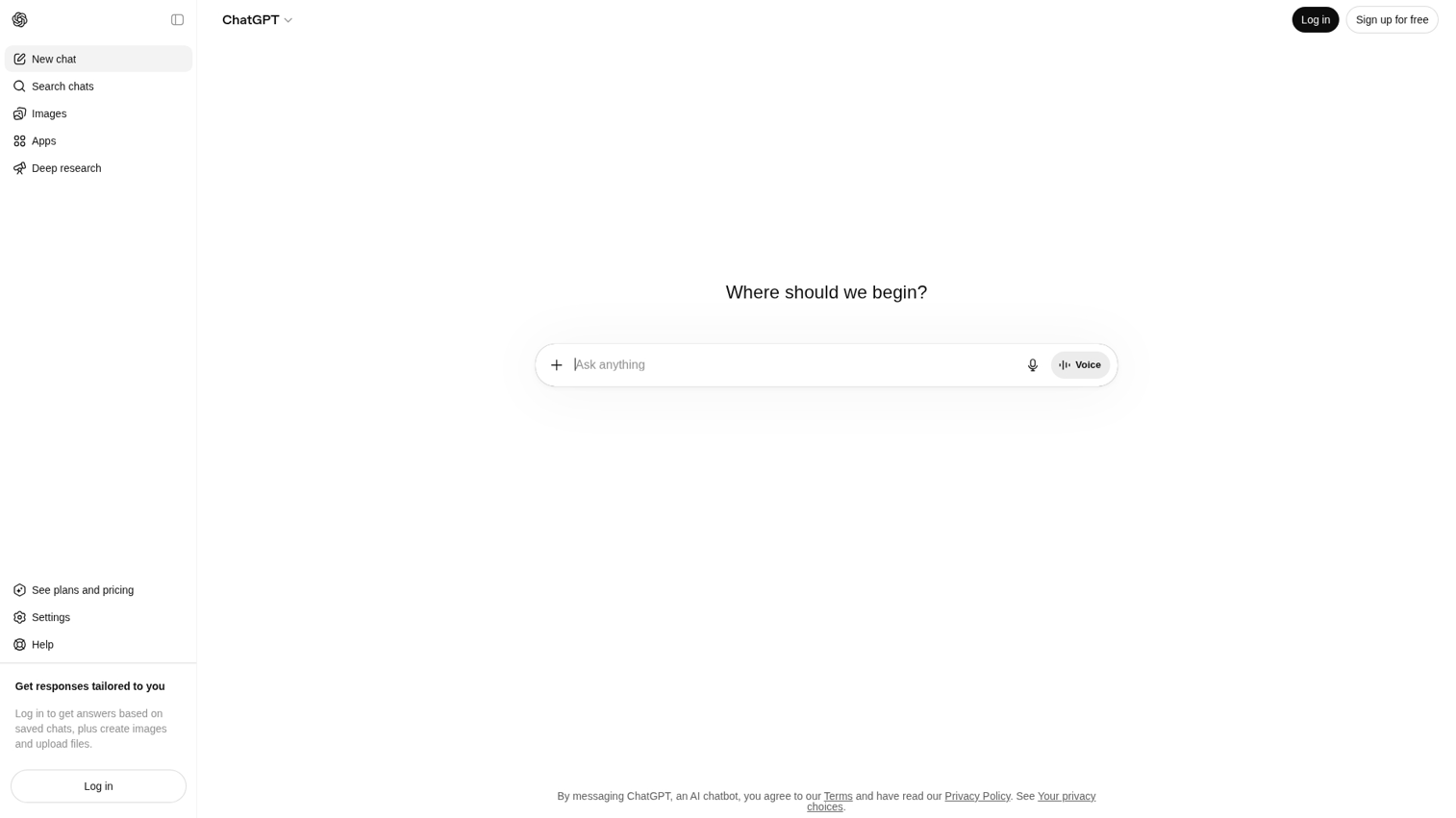
ChatGPT by OpenAI remains the most versatile AI writing assistant for general use. Its flexibility across content types makes it a solid default choice when you're exploring options.
The conversational interface lowers the barrier to getting started. You describe what you want in plain language, and ChatGPT adapts.
Best for: Teams that want one tool for varied writing tasks across departments.
Key strengths
- Versatility: Handles nearly any writing task competently
- Plugin ecosystem: Extend functionality with third-party tools
- Code understanding: Useful for technical documentation
Why choose ChatGPT
Choose ChatGPT as your starting point if you're new to AI writing tools. It's good at many things, though not the best at any single specialized task.
Pricing
Free tier with GPT-3.5. Plus plan at $20/month for GPT-4 access.
3. Jasper
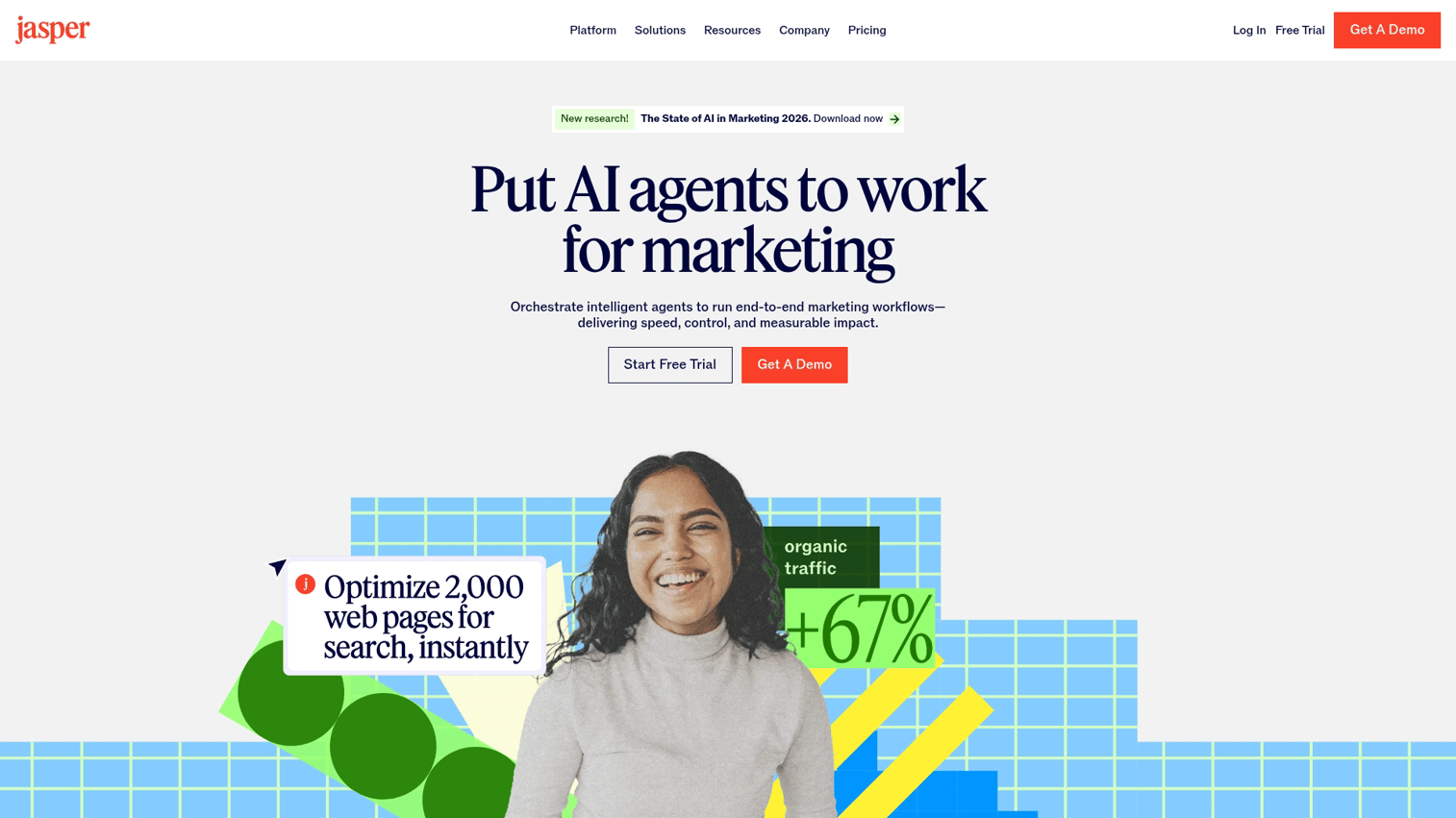
Jasper is built specifically for marketing teams producing content at scale. Unlike general-purpose tools, it includes templates, brand voice settings, and workflows designed for marketing use cases.
The brand voice feature lets you train Jasper on your existing content. It then maintains consistency across blog posts, ads, emails, and social content.
Best for: Marketing teams producing high volumes of on-brand content.
Key strengths
- Brand voice training: Maintain consistency across all content
- Marketing templates: Pre-built workflows for common content types
- Team collaboration: Shared workspaces and approval workflows
Why choose Jasper
Pick Jasper when brand consistency and marketing-specific workflows matter more than raw output quality.
Pricing
Plans start at $49/month for individuals.
4. Surfer SEO
Surfer SEO combines AI writing with data-driven SEO optimization. It analyzes top-ranking pages for your target keyword, then guides your content to match what search engines reward.
The content editor scores your draft in real time. It shows which terms to include, how long your content should be, and where you're missing topics that competitors cover.
Best for: Content teams focused on organic search traffic.
Key strengths
- SERP analysis: Data from top-ranking pages informs recommendations
- Real-time content scoring: See your optimization score as you write
- Keyword clustering: Group related terms into content strategies
Why choose Surfer SEO
Choose Surfer when SEO performance is your primary goal. It's less useful for content that doesn't target search rankings.
Pricing
Plans start at $89/month.
5. Grammarly
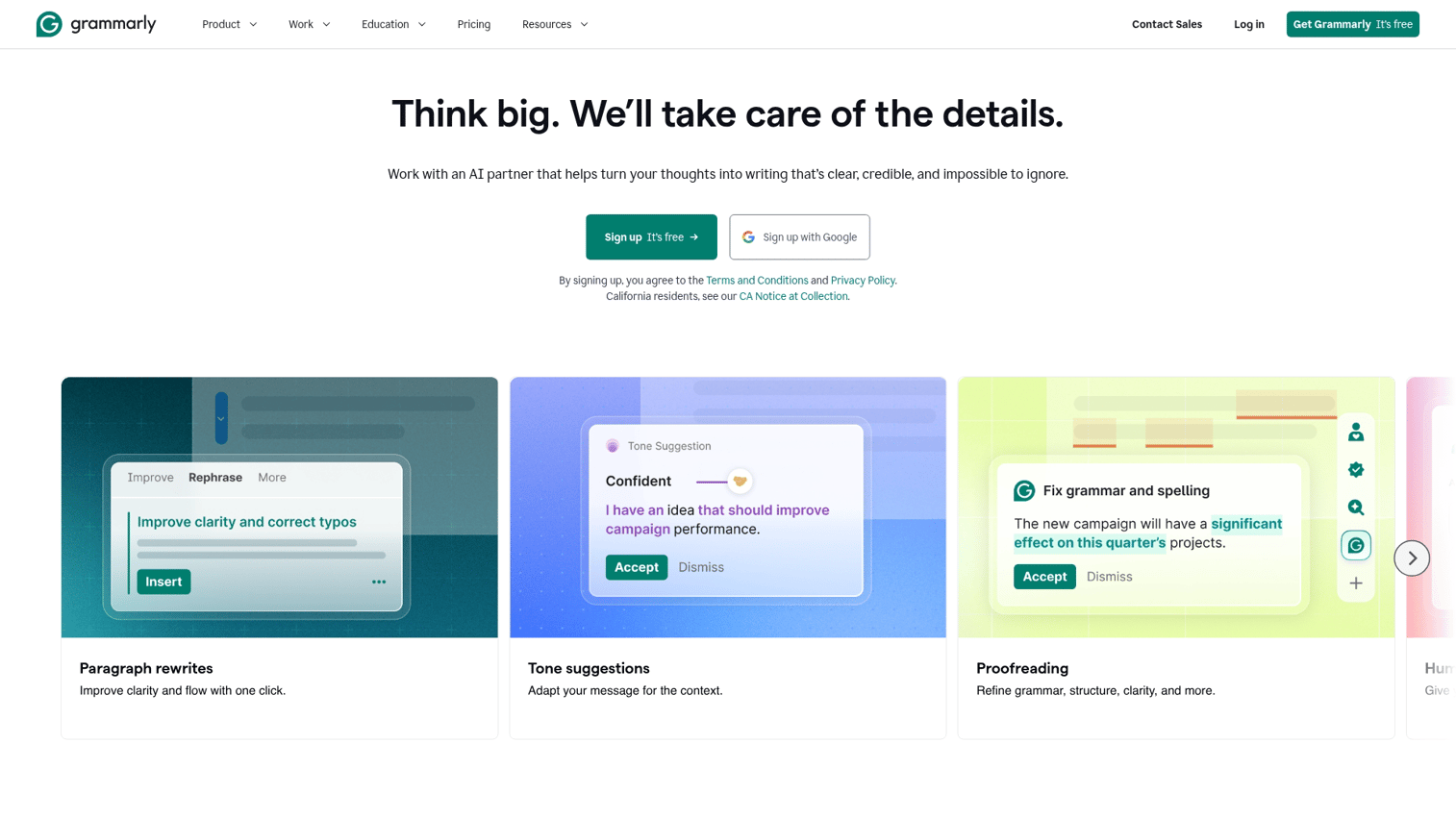
Grammarly focuses on editing and polish rather than content generation. It catches grammar mistakes, suggests clearer phrasing, and helps maintain consistent tone.
The browser extension works everywhere. Write in Gmail, Google Docs, LinkedIn, or any web app, and Grammarly provides real-time suggestions.
Best for: Anyone who wants cleaner, more professional writing across all platforms.
Key strengths
- Universal availability: Works in browsers, desktop apps, and mobile
- Real-time suggestions: Corrections appear as you type
- Tone detection: Understand how your writing comes across
Why choose Grammarly
Pick Grammarly as a complement to other tools, not a replacement. It excels at polish but isn't designed for generating content from scratch.
Pricing
Free tier covers basic grammar. Premium at $12/month adds advanced suggestions.
6. ProWritingAid
ProWritingAid offers deeper stylistic analysis than Grammarly. It generates detailed reports on readability, sentence structure, pacing, and overused words.
The tool is particularly useful for long-form content where style consistency matters. It catches patterns that sentence-level checkers miss.
Best for: Writers working on long-form content who want detailed stylistic feedback.
Key strengths
- In-depth reports: Analysis of style, structure, and readability
- Long-form focus: Better suited for articles than short copy
- Learning resources: Explanations help you improve, not just fix
Why choose ProWritingAid
Choose ProWritingAid over Grammarly when you want to understand why something is wrong, not just what to fix.
Pricing
Free tier with limited checks. Premium at $10/month.
7. Copy.ai
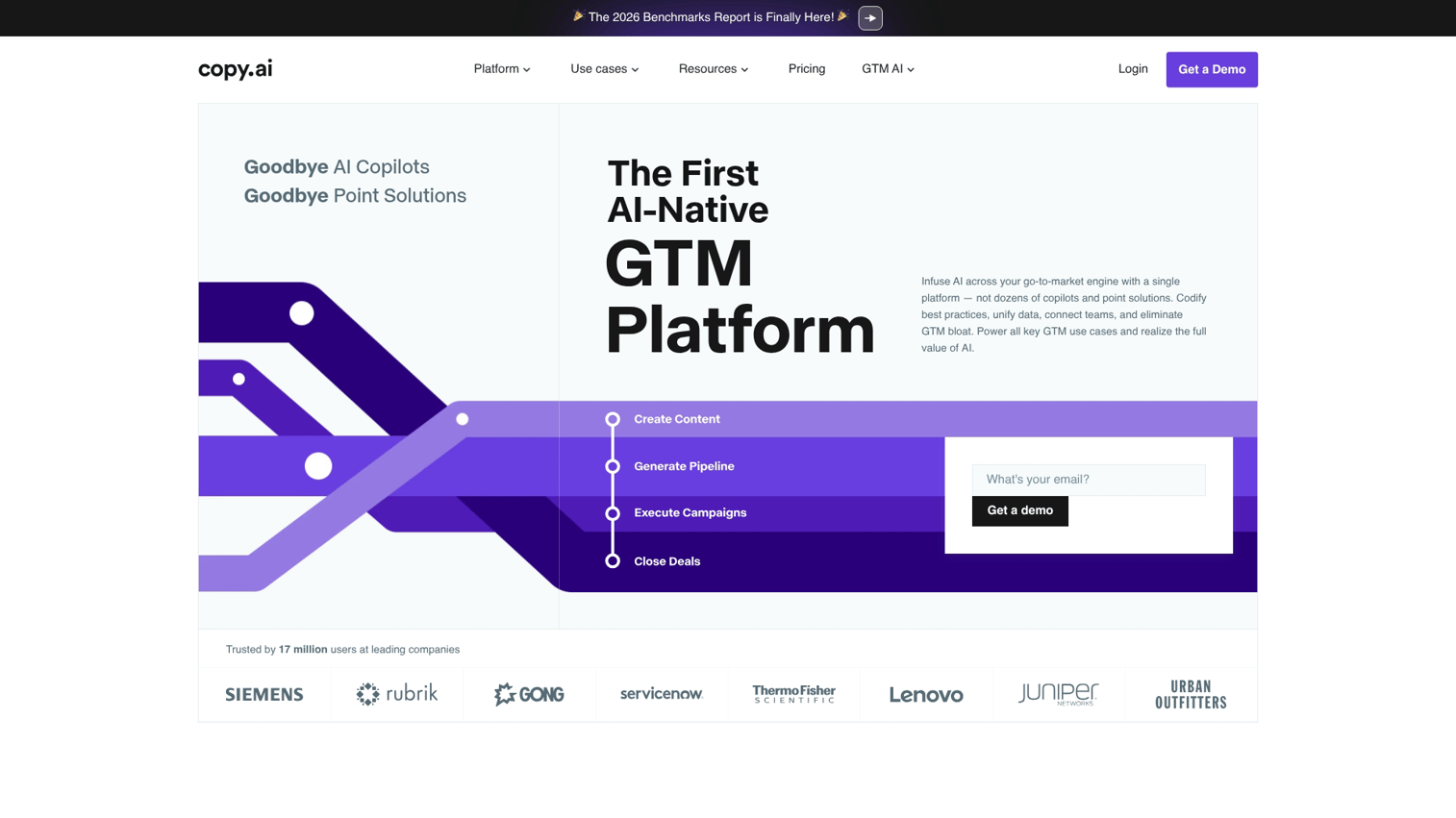
Copy.ai specializes in short-form marketing copy. It generates ad headlines, email subject lines, social posts, and product descriptions quickly through a template-driven interface.
The workflow is optimized for speed. Select a template, provide minimal inputs, and get multiple variations to choose from.
Best for: Marketers who want quick variations of short-form copy.
Key strengths
- Template library: Pre-built workflows for common marketing copy
- Multiple variations: Generate several options at once
- Speed: Fast output for high-volume needs
Why choose Copy.ai
Pick Copy.ai when you want quantity and speed for short-form content. It's less suited for long-form articles.
Pricing
Free tier with limited credits. Pro plan at $49/month.
8. Frase
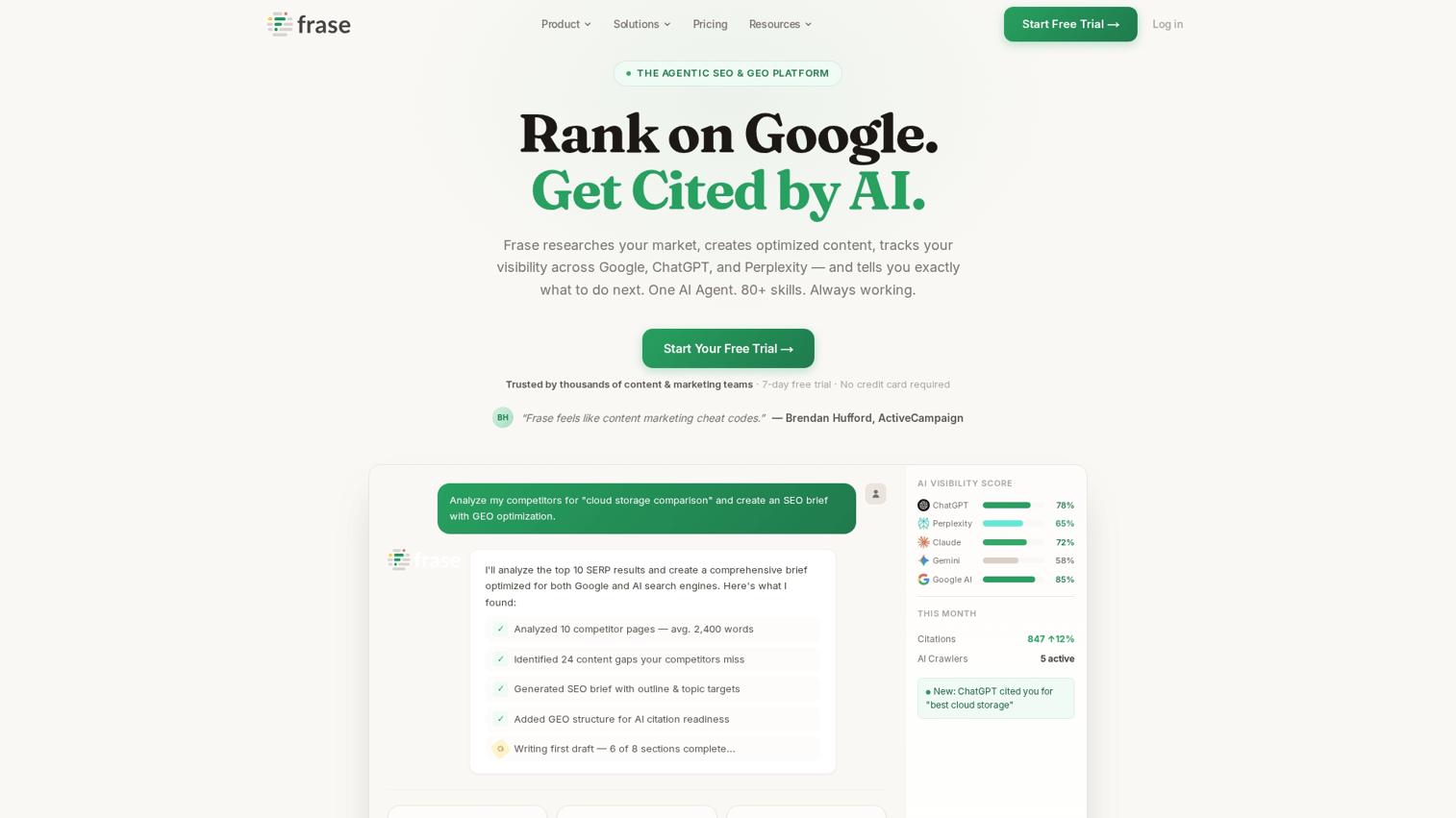
Frase combines content research with AI writing at a lower price point than enterprise SEO tools. It pulls information from top-ranking pages and helps you create comprehensive content briefs.
The research feature saves hours of manual SERP analysis. Frase summarizes what competitors cover and identifies questions people ask.
Best for: Content teams that want SEO-informed writing without enterprise pricing.
Key strengths
- Content brief generation: Automated research from top-ranking pages
- Question identification: Find what your audience is asking
- Affordable pricing: Lower cost than Clearscope or Surfer
Why choose Frase
Choose Frase when you want SEO research and writing in one tool but can't justify enterprise pricing.
Pricing
Plans start at $15/month.
9. Writesonic
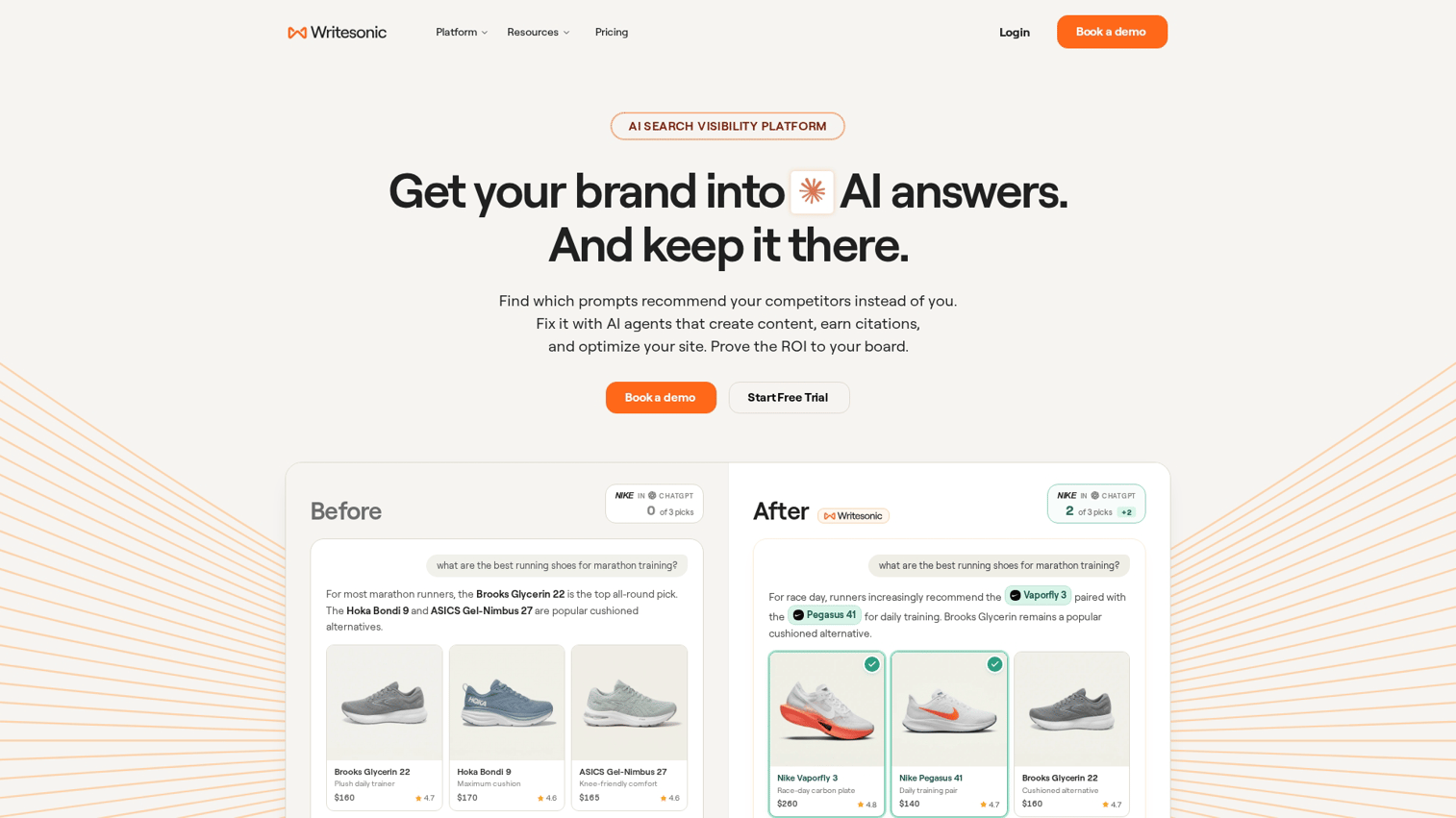
Writesonic offers broad coverage across content types at an affordable price. It handles blog posts, ads, product descriptions, and more through a single interface.
The Chatsonic feature adds conversational AI similar to ChatGPT. You can switch between template-based generation and open-ended conversation.
Best for: Small teams or individuals who want one affordable tool for varied content.
Key strengths
- Content variety: Templates for many content types
- Chatsonic: Conversational AI for flexible use
- Affordable pricing: Lower cost than many competitors
Why choose Writesonic
Pick Writesonic when budget matters and you want decent coverage across content types.
Pricing
Free tier available. Paid plans start at $16/month.
10. Rytr
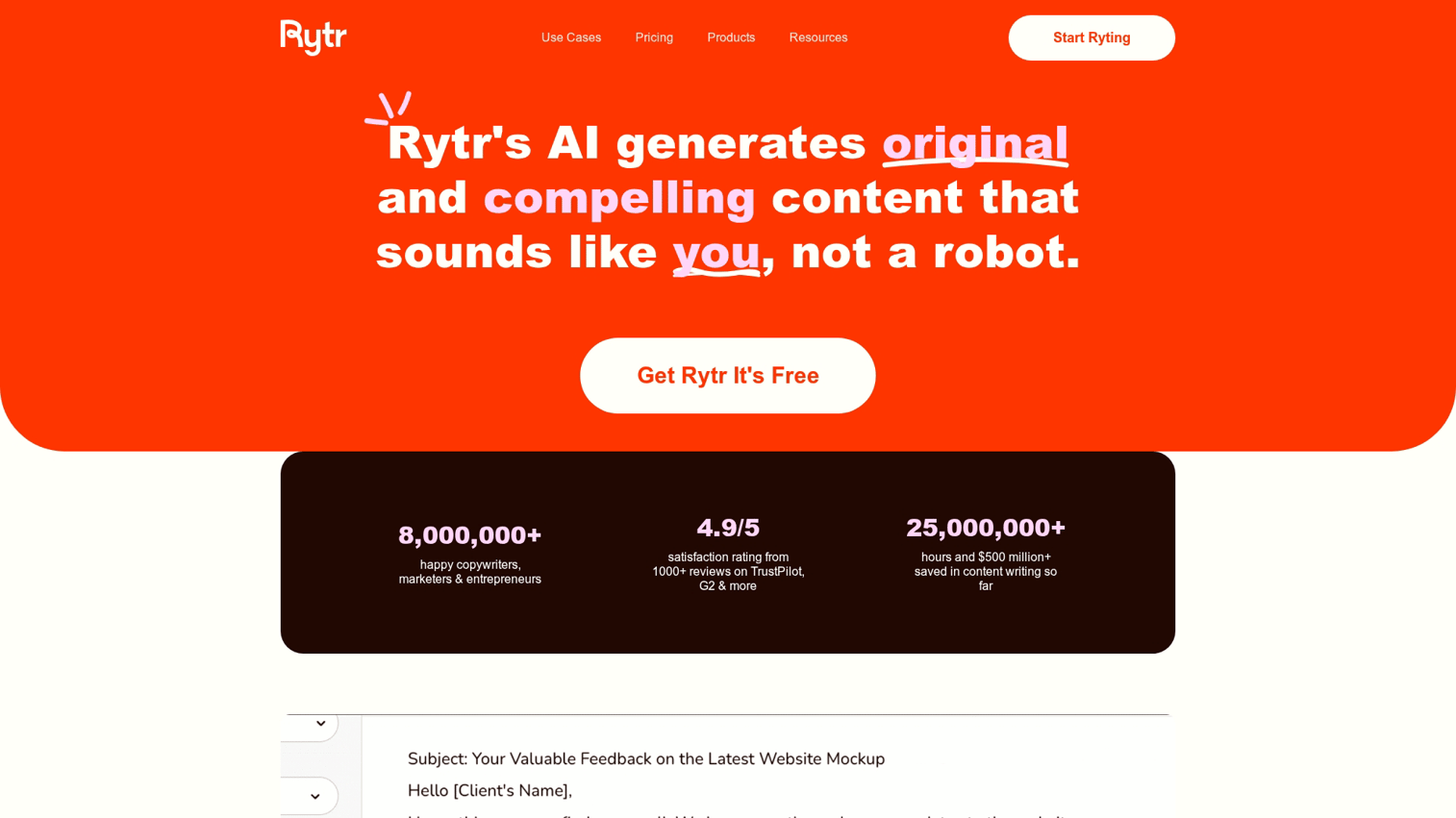
Rytr is the budget option for teams that want AI writing assistance without significant investment. It covers basic use cases at a fraction of competitor pricing.
The interface is simple and approachable. Select a use case, provide inputs, and get output. There's no learning curve.
Best for: Budget-conscious individuals exploring AI writing for the first time.
Key strengths
- Low pricing: Among the most affordable options
- Simple interface: Minimal learning curve
- Generous free tier: Useful for light usage
Why choose Rytr
Choose Rytr when you want to experiment with AI writing without financial commitment.
Pricing
Free tier with 10,000 characters/month. Unlimited plan at $9/month.
11. QuillBot
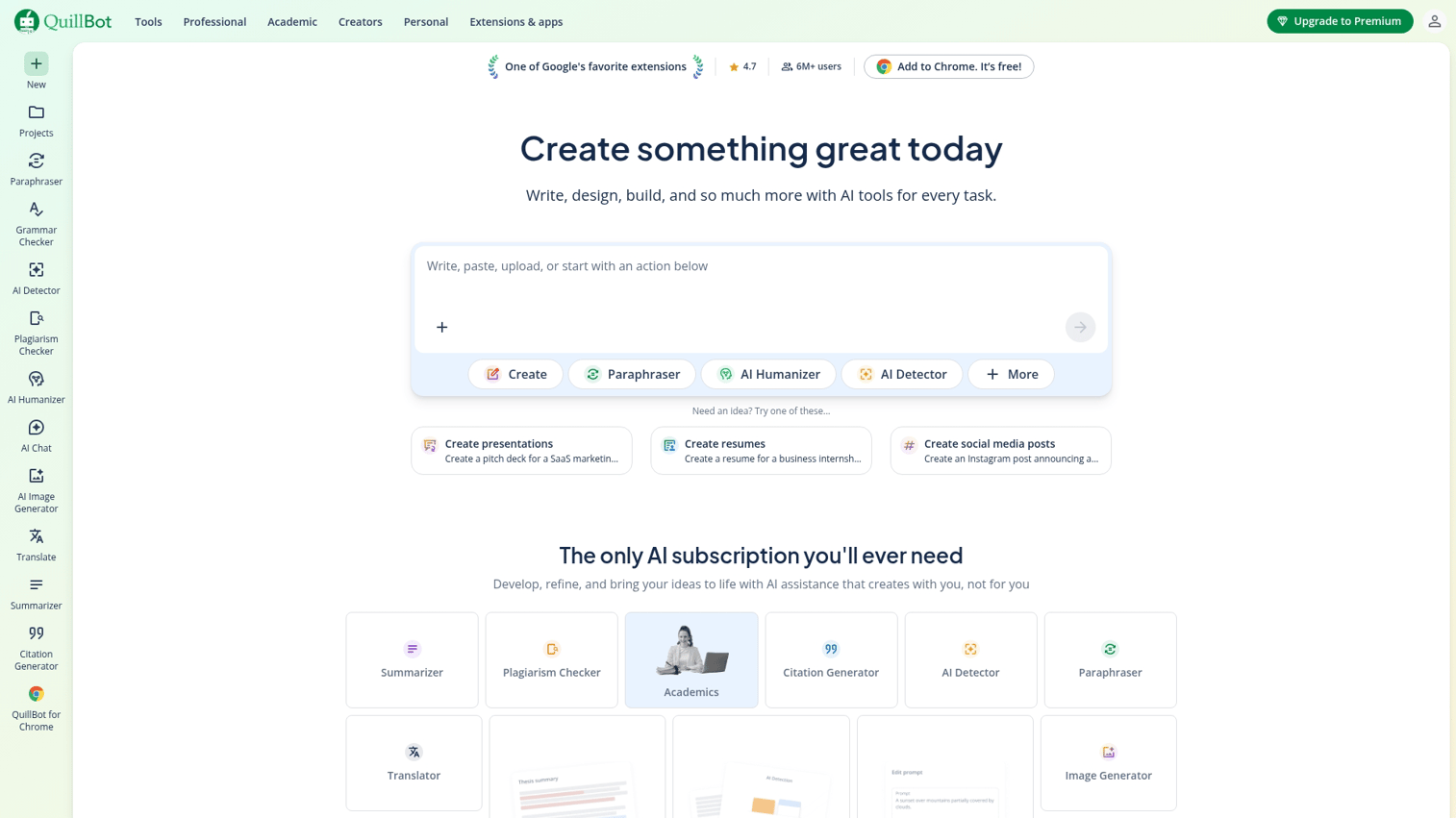
QuillBot focuses on paraphrasing and rewriting rather than generating new content. It's useful when you have existing text that requires rephrasing, summarizing, or expanding.
The paraphraser offers multiple modes (fluency, formal, creative) that change how aggressively it rewrites your input.
Best for: Writers who want to rework existing content rather than create from scratch.
Key strengths
- Paraphrasing modes: Multiple styles of rewriting
- Summarizer: Condense long text quickly
- Grammar checker: Basic editing features included
Why choose QuillBot
Pick QuillBot when your primary goal is transforming existing text. It's not a content generator.
Pricing
Free tier with limited paraphrasing. Premium at $10/month.
12. Anyword
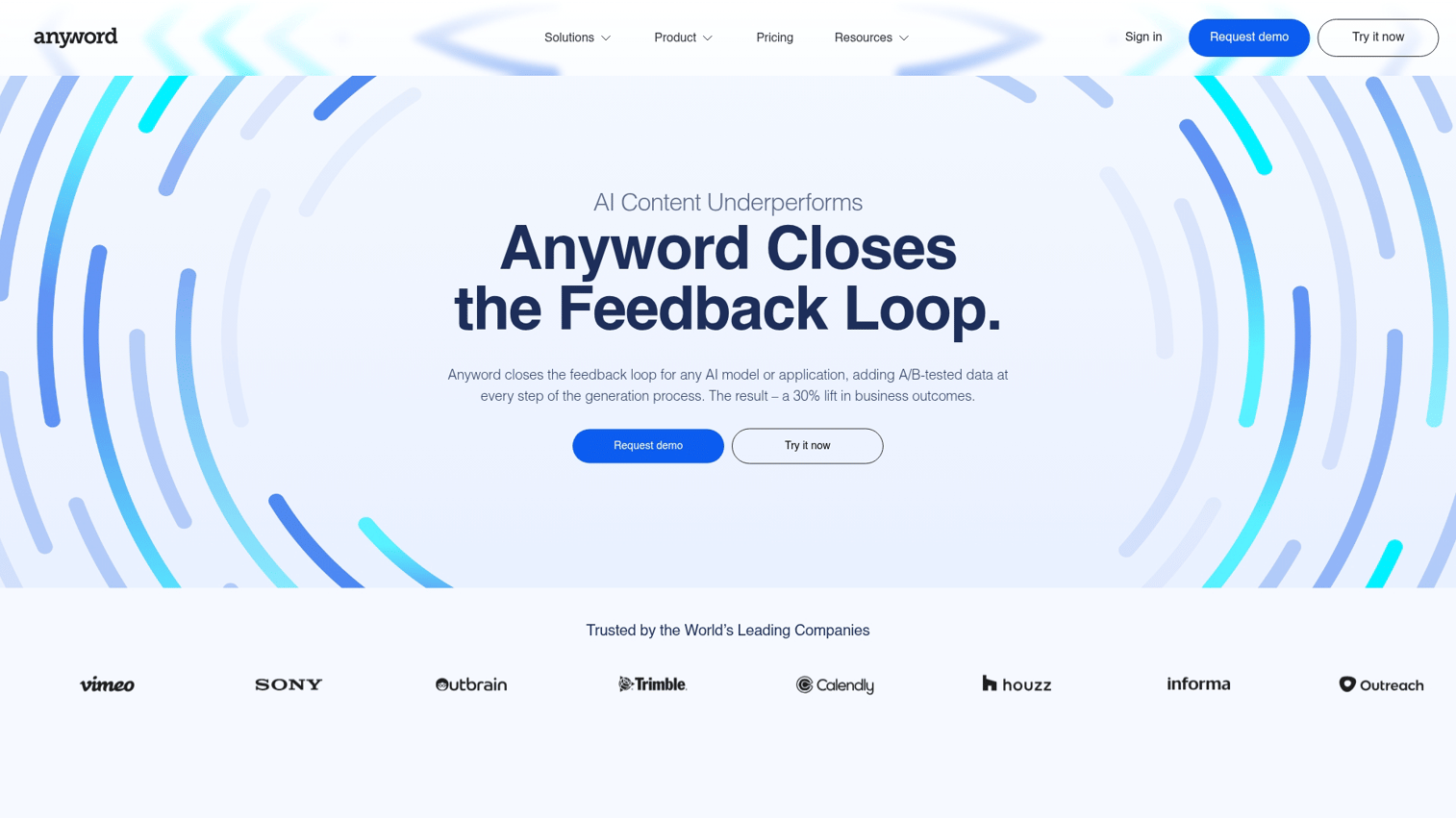
Anyword differentiates through predictive performance scoring. It rates your copy before you publish, predicting how well it will perform based on historical data.
This feature is particularly useful for ad copy and email subject lines where small changes significantly impact results.
Best for: Performance marketers who want data-driven copy optimization.
Key strengths
- Predictive scoring: Performance predictions before publishing
- A/B testing support: Compare variations with data
- Channel-specific optimization: Scores tailored to platform
Why choose Anyword
Choose Anyword when you want to reduce guesswork in copy performance.
Pricing
Plans start at $49/month.
13. Clearscope
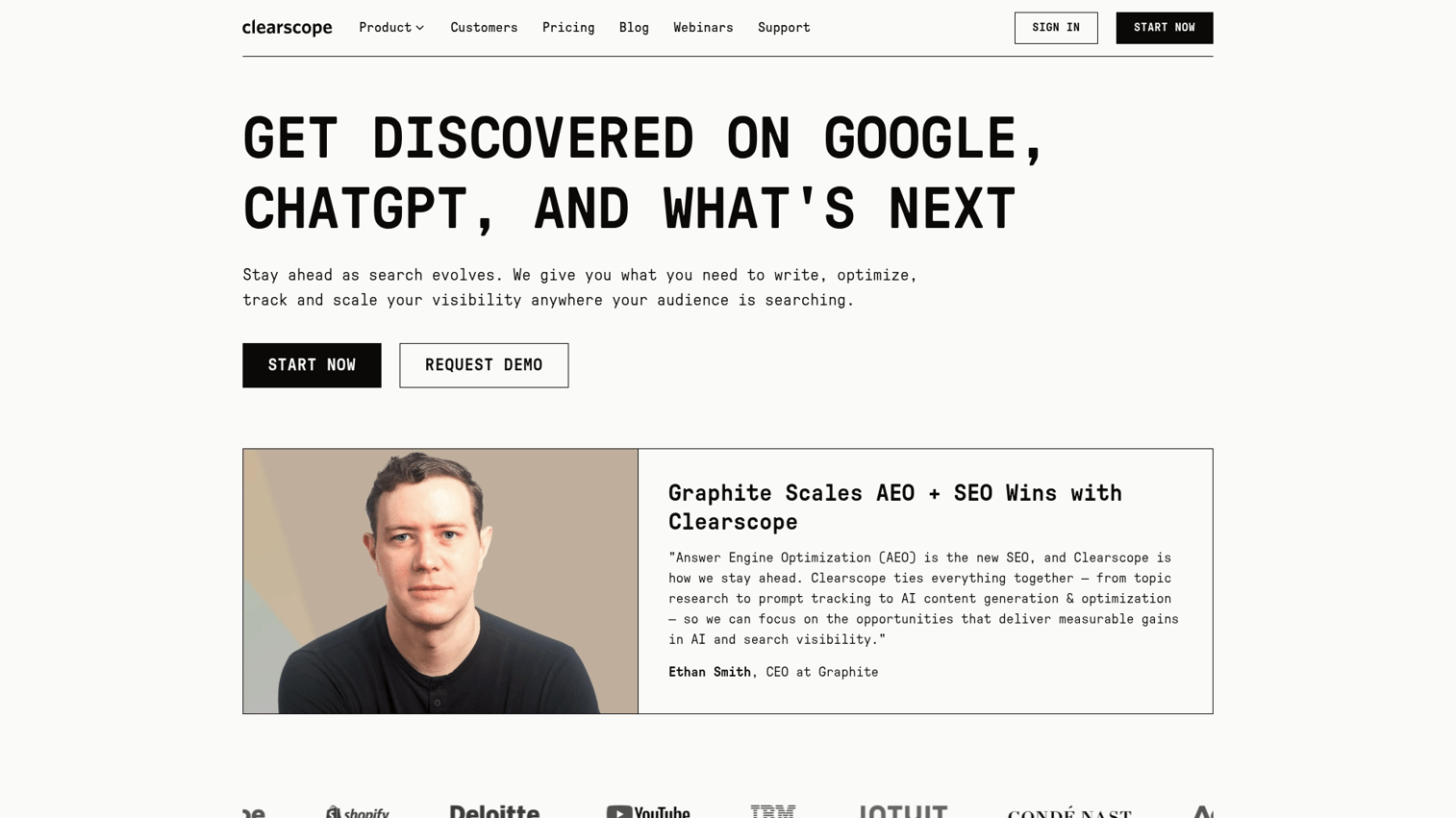
Clearscope is the enterprise standard for SEO content optimization. It provides detailed content grading and recommendations based on comprehensive SERP analysis.
The tool integrates with Google Docs and WordPress, making it easy to optimize content where you already write.
Best for: Enterprise content teams with serious SEO requirements.
Key strengths
- Comprehensive grading: Detailed content scores and recommendations
- Integration options: Works in Google Docs and WordPress
- Competitive analysis: Deep comparison to ranking pages
Why choose Clearscope
Pick Clearscope when SEO is a primary business driver and you can justify premium pricing.
Pricing
Plans start at $189/month.
14. Sudowrite
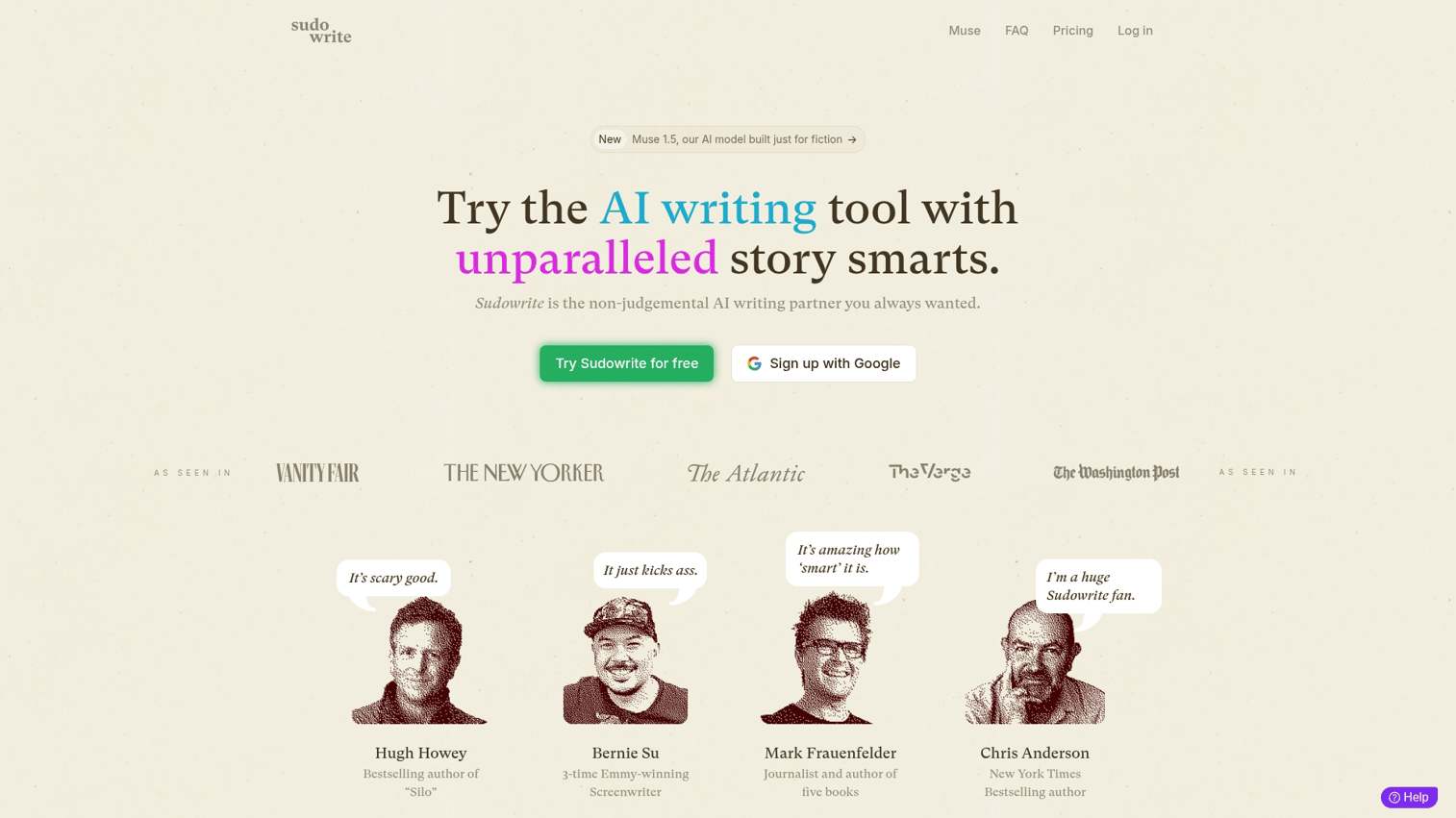
Sudowrite is built specifically for creative and fiction writing. Unlike business-focused tools, it includes features for plot development, character voice, and narrative pacing.
The "Story Engine" helps you develop ideas into full narratives. It suggests plot points, generates dialogue, and helps maintain consistency across long-form fiction.
Best for: Fiction writers and creative projects.
Key strengths
- Story-specific features: Plot, character, and pacing tools
- Creative expansion: Develop ideas into full scenes
- Voice consistency: Maintain character voices across chapters
Why choose Sudowrite
Choose Sudowrite only for creative writing. It's not designed for marketing copy or SEO optimization.
Pricing
Plans start at $19/month.
15. Hypotenuse AI
Hypotenuse AI specializes in e-commerce content, particularly product descriptions at scale. It generates catalog copy from product data, making it useful for stores with hundreds or thousands of SKUs.
The batch generation feature processes multiple products at once. Upload a spreadsheet of product attributes, and Hypotenuse creates unique descriptions for each item.
Best for: E-commerce teams managing large product catalogs.
Key strengths
- Batch generation: Process many products at once
- Product data integration: Generate from attributes and specs
- Brand voice training: Maintain consistency across catalog
Why choose Hypotenuse AI
Pick Hypotenuse when product descriptions are your primary bottleneck.
Pricing
Plans start at $29/month.
How AI powered writing assistants work
Large language models explained
Large language models (LLMs) are AI systems trained on vast amounts of text data. They learn patterns in language by analyzing billions of words from books, websites, and documents.
When you give an LLM a prompt, it predicts what words come next based on patterns it learned during training. It's not "thinking" in a human sense. It's making sophisticated predictions about likely word sequences.
The major models powering most tools include GPT-4 (OpenAI), Claude (Anthropic), and Gemini (Google).
Training data and knowledge cutoffs
Every LLM has a "knowledge cutoff" date, which is when its training data ends. The model doesn't know about events, products, or information that emerged after that date.
This matters for current events, recent statistics, or new product features. Always verify time-sensitive information independently.
Why output quality varies between tools
Many AI writing tools use the same underlying models (often GPT-4) but produce different results. The difference comes from system prompts that shape responses, fine-tuning on specific content types, interface design, and post-processing applied to outputs.
This explains why some expensive tools aren't better than free alternatives. You're often paying for interface, templates, and workflow features rather than a superior AI model.
How to use AI assisted writing tools effectively
Short form content like emails and social posts
For quick content, specificity in your prompt matters most. State the tone explicitly, provide context about the audience and goal, give examples of the style you want, and iterate through follow-up prompts.
Short-form content is where AI tools shine. The output often requires minimal editing.
Long form content like blog posts and articles
For longer content, use AI as a collaborator rather than a replacement. Start with an outline, work in chunks section by section, add your expertise to the scaffold, and edit thoroughly. The goal is a first draft to react to, not a finished piece.
SEO optimized content
For content targeting search rankings, combine AI writing with SEO tools. Research keywords and topics before writing, use SEO scoring to guide optimization, check competitor coverage, and add unique value that exceeds what competitors offer.
Teams focused on demand generation often pair AI writing with SEO optimization for content that both ranks and converts.
Sales and marketing copy
For sales content, AI helps with volume and variation. Generate A/B test variations quickly, maintain brand voice using tools with training features, personalize templates for different segments, and use performance data to refine prompts.
Product marketing tools increasingly include AI writing features for this reason.
Common mistakes when using AI to help writing
1. Publishing raw AI output without editing
AI output is a first draft, not a final product. It often includes generic phrasing, subtle inaccuracies, tone inconsistencies, and repetitive structures. Always edit before publishing.
2. Ignoring fact checking and source verification
AI confidently generates false information. This includes fake statistics, non-existent studies, and incorrect facts. Check every fact, date, statistic, and citation independently. If you can't verify it, remove it.
3. Buying expensive tools before testing free options
Claude and ChatGPT free tiers handle most writing tasks competently. Master free tools first. Identify specific bottlenecks, then invest in tools that address those bottlenecks.
4. Using the wrong tool for the content type
SEO tools are wrong for creative writing. Fiction tools are wrong for product descriptions. Match tool category to content goal using the comparison table above.
5. Expecting AI to replace writing skills entirely
AI amplifies existing skills. It helps good writers produce more. It doesn't compensate for weak writing fundamentals or lack of subject matter expertise.
Does Google penalize AI written content
Google's 2023 guidance is clear: they care about helpful, quality content regardless of how it's produced. The search quality guidelines focus on expertise, experience, authoritativeness, and trustworthiness (E-E-A-T), not production method.
What matters is the end result. AI-generated content that's thin, inaccurate, or unhelpful will perform poorly. AI-assisted content that's well-edited, factually accurate, and genuinely useful can rank well.
How to maintain brand voice with AI writing assistant tools
Start by documenting your brand voice guidelines. Include tone descriptors, words to use and avoid, example content that exemplifies your voice, and audience context.
When prompting AI tools, include guidelines explicitly. Many tools (Jasper, Writesonic, Anyword) offer brand voice training features. Upload examples, and the tool learns to match your style.
Even with training, review output for voice consistency. AI tends toward generic phrasing. Your editing pass adds the personality that makes content distinctly yours.
Which AI writing assistant is right for you
If you want... | Consider... |
|---|---|
General drafting (free) | Claude or ChatGPT |
Editing and polish | Grammarly or ProWritingAid |
SEO content | Surfer SEO or Frase |
Marketing copy at scale | Jasper or Copy.ai |
Product descriptions | Hypotenuse AI |
Creative writing | Sudowrite |
Performance prediction | Anyword |
Budget option | Rytr |
Start with free tiers to understand your workflow. Identify where you spend the most time or hit the most friction. Then invest in specialized tools that address specific bottlenecks.
Choose your AI writing assistant and start creating
The best AI writing assistant depends on what you're trying to accomplish. Content generators like Claude and ChatGPT excel at first drafts. Editing tools like Grammarly polish your work. SEO tools like Surfer ensure your content ranks.
Start with free options. Most writing tasks don't require paid tools. Once you understand your specific workflow, invest in specialized features that address real bottlenecks.
AI is a writing partner, not a replacement. The tools handle mechanical work. You bring the expertise, judgment, and voice that make content worth reading.
Start your journey with Guideflow today!
FAQs about AI writing assistants
Claude and ChatGPT both offer robust free tiers that handle most writing tasks without requiring specialized knowledge.
Most major AI writing assistants support multiple languages for both input and output, though quality varies by language. Tools trained primarily on English text perform best in English.
AI writing assistants can use technical terminology if you provide context and examples in your prompts. For specialized fields, review output carefully since the AI may misuse jargon.
Policies vary by tool, with some using content for training and others offering opt-out or enterprise plans with data privacy guarantees. Check each tool's privacy policy before inputting sensitive business content.
AI writing assistants can produce plausible-sounding technical content but frequently make factual errors, especially with recent developments or niche topics. Always verify technical claims with authoritative sources.
Using AI writing assistants for client work is generally legal, but disclosure requirements and client expectations vary. Check your contracts and consider transparency with clients about your workflow.
AI chatbots are designed for conversational interaction while AI writing assistants are optimized for producing polished written content. Many tools now blur this line, with products like ChatGPT serving both functions.
Most AI writing assistants have a knowledge cutoff date and do not continuously update their training data. Models are typically updated a few times per year, but specific cutoff dates vary by tool.










