You built the launch page. You wrote the positioning doc. You got alignment from Product, Sales, and your VP. And the asset you're sending prospects to? A PDF with six screenshots from three releases ago.
Meanwhile, Sales is asking for "something they can actually send after the call." Your champion at the target account forwarded your one-pager to their VP of Engineering, who glanced at it for four seconds and moved on. The "book a demo" CTA on your landing page converts at 2.1%, and half the meetings get rescheduled.
The problem isn't your messaging. It's the format. Static assets don't let prospects experience the product. They describe it. And in a market where 75% of B2B buyers prefer to self-educate before talking to Sales, description isn't enough.
Interactive demo tools close that gap. They let you capture your product, customize the experience, and distribute it anywhere: landing pages, outreach emails, partner portals, enablement hubs. The tools in this guide were evaluated specifically for product marketing workflows: launch speed, personalization depth, analytics credibility, Sales adoption, and integration with the GTM stack PMMs already use.
You'll walk away knowing which tools fit which use case, and which ones you can skip.
What's inside
This guide covers 10 tools evaluated for product marketing use cases in 2026. The list includes purpose-built interactive demo platforms alongside adjacent tools PMMs actually use to "show the product" across the buyer journey: async video, visual content creation, animation, and design collaboration.
Each tool was assessed on speed to create demos, personalization depth, analytics you can defend in a pipeline review, Sales adoption, and integration with your existing GTM stack. Selection was based on hands-on evaluation, G2 data, and fit for PMM-specific workflows. You'll also find a comparison table, buying criteria, and answers to the questions PMMs ask when evaluating this category.
TL;DR
- Interactive demo tools let PMMs show the product across landing pages, outreach, enablement, and onboarding without scheduling live calls for every stakeholder.
- Guideflow leads for PMM teams that need fast creation, deep personalization, and analytics that connect to CRM.
- Loom and Vidyard cover async video walkthroughs but deliver a fundamentally different engagement model compared to interactive formats where the viewer clicks through the product themselves.
- The tools that win PMM adoption are the ones that take under 10 minutes to create a shareable demo, not the ones with the longest feature list.
- Analytics matter, but only if they sync to your CRM and give you data you can defend in a pipeline review.
- Most PMMs need 2 to 3 tools from this list, not all of them. Match the tool to the use case.
What is an interactive demo tool
An interactive demo tool is a platform that lets you create clickable, self-guided product experiences prospects and customers can explore without a live call, login, or provisioned environment.
That's the clean definition. Here's what it means for your day-to-day as a PMM: instead of describing what the product does in a slide deck, you show it. The prospect clicks through real screens, navigates actual workflows, and experiences the product's value firsthand.
Interactive demos differ from static assets (PDFs, slide decks, recorded videos) in a fundamental way: the viewer makes choices. They click, navigate, and explore. This active engagement model increases retention and surfaces intent signals (which features they explored, where they spent time, when they dropped off) that passive formats can't capture.
They also differ from live demos. Interactive demos are async and scalable. Five stakeholders can evaluate the product in the same week, on their own schedules, without coordinating calendars with your SE team. Research from Forrester confirms that B2B buyers prefer to self-educate with an increasing number of internal stakeholders involved in every purchase decision.
Core capabilities PMMs should expect from interactive demo software:
- No-code capture: Record your product flow in a browser. No engineering tickets required.
- Visual editing: Customize text, images, logos, and branding without rebuilding the demo.
- Personalization: Swap in prospect-specific data (company name, use case, role) using CRM variables.
- Multi-channel distribution: Embed on websites, share via link, drop into email, post on social.
- Engagement analytics: Track impressions, completion rates, step-level engagement, and conversion.
Format variants include guided walkthroughs, open sandboxes, demo centers, and mobile demos. Each serves different moments in the buyer journey, and the best platforms support multiple formats so you can match the experience to the context.
FormatEngagement modelScalabilityPMM use caseInteractive demoActive: viewer clicks and navigatesHigh: async, shareableLanding pages, outreach, enablement, launchesRecorded videoPassive: viewer watchesHigh: async, shareableQuick explainers, internal updates, socialLive demoActive: real-time conversationLow: 1:1, calendar-dependentComplex evaluation, executive alignment, objection handling
When to use interactive demo tools for product marketing
- Feature launches: You're shipping next week and need something on the landing page by Friday. Capture the new feature flow, customize it with your messaging, embed it. Done in minutes, not days. For more on this workflow, see our guide to interactive demo use cases for product marketing.
- Sales enablement: Give Sales a shareable, personalized product marketing demo they can send after calls instead of a PDF. You get analytics on who viewed what. They get an asset that actually gets opened.
- Competitive differentiation: Show your product's workflow side by side with the competitor's claim. Let the product speak instead of relying on a comparison chart.
- Onboarding and activation: Guide new users through key workflows to reduce time-to-value. Interactive demos perform best here because users learn by doing, not by reading. Explore more about onboarding flow software to see how this fits your stack.
- Email outreach and campaigns: Include interactive demos in nurture sequences to increase reply rates. An email with a clickable product experience generates a fundamentally different response than an email with a screenshot.
- Partner and channel enablement: Give partners a branded, self-serve way to demo your product without training every rep individually.
Best interactive demo tools comparison table
Here's how the tools compare across the criteria that matter most to product marketing teams.
| # | Product | Intent | Key use case | Pricing | G2 rating |
|---|---|---|---|---|---|
| 1 | Guideflow | Demo automation for PMM, Sales, CS | Full-suite interactive demos, sandboxes, demo centers | From $35/mo | 4.7/5 |
| 2 | Loom | Async video walkthroughs | Quick product explainers and internal updates | Free tier, from $15/user/mo | 4.7/5 |
| 3 | Vidyard | Video for sales and marketing | Personalized video outreach and hosting | Free tier, from $59/mo | 4.5/5 |
| 4 | Tourial | Interactive product tours | Marketing-led demo experiences | Custom pricing | 4.4/5 |
| 5 | Hexus | AI-generated product demos | Fast demo creation from recordings | From $99/mo | 4.8/5 |
| 6 | Testbox | Live sandbox environments | Proof-of-concept and technical evaluation | Custom pricing | 4.8/5 |
| 7 | Demoboost | Presales demo management | Live and async demo workflows for sales teams | Custom pricing | 4.6/5 |
| 8 | Canva | Visual content creation | Launch assets, social graphics, presentations | Free tier, from $13/user/mo | 4.7/5 |
| 9 | Lottie by LottieFiles | Micro-animations for product UI | Animated product illustrations for web and app | Free tier, from $24/mo | 4.5/5 |
| 10 | Figma | Design collaboration | Product mockups, prototypes, design handoff | Free tier, from $15/editor/mo | 4.7/5 |
10 best interactive demo tools for product marketing in 2026
1. Guideflow
You need to show your product across landing pages, outreach emails, Sales leave-behinds, partner portals, and onboarding flows. You need to do it without waiting for engineering, design, or a live demo slot. And you need it done before the launch window closes.
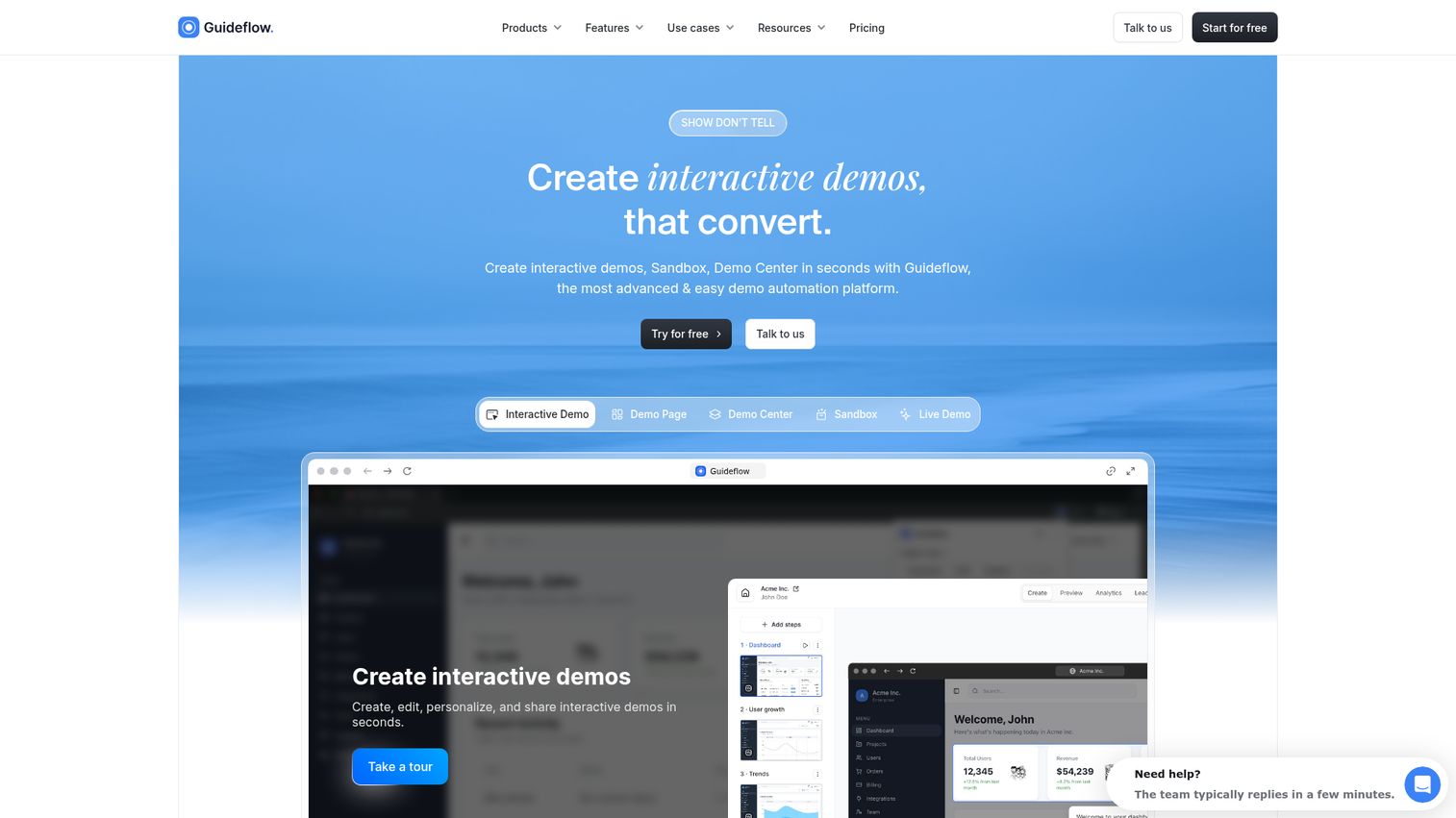
Guideflow is a demo automation platform that lets you capture your product in a few clicks, edit and personalize the experience with a no-code builder, and distribute it anywhere: website embeds, email, social, ads, Notion, help centers.
For launches, you capture the new feature flow, customize it with your messaging, and embed it on the landing page. For enablement, you personalize demos per prospect using CRM variables (company name, logo, use case), give Sales a shareable link, and track who viewed what. For competitive differentiation, you build side-by-side demo experiences that show your workflow vs. the competitor's claim.
For measurement, you track impressions, completion rate, leads collected, and conversion in real time. Data syncs to Salesforce, HubSpot, and Slack so you can see engagement alongside your existing pipeline data through built-in integrations.
The full product suite (Interactive Demo, Sandbox, Demo Center, Mobile Demo, Live Demo) covers different moments in the buyer journey. Interactive demos guide the narrative through a curated path. Sandboxes give buyers full freedom to explore and validate. Demo centers organize everything under one branded hub. Live demos add the human element for real-time conversations. Mobile demos meet prospects on any device.
Best for: PMM teams that need to create, personalize, and distribute interactive product experiences fast, across every GTM touchpoint.
Key strengths
- No-code capture and editing: Create a demo in under 3 minutes
- Deep personalization: CRM-driven variables for company name, logo, role-specific data
- AI-powered auto-generation: Steps, CTAs, translations, voiceovers, and avatars
- Multi-channel distribution: Embed, link, email, social, ads
- Advanced analytics with CRM sync: Salesforce, HubSpot, Pipedrive
- Demo Center: Organize all demos under one branded hub
- Sandbox: Open, explorable product replicas for hands-on evaluation
- Collaboration and version control: Access management for teams
Pricing: Free tier available. Paid plans from $35/month. See full pricing details.
Start your journey with Guideflow today!
2. Loom
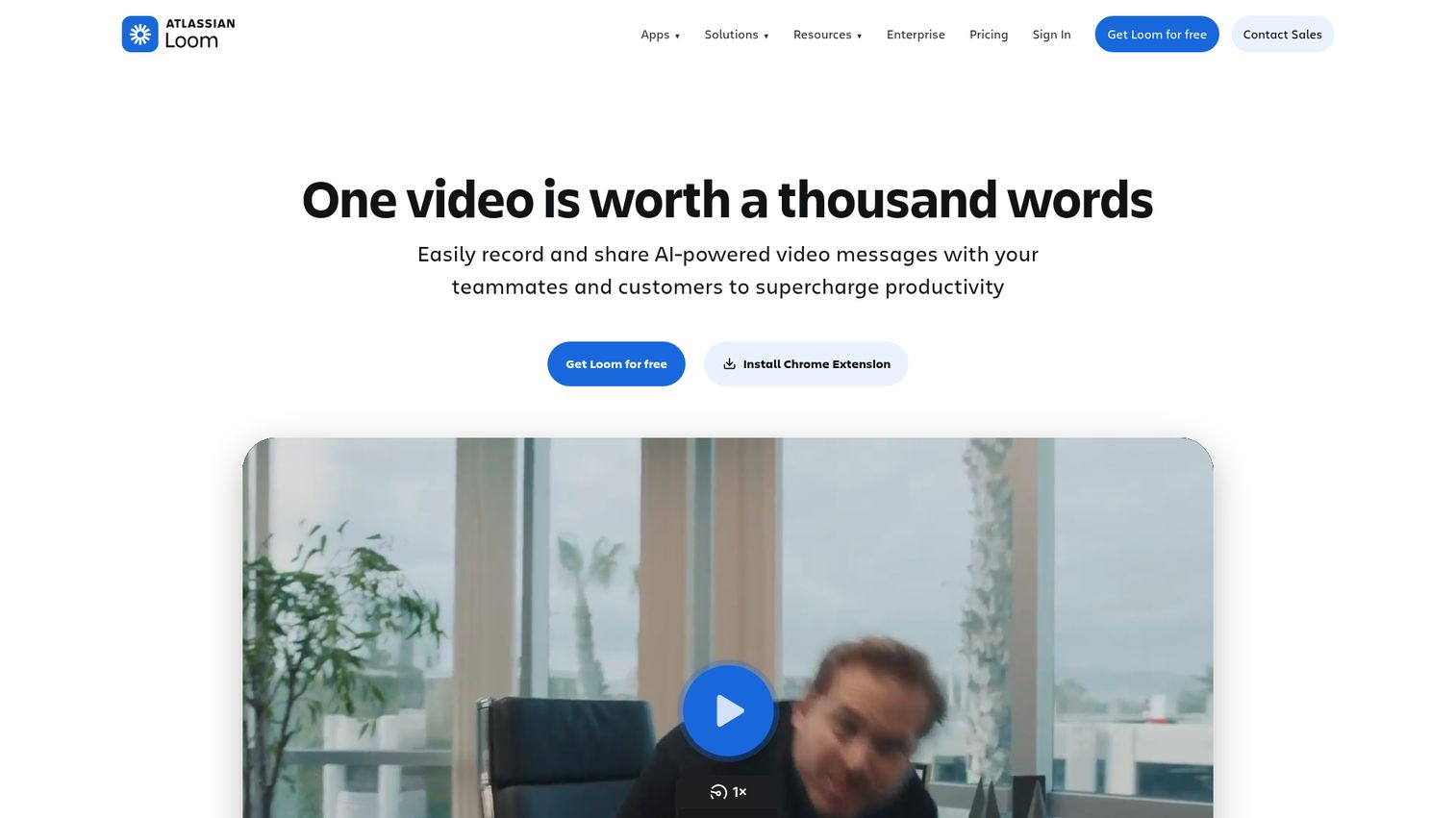
Loom is an async video messaging platform that lets you record your screen, camera, or both and share a link instantly. For PMMs, it fills the gap when you need to explain a feature, walk through a workflow, or give Sales a quick product update without scheduling a meeting.
You know the pattern: someone in Sales asks "can you walk me through the new feature?" and you're about to spend 30 minutes on a call that could have been a 3-minute recording. Loom handles that. Record, share, move on.
Where Loom performs best for PMMs: quick product explainers for internal stakeholders (PM, Sales, CS), feature launch walkthroughs you can drop into Slack or email, and async updates that replace the "can we hop on a quick call?" loop.
Loom produces video content, which is a passive viewing experience. Interactive demos deliver a fundamentally different engagement model because the viewer clicks through the product rather than watching someone else do it. For PMMs who need both, Loom and interactive demo tools are complementary. Use Loom for speed and informal communication. Use interactive demos when the goal is prospect evaluation and engagement tracking.
Best for: PMMs who need fast, informal product walkthroughs for internal communication and lightweight external explainers.
Key strengths
- Record and share in under 60 seconds: Screen, camera, or both
- AI-generated summaries, chapters, and transcripts: Viewers skip to what matters
- Viewer analytics: Who watched, how far, when they dropped off
- Integrations: Slack, Notion, Gmail, and major CRMs
- Simple editing tools: Trim, stitch, add CTAs
Pricing: Free tier available. Paid plans from $15/user/month.
3. Vidyard
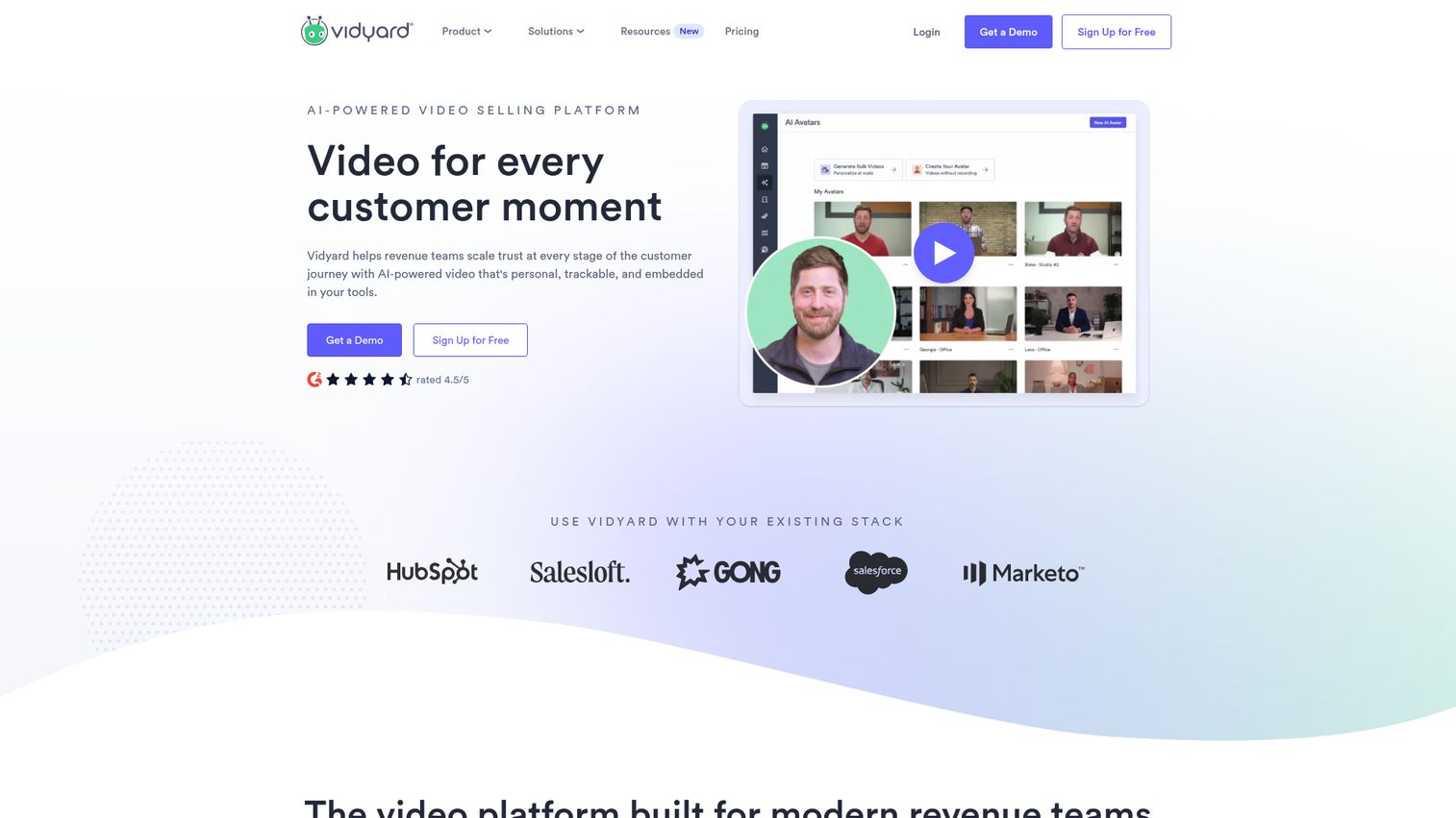
Vidyard is a video platform built for B2B sales and marketing. It goes deeper than Loom on hosting, analytics, and personalization for outbound video.
For PMMs, Vidyard covers personalized video outreach at scale (insert prospect name and company into video thumbnails), video hosting for product marketing content (demos, webinars, customer stories), and detailed viewer analytics: who watched, which sections, and how engagement maps to pipeline.
The personalization angle is where Vidyard stands out. You can create a single video and dynamically swap in prospect-specific details at the thumbnail level, which increases click-through rates in outreach sequences. The analytics layer connects viewer behavior to CRM records, so you can see which accounts engaged and which sections held their attention.
Vidyard is video-first. For PMMs who want prospects to interact with the product (click, explore, navigate), interactive demo tools serve a different purpose. Vidyard performs best when the goal is a polished, branded video experience with deep analytics, not hands-on product exploration.
Best for: PMMs who run video-heavy campaigns and need enterprise-grade hosting, personalization, and analytics.
Key strengths
- AI-powered video creation: Script generation and editing assistance
- Personalized video thumbnails and CTAs: Dynamic prospect-specific details
- Detailed engagement analytics: CRM sync with Salesforce, HubSpot, Outreach, Salesloft
- Video hosting and management: Centralized library for marketing content
- Multi-channel distribution: Email, social, website embeds
Pricing: Free tier available. Paid plans from $59/month.
4. Tourial
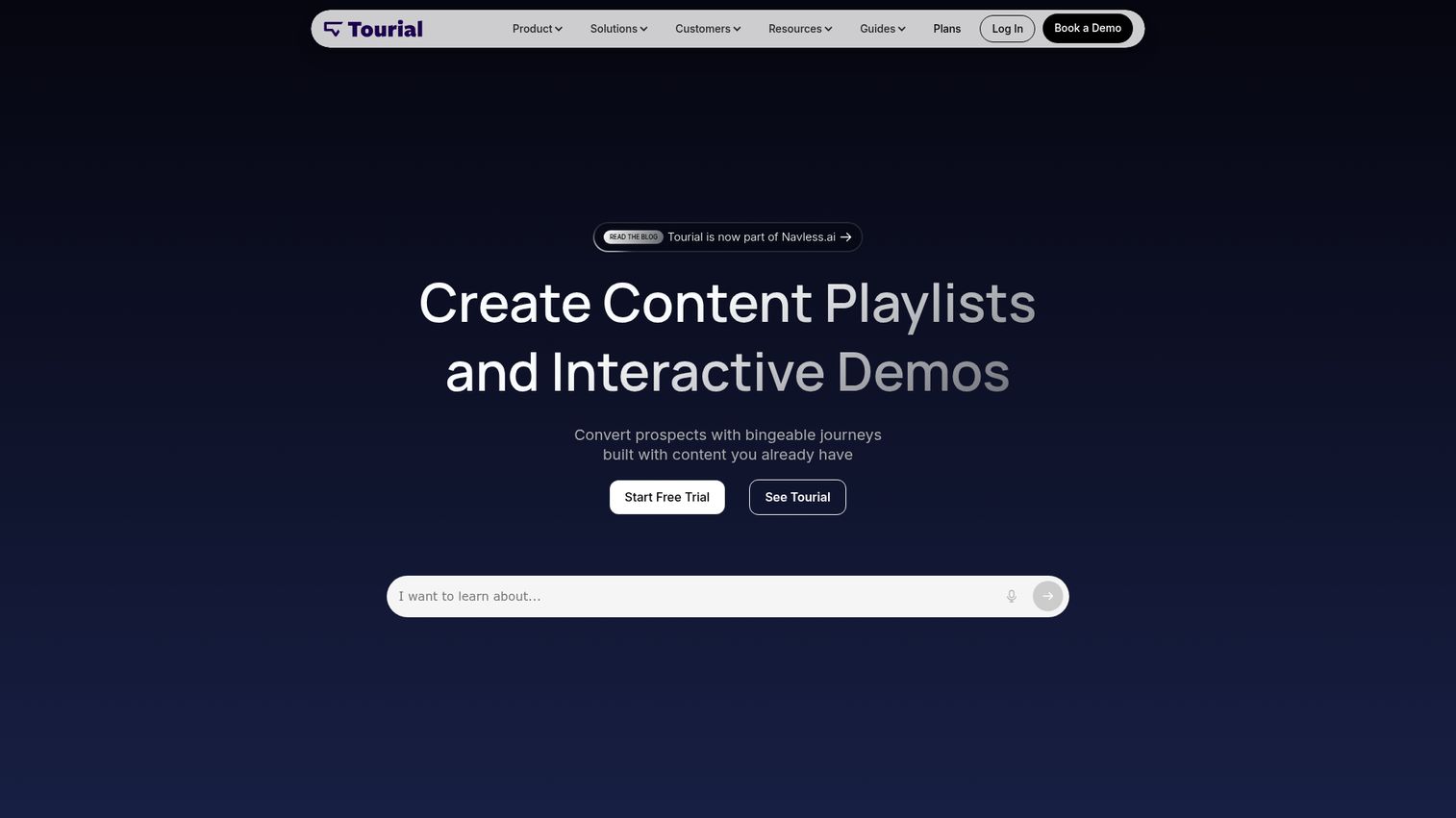
Tourial is an interactive product tour platform designed for marketing teams. It lets you build multi-page, clickable product tours that can be embedded on websites or shared via link.
For PMMs, Tourial's "tour centers" are the standout feature. You organize multiple product tours by use case or persona, then embed the entire collection on your website. A prospect interested in reporting sees the reporting tour. A prospect evaluating integrations sees the integrations tour. Each tour captures leads and tracks engagement independently.
Tourial focuses specifically on marketing-led interactive tours, which makes it a natural fit for PMMs who want to own the demo experience without involving Sales Engineering. The platform emphasizes tour creation speed and marketing-specific analytics: which tours drive the most engagement, where prospects drop off, and which CTAs convert.
The trade-off is scope. Tourial is built for marketing-led tours, not for the full range of demo formats (sandboxes, live demos, mobile demos) that PMMs might need across the complete buyer journey. For top-of-funnel and mid-funnel marketing campaigns, it's purpose-built.
Best for: Marketing teams that want to build and own interactive product tours for top-of-funnel and mid-funnel campaigns.
Key strengths
- Marketing-focused tour builder: No-code editor with drag-and-drop
- Tour centers: Organize multiple experiences by persona or use case
- Lead capture forms: Built directly into tours
- Engagement analytics: Conversion tracking and drop-off analysis
- Website embed and link sharing: Multiple distribution options
Pricing: Custom pricing. Contact Tourial for details.
5. Hexus
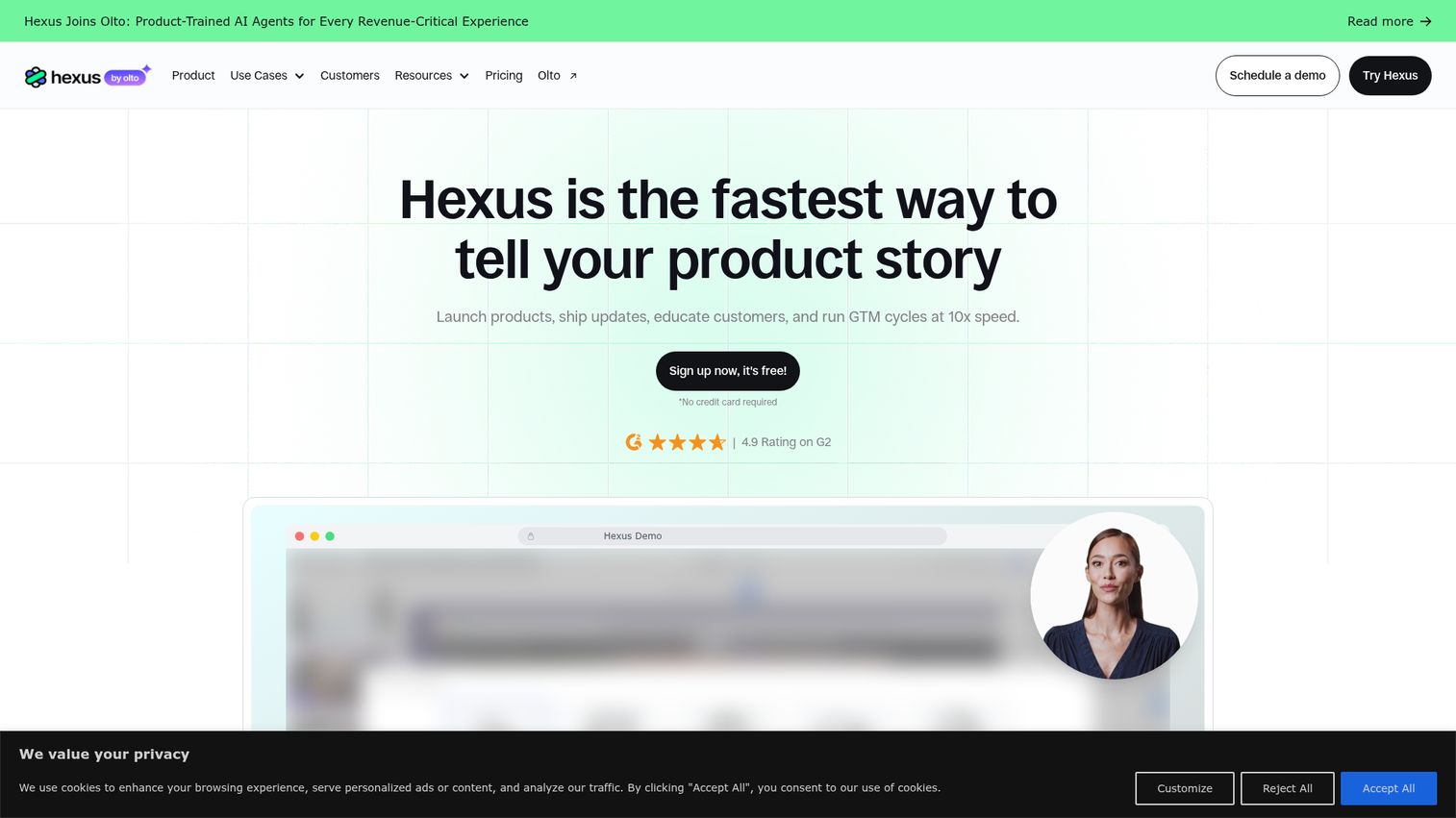
Hexus uses AI to generate interactive demos, product videos, and guides from screen recordings. You record your workflow, and Hexus produces a polished, shareable demo automatically.
Speed matters when you're shipping three launches this quarter and the design team is booked until next month. Hexus cuts production time by auto-generating demos from recordings. The AI handles annotations, step descriptions, and formatting. Output options include interactive demos, videos, and step-by-step guides from a single recording.
For PMMs, the appeal is clear: record once, get multiple output formats. You need an interactive demo for the landing page, a video for the email campaign, and a step-by-step guide for the help center. Hexus generates all three from the same recording session.
Hexus is newer to the category and appeals to PMMs who want AI to handle the heavy lifting of demo production. The trade-off is less granular control over customization compared to platforms with full no-code editors. If you need deep personalization with CRM variables and branching paths, you'll want a more robust builder. If you need polished demos fast and your primary concern is production speed, Hexus is worth evaluating.
Best for: PMMs who prioritize speed and want AI to handle most of the demo creation process.
Key strengths
- AI-generated demos from screen recordings: Record once, get a polished demo
- Multiple output formats: Interactive, video, and step-by-step guide from one recording
- Fast production workflow: Minutes, not hours
- Collaboration features: Team editing and review
- Embed and share via link: Standard distribution options
Pricing: From $99/month.
6. Testbox
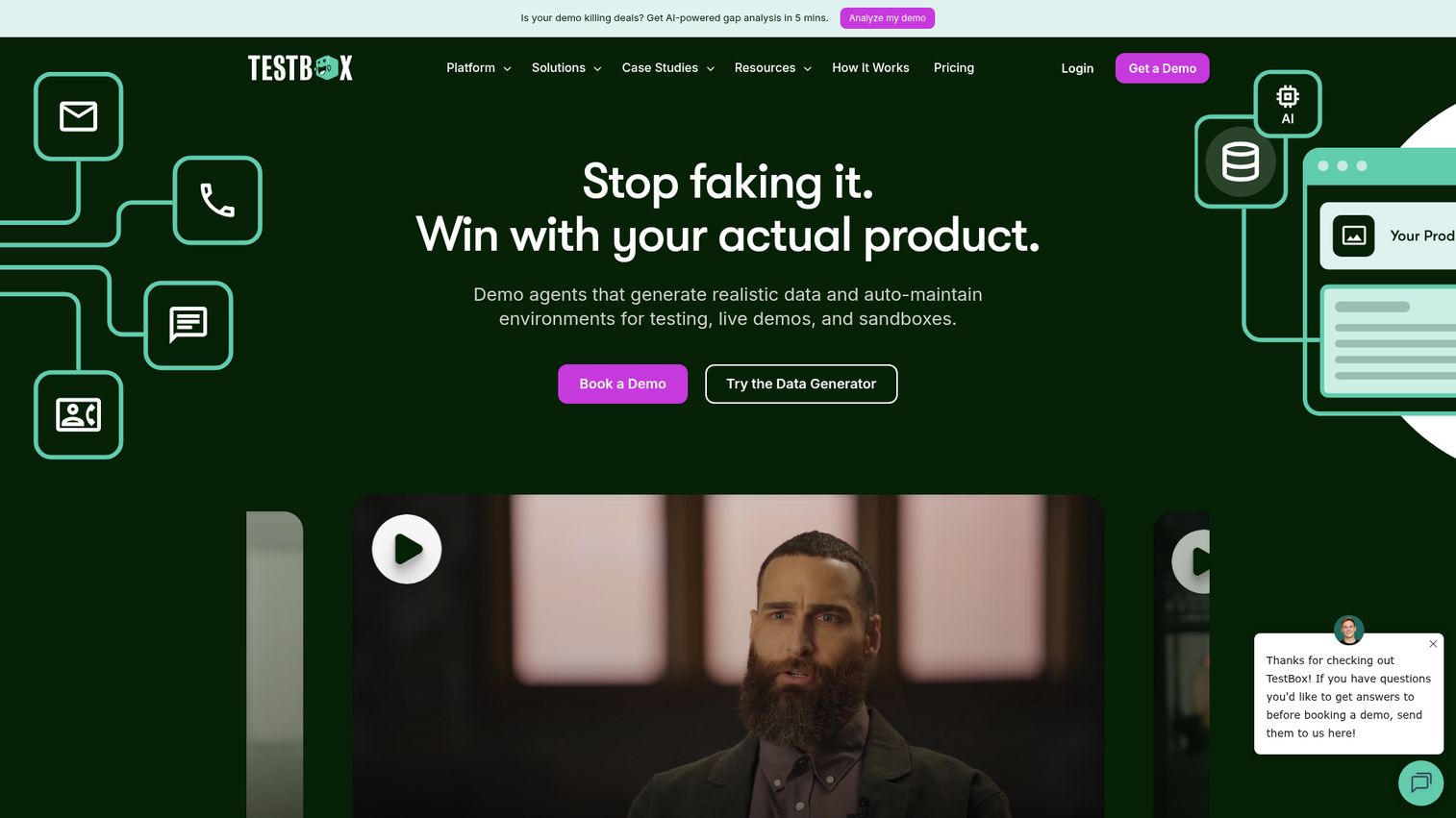
Testbox creates live, data-loaded sandbox environments for software evaluation. Unlike guided demos, Testbox gives buyers a fully functional product instance pre-loaded with realistic data so they can test workflows hands-on.
For PMMs, Testbox is relevant when you need to support technical evaluation or proof-of-concept stages. Pre-loaded data environments mean buyers see a realistic version of the product, not an empty shell. This is particularly valuable for enterprise PMMs who support complex enterprise deal cycles where technical validation is a gate before procurement.
Testbox serves a different moment in the buyer journey than most interactive demo tools. It performs best when the buyer has moved past "show me what it does" and into "let me test whether it works for my specific use case." The evaluation is deeper, the engagement is longer, and the intent signals are stronger.
Most PMMs at enterprise SaaS companies need both: an interactive demo for top-of-funnel awareness and a sandbox for deep evaluation. Testbox handles the second half of that equation.
Best for: Enterprise PMMs supporting complex evaluation cycles where buyers need hands-on, data-loaded product access.
Key strengths
- Live sandbox environments: Realistic data, functional workflows
- Side-by-side product comparisons: Buyers evaluate multiple products in one place
- Engagement analytics: Buyer intent signals and feature-level tracking
- No engineering required: Environments maintained without dev resources
- CRM integrations: Lead routing based on engagement data
Pricing: Custom pricing. Contact Testbox for details.
7. Demoboost
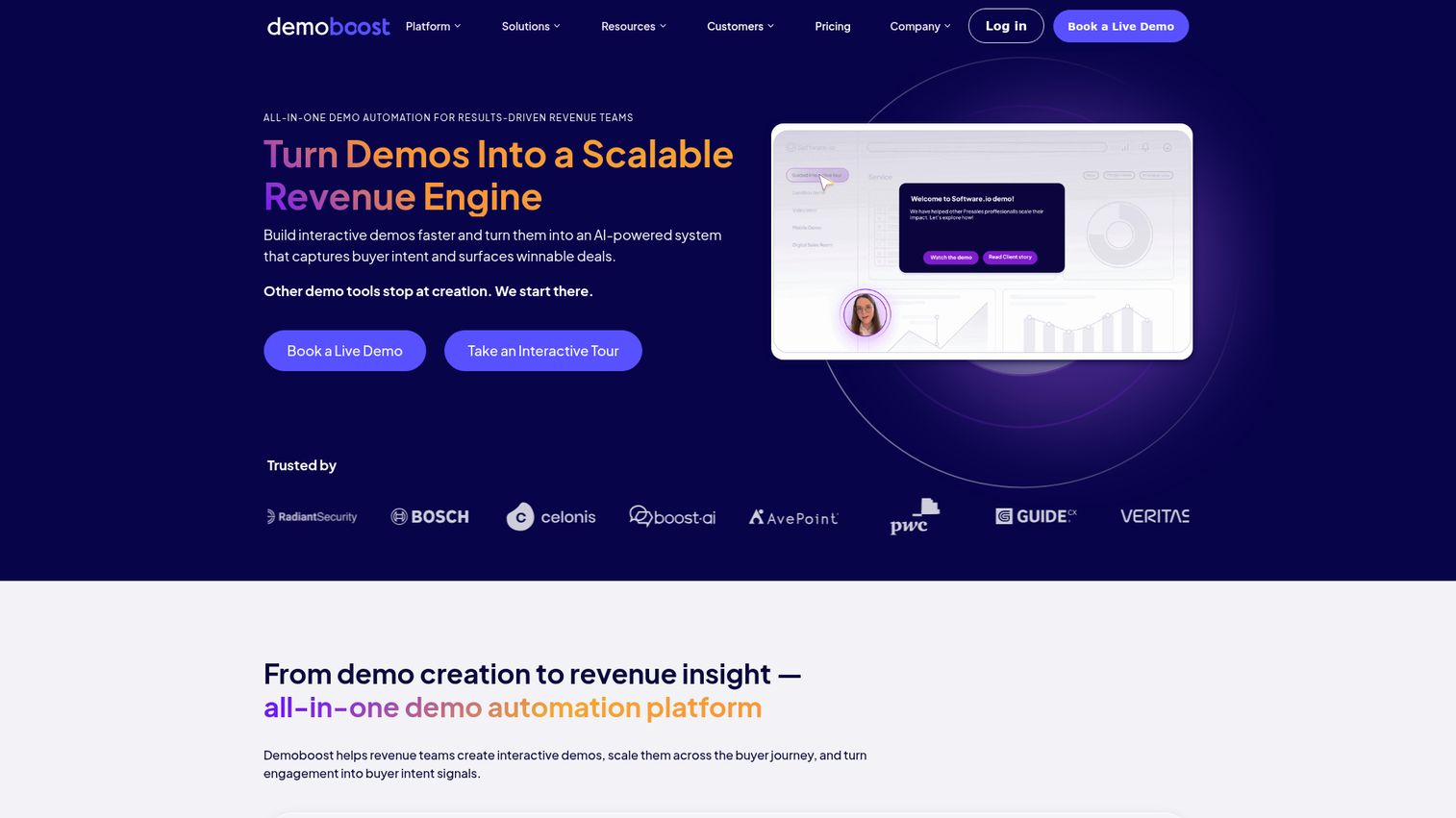
Demoboost is a demo experience platform focused on presales and sales teams. It helps structure, personalize, and track both live and async product demos.
For PMMs who work closely with presales teams, Demoboost solves a specific problem: ensuring Sales tells the same story PMM crafted. Speaker notes and guided paths help standardize the demo narrative across reps. Demo analytics show which features resonate and where prospects drop off, giving PMMs data to refine positioning.
The platform leans more toward sales enablement than marketing-led demo creation. If your primary goal is ensuring Sales delivers a consistent, on-message demo experience, Demoboost is built for that workflow. If your primary goal is creating self-serve marketing assets for landing pages and email campaigns, you'll want a tool with stronger marketing-specific distribution and analytics.
Where Demoboost performs best: PMMs who are measured on Sales adoption of enablement materials and who need visibility into how reps are actually presenting the product. The analytics layer tells you whether the competitive positioning you built is being used in live calls, not just downloaded.
Best for: PMMs focused on sales enablement who need to standardize and track how Sales delivers product demos.
Key strengths
- Live demo preparation: Speaker notes and guided paths for consistent delivery
- Async demo creation: Build and share demos without scheduling live calls
- Demo analytics: Engagement tracking and feature-level performance data
- PMM and Sales collaboration: Shared demo content with version control
- CRM and sales tool integration: Data flows into existing workflows
Pricing: Custom pricing. Contact Demoboost for details.
8. Canva
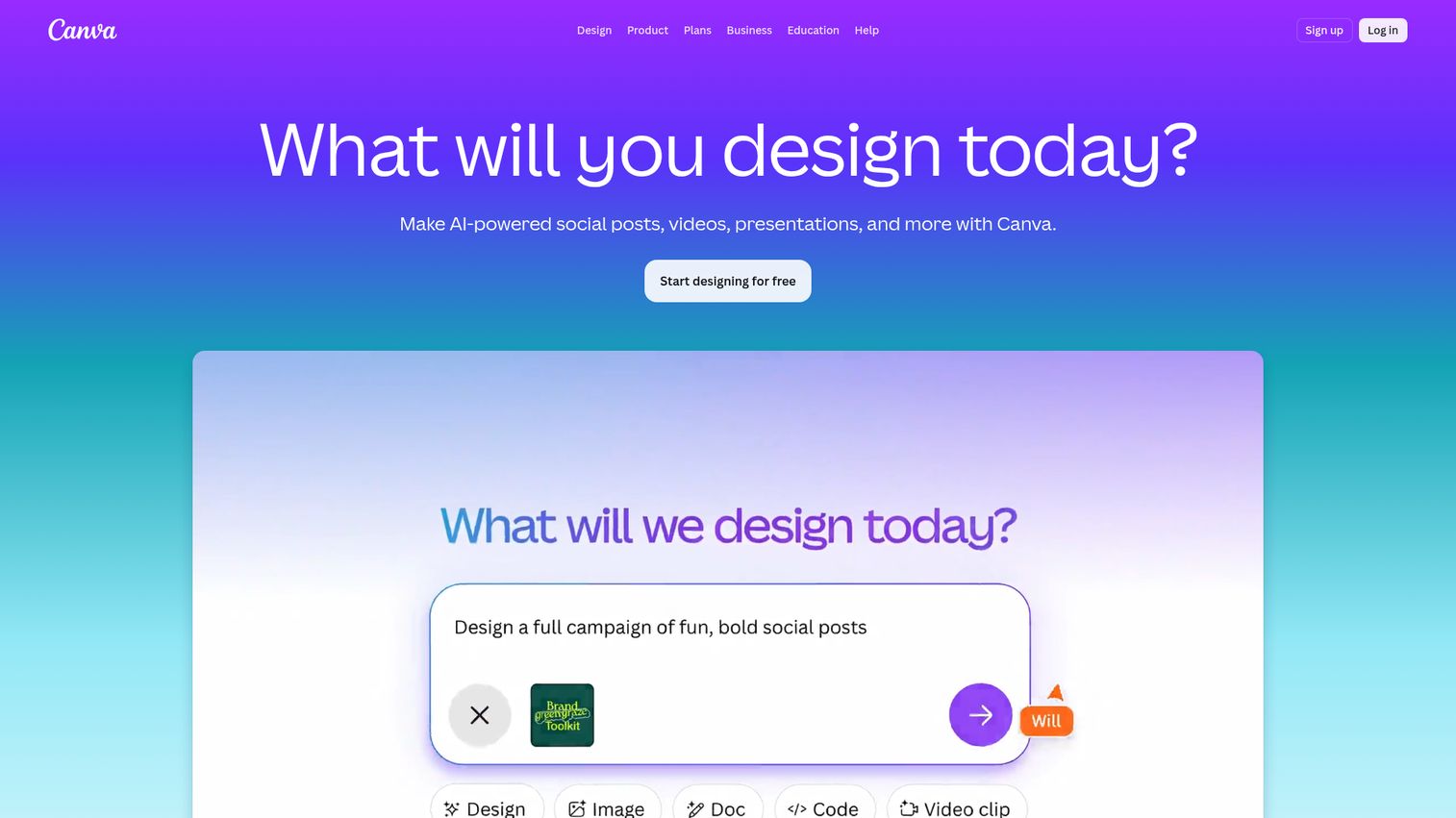
Canva is a visual content creation platform. It is not an interactive demo tool. But it shows up in nearly every PMM's stack because it solves the "I need a launch asset and the design team is booked" problem.
You know the situation. Feature launch is Thursday. You need social cards, an email banner, a one-pager for Sales, and a presentation deck for the internal kickoff. Brand/Creative has a two-week queue. Canva lets you produce all of those assets yourself, on brand, in an afternoon.
For PMMs, Canva fills the visual content gap that interactive demo tools don't address. You use it alongside demo platforms: the interactive demo shows the product in action, while Canva produces the supporting visual assets (social posts, email banners, sales one-pagers, competitive comparison graphics) that surround the launch.
Canva also solves the "Sales keeps breaking the brand guidelines" problem. Build templates with locked brand elements that Sales can customize without changing fonts, colors, or logo placement.
Best for: PMMs who need to produce polished visual assets fast without design team dependencies.
Key strengths
- Drag-and-drop design editor: Brand kit controls keep everything on brand
- Thousands of templates: Presentations, social, print, and more
- Real-time collaboration: Commenting, approvals, and team editing
- Magic Resize: One design, multiple format outputs
- Free tier: Covers most PMM needs without a paid plan
Pricing: Free tier available. Paid plans from $13/user/month.
9. Lottie by LottieFiles
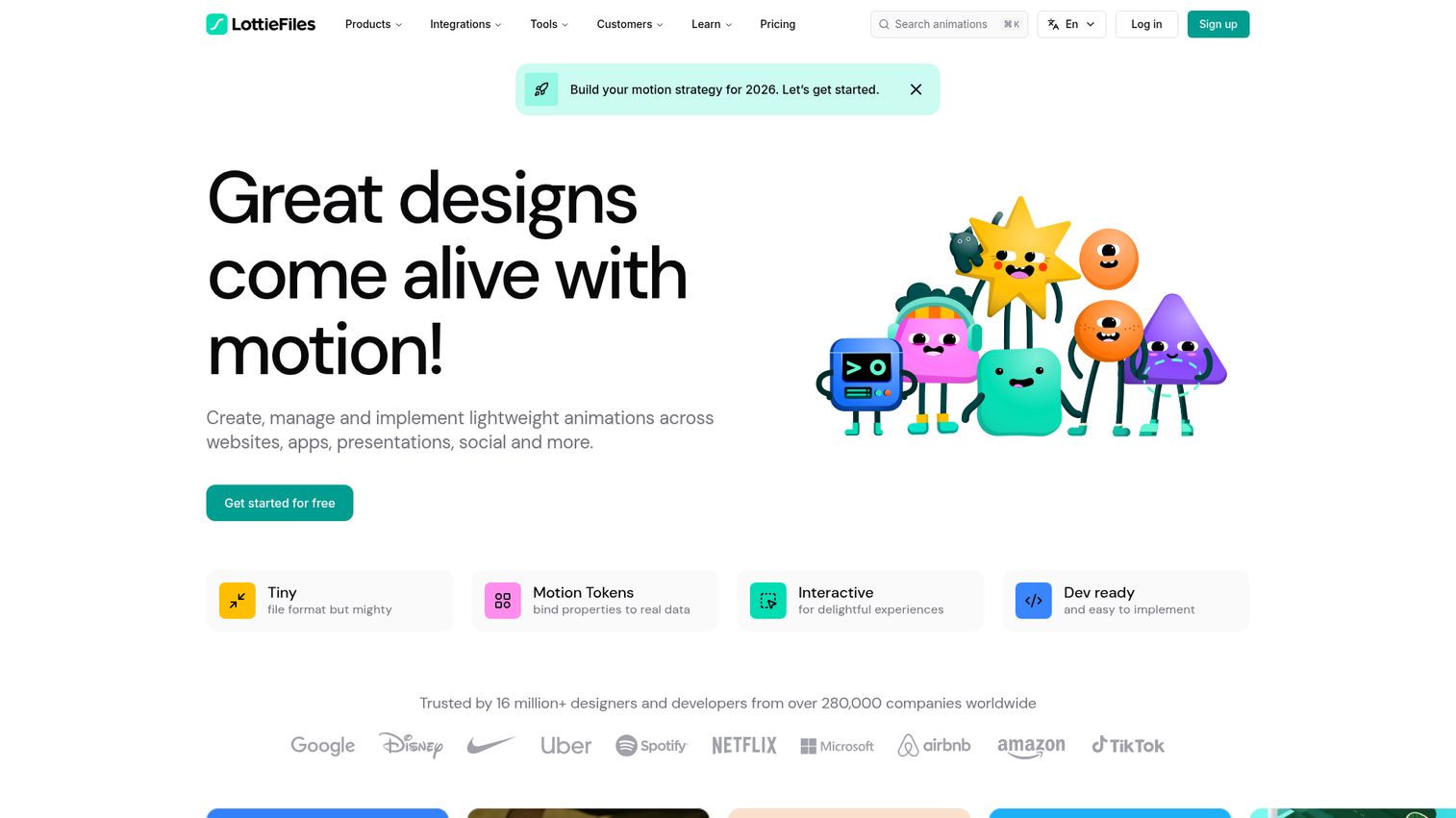
LottieFiles is a platform for creating and managing lightweight animations (Lottie format animations run natively on web and mobile) that run natively on web and mobile. PMMs use it to add micro-animations to product pages, launch assets, and interactive experiences.
This is a niche tool, but it solves a specific PMM problem: making product pages feel alive without heavy video files or engineering involvement. Animated product illustrations, UI transitions, and loading states add visual polish to the pages where your demos are embedded. The animations are lightweight (a fraction of the file size of video), load fast on any device, and work across browsers.
For PMMs, the primary use cases are: animated product illustrations on landing pages and feature announcement pages, animated UI mockups that show product interactions without building a full demo, and visual elements for presentations and social content.
LottieFiles pairs well with interactive demo tools. The demo shows the product in action. The Lottie animations add visual context and polish to the page surrounding the demo. Together, they create a product page that feels dynamic and engaging.
Best for: PMMs who want to add lightweight, performant animations to product pages and launch assets.
Key strengths
- Lightweight animations: Fast loading on any device, fraction of video file size
- No-code editor: Create and edit Lottie animations without design tools
- Pre-built library: Thousands of animations and templates ready to use
- Integrations: Figma, Adobe After Effects, and web frameworks
- Free tier: Basic use covered without a paid plan
Pricing: Free tier available. Paid plans from $24/month.
10. Figma
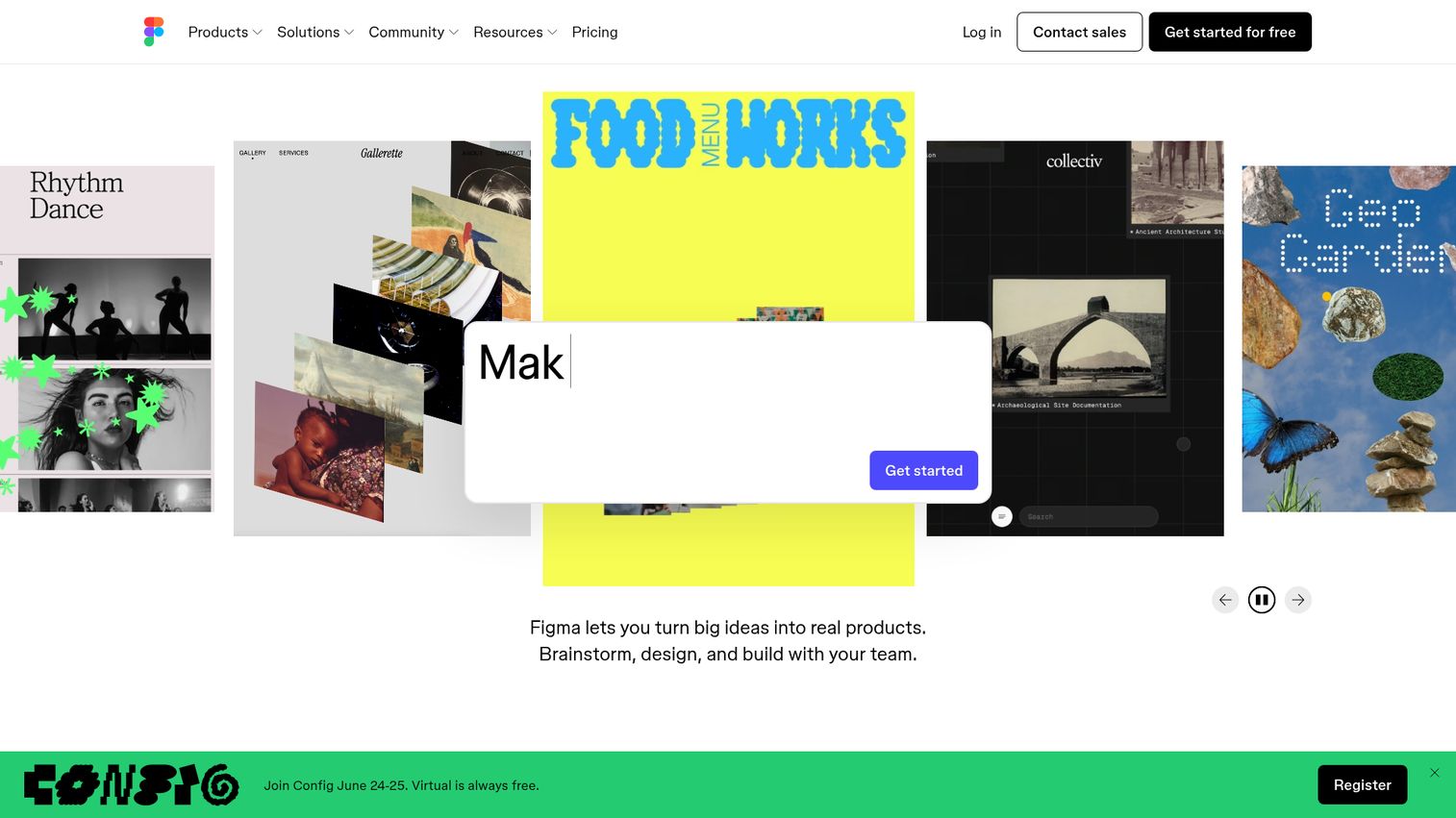
Figma is a collaborative design platform. PMMs don't use Figma to create interactive demos, but they use it constantly to review product designs, build clickable prototypes for stakeholder alignment, and collaborate with Brand/Creative on launch assets.
Here's how Figma fits the PMM workflow: you're the "does this match our messaging?" checkpoint before a feature ships. Product and Design share the Figma file. You review, comment, and flag where the UI copy doesn't align with the positioning doc. That feedback loop happens inside Figma, not in a separate tool.
Figma also helps when you need a quick clickable prototype to align stakeholders on a feature narrative before the real demo is ready. Product hasn't shipped yet, but you need to show the VP of Sales what the launch will look like. Build a rough clickable prototype in Figma, walk through it in the meeting, and get alignment before the engineering work is done.
FigJam (Figma's whiteboard) is useful for launch planning, competitive mapping, and messaging workshops. It's where the messy, collaborative thinking happens before it becomes a polished asset.
Including Figma here acknowledges the reality of how PMMs work: a mix of purpose-built demo tools and general collaboration platforms.
Best for: PMMs who collaborate closely with design teams and need a shared workspace for product visuals, prototypes, and launch planning.
Key strengths
- Real-time collaborative design: Multiple editors, live cursors, inline comments
- Prototyping: Clickable flows for stakeholder alignment and user testing
- Dev mode: Clean design-to-engineering handoff
- FigJam whiteboard: Launch planning, competitive mapping, and workshops
- Free tier: Individual use covered without a paid plan
Pricing: Free tier available. Paid plans from $15/editor/month.
How to choose the right interactive demo tool for product marketing
Not every tool on this list is right for your team. Here's how to evaluate based on the criteria that actually matter for PMM workflows.
- Speed to first demo: Can you go from "I need to show this feature" to a shareable demo in under 10 minutes? If setup takes a week, you'll miss the launch window. Test this during your trial, not after you've signed a contract.
- Personalization depth: Can you swap in prospect-specific data (company name, logo, use case) without rebuilding the demo? This is what makes the difference between a "generic asset" and "enablement Sales actually uses." CRM-driven variables are the bar.
- Distribution flexibility: Can you embed on your website, share via link, drop into email, and post on social? PMMs need product demo tools that travel. If the demo only works as a website embed, you're covering one channel out of six.
- Analytics you can defend: Does the tool track completion, engagement, and conversion in a way that syncs to your CRM? Vanity metrics (impressions without context) won't survive a pipeline review. Look for session-level data that connects to accounts and opportunities.
- Sales adoption: Will Sales actually use it? If the tool requires 30 minutes of training and a new login, adoption will be low. The best tools embed into existing workflows: a link in Salesforce, a button in Outreach, a Slack notification when a prospect engages.
- Integration with your GTM stack: CRM, marketing automation, Slack, analytics. If the demo tool creates another data silo, it's adding overhead, not reducing it. Check the integration list before the feature list.
Conclusion
The best interactive demo tool for product marketing is the one your team actually uses, that creates demos fast enough to keep up with your launch cadence, and that gives you data you can trust.
Most PMMs will use 2 to 3 tools from this list. An interactive demo platform (like Guideflow) for the core "show the product" use case. Loom for quick async updates. Canva for launch visuals. Figma for design collaboration. The stack approach works because each tool handles a different moment in the PMM workflow.
Start with your current bottleneck. If your biggest pain is "I need a demo on the landing page by Friday," start with an interactive demo platform. If it's "Sales needs a personalized leave-behind," start there. If it's "I can't prove that the demo influenced pipeline," start with analytics.
Try the tools that match your use case. Most offer free tiers, so the cost of testing is your time, not your budget. You can also browse real examples in the Guideflow demo showcase to see interactive demos in action before building your own.
Start your journey with Guideflow today!
FAQs about interactive demo tools for product marketing
A product video is passive: the viewer watches. An interactive demo is active: the viewer clicks through the product and navigates the experience themselves. Interactive demos deliver a fundamentally different engagement model because the viewer makes choices, which increases retention and surfaces intent signals like which features they explored and where they spent time. PMMs use both formats, but interactive demos perform best when the goal is evaluation and engagement tracking, not broad awareness.
No. Modern interactive demo software uses no-code capture: you click through your product in a browser, and the tool generates the interactive demonstration automatically. Editing, branding, and personalization happen in a visual editor. PMMs can create, update, and distribute demos without filing a ticket or waiting for a sprint cycle.
It depends on your primary use case. For full-suite demo automation (interactive demos, sandboxes, demo centers, personalization, CRM-synced analytics), Guideflow is built for cross-functional teams including PMM. For quick async video walkthroughs, Loom is the simplest option. For marketing-specific interactive tours, Tourial is purpose-built. Most PMM teams use a combination of tools matched to specific workflows.
With capture-based tools, you can create a basic interactive demo in 2 to 5 minutes. Editing, adding branding, and personalizing for a specific audience typically adds another 5 to 15 minutes. The total time from "I need to show this" to "here's the link" is usually under 20 minutes for a standard product workflow.
Interactive demos let prospects experience the product before talking to Sales, which reduces the friction of "book a demo" flows. Product-led growth strategies reduce friction by enabling self-serve evaluation, and teams report measurable lifts in landing page conversion (Guideflow users report up to +30% conversion rate), higher email response rates when demos are included in outreach, and shorter sales cycles because stakeholders can self-evaluate asynchronously. The key metric to track is completion rate combined with downstream conversion (demo viewer to SQL).
Yes. Most modern interactive product demo software supports personalization through dynamic variables (company name, logo, role-specific data pulled from CRM), content editing (swap text, images, graphs per audience), and branching paths (different flows for different personas). Guideflow supports CRM-driven personalization at scale, including AI-powered translations and voiceovers for international audiences.
Track three layers: engagement (impressions, completion rate, time spent), pipeline impact (demo viewers who convert to SQL, influenced revenue), and efficiency (reduction in live demo requests, time saved on demo prep). The most credible metric for PMMs is the conversion rate from demo viewer to qualified opportunity, because it connects directly to pipeline. Be realistic: attribution is messy, and "influenced revenue" is always a negotiated number. The tools that help most are the ones that sync engagement data to your CRM so you can see the signal alongside your existing pipeline data.
For marketing use cases (landing pages, email outreach), 5 to 12 steps or under 2 minutes of estimated interaction time. For sales enablement (leave-behinds, technical evaluation), 15 to 25 steps. The data consistently shows that shorter, focused demos have higher completion rates. If your demo tries to show everything, viewers drop off before reaching the value. Build multiple short demos organized by use case rather than one long demo that covers the entire product.
They don't replace live demos. They reduce the need for them at stages where a live call isn't necessary. Early-stage prospects can self-evaluate. Stakeholders who missed the original demo can catch up asynchronously. Champions can share the experience internally without scheduling another call. Live demos perform best when the conversation requires real-time objection handling, deep technical validation, or executive-level relationship building. Interactive demos handle the other requests where the prospect needs to see the product but doesn't need a live conversation to do it.