

You sent the email. Then the follow-up. Then the "just checking in" message. Three weeks later, you're still missing half the documents you need to move forward. Document collection software replaces that cycle with automated checklists, secure upload portals, and reminders that run without you. This guide covers 12 tools that handle the chasing for you, compared by use case, pricing, and what actually makes each one different.
What's inside
This guide covers what document collection software does, when it makes sense to use one, and 12 tools compared by use case, pricing, and G2 ratings. We selected tools based on automated reminders, security certifications, client experience, and integrations with common business systems.
TL;DR
- Best for reducing client chasing: Content Snare
- Best for enterprise compliance: DocuWare
- Best for secure client portals: Pipefile
- Best all-in-one client workspace: Copilot
- Best free option for simple needs: Dropbox Business
What is document collection software
Document collection software gathers files from clients or employees using automated reminders, secure portals, and checklists. Instead of sending follow-up emails -McKinsey research found employees spend 28% of their workweek on email - and digging through scattered attachments, you send a single link. Clients see exactly what they owe you, upload files at their own pace, and the system nudges them automatically until everything arrives.
Core capabilities of a document collector
- Branded checklists: Guide clients on exactly what to upload, reducing errors and back-and-forth
- Secure file uploads: Encrypted portals protect sensitive data during transfer
- Automated reminders: The system nudges clients automatically so you stop sending follow-up emails
- Approval workflows: Review, approve, or reject documents as they arrive
- Centralized tracking dashboard: See which documents are pending, submitted, or need attention
How document collection differs from file sharing
File sharing tools like Google Drive let people access files but don't guide the submission process. Document request software actively manages the collection workflow with checklists, reminders, and status tracking. One waits for files to appear. The other goes out and gets them.
Who uses document collection software
Accountants and tax professionals collect financial documents. Law firms gather case files and signed agreements. HR teams manage employee onboarding paperwork. Loan officers collect mortgage application documents. Agencies gather assets and approvals from clients.
When to use document collection software
Document collection software makes sense whenever you collect documents from clients or external parties in a structured, trackable way. If you're sending more than a handful of "just following up on those files" emails per week - 32% of emails go unread according to cloudHQ - you're probably past the point where manual tracking works well.
Client onboarding and document intake
New client engagements require contracts, ID verification, and background information. Automated document collection creates a checklist clients can complete at their own pace, and you see progress in real time without asking.
Tax season and financial document gathering
Accountants need W-2s, 1099s, receipts, and prior returns from multiple clients simultaneously. Document request software lets you send standardized requests to your entire client base and track who has submitted what.
Compliance audits and regulatory requests
When auditors or regulators request documentation - the U.S. National Archives requires federal agencies to digitize records by December 2026 - you need a secure, organized way to gather files from multiple departments or external parties with clear audit trails. The right tool creates a paper trail showing exactly when each document arrived and who submitted it.
Project asset collection from external stakeholders
Marketing teams, design firms, and consultants often need logos, brand guidelines, content, and approvals from clients before starting work. A document collector keeps everything organized in one place instead of scattered across email threads.
Document collection software comparison table
1. Collect
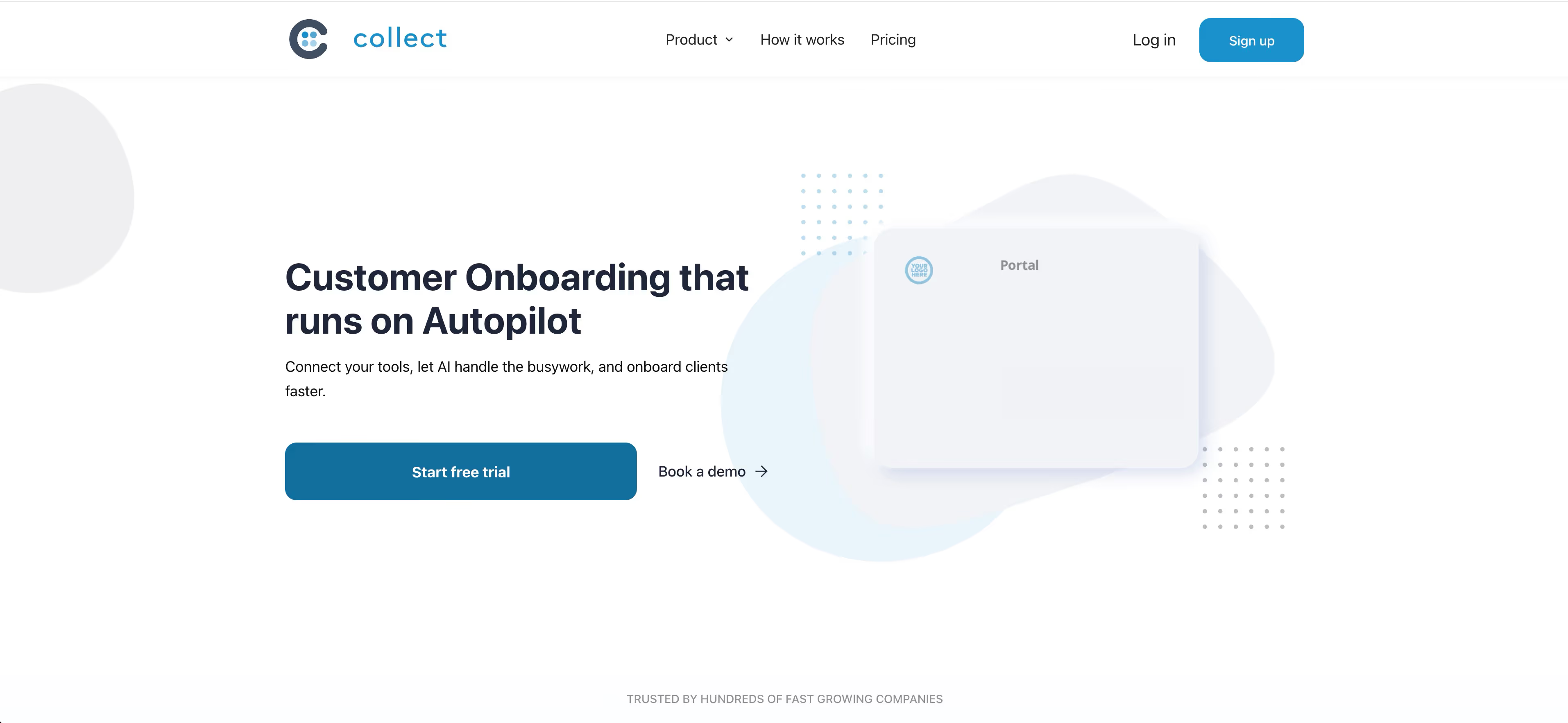
Collect is a document collection platform designed for teams that need structured intake workflows with client-friendly interfaces. The tool focuses on creating simple, branded collection experiences that guide clients through exactly what to submit without overwhelming them.
The platform combines customizable checklists with automated reminders and secure file uploads, making it useful for professional services firms managing multiple client engagements simultaneously.
Best for: Professional services teams looking for straightforward document collection with minimal client friction.
Key strengths
- Customizable checklists: Build intake forms tailored to specific client types and engagement needs
- Automated follow-ups: System sends reminders automatically so you don't have to chase clients
- Branded client experience: Customize the look and feel to match your firm's identity
- Progress tracking: See at a glance which clients have submitted documents and what's still pending
Pricing: Custom pricing based on team size and requirements.
2. Content Snare
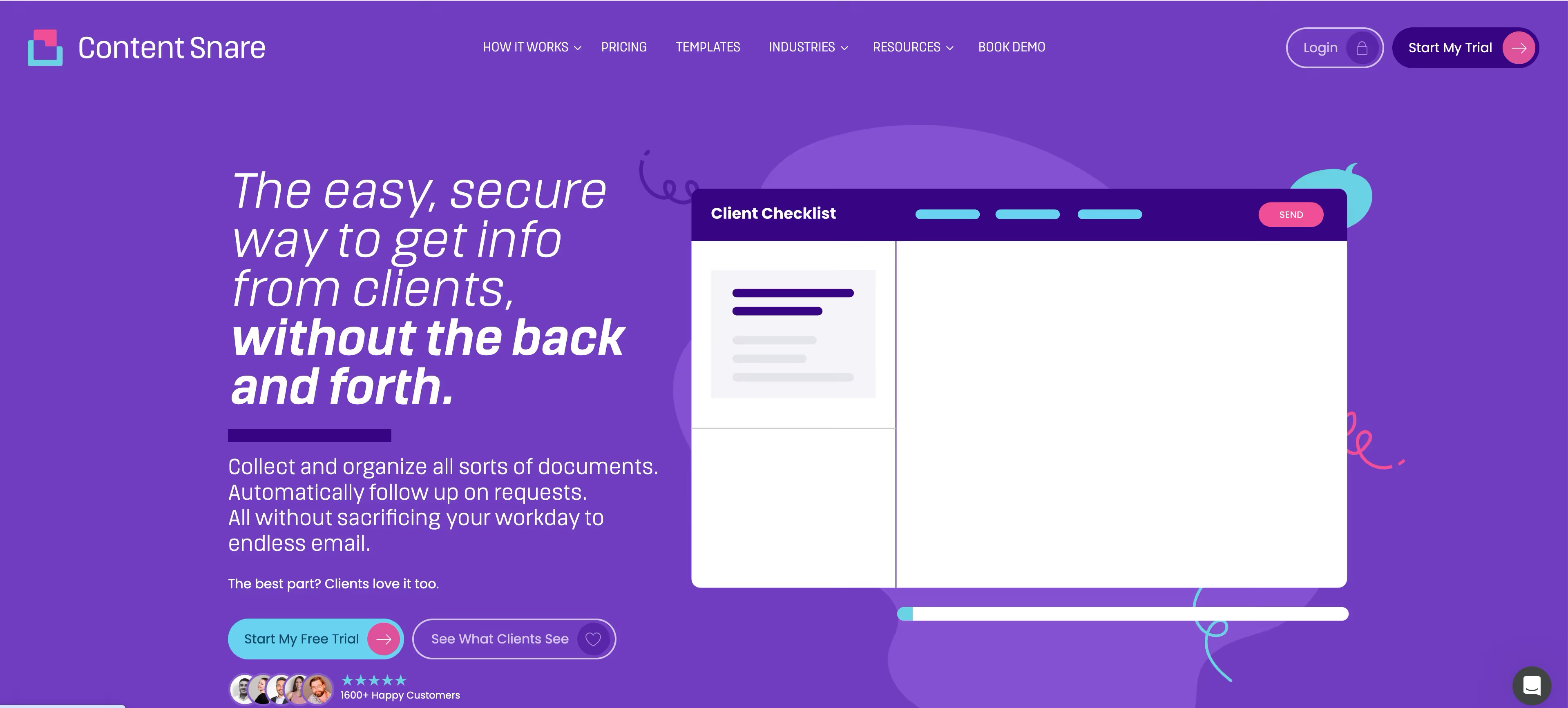
Content Snare is the tool most often mentioned when people talk about document collection software. It's purpose-built for the specific problem of getting files from clients who don't respond to emails.
The platform sends clients a link to a branded checklist. They see exactly what's needed, upload files directly, and Content Snare handles the reminders automatically. You can set reminder schedules, approve or reject individual items, and see at a glance who still owes you what.
Best for: Agencies, accountants, and professional services firms who spend too much time chasing clients for documents.
Key strengths
- Automated scheduled reminders: The system follows up so you don't have to be the bad guy
- Approval and rejection workflows: Review documents as they arrive and request corrections without leaving the platform
- Reusable templates: Build your checklist once, then use it for every new client
- Simple client experience: Clients don't need accounts; they click a link and start uploading
Pricing: Starts at $29/month for the basic plan.
3. ShareFile
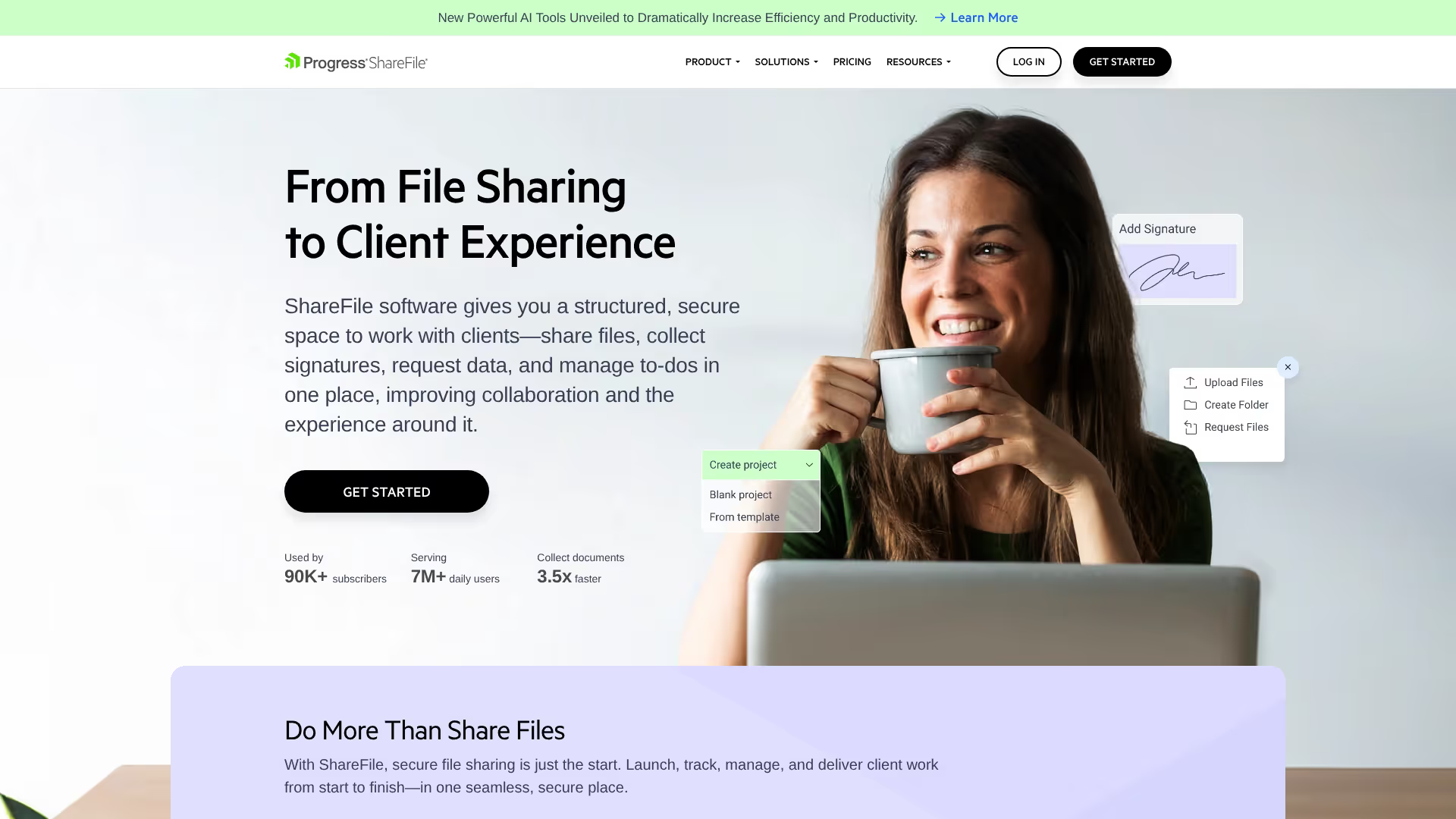
ShareFile comes from Citrix and targets organizations with serious security and compliance requirements. It's document request software built for regulated industries where "just use Dropbox" isn't an acceptable answer.
The platform offers digital document request lists, encrypted file transfers, and integrations with the broader Citrix ecosystem.
Best for: Regulated industries like healthcare, finance, and legal where security requirements exceed what lightweight tools offer.
Key strengths
- Digital document request lists: Create structured requests that guide clients through exactly what to submit
- HIPAA compliance: Built for healthcare organizations handling protected health information
- Mobile app: Clients can upload documents from their phones
- Citrix ecosystem integration: Works well if you're already using other Citrix products
Pricing: Starts at $55/month per user.
4. DocuWare
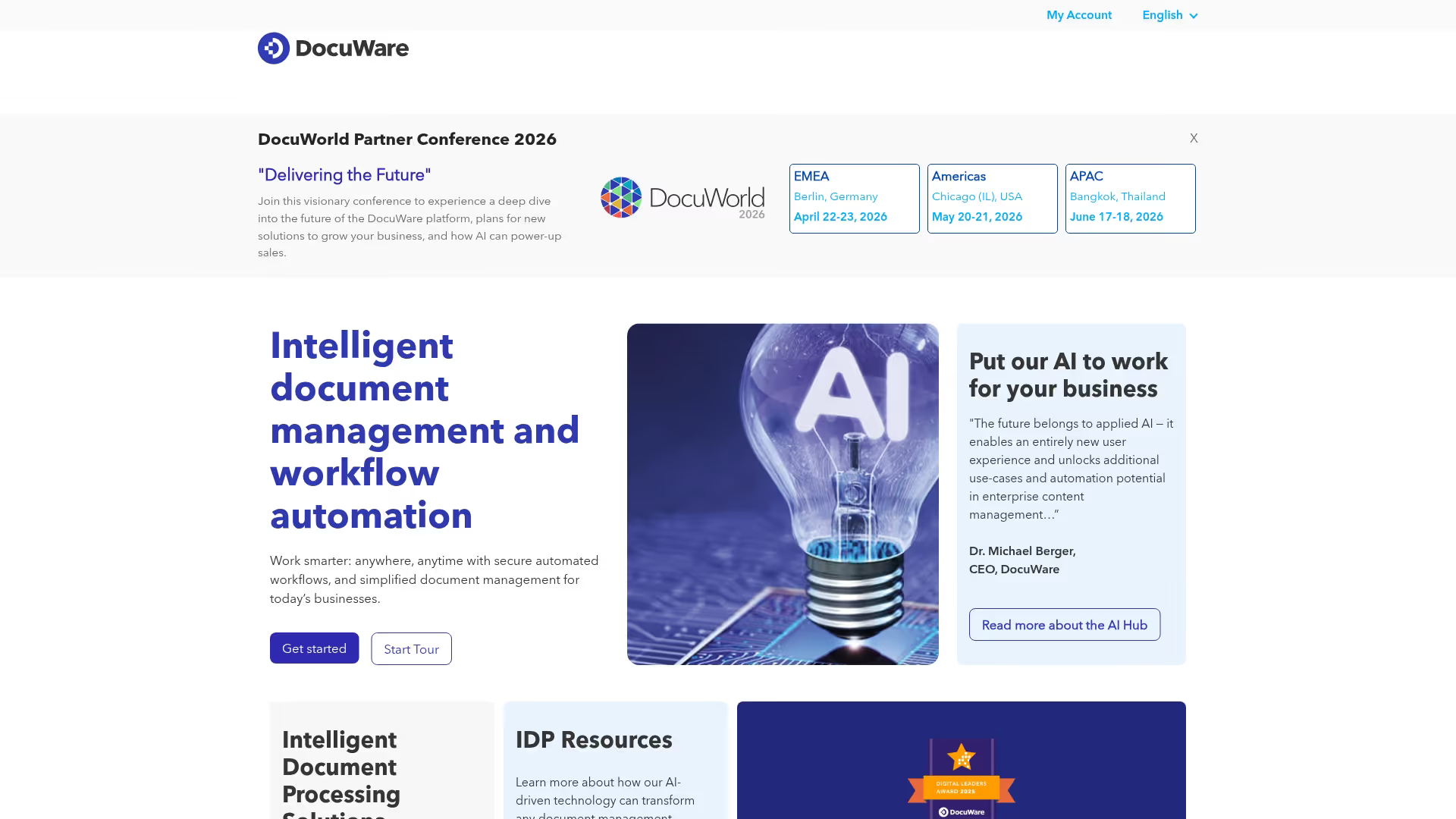
DocuWare is a document management platform that includes collection capabilities. If you're looking for a tool that just collects files, this might be overkill. But if document collection is part of a larger document management strategy, it's worth considering.
Best for: Enterprises needing workflow automation beyond just collection, where documents flow through multiple approval stages.
Key strengths
- Automated workflows: Route documents through approval chains automatically based on rules you define
- Version control: Track changes and maintain document history for compliance purposes
- Advanced indexing: Find documents quickly using metadata and full-text search
- Deployment flexibility: Choose cloud or on-premise based on your security needs
Pricing: Custom enterprise pricing.
5. PandaDoc
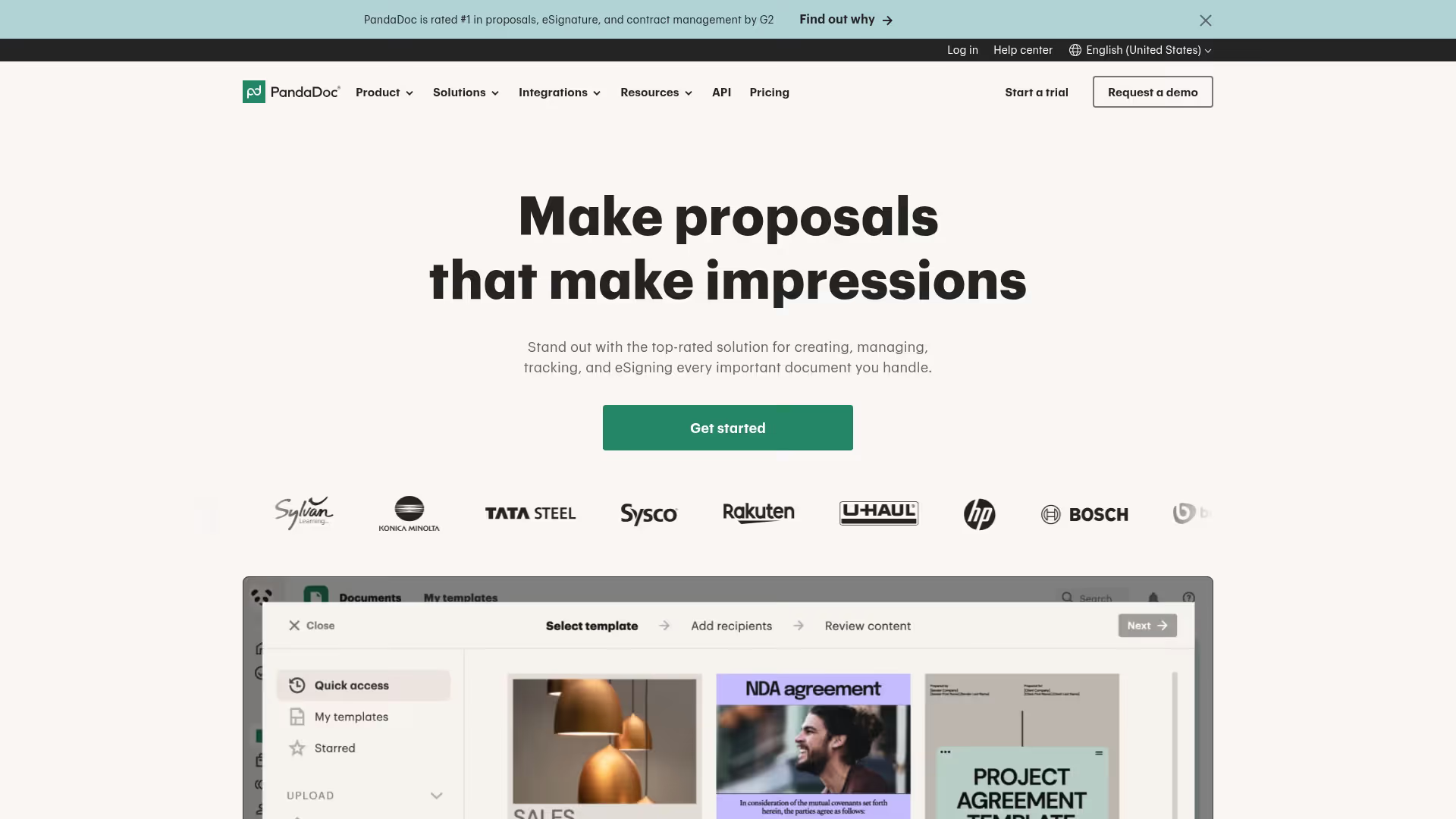
PandaDoc combines document collection with e-signatures, which makes it useful when you need signed documents returned rather than just files uploaded. Sales and legal teams often land here because they're already using it for proposals and contracts.
Best for: Sales and legal teams who need signatures alongside document collection.
Key strengths
- E-signature integration: Collect signatures and documents in the same workflow
- Document templates: Build reusable templates for contracts and intake forms, then easily manage completed documents
- Payment collection: Accept payments directly within documents
- CRM integrations: Connects with Salesforce, HubSpot, and other CRMs
Pricing: Free plan available. Paid plans start at $19/month per user.
6. Pipefile
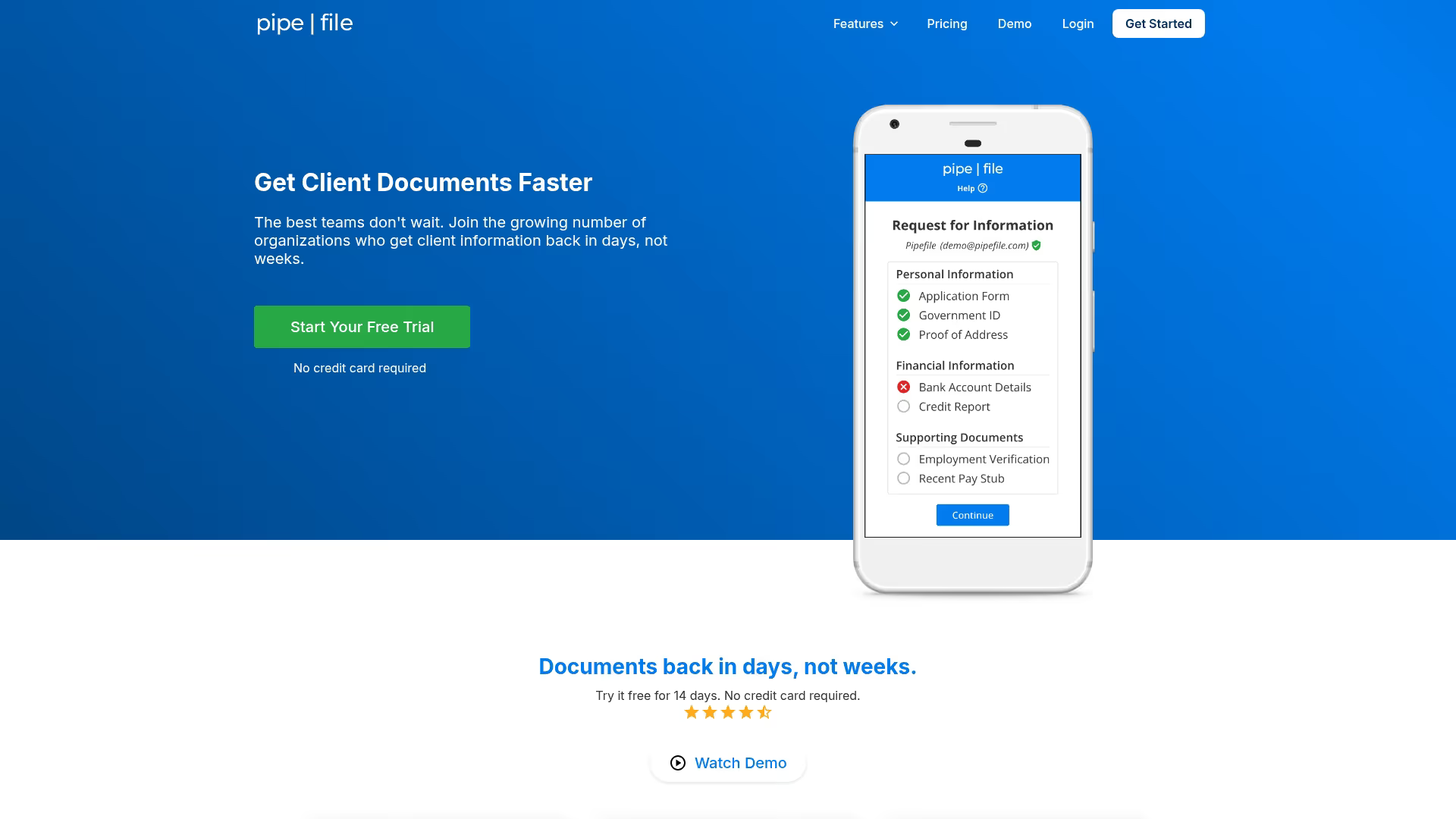
Pipefile focuses on creating a clean, professional client experience for document collection. The interface is simple enough that clients actually use it without calling you for help.
Best for: Professionals wanting a simple, branded client experience where ease of use matters most.
Key strengths
- Fillable PDF forms: Clients can complete forms directly in the browser
- E-signatures: Collect signatures alongside documents in the same portal
- Clean client interface: Minimal design that doesn't overwhelm clients
- Automated reminders: Gentle nudges keep the collection process moving
Pricing: Starts at $19/month.
7. Clustdoc
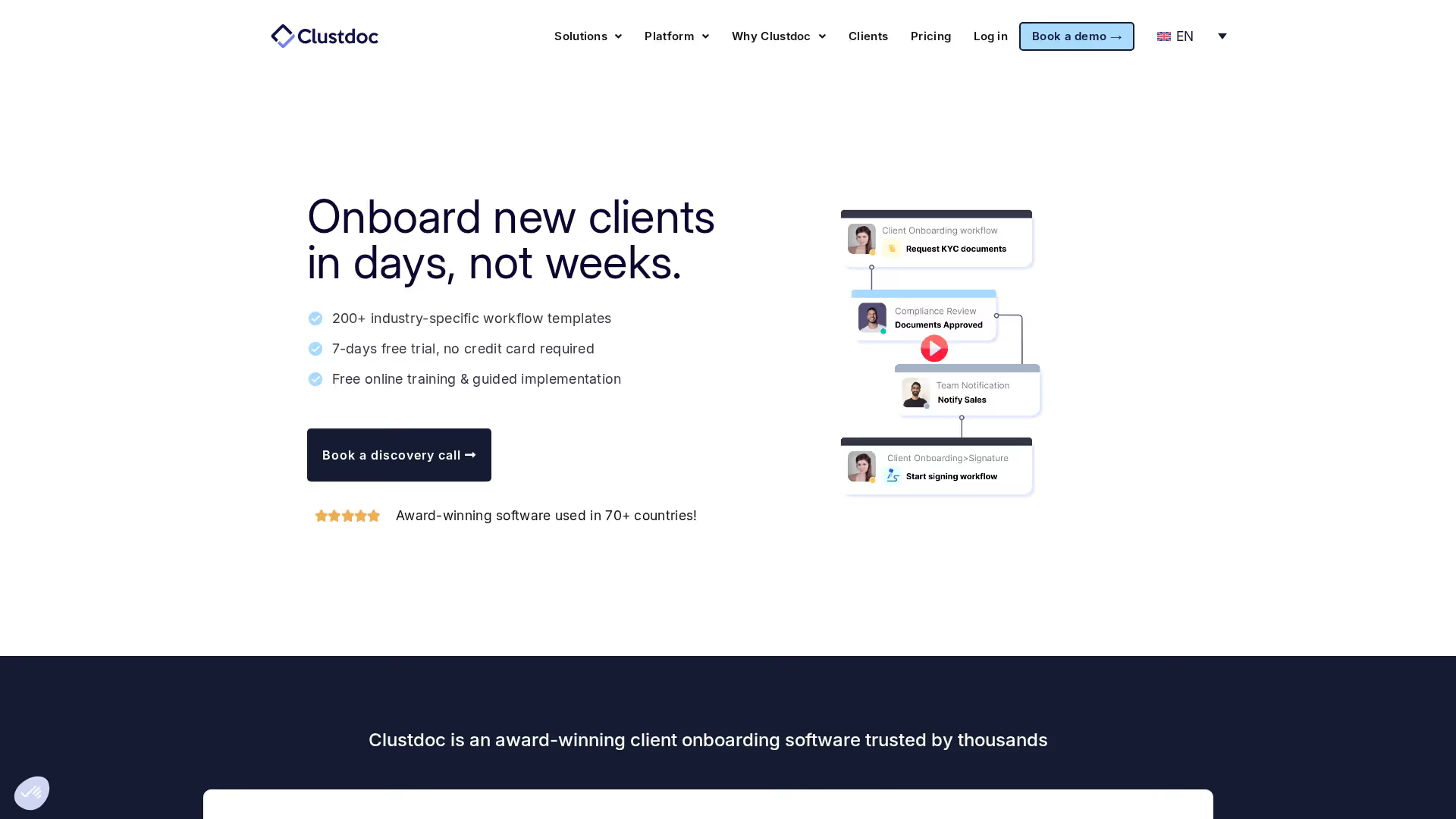
Clustdoc positions itself as compliance-ready document collection for regulated industries. It's ISO 27001 certified and GDPR compliant, which matters when you're collecting sensitive information.
Best for: Financial services, healthcare, and legal firms with strict compliance requirements.
Key strengths
- ISO 27001 certified: Third-party verified security controls
- GDPR compliant: Built for organizations handling EU personal data
- Custom checklists: Create detailed intake forms tailored to specific client types
- Audit trails: Complete logging of who did what and when
Pricing: Starts at $27/month.
8. FileInvite
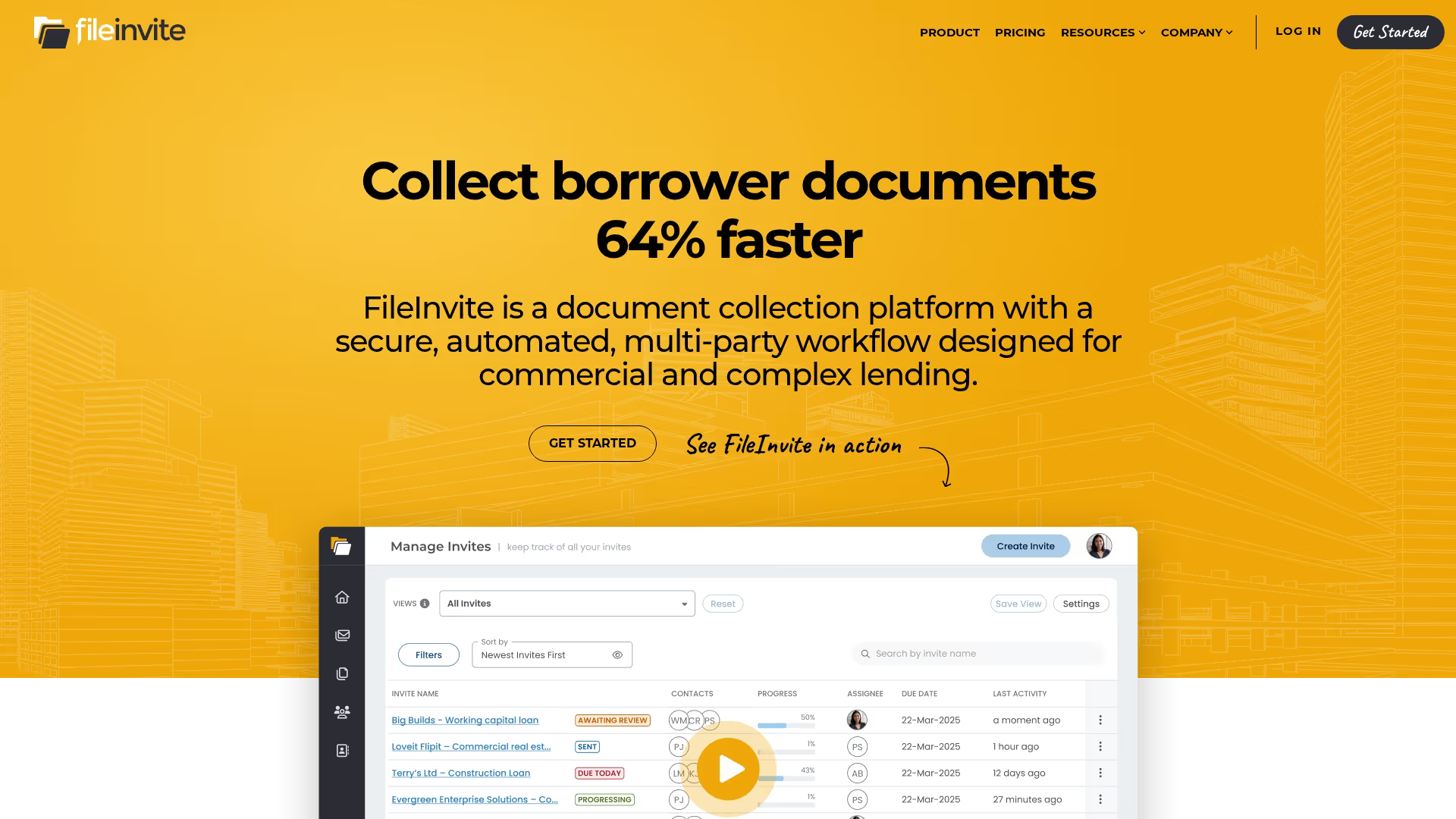
FileInvite targets high-volume document collection with a focus on deadlines. Mortgage brokers and lenders often use it because they're collecting documents from many clients simultaneously, all with different due dates.
Best for: Mortgage brokers, lenders, and anyone collecting documents from many clients with strict deadlines.
Key strengths
- Bulk request sending: Send standardized requests to your entire client list at once
- Deadline tracking: Set due dates and see at a glance who's behind schedule
- Reminder automation: Escalating reminders as deadlines approach
- Status dashboard: Visual overview of all active requests
Pricing: Free plan available. Paid plans add more requests and automation.
9. Dropbox Business
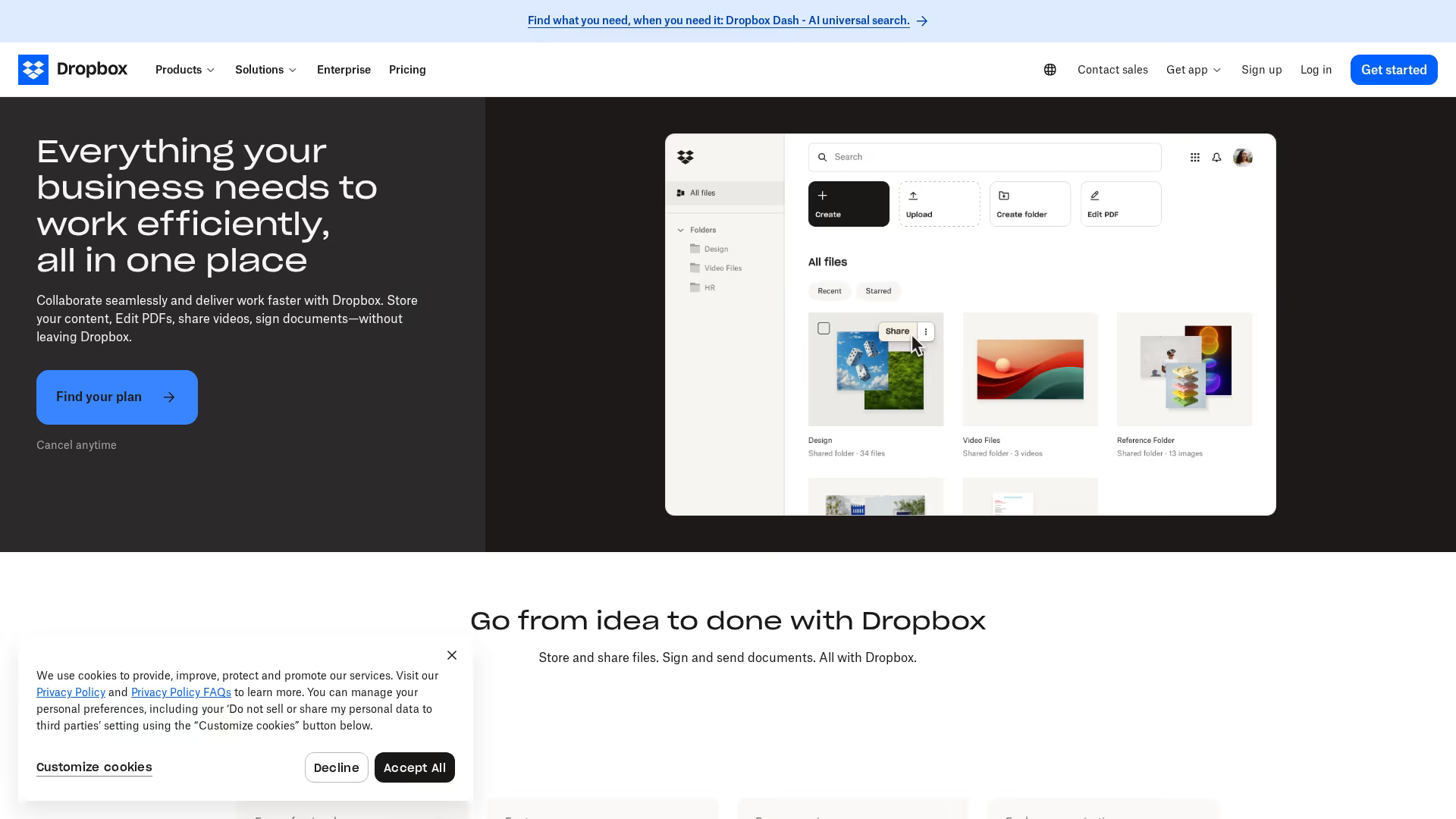
Dropbox Business includes a file request feature that lets you collect documents from people who don't have Dropbox accounts. It's not a dedicated document collection tool, but if you're already using Dropbox, it might be enough.
Best for: Teams already using Dropbox who need basic collection without adding another tool.
Key strengths
- File requests without client accounts: Anyone can upload via a link
- Familiar interface: No learning curve if your team already uses Dropbox
- Large file support: Handle big files that would choke email attachments
- Broad integrations: Connects with most business tools
Pricing: Starts at $15/month per user.
10. Box
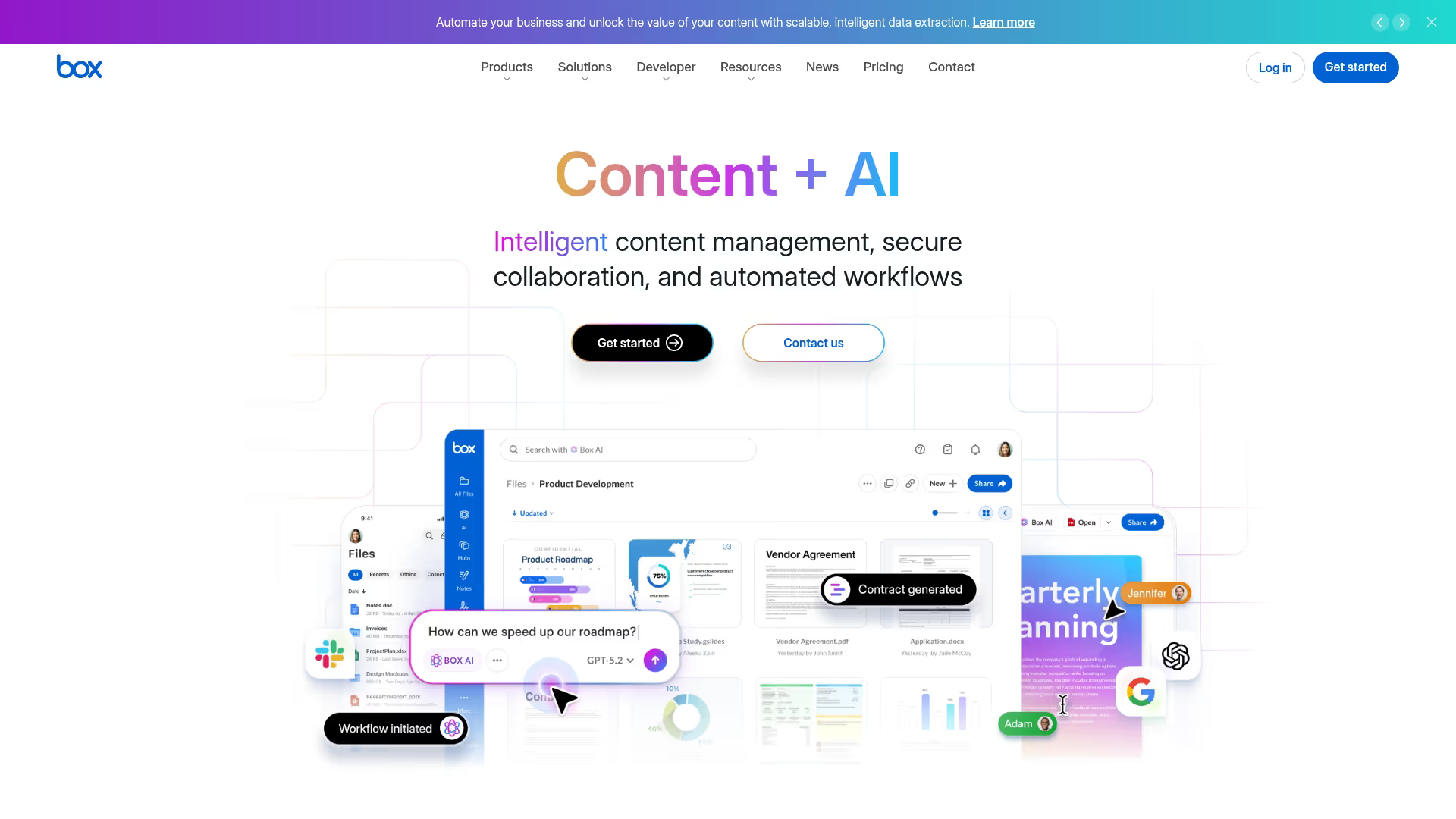
Box is enterprise content management with file request capabilities. Like Dropbox Business, it's not a dedicated document collection tool, but it includes the functionality for organizations already using Box.
Best for: Large organizations with complex permission and governance needs.
Key strengths
- Granular permissions: Control exactly who can see, edit, and share each document
- Compliance certifications: SOC 2, HIPAA, FedRAMP for regulated industries
- Workflow automation: Build approval chains based on document metadata
- Extensive integrations: Connects with Salesforce, Microsoft 365, and Slack
Pricing: Starts at $15/month per user.
11. Clinked
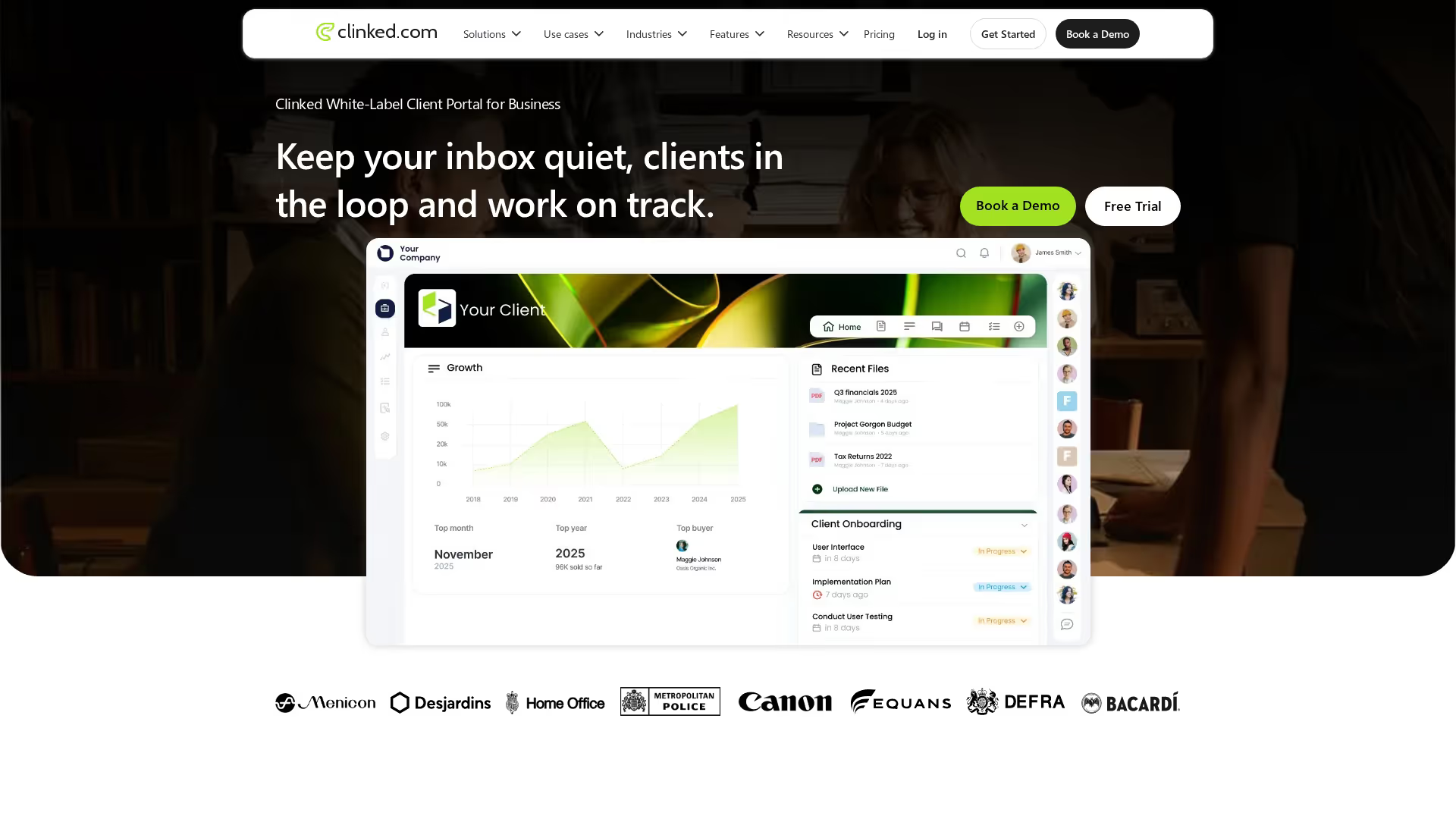
Clinked offers white-label client portals with document collection. If brand consistency across client touchpoints matters to your business, Clinked lets you create a fully branded workspace.
Best for: Agencies and firms wanting fully branded client workspaces.
Key strengths
- Complete white-labeling: Remove all Clinked branding and replace it with your own
- Group workspaces: Create separate spaces for different clients or projects
- Activity streams: See all client activity in a feed format
- Mobile apps: Branded mobile apps for iOS and Android
Pricing: Starts at $77/month.
12. SuiteDash
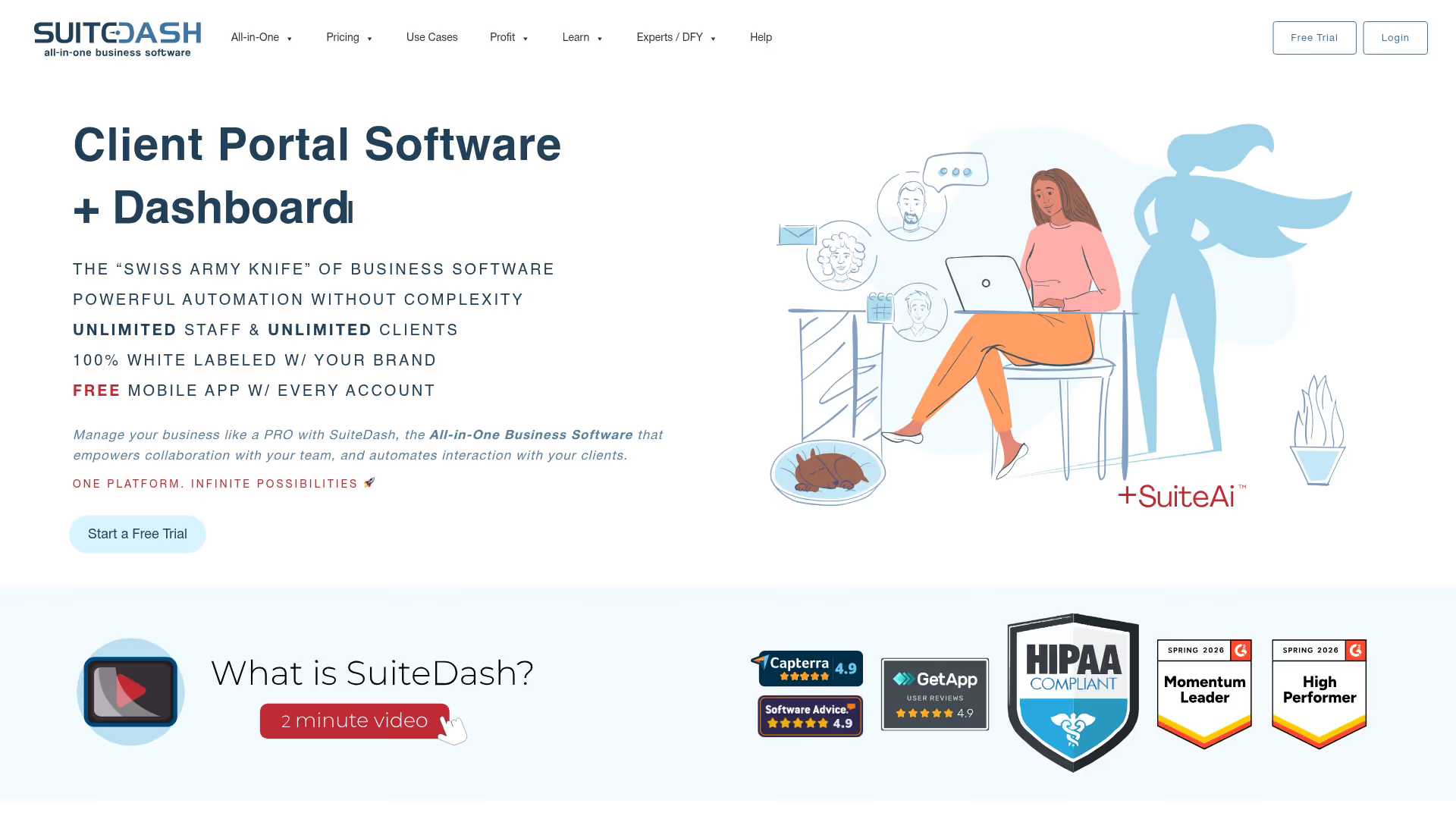
SuiteDash is an all-in-one business platform that includes document collection alongside CRM, project management, and invoicing. It's designed for small businesses that want to avoid paying for multiple separate tools.
Best for: Small businesses wanting CRM, projects, and file collection in one tool.
Key strengths
- CRM integration: Client records, communications, and documents all live together
- Project management: Track projects and tasks alongside document collection
- Client portal: Branded workspace where clients access files, projects, and invoices
- Invoicing: Bill clients and collect payments without a separate tool
Pricing: Starts at $19/month.
How to choose the right document request software
The best tool depends on your specific workflow, security requirements, and how many clients you collect documents from.
Match automated document collection features to your workflow
Consider what you actually need. Simple file uploads? Full checklists with conditional logic? Approval workflows? If you just need files to arrive in a folder, Dropbox Business might be enough. If you need structured intake with approvals and automated reminders, look for dedicated document collectors like Content Snare or FileInvite.
Evaluate security and compliance requirements
Regulated industries need tools with specific certifications. SOC 2, HIPAA, ISO 27001, and GDPR compliance represent actual security controls that auditors verify. Check encryption standards, data residency options, and audit trail capabilities before committing.
Check integration with your existing tools
The best document collection software connects to your CRM, accounting software, or project management tools. Look for native integrations or Zapier connections to automate document collection into your existing workflows.
Test the client submission experience
Your clients are the ones using the upload interface. Request a trial and test it yourself as if you were a client. Confusing portals lead to support requests and delays.
Compare pricing against your client volume
Some tools charge per request, others per user, others flat monthly fees. Calculate your expected volume and compare total costs rather than just sticker prices.
Build your document collection workflow today
The right document request software eliminates email chasing and creates a better experience for both you and your clients. Start with a trial of your top choice and test it with a real client engagement.
For teams also looking to showcase products and collect engagement data, interactive demos can complement document collection by letting prospects experience your software before submitting information.
Start your journey with Guideflow today!