How to download a document in PandaDoc
Here is how to download a document in pandadoc
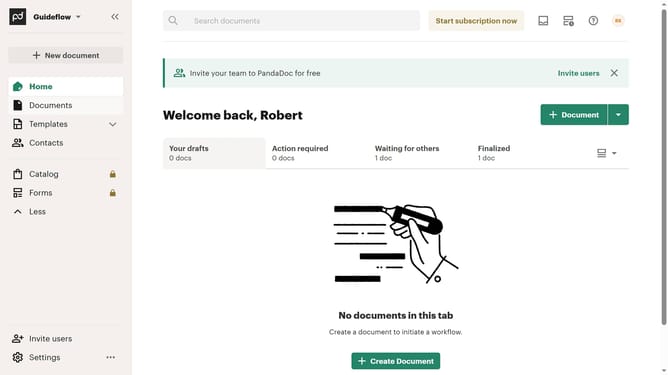
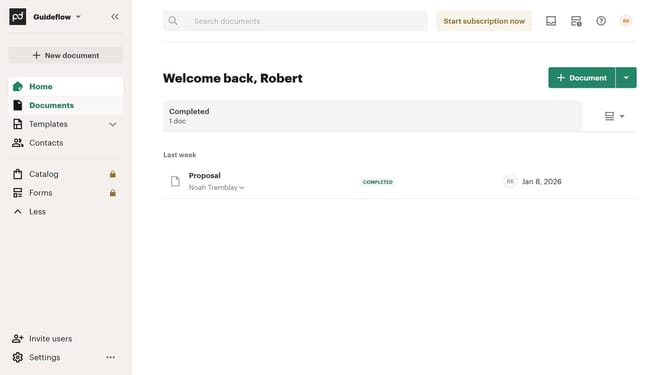
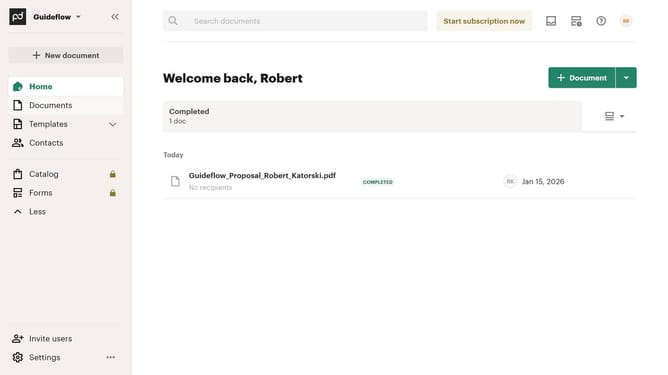
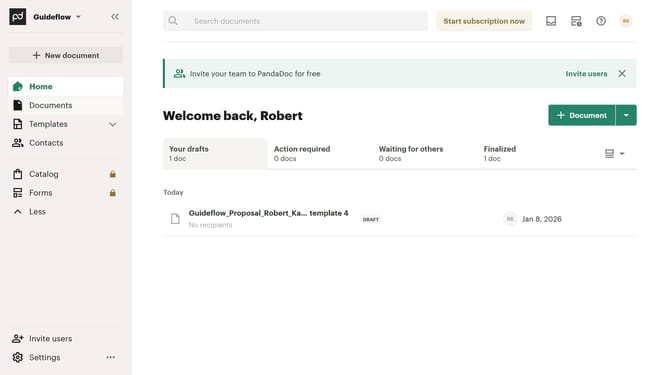
- First click on "Documents" in the left sidebar navigation menu
- Then click on the three-dot menu button next to the document you want to download in the document list
- Finally click "Download" from the menu list
Why should you download a document in PandaDoc
PandaDoc is a cutting-edge platform designed to streamline document management and enhance workflow efficiency.
The ability to download documents on PandaDoc ensures that users have seamless access to their files anytime and anywhere. This feature offers the convenience of offline access, allowing users to view and share documents without internet connectivity.
By enabling easy document downloads, PandaDoc not only enhances user flexibility but also supports better archiving and record-keeping practices. This can be a critical advantage for businesses prioritizing data accessibility and management.
Last update