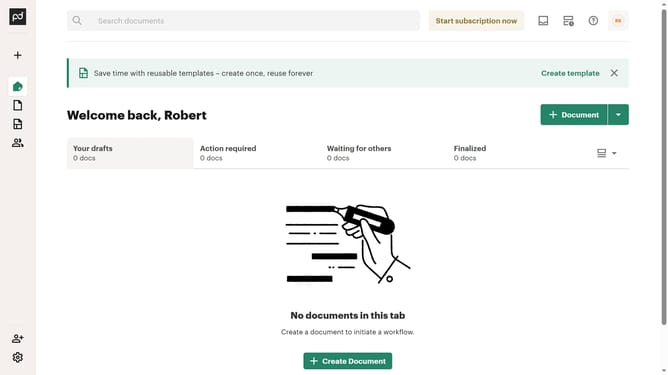
How to filter imported documents by waiting for payment status in PandaDoc
Here is how to filter imported documents by waiting for payment status in pandadoc
- First click on the "Documents" item in the left sidebar navigation menu
- Then click on the "Imported" tab in the top navigation bar
- Next click on the "Status" dropdown filter button in the filter toolbar
- Scroll down in the menu list that appears
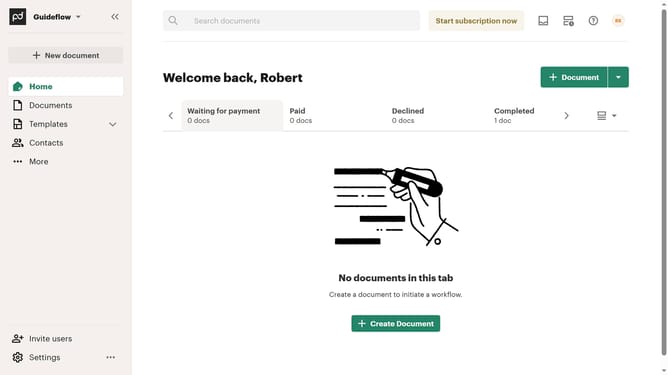
- Next click on the "Waiting for payment" checkbox option in the status filter dropdown menu
- Finally click on the "Apply" button to confirm the selected status filters
Why should you filter imported documents by waiting for payment status in PandaDoc
PandaDoc is a versatile document management platform designed to streamline the creation and handling of business documents.
One of its standout features is the ability to filter imported documents by waiting for payment status. This feature allows users to efficiently manage and prioritize documents, focusing on those awaiting payment to improve cash flow management.
By organizing documents based on payment status, businesses can enhance their operational efficiency, ensuring timely follow-ups and reducing the risk of missed payments.
Last update