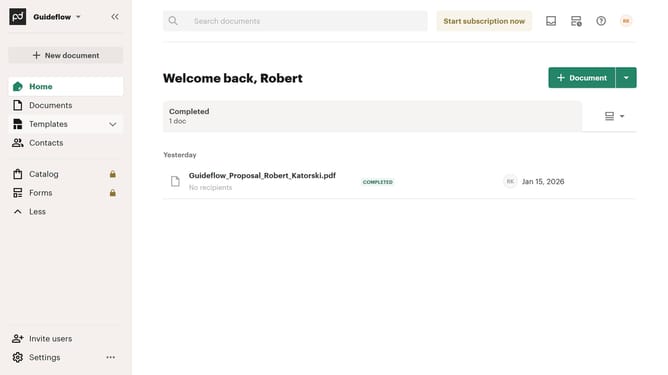
How to hide the viewed tab in PandaDoc
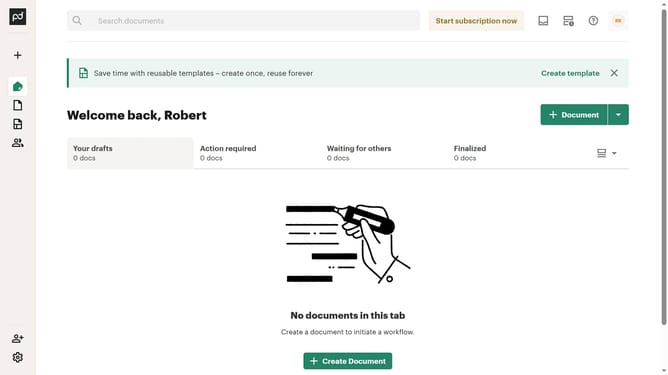
Here is how to hide the viewed tab in pandadoc
- First click on the view option button in the top right corner of the main content area
- Then click on the "Customize tabs" option from the dropdown menu that appears
- Next scroll down in the "Customize" modal dialog to view more tab options
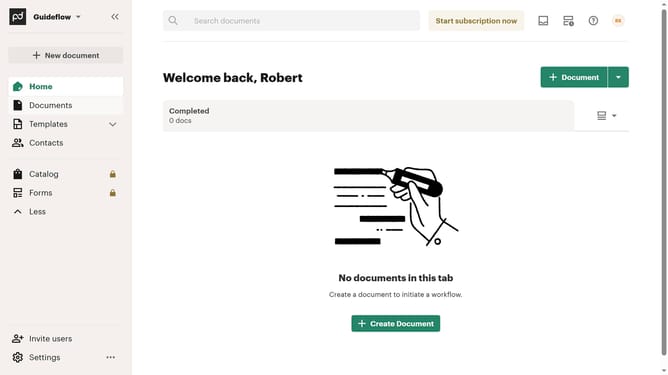
- Then uncheck the "Viewed" checkbox in the tabs list within the customize modal
- Finally click on the "Apply" button at the bottom right of the customize modal to save the changes
Why should you hide the viewed tab in PandaDoc
PandaDoc is a streamlined document management platform designed to simplify the creation, sharing, and tracking of digital documents.
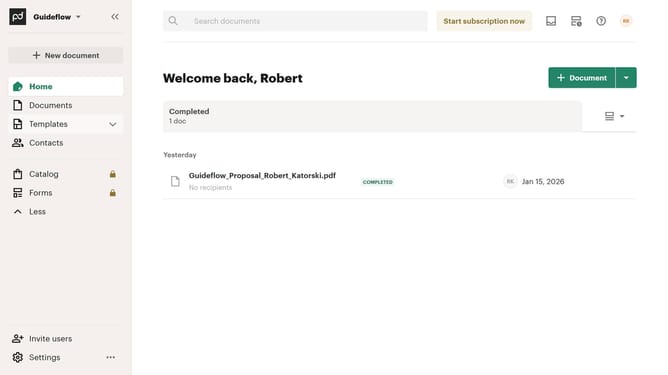
The ability to hide the viewed tab in PandaDoc adds a layer of organization to your workspace by allowing users to focus on documents requiring immediate action. This feature is particularly beneficial in ensuring that completed tasks do not clutter your view, making it easier to prioritize new or pending items.
By minimizing distractions and keeping your workspace tidy, hiding the viewed tab enhances productivity and keeps your document management more efficient and stress-free.
Last update