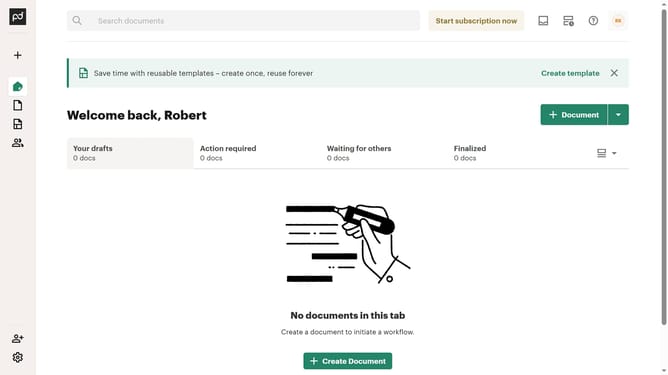
How to hide template folder tree in PandaDoc
Here is how to hide template folder tree in pandadoc
- First click on the dropdown arrow next to "Templates" in the left sidebar to expand the Templates section
- Then click on "My templates" option in the expanded Templates submenu in the left sidebar
- Next click on the view options dropdown button (list icon with arrow) in the top right corner of the templates page
- Finally uncheck the "Show folder tree" option from the dropdown menu to display the folder structure
Why should you hide template folder tree in PandaDoc
PandaDoc is an innovative platform designed to streamline document management and enhance workflow efficiency.
One of its helpful features is the ability to hide the template folder tree, which significantly declutters the workspace.
By using this feature, users can focus on the tasks at hand without unnecessary distractions, leading to increased productivity.
This organizational capability ensures that accessing essential documents becomes quicker and more straightforward.
Last update