How to remove the sent status filter from imported documents in PandaDoc
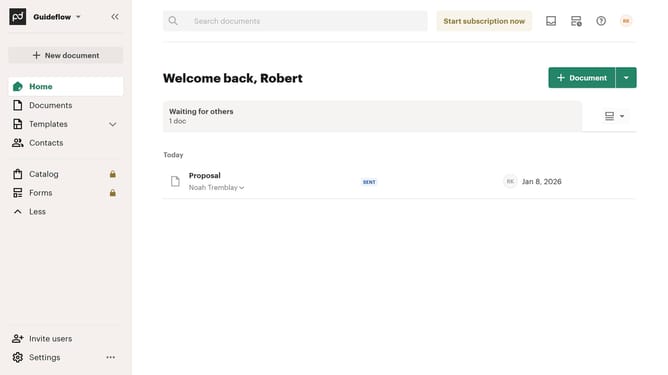
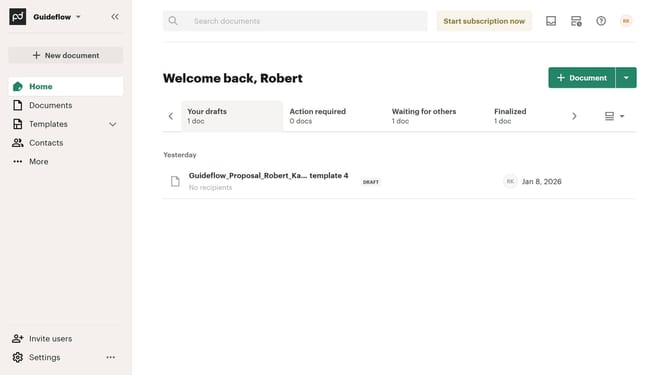
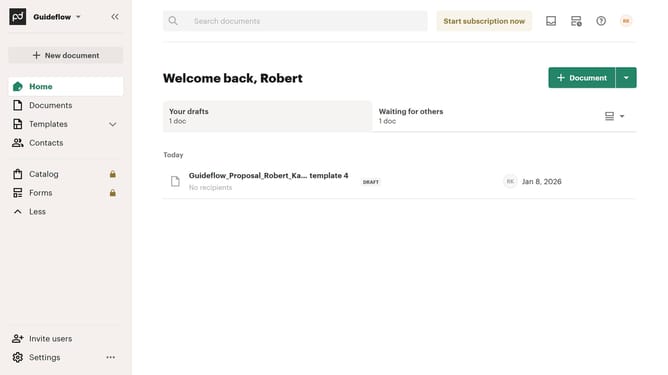
Here is how to remove the sent status filter from imported documents in pandadoc
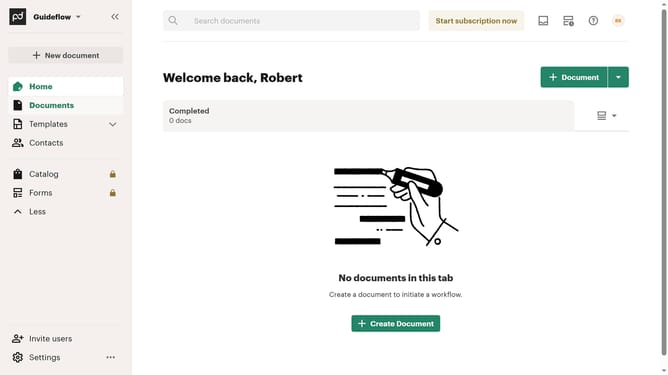
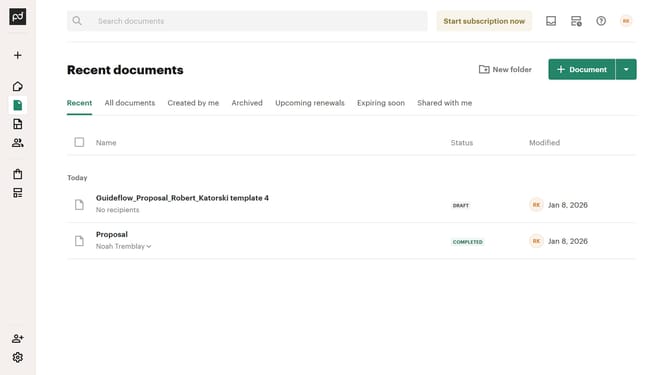
- First click on "Documents" in the left sidebar navigation menu
- Then click on the "Imported" tab in the top navigation bar
- Next click on the filter dropdown button in the filter toolbar
- Then uncheck the "Sent" checkbox option from the dropdown menu
- Finally click on the "Apply" button to confirm the filter selection
Why should you remove the sent status filter from imported documents in PandaDoc
PandaDoc streamlines document management and electronic signature processes for businesses.
One valuable feature of PandaDoc is the ability to adjust filters for imported documents. By removing the sent status filter, users can better organize and categorize their documents without unnecessary clutter.
This flexibility enhances document management efficiency, allowing teams to focus on what's essential without distractions from irrelevant statuses.
Ultimately, this feature supports a smoother workflow and helps maintain optimal organization within the PandaDoc platform.
Last update