How to show waiting for payment tab in PandaDoc
Here is how to show waiting for payment tab in pandadoc
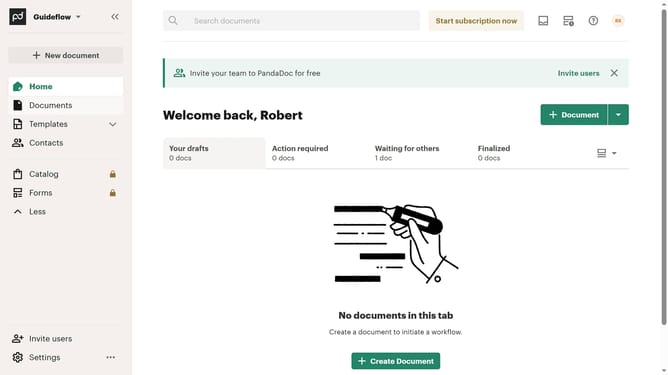
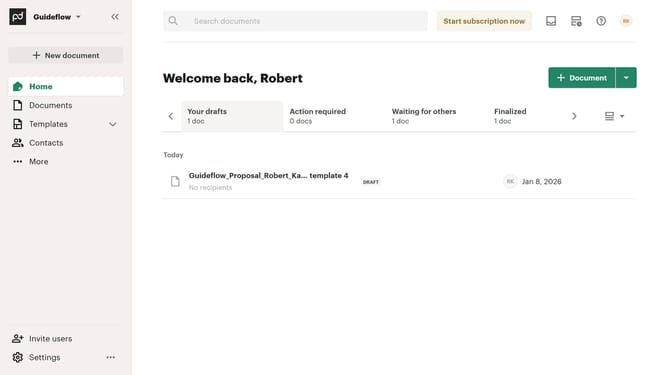
- First click on the view options button in the top right corner of the main content area
- Then click on the "Customize tabs" option from the dropdown menu that appears
- Next scroll down through the tabs list in the "Customize" dialog to view more options
- Then click on the "Waiting for payment" checkbox to enable this tab
- Finally click on the "Apply" button at the bottom right of the dialog to save the changes
Why should you show waiting for payment tab in PandaDoc
PandaDoc is a powerful tool designed to streamline document management and accelerate business operations.
The "Waiting for Payment" tab in PandaDoc effortlessly centralizes all documents awaiting payment, enhancing financial oversight and organization.
By using this feature, users can quickly identify and manage outstanding invoices, ensuring prompt follow-ups and improved cash flow.
Ultimately, leveraging this tab boosts transparency and efficiency, allowing businesses to focus on growth rather than administrative tasks.
Last update