How to filter imported documents by recipients in PandaDoc
Here is how to filter imported documents by recipients in pandadoc
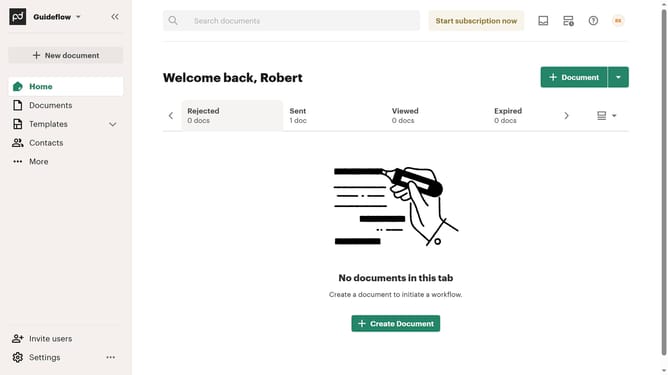
- First click on "Documents" in the left sidebar navigation menu
- Then click on the "Imported" tab in the top navigation bar
- Next click on the "Recipients" dropdown filter button
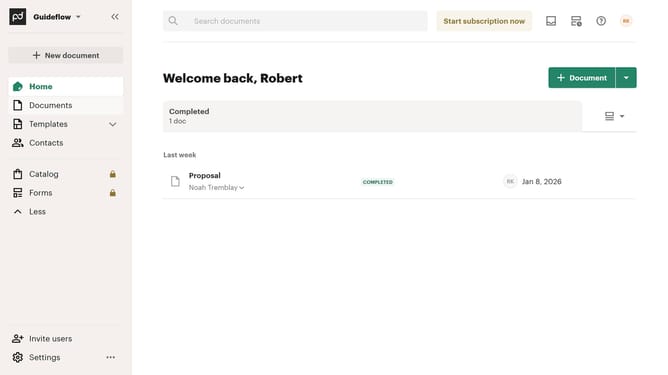
- Then select the checkbox next to "Noah Tremblay" in the recipients filter dropdown
- Finally click on the "Apply" button to apply the selected filter
Why should you filter imported documents by recipients in PandaDoc
PandaDoc streamlines the document process for businesses, enhancing efficiency and collaboration.
Effortlessly managing important files, PandaDoc introduces the ability to filter imported documents by recipients. This feature allows users to quickly locate specific documents intended for certain individuals.
By refining searches through recipient filters, businesses can save time, reduce errors, and improve organization. This ensures that critical documents are accessible to the right people, enhancing workflow and productivity.
Last update