How to remove the sent status filter from archived documents in PandaDoc
Here is how to remove the sent status filter from archived documents in pandadoc
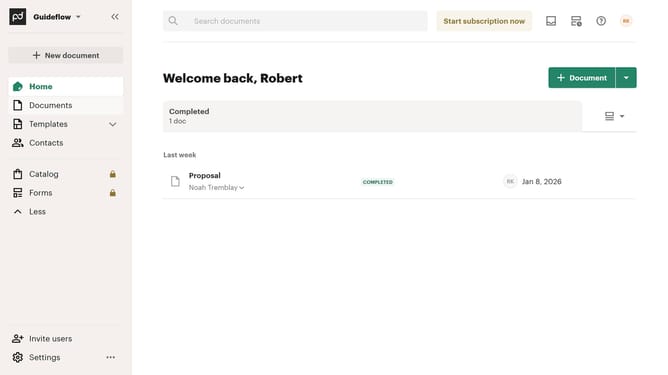
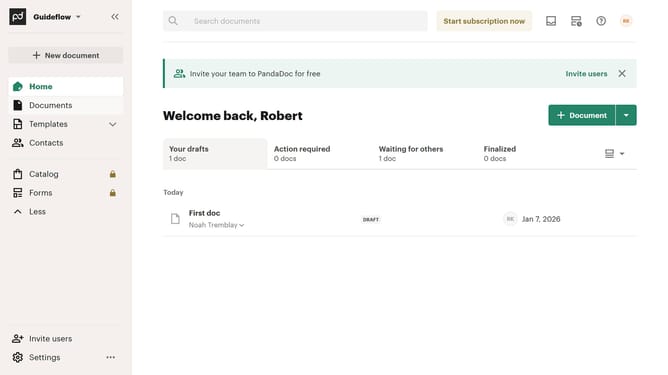
- First click on the "Documents" item in the left sidebar navigation menu
- Then click on the "Archived" tab in the top navigation menu
- Next click on the "Sent" filter dropdown button to open the status filter menu
- Then uncheck the "Sent" checkbox option in the filter dropdown menu
- Finally click on the "Apply" button to apply the selected filter
Why should you remove the sent status filter from archived documents in PandaDoc
PandaDoc simplifies document workflows, enhancing productivity and efficiency for businesses.
Removing the sent status filter from archived documents in PandaDoc allows for more flexible document management. This feature offers users the ability to access a broader range of archived documents without restrictions.
By leveraging this flexibility, users can quickly locate and review past documents. This can streamline processes like audits and historical data analysis, ultimately saving time and enhancing decision-making capabilities.
Overall, this feature ensures that important information remains accessible and manageable, empowering users to maintain seamless document control.
Last update