How to download a template in PandaDoc
Here is how to download a template in pandadoc
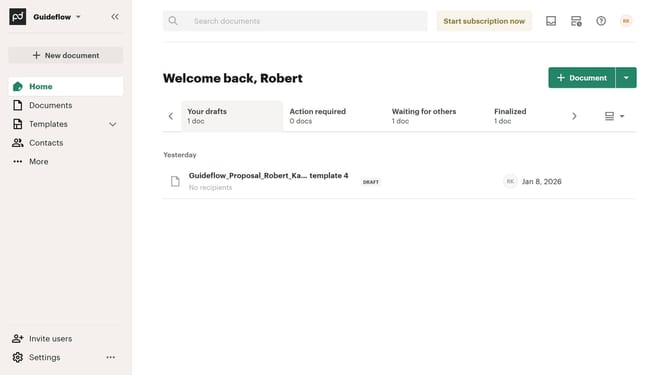
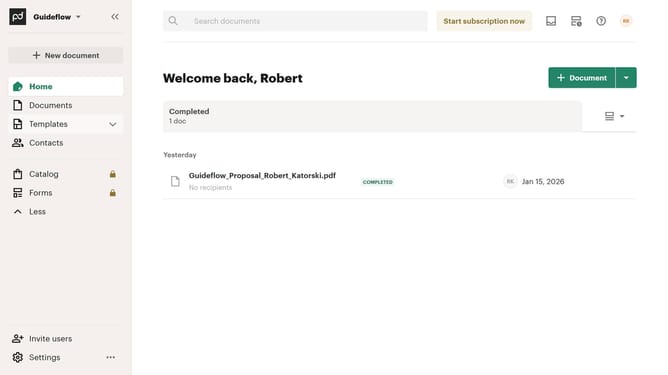
- First click on the dropdown arrow next to "Templates" in the left sidebar to expand the Templates section
- Then click on "My templates" option in the expanded Templates submenu in the left sidebar
- Next click on the three-dot menu button on the right side of the template that you want to download
- Finally click on the "Download" option in the context menu dropdown
Why should you download a template in PandaDoc
PandaDoc is an innovative platform designed to simplify document creation and management.
Downloading a template in PandaDoc is a seamless process that enhances productivity by providing easy access to ready-made documents tailored to specific needs. This feature saves time by eliminating the need to start from scratch, thus streamlining your workflow.
Utilizing templates ensures consistency in document quality and design, offering a professional finish every time. The quick access and adaptability of templates deliver an efficient way to manage repetitive tasks, empowering users to focus on more critical aspects of their work.
Last update