How to remove the declined status filter from created documents in PandaDoc
Here is how to remove the declined status filter from created documents in pandadoc
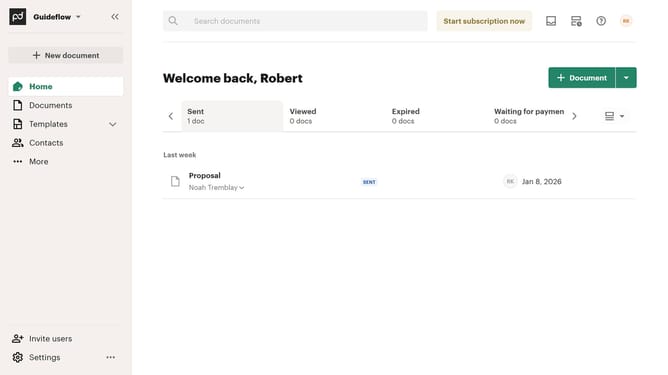
- First click on "Documents" in the left sidebar navigation menu
- Then click on "Created by me" tab in the top navigation bar
- Next click on "Status" dropdown filter button in the filter toolbar
- Then scroll down in the menu list that appears
- Next uncheck the "Declined" checkbox option from the status filter dropdown menu
- Finally click on "Apply" button to confirm the selected status filters
Why should you remove the declined status filter from created documents in PandaDoc
PandaDoc is a versatile document automation software that streamlines the process of creating, sharing, and signing documents online.
Removing the declined status filter from your created documents in PandaDoc allows you to seamlessly navigate through your document dashboard without unnecessary clutter. By eliminating this filter, you gain a cleaner view of your active documents, making it easier to focus on those that require your attention.
This feature enhances productivity by offering a more organized workspace, allowing users to efficiently monitor and manage ongoing document needs.
Last update