How to delete a template folder in PandaDoc
Here is how to delete a template folder in pandadoc
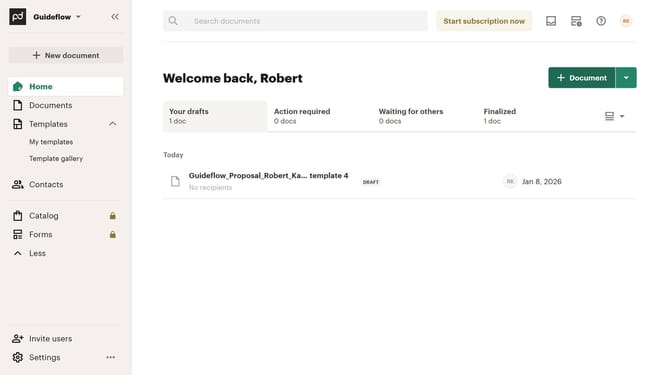
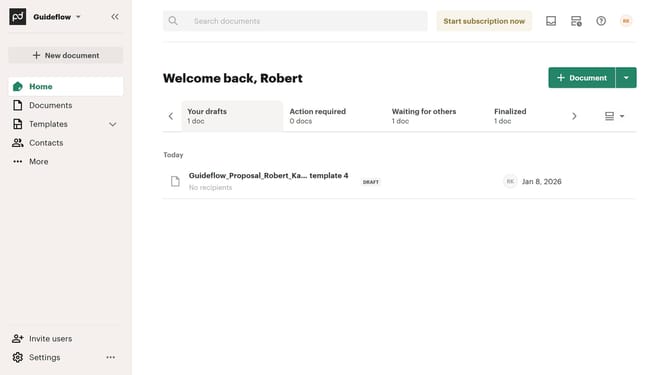
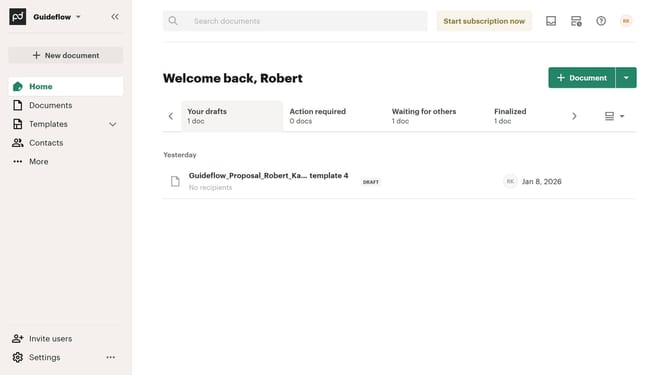
- First click on the dropdown arrow next to "Templates" in the left sidebar to expand the templates menu
- Then click on "My templates" option in the expanded templates submenu in the left sidebar
- Next click on the three-dot menu button next to the template folder that you want to delete
- Then click on "Delete" option in the dropdown menu that appears
- Finally click on the "Delete" button in the confirmation dialog to confirm folder deletion
Why should you delete a template folder in PandaDoc
PandaDoc is a dynamic document automation platform designed to enhance productivity and streamline business workflows.
The feature to delete a template folder in PandaDoc is a handy way to keep your workspace organized and efficient.
By removing unnecessary or outdated folders, you ensure a more clutter-free environment, which allows for quick access to the most relevant and current documents.
This streamlined organization helps in maintaining focus, elevating productivity, and optimizing overall document management efficiency.
Last update