How to remove the completed status filter from archived documents in PandaDoc
Here is how to remove the completed status filter from archived documents in pandadoc
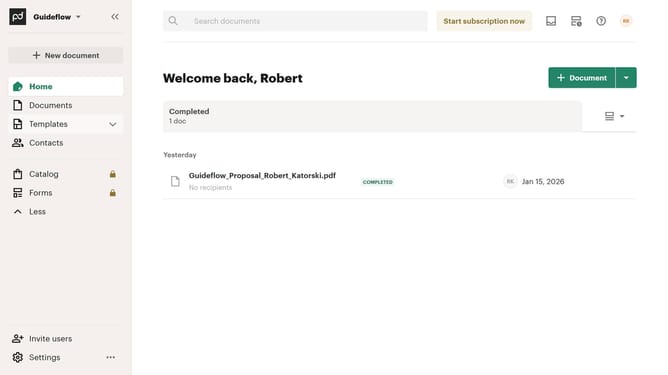
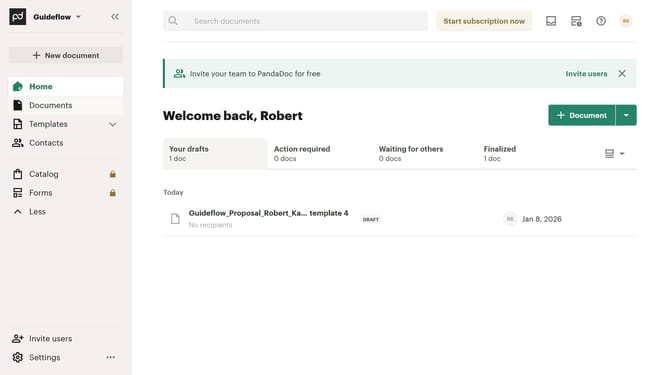
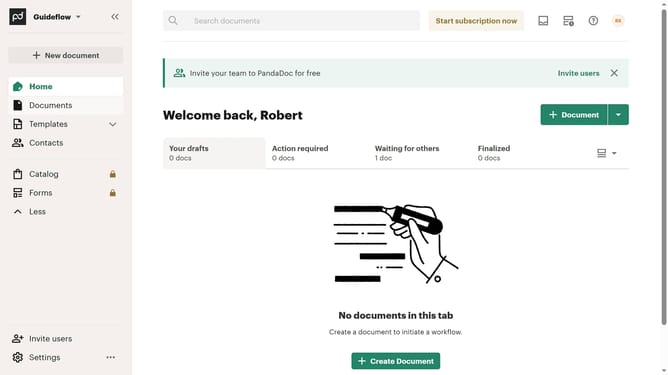
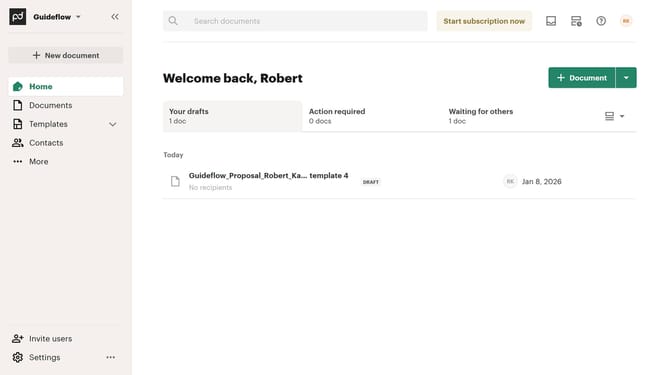
- First click on the "Documents" menu item in the left sidebar
- Then click on the "Archived" tab in the top navigation menu
- Next click on the status filter dropdown button in the filter bar
- Then uncheck the "Completed" checkbox option from the status filter dropdown menu
- Finally click on the "Apply" button to confirm the filter selection
Why should you remove the completed status filter from archived documents in PandaDoc
PandaDoc is a powerful document automation tool designed to streamline collaborative workflows in business processes.
Removing the "completed" status filter from archived documents in PandaDoc offers greater flexibility in document management. Accessing all documents regardless of their completion status can facilitate more comprehensive historical audits and reviews.
This feature allows users to view the full spectrum of interactions and activities, enhancing transparency and ensuring no critical information is overlooked in past projects.
Last update