How to change a document's status to expired in PandaDoc
Here is how to change a document's status to expired in pandadoc
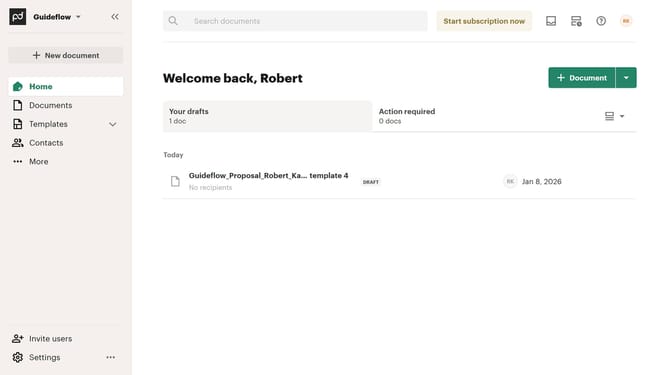
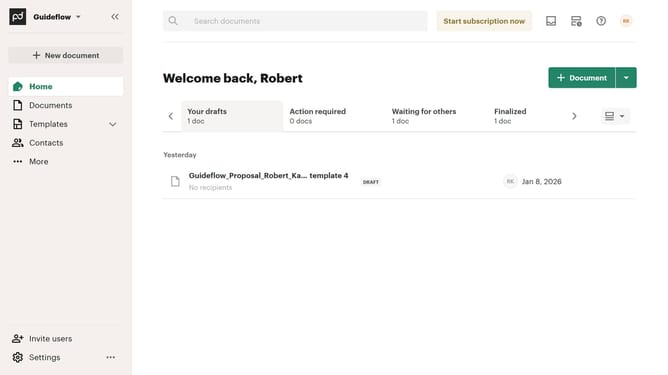
- First click on "Documents" in the left sidebar navigation menu
- Then click on the three-dot menu button for the document you want to change the status to expired
- Next click on "Change status" option in the dropdown menu that appears
- Then click on "Continue with change" button in the confirmation dialog
- Next click on the "TO" status dropdown field to view available status options
- Then select "Expired" from the status dropdown menu
- Finally click on "Change status" button to confirm the status change
Why should you change a document's status to expired in PandaDoc
PandaDoc streamlines your document management process, making creating, managing, and signing documents easy and efficient.
Changing a document's status to expired in PandaDoc ensures that outdated documents do not clutter your workflows. This feature is particularly useful in maintaining organized records, where only the most current contracts and proposals are kept active.
By expiring outdated documents, you enhance security and reduce the risk of accidentally using superseded information. This simple action adds both clarity and precision to your business operations, ensuring that your team is always aligned with the latest data.
Last update