How to remove the viewed status filter from imported documents in PandaDoc
Here is how to remove the viewed status filter from imported documents in pandadoc
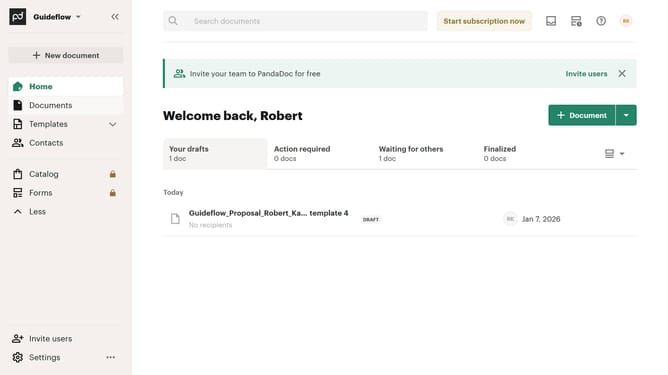
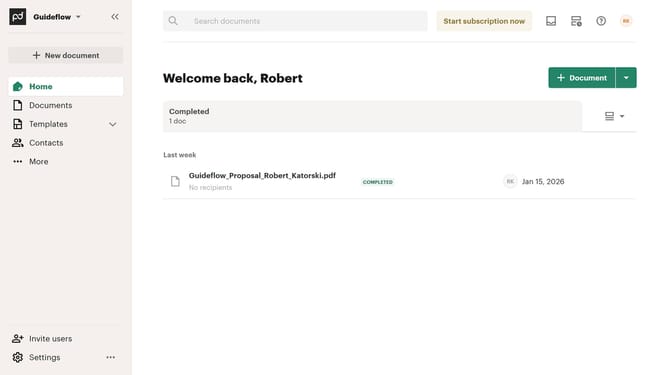
- First click on the "Documents" item in the left sidebar navigation menu
- Then click on the "Imported" tab in the top navigation bar
- Next click on the dropdown filter button to open the status filter menu
- Then uncheck the "Viewed" checkbox option from the filter dropdown menu
- Finally click on the "Apply" button to confirm the filter selection
Why should you remove the viewed status filter from imported documents in PandaDoc
PandaDoc is a dynamic platform designed to streamline document management and enhance workflow efficiency.
Removing the viewed status filter from imported documents in PandaDoc ensures that you maintain a clear view of your document's status without unnecessary complications.
This feature is beneficial for teams that need a seamless review process, allowing them to focus on content rather than additional status updates.
By simplifying the document management experience, this feature supports better collaboration and clearer communication among team members.
Last update