How to filter all documents by owner in PandaDoc
Here is how to filter all documents by owner in pandadoc
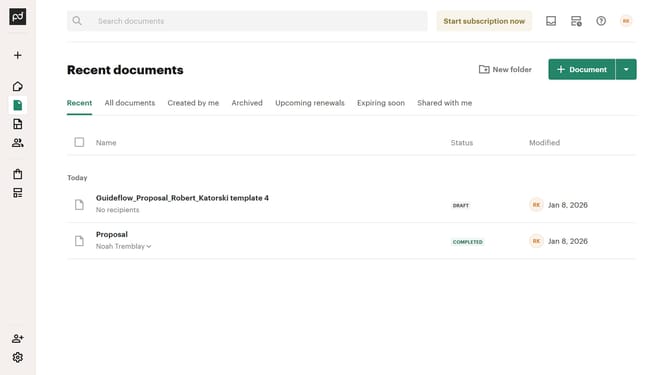
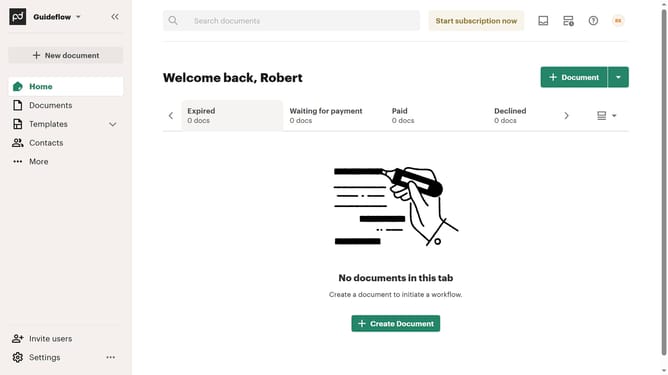
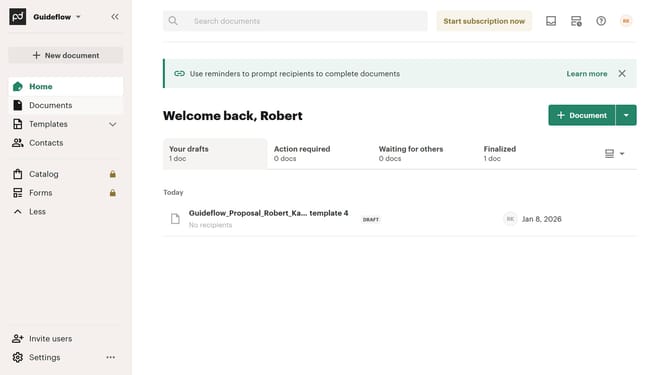
- First click on "Documents" in the left sidebar navigation menu
- Then click on "All documents" tab in the top navigation bar
- Next click on "Owner" dropdown filter in the filter toolbar
- Then select the owner you want to filter from the owner filter dropdown menu
- Finally click on "Apply" button to confirm the filter selection
Why should you filter all documents by owner in PandaDoc
PandaDoc is a streamlined platform designed to simplify document management and enhance workflow efficiency.
One of its standout features is the ability to filter all documents by owner. This feature is invaluable for teams and individuals who need to quickly access documents managed by specific members, ensuring that no time is wasted searching through multiple files.
Utilizing this feature not only enhances organization but also boosts productivity, making it easy to track document progress and responsibilities within a team.
Last update