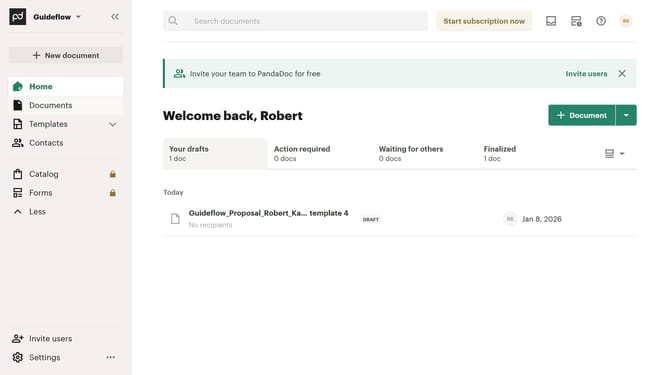
How to filter documents by owner in PandaDoc
Here is how to filter documents by owner in pandadoc
- First click on the "All documents" tab in the navigation menu
- Then click on the "Owner" dropdown filter button in the filter toolbar
- Next select the checkbox of the owner you want to filter from the owner filter dropdown menu
- Finally click on the "Apply" button to confirm the filter selection
Why should you filter documents by owner in PandaDoc
PandaDoc is a dynamic platform designed to streamline document management and e-signatures.
One of its standout features is the ability to filter documents by owner. This feature allows users to swiftly pinpoint documents based on who created or owns them, thereby enhancing efficiency.
Using this filter, team members can save time on document retrieval, ensuring they focus on what truly matters—productive tasks and decision-making.
By organizing documents by owner, businesses experience improved collaboration and clarity, driving overall success.
Last update