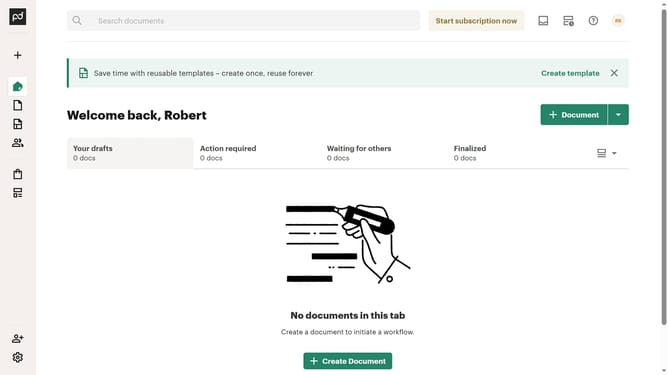
How to filter all documents by waiting for payment status in PandaDoc
Here is how to filter all documents by waiting for payment status in pandadoc
- First click on "Documents" in the left sidebar
- Then click on "All documents" tab in the top navigation
- Then click on "Status" dropdown filter in the filter bar
- Then scroll down in the menu list that appears
- Then click on "Waiting for payment" checkbox to select it
- Finally click on "Apply" button to apply the selected filter
Why should you filter all documents by waiting for payment status in PandaDoc
PandaDoc is a dynamic tool designed to streamline the document management process.
One of its valuable features is the ability to filter documents by their 'waiting for payment' status. This offers a clear view of outstanding payments, ensuring you stay informed on what’s due, allowing for proactive financial follow-ups.
Using this feature enhances financial oversight, allowing businesses to manage cash flow more effectively. This organized approach not only boosts productivity but also strengthens client relations by minimizing missed payment opportunities.
Last update