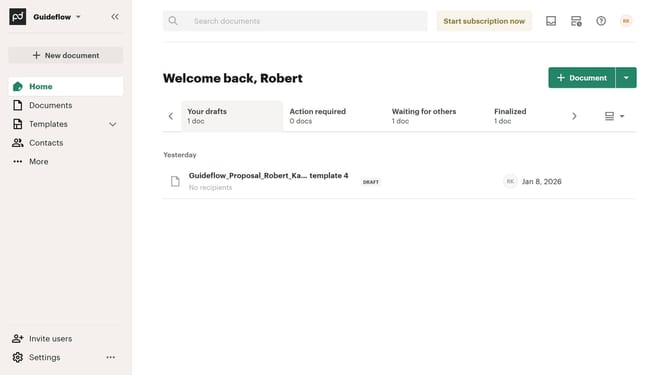
How to filter imported documents by draft status in PandaDoc
Here is how to filter imported documents by draft status in pandadoc
- First click on "Documents" item in the left sidebar navigation menu
- Then click on "Imported" tab in the top navigation bar
- Next click on "Status" dropdown filter button in the filter toolbar
- Then click on "Draft" checkbox option in the status filter dropdown menu
- Finally click on "Apply" button to confirm the filter selection
Why should you filter imported documents by draft status in PandaDoc
PandaDoc is a versatile platform designed to streamline document management and enhance collaboration.
The ability to filter imported documents by draft status in PandaDoc provides users with an efficient way to focus on pending tasks.
This feature saves time by allowing you to quickly identify and review drafts, ensuring that all necessary edits and approvals are completed promptly.
By keeping your workflow organized and manageable, this filtering option enhances productivity and supports a more seamless document management experience.
Last update