How to remove the declined status filter from archived documents in PandaDoc
Here is how to remove the declined status filter from archived documents in pandadoc
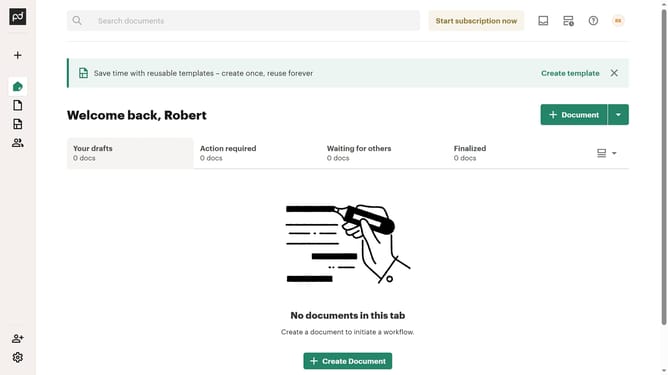
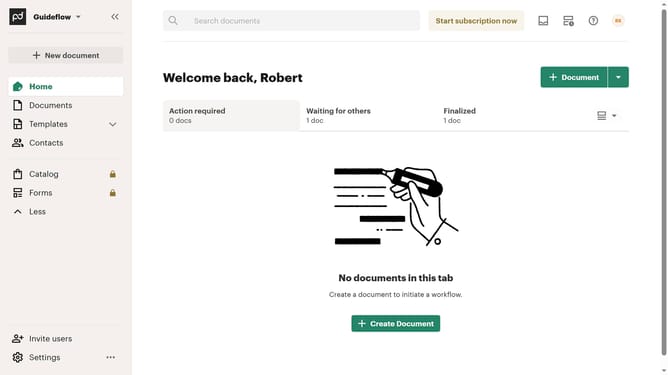
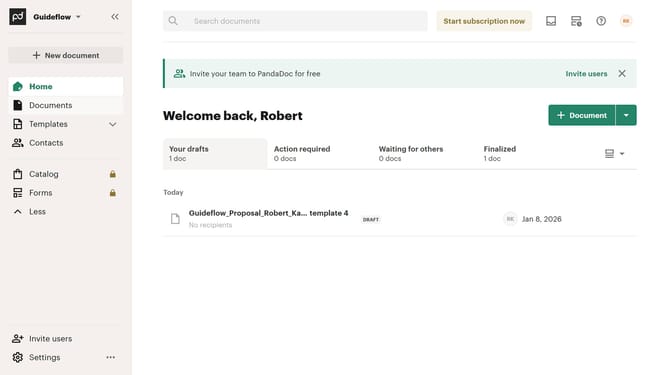
- First click on the "Documents" item in the left sidebar to navigate to the documents section
- Then click on the "Archived" tab in the top navigation menu to view archived documents
- Next click on the dropdown filter button to open the status filter options
- Then scroll down to view more options
- Then uncheck the "Declined" checkbox option
- Finally click on the "Apply" button to apply the changes
Why should you remove the declined status filter from archived documents in PandaDoc
PandaDoc is a powerful tool designed to streamline document creation, management, and sharing.
One useful feature in PandaDoc is the ability to remove the declined status filter from archived documents. By doing so, users can gain a comprehensive view of all archived documents, regardless of their initial status. This ensures that no important document is overlooked and facilitates better document management.
Utilizing this feature can enhance productivity and optimize workflow, as it allows users to quickly access necessary documents without the friction of unnecessary filters.
Last update