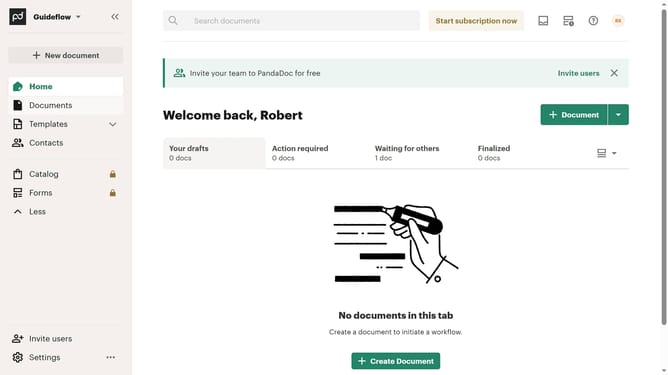
How to remove the completed status filter from created documents in PandaDoc
Here is how to remove the completed status filter from created documents in pandadoc
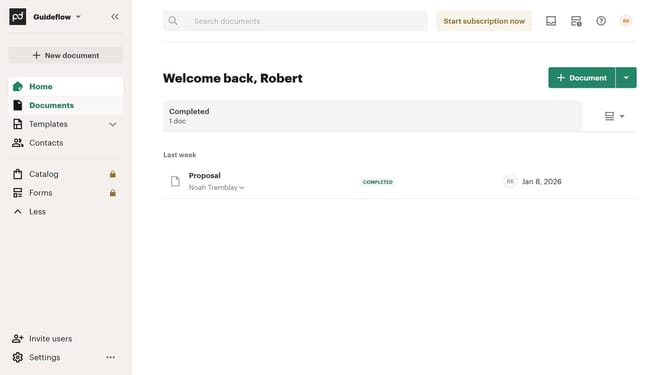
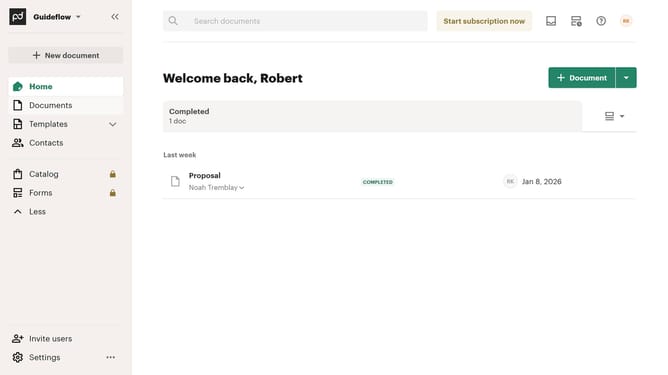
- First click on "Documents" item in the left sidebar navigation menu
- Then click on "Created by me" tab in the top navigation bar
- Next click on "Status" dropdown filter button in the filter toolbar
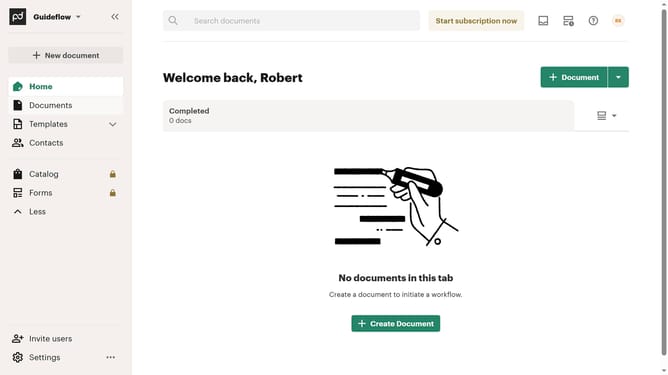
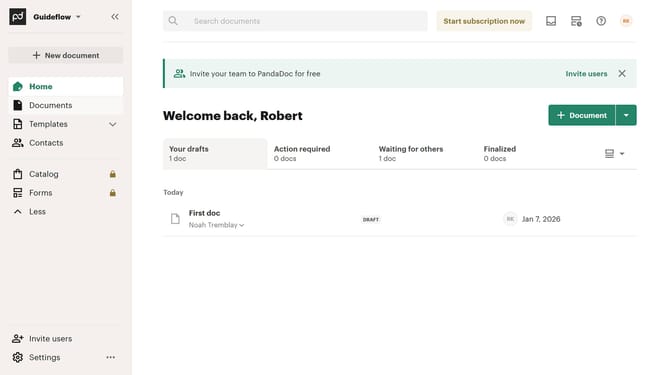
- Then uncheck the "Completed" checkbox option from the status filter dropdown menu
- Finally click on "Apply" button to confirm the selected status filters
Why should you remove the completed status filter from created documents in PandaDoc
PandaDoc is a dynamic platform designed to streamline the document creation and management process.
One notable feature is the ability to remove the completed status filter from documents you've created. This feature empowers users to keep their workspace organized and easily accessible.
By eliminating the completed filter, users can quickly navigate and access all documents without unnecessary clutter, enhancing productivity and efficiency.
Ultimately, this functionality supports a more seamless experience, keeping your document management fluid and adaptable to your needs.
Last update