How to remove the completed status filter from all documents in PandaDoc
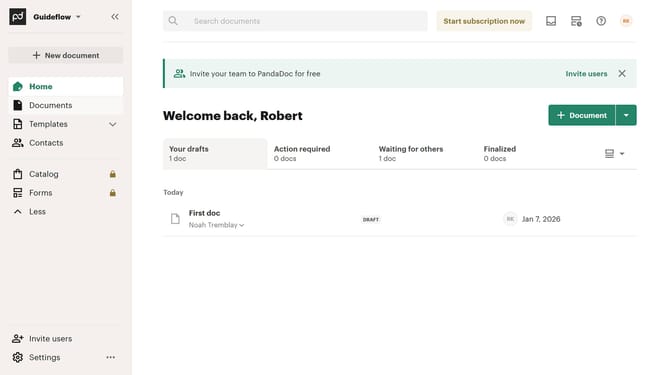
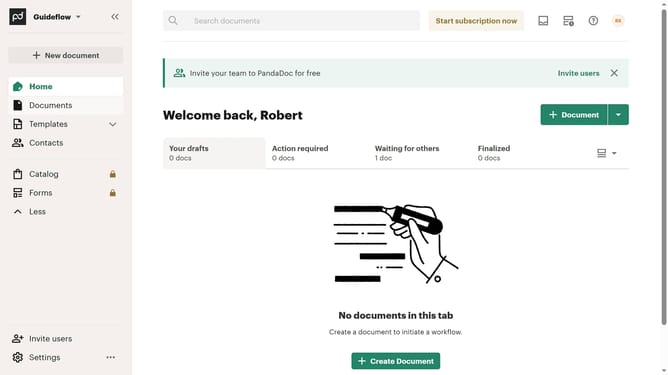
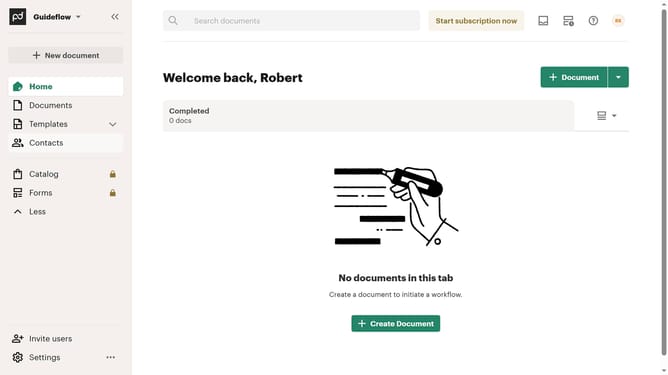
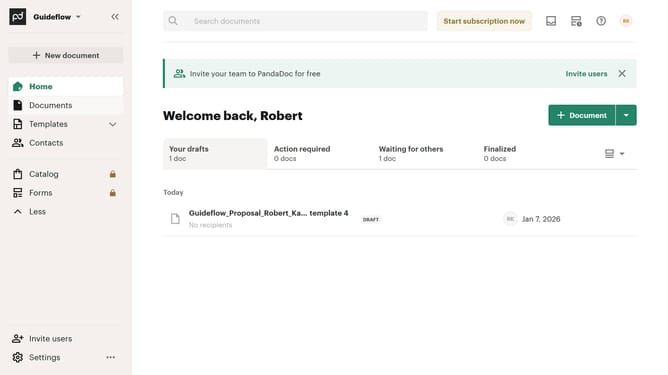
Here is how to remove the completed status filter from all documents in pandadoc
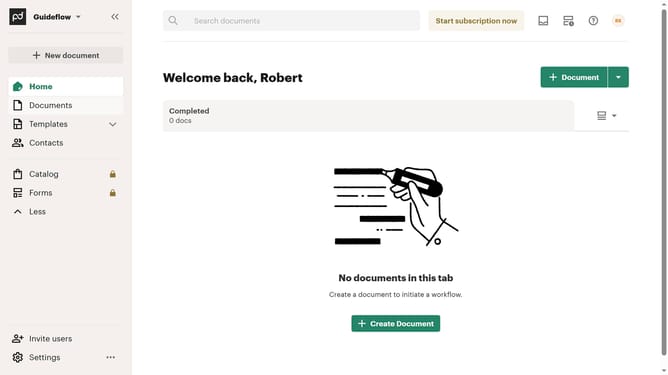
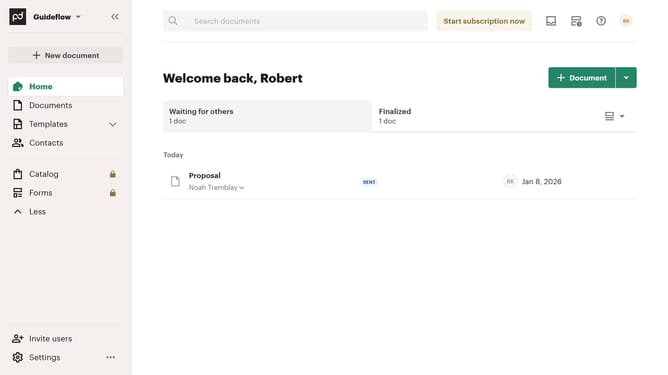
- First click on "Documents" item in the left sidebar navigation menu
- Then click on "All documents" tab in the top navigation bar
- Next click on "Status" dropdown filter in the filter toolbar
- Then uncheck the "Completed" checkbox option from the status filter dropdown menu
- Finally click on "Apply" button to apply the selected filter
Why should you remove the completed status filter from all documents in PandaDoc
PandaDoc streamlines the document management process, making it seamless and efficient for businesses of all sizes.
The ability to remove the completed status filter from all documents in PandaDoc is a valuable feature for users looking to enhance their document accessibility.
By utilizing this feature, users can quickly access all documents without the constraint of filter limitations, ensuring a comprehensive overview of their document library.
This flexibility allows for better organization and optimizes workflow efficiency, maximizing productivity for teams handling numerous documents.
Last update