How to hide the suggested edits tab in PandaDoc
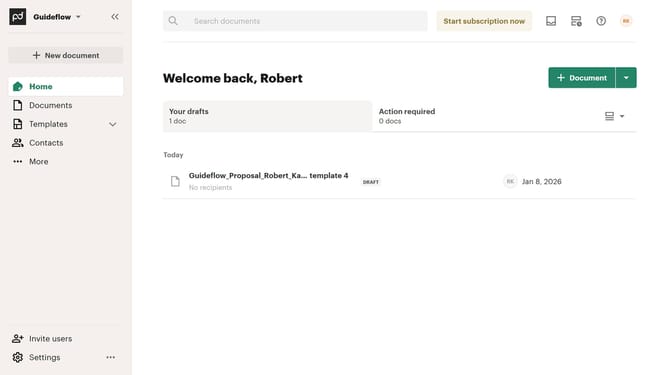
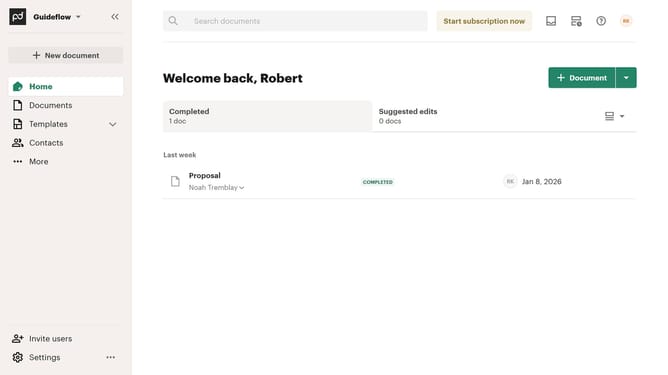
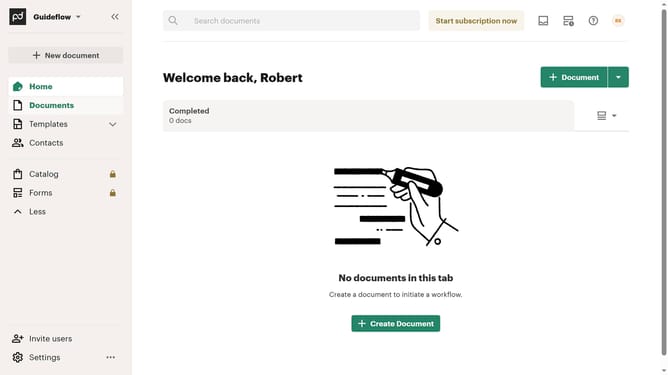
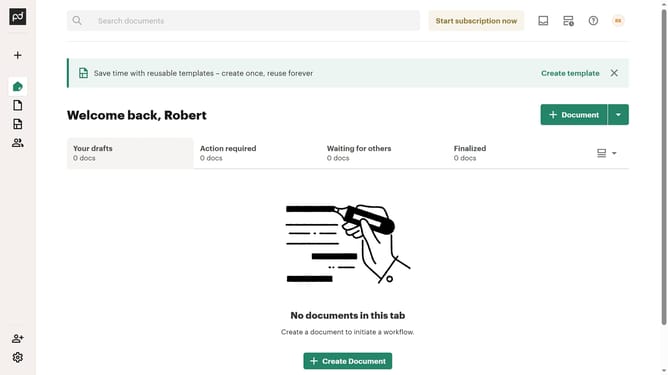
Here is how to hide the suggested edits tab in pandadoc
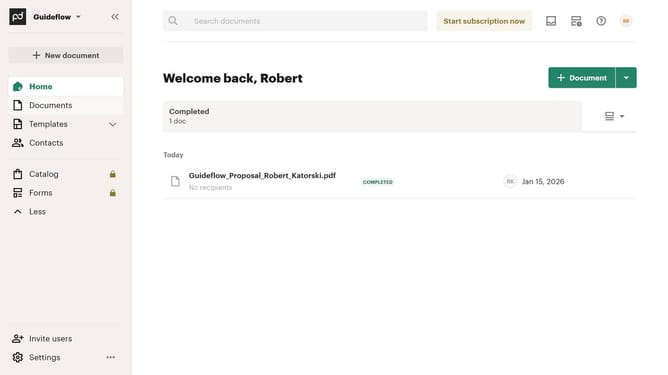
- First click on the dropdown menu button in the top right corner of the main content area to open the view options menu
- Then click on the "Customize tabs" option from the dropdown menu to open the customization dialog
- In the Customize dialog, scroll down through the tabs section to view all available tab options
- Then click on the "Suggested edits" checkbox to enable this tab in the home view
- Finally click on the "Apply" button at the bottom right of the dialog to save the changes
Why should you hide the suggested edits tab in PandaDoc
PandaDoc is an intuitive document automation software designed to streamline the creation, delivery, and management of documents.
The feature to hide the suggested edits tab in PandaDoc can be particularly useful for keeping your workspace clutter-free and focusing on finalizing important documents without distractions.
By hiding suggested edits, you can maintain a clear view of the document, allowing for smoother review sessions and quicker decision-making. This ensures a seamless workflow while enhancing productivity and efficiency within teams.
Last update