How to remove the expired status filter from imported documents in PandaDoc
Here is how to remove the expired status filter from imported documents in pandadoc
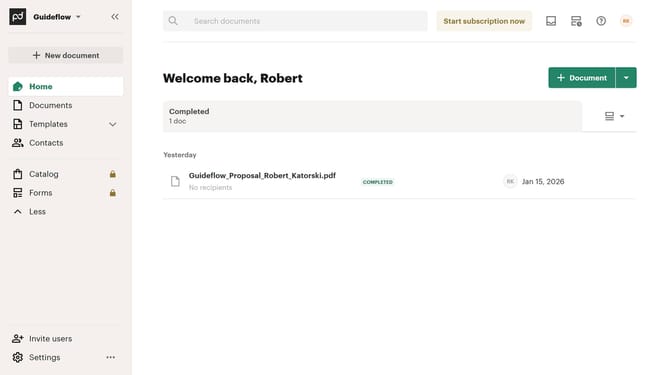
- First click on the "Documents" item in the left sidebar navigation menu
- Then click on the "Imported" tab in the top navigation bar
- Next click on the dropdown filter button to open the status filter menu
- Then uncheck the "Expired" checkbox option in the filter dropdown menu
- Finally click on the "Apply" button to confirm the filter selection
Why should you remove the expired status filter from imported documents in PandaDoc
PandaDoc is a versatile document management platform designed to streamline the creation, sharing, and signing of documents.
A notable feature in PandaDoc is the ability to manage document status, including the removal of expired status filters from imported files. This feature ensures that users have a clear view of all documents, regardless of their current status.
By removing the expired status filter, teams can focus on relevant documents without clutter, allowing for a more organized workflow and enhancing overall productivity.
Last update