How to remove the paid status filter from archived documents in PandaDoc
Here is how to remove the paid status filter from archived documents in pandadoc
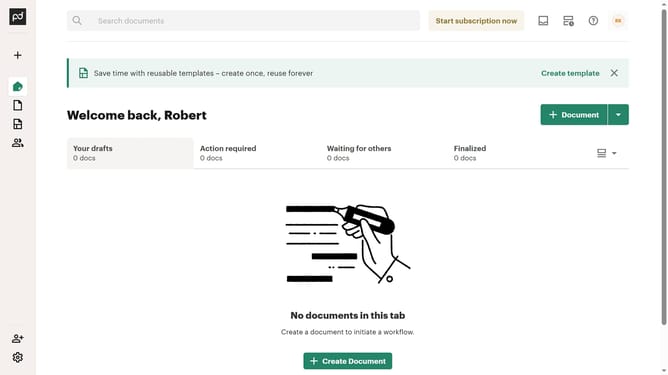
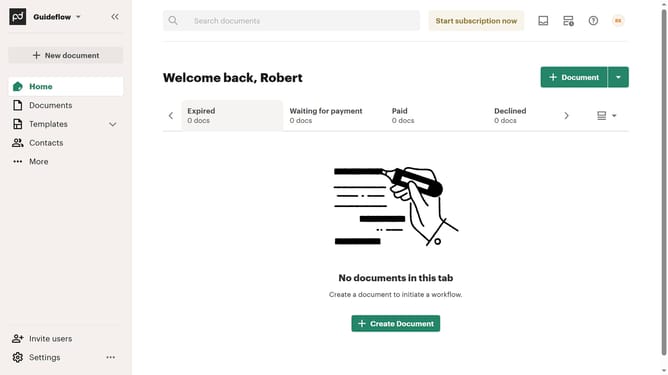
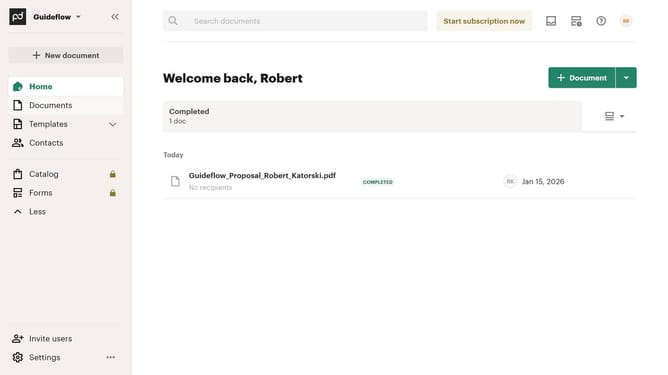
- First click on the "Documents" item in the left sidebar navigation menu
- Then click on the "Archived" tab in the top navigation bar
- Next click on the status filter button in the filter toolbar
- Then scroll down to view more options
- Then uncheck the "Paid" checkbox option
- Finally click on the "Apply" button at the bottom of the filter dropdown to save the changes
Why should you remove the paid status filter from archived documents in PandaDoc
PandaDoc simplifies document management and electronic signatures for businesses.
Removing the paid status filter from archived documents in PandaDoc enhances accessibility, allowing you to easily review all archived materials without restriction. This feature ensures comprehensive oversight, whether you're revisiting past agreements, analyzing project histories, or consolidating data.
By removing this filter, you gain a holistic view of your archived documents, fostering informed decision-making and streamlined workflows. This flexibility optimizes your document management experience, saving time and enhancing efficiency.
Last update