How to hide the paid tab in PandaDoc
Here is how to hide the paid tab in pandadoc
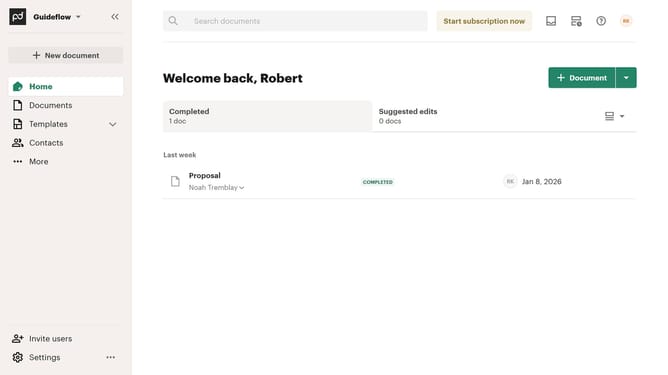
- First click on the view options dropdown button in the top right section of the main content area
- Then click on "Customize tabs" option from the dropdown menu
- Then scroll down to view more options
- Then uncheck the "Paid" checkbox in the tabs section of the customize dialog
- Finally click on the "Apply" button at the bottom right of the customize dialog
Why should you hide the paid tab in PandaDoc
PandaDoc is a versatile platform designed to streamline document workflows and facilitate the seamless creation, sharing, and management of digital documents.
One of its thoughtful features is the ability to hide the paid tab. This enables a clutter-free user experience for you and your clients by focusing only on essential elements relevant to each specific interaction.
By removing the paid tab when not needed, users can create a cleaner, more customized document environment. This not only enhances user satisfaction but also promotes more efficient navigation of the platform.
Last update