How to download a folder in PandaDoc
Here is how to download a folder in pandadoc
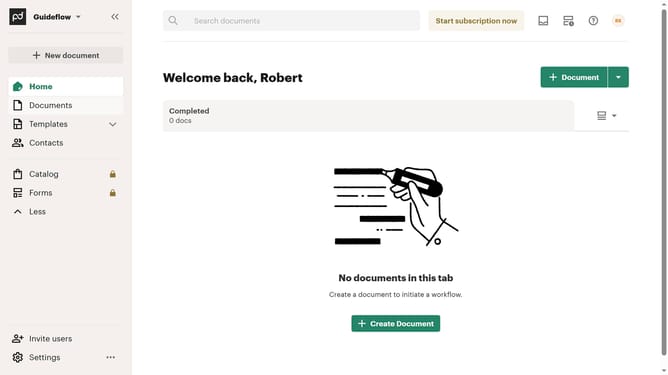
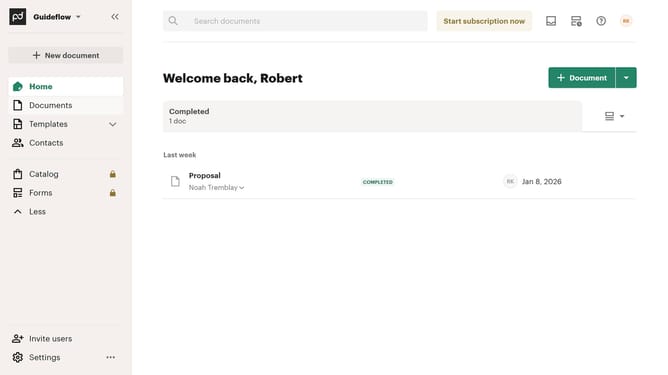
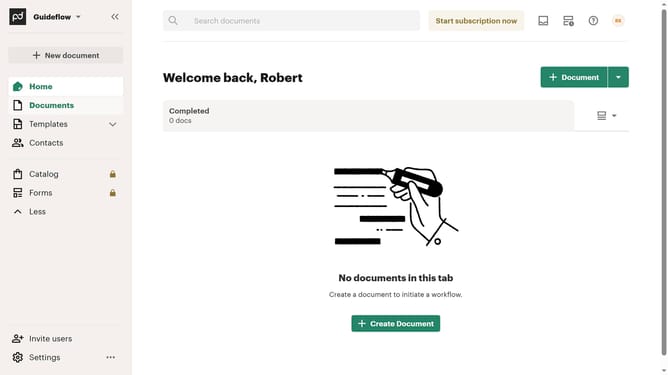
- First click on "Documents" in the left sidebar navigation menu
- Then click on "All documents" tab in the top navigation bar
- Then click on the three-dot menu button next to the folder you want to download
- Finally click on "Download" option in the dropdown menu
Why should you download a folder in PandaDoc
PandaDoc is an innovative platform that streamlines document processes for efficient business transactions.
One of its valuable features is the ability to download entire folders effortlessly. This feature enhances productivity by allowing users to organize and secure documents offline, offering convenience and peace of mind.
Downloading folders in PandaDoc ensures that important materials are always at users' fingertips, which is vital for seamless collaboration and ensuring that key data is readily accessible anytime, anywhere.
This feature is crucial for professionals who need to maintain organized records and ensure data integrity while working across various platforms.
Last update