How to show the paid tab in PandaDoc
Here is how to show the paid tab in pandadoc
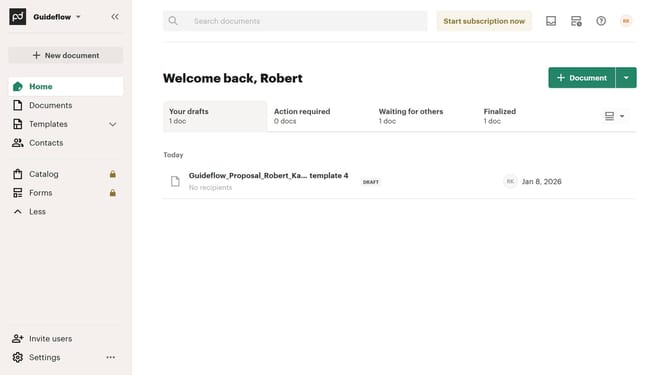
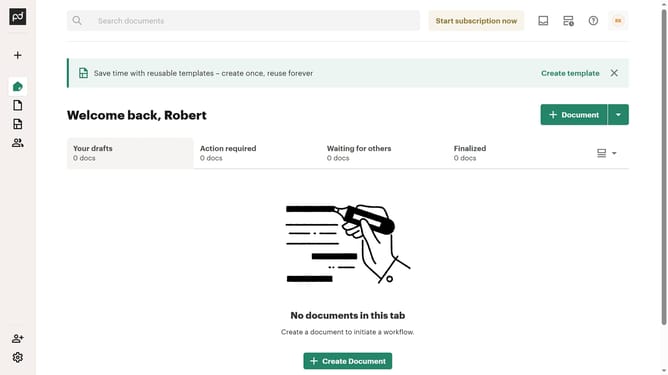
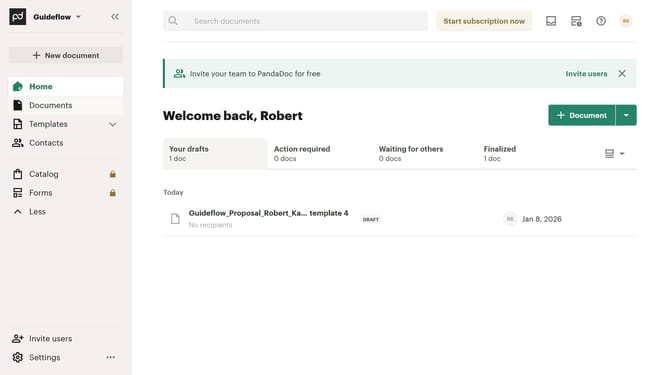
- First click on the view options button in the top right section of the main content area
- Then click on the "Customize tabs" option in the dropdown menu that appears
- Next scroll down in the "Customize" modal dialog to view more tab options
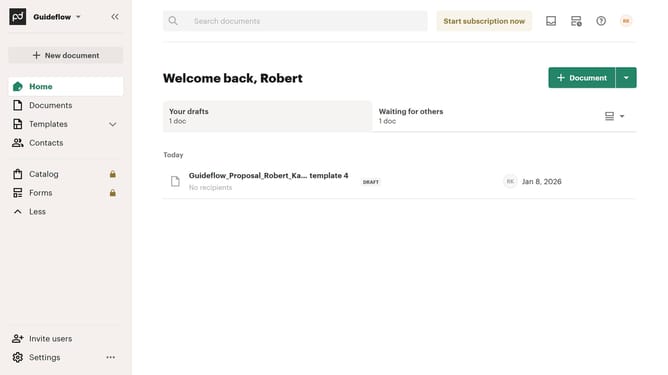
- Then click on the "Paid" checkbox to enable this tab option
- Finally click on the "Apply" button at the bottom right of the modal dialog to save the changes
Why should you show the paid tab in PandaDoc
PandaDoc is an intuitive platform designed to streamline document workflows and enhance business productivity.
The "Paid" tab in PandaDoc is a valuable feature that provides users with clear visibility into transactions and payments linked to their documents.
By utilizing the Paid tab, users can effortlessly track payment statuses, ensuring a seamless oversight of financial interactions. This feature not only enhances organizational efficiency but also empowers users to manage their invoicing and billing processes with added accuracy and confidence.
Last update