How to change language interface in PandaDoc
Here is how to change language interface in pandadoc
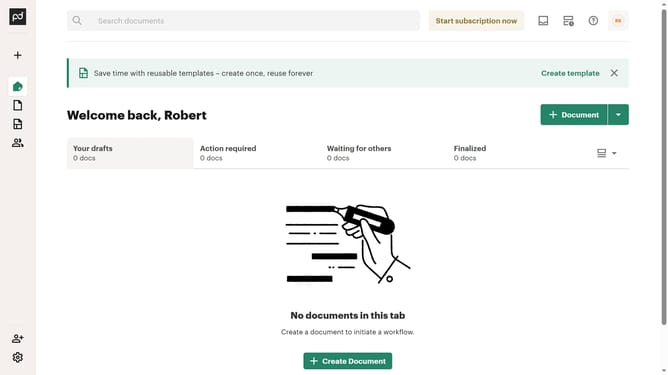
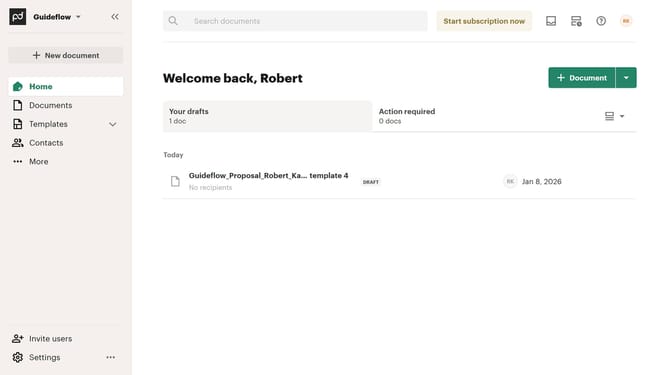
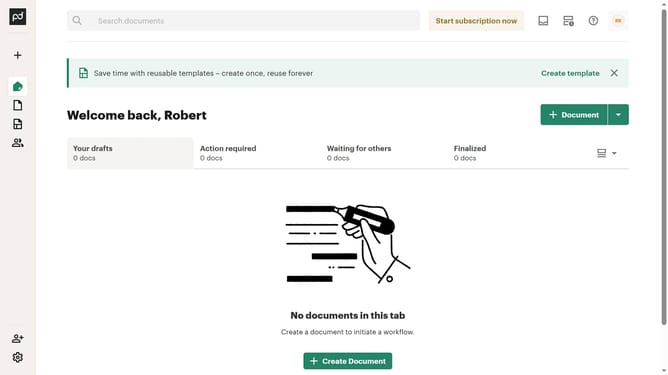
- First click on your profile button in the top right corner of the header
- Then click on "Account settings" option in the dropdown menu
- Next click on the "Interface language" dropdown menu
- Finally select your preferred language from the language options list
Why should you change language interface in PandaDoc
PandaDoc is a powerful tool designed to streamline the process of managing digital documents.
One of its key features is the ability to change the language interface, providing an unparalleled level of accessibility and usability for global teams.
This feature ensures that individuals from diverse linguistic backgrounds can interact seamlessly with the platform, enhancing collaboration and efficiency.
By tailoring the interface language to suit your team's needs, PandaDoc helps create a more inclusive and productive working environment, boosting overall organizational success.
Last update