How to turn off notifications when a recipient completes a document in PandaDoc
Here is how to turn off notifications when a recipient completes a document in pandadoc
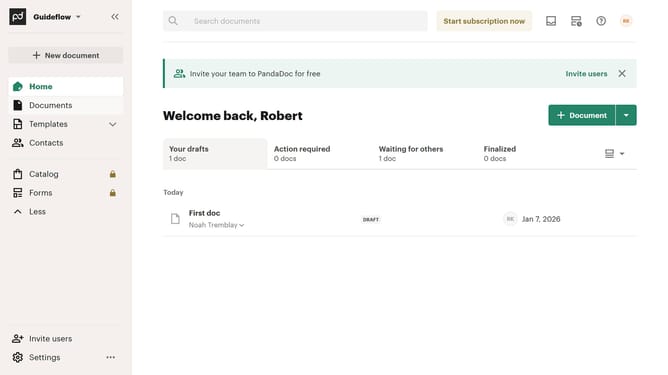
- First click on the profile button in the top right corner of the header
- Then click on the "Notifications" option in the dropdown menu
- Finally uncheck the "Document is completed by a recipient" checkbox in the notifications settings
Why should you turn off notifications when a recipient completes a document in PandaDoc
PandaDoc is a powerful tool designed to streamline the creation, sharing, and management of digital documents.
The ability to turn off notifications when a recipient completes a document in PandaDoc is a valuable feature for maintaining focus and minimizing interruptions in your workflow.
This feature allows users to filter through important updates more efficiently, ensuring that your attention is not constantly diverted by less pressing alerts.
By managing these notifications, you can maintain a clutter-free inbox and focus on tasks that require your immediate attention, greatly enhancing productivity.
Last update