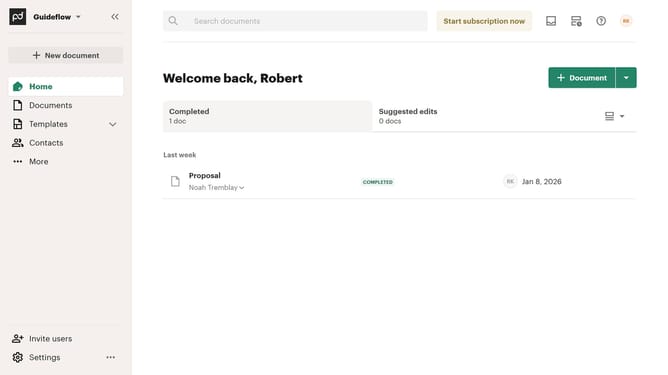
How to stop comment notifications on documents in PandaDoc
Here is how to stop comment notifications on documents in pandadoc
- First click on the profile button in the top right corner of the header
- Then click on "Notifications" option in the account dropdown menu
- Finally uncheck the "Comment is posted" checkbox in the notifications settings
Why should you stop comment notifications on documents in PandaDoc
PandaDoc streamlines document management, enabling efficient creation, sharing, and tracking of essential business documents.
Managing notifications is pivotal to maintaining focus, and PandaDoc provides a simple way to pause comment notifications on your documents. This feature allows users to concentrate on tasks without the constant pings, elevating productivity.
By controlling the flow of notifications, users can stay organized, minimize distractions, and attend to feedback at optimal times, enhancing workflow efficiency and communication.
Choosing when and how to receive notifications fosters a tailored user experience, aligning with individual work preferences for better task management.
Last update