How to show the sent tab in PandaDoc
Here is how to show the sent tab in pandadoc
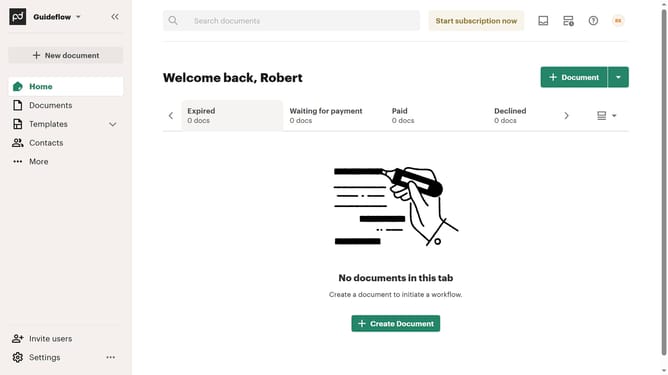
- First click on the "View options" button in the top right corner of the main content area
- Then click on "Customize tabs" option from the dropdown menu
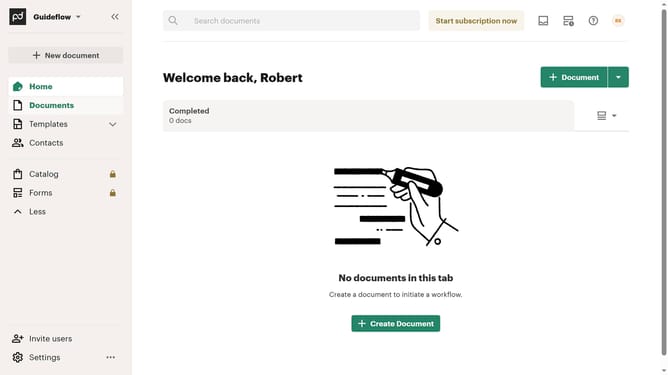
- Next scroll down in the "Customize" dialog to view additional tab options
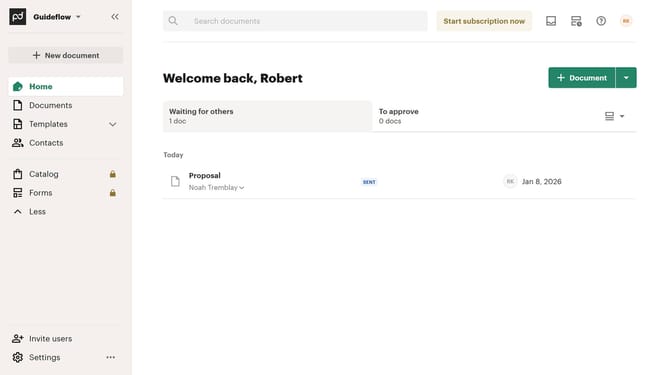
- Then click the "Sent" checkbox in the tabs list
- Finally click on the "Apply" button to save the customization changes
Why should you show the sent tab in PandaDoc
PandaDoc is an innovative platform designed to streamline document workflows and enhance productivity.
One of its useful features is the ability to show the sent tab, which allows users to easily access documents that have already been sent. This feature offers a clear overview of all outgoing communications, enhancing organization and tracking.
By utilizing the sent tab, users can efficiently monitor document statuses, ensuring that nothing falls through the cracks. This added visibility simplifies the follow-up process and supports better client communication.
Last update