How to make a copy of a document in PandaDoc
Here is how to make a copy of a document in pandadoc
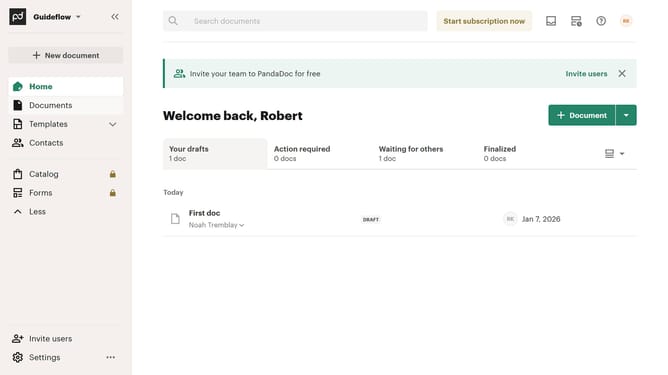
- First click on "Documents" in the sidebar navigation menu
- Then, click the three-dot menu button next to the document you want to copy
- Finally click the "Make a copy" option from the menu
Why should you make a copy of a document in PandaDoc
PandaDoc is a versatile platform that streamlines the process of creating, managing, and sharing digital documents for businesses.
The feature to make a copy of a document in PandaDoc offers significant advantages by allowing users to efficiently duplicate existing templates and contracts.
This capability saves time, enabling quick modifications for personalized content while maintaining consistency and accuracy.
By leveraging this feature, professionals can focus more on strategic tasks rather than repetitive document creation, enhancing productivity and reliability.
Last update