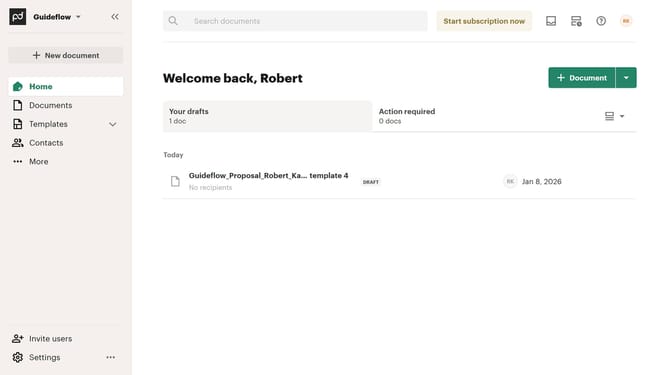
How to hide the sent tab in PandaDoc
Here is how to hide the sent tab in pandadoc
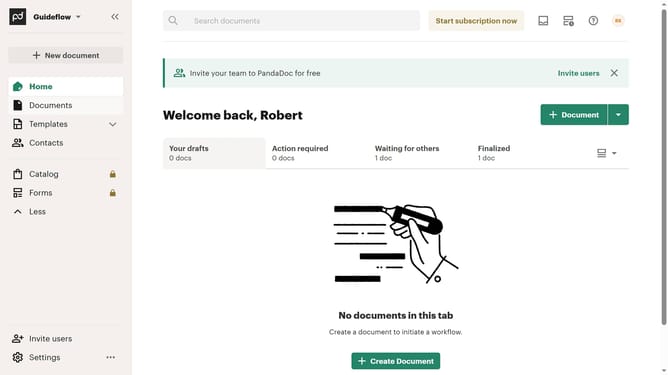
- First click on the view options button in the top right section of the main content area
- Then click on the "Customize tabs" option from the dropdown menu that appears
- Scroll down in the Customize dialog box
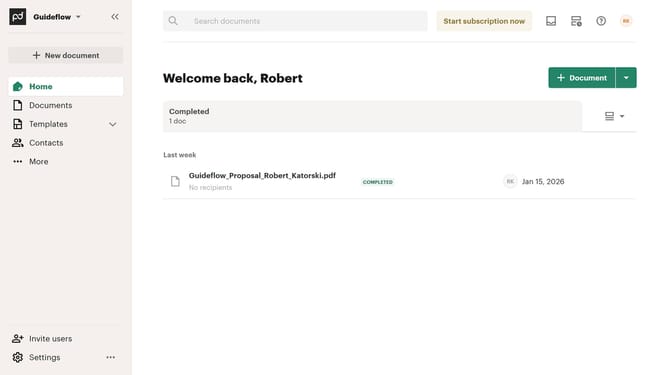
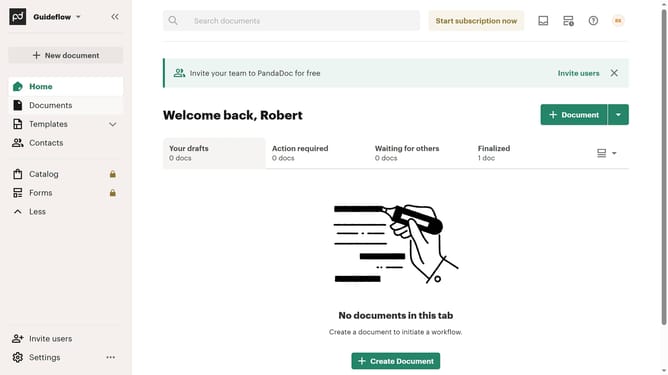
- Next uncheck the "Sent" checkbox in the tabs customization dialog
- Finally click on the "Apply" button to confirm the tab customization changes
Why should you hide the sent tab in PandaDoc
PandaDoc streamlines document creation and management, transforming how businesses handle paperwork.
The option to hide the sent tab in PandaDoc offers enhanced organization and privacy. By utilizing this feature, users can keep their workspace clutter-free, focusing only on documents that need immediate attention.
This streamlined view fosters productivity, enabling teams to prioritize their tasks without distractions. It's a smart way to maintain efficiency, ensuring that only relevant documents are in view.
Last update