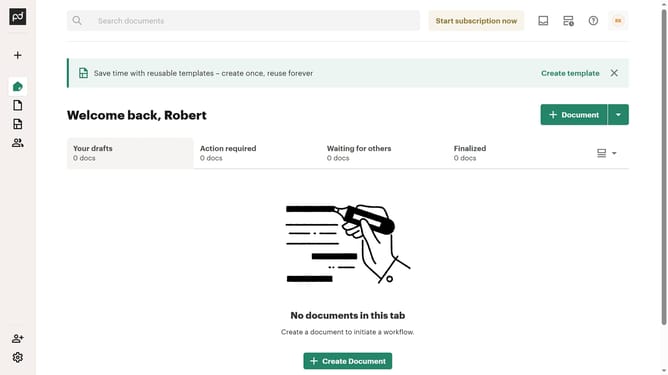
How to filter all documents by completed status in PandaDoc
Here is how to filter all documents by completed status in pandadoc
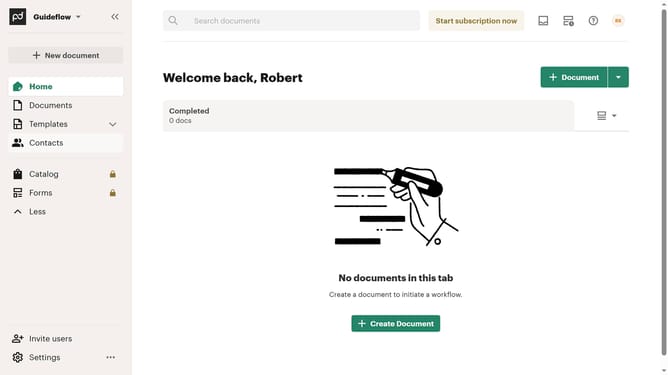
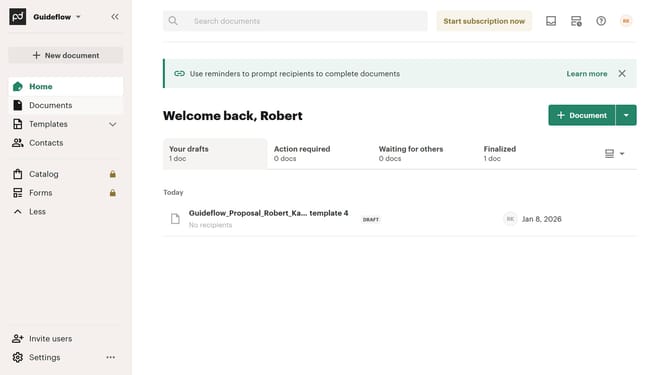
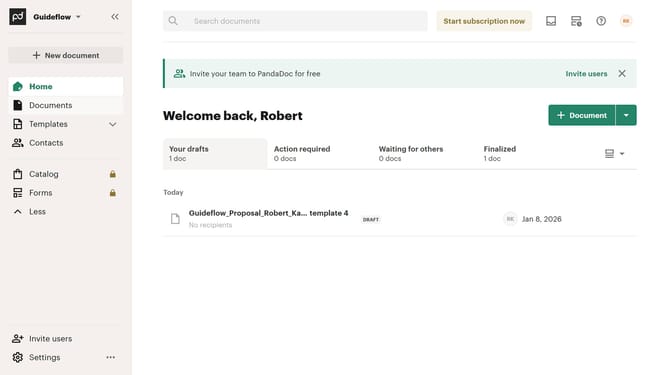
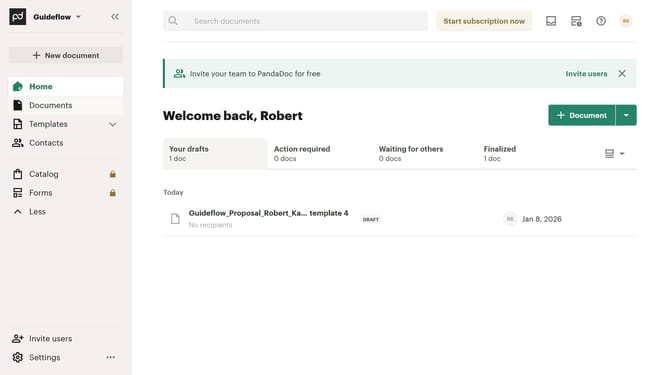
- First click on "Documents" in the left sidebar navigation menu
- Then click on "All documents" tab in the top navigation bar
- Next click on "Status" dropdown filter in the column headers
- Then click on "Completed" checkbox option in the status filter dropdown menu
- Finally click on "Apply" button to confirm the filter selection
Why should you filter all documents by completed status in PandaDoc
PandaDoc is a versatile platform designed to streamline document workflows and simplify the electronic signing process.
One of PandaDoc's valuable features is the ability to filter documents by completed status. This functionality empowers users to quickly identify which documents have been finalized, improving productivity and organization.
Using this filter helps prioritize tasks by clearing clutter, allowing users to focus on documents that still require attention. It enhances efficiency by enabling swift access to completed documents for review or record-keeping.
Last update