How to remove the paid status filter from imported documents in PandaDoc
Here is how to remove the paid status filter from imported documents in pandadoc
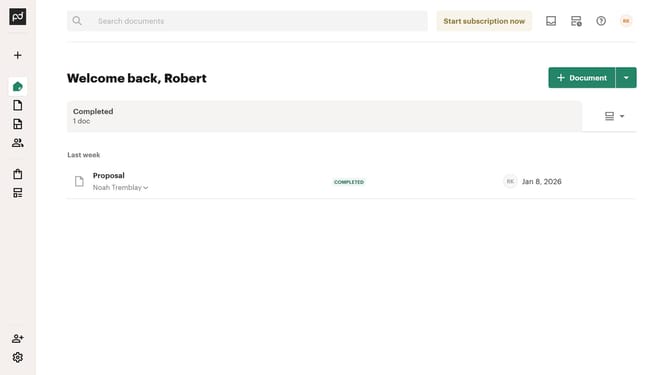
- First click on the "Documents" item in the left sidebar navigation menu
- Then click on the "Imported" tab in the top navigation bar
- Next click on the dropdown status filter button in the filter toolbar
- Then scroll down in the menu list that appears
- Then uncheck the "Paid" checkbox to deselect it
- Finally click on the "Apply" button to apply the selected filter
Why should you remove the paid status filter from imported documents in PandaDoc
PandaDoc enhances document workflow with its intuitive eSignature capabilities.
One of its handy features is the ability to remove the paid status filter from imported documents. This feature streamlines document management by allowing users to have a clearer view of their entire document collection, irrespective of payment status.
Utilizing this feature helps in maintaining an organized document ecosystem, ensuring that crucial documents are never overlooked simply due to a filer. It boosts efficiency and keeps business operations seamless.
Last update