How to filter imported documents by owner in PandaDoc
Here is how to filter imported documents by owner in pandadoc
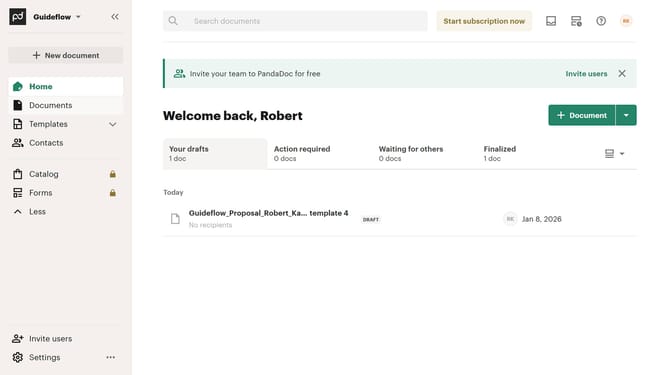
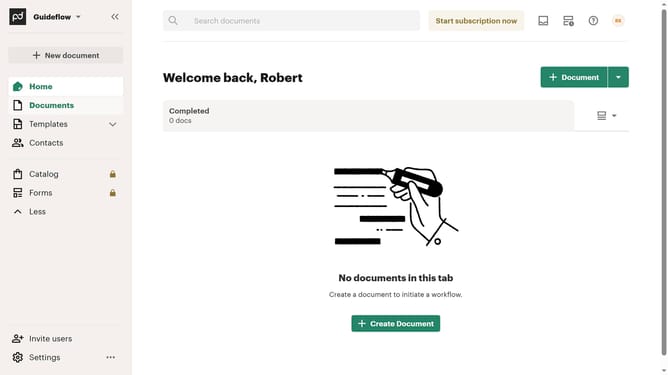
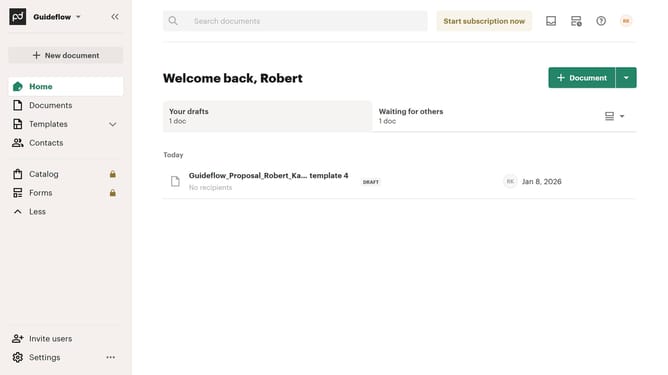
- First click on the "Documents" item in the left sidebar navigation menu
- Then click on the "Imported" tab in the top navigation bar
- Next click on the "Owner" dropdown filter button in the filter toolbar
- Then select the checkbox of the owner you want to filter from the owner filter dropdown menu
- Finally click on the "Apply" button to confirm the filter selection
Why should you filter imported documents by owner in PandaDoc
PandaDoc simplifies document workflow with innovative digital solutions for businesses.
The ability to filter imported documents by owner in PandaDoc is an essential feature for maintaining organized and efficient document management.
This feature allows users to sort and access documents based on ownership, ensuring that the right files are easily accessible to the appropriate team members.
By streamlining access, it enhances productivity and collaboration within your organization, making it easier to keep track of document responsibilities and updates.
Last update