How to remove the paid status filter from all documents in PandaDoc
Here is how to remove the paid status filter from all documents in pandadoc
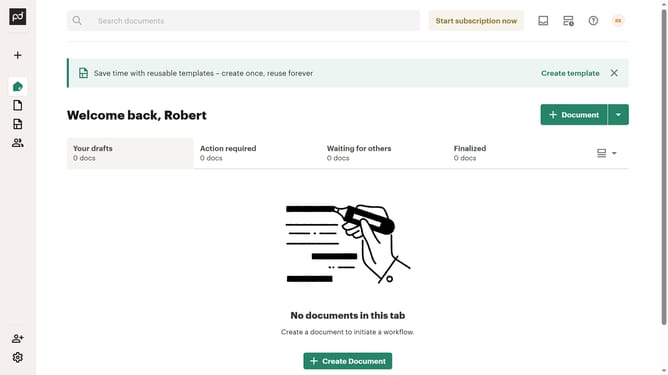
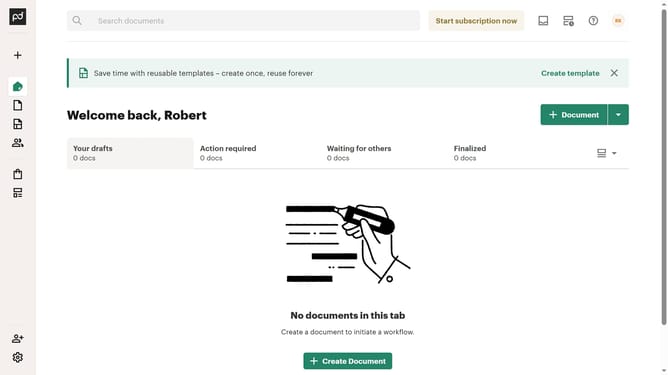
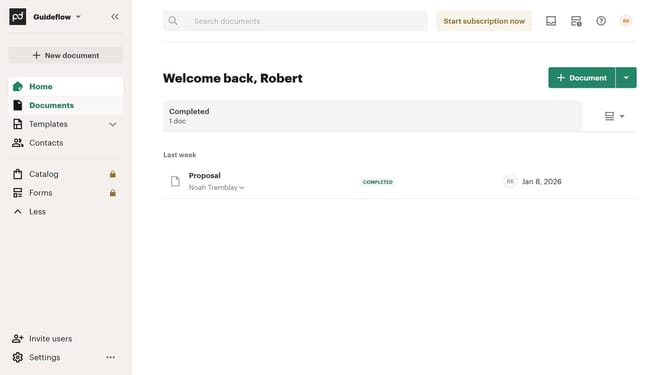
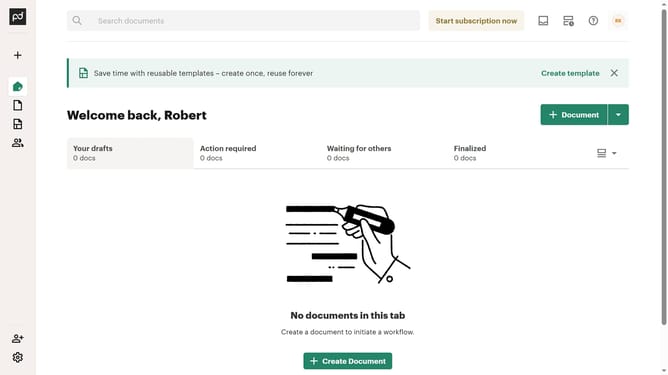
- First click on "Documents" in the left sidebar navigation menu
- Then click on "All documents" tab in the top navigation bar
- Then click on "Status" dropdown filter in the filter toolbar
- Scroll down in the menu list that appears
- Then uncheck the "Paid" checkbox option in the status filter dropdown menu
- Finally click on "Apply" button to confirm the filter selection
Why should you remove the paid status filter from all documents in PandaDoc
PandaDoc streamlines document creation and management to enhance your workflows.
Easily adjusting the paid status filter on all documents in PandaDoc can optimize the handling of your document statuses.
This feature allows users to have a comprehensive view, unrestricted by payment filters, enabling seamless access to various document features.
It enhances efficiency, making document management more fluid and responsive to your dynamic business needs.
Last update