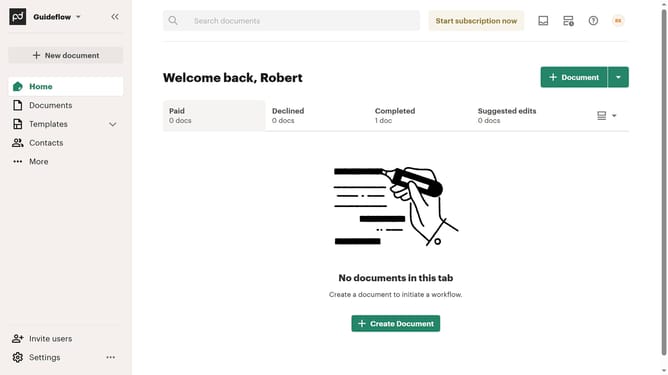
How to filter imported documents by viewed status in PandaDoc
Here is how to filter imported documents by viewed status in pandadoc
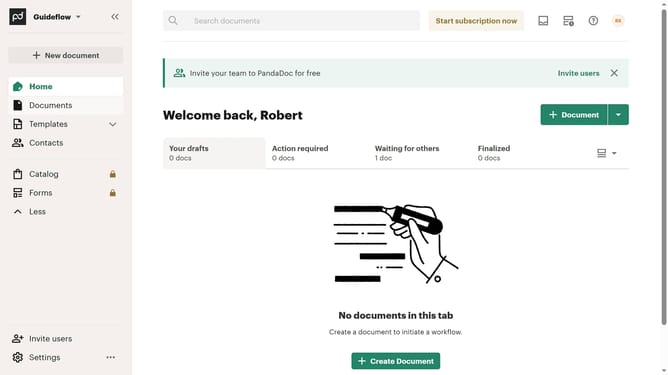
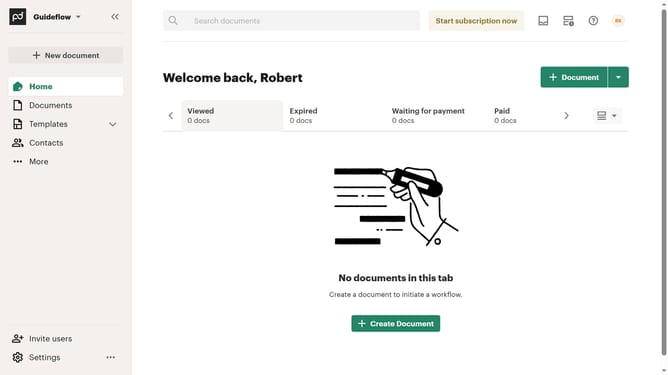
- First click on "Documents" in the left sidebar navigation menu
- Then click on the "Imported" tab in the top navigation bar
- Next click on the "Status" dropdown filter button
- Then select the "Viewed" checkbox option from the status filter dropdown menu
- Finally click on the "Apply" button to confirm the filter selection
Why should you filter imported documents by viewed status in PandaDoc
PandaDoc revolutionizes the way businesses handle documents by streamlining the entire process from creation to eSignature approval.
Filtering imported documents by viewed status in PandaDoc helps users prioritize their workflow efficiently. This feature allows you to quickly identify which documents have captured the recipient's attention and which ones need a follow-up.
Utilizing this feature delivers the benefits of increased awareness and strategic engagement, keeping your document management both proactive and organized.
Last update