How to filter archived documents by waiting for payment status in PandaDoc
Here is how to filter archived documents by waiting for payment status in pandadoc
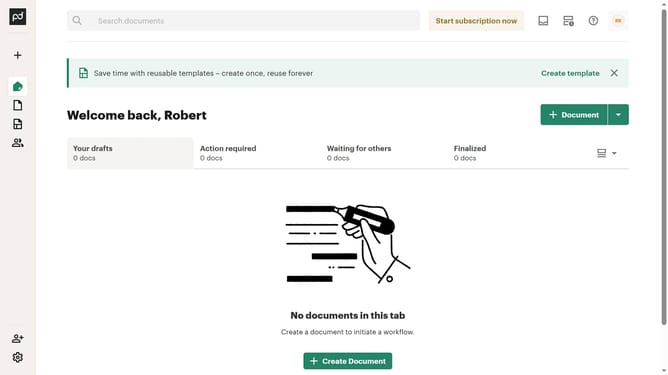
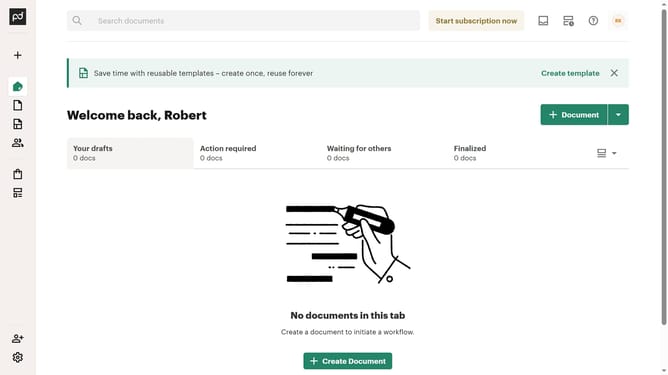
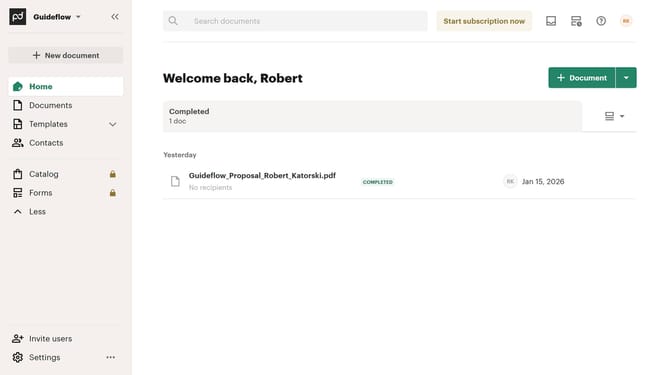
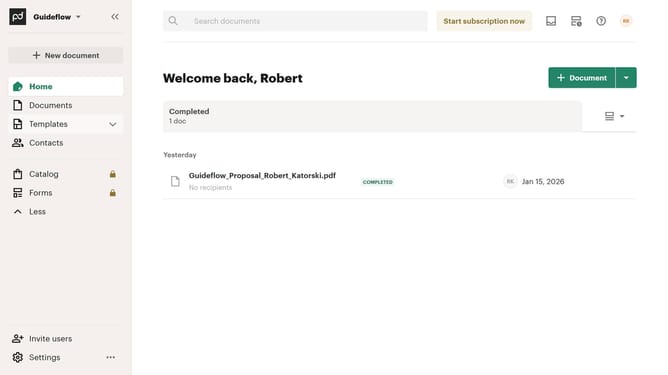
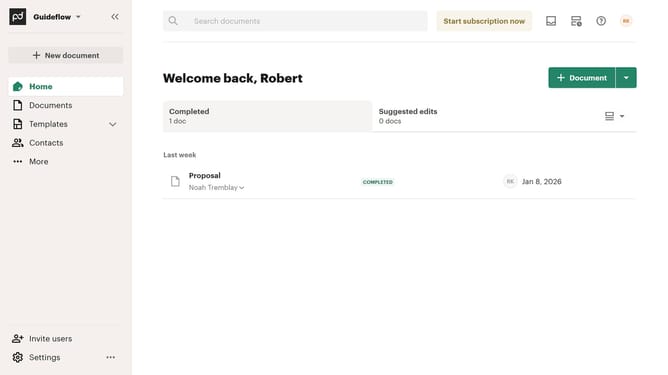
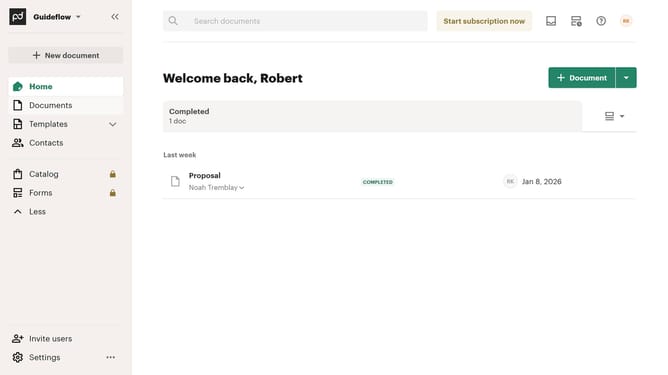
- First click on "Documents" in the left sidebar navigation menu
- Then click on "Archived" tab in the top navigation bar
- Next click on "Status" dropdown filter button in the filter toolbar
- Then scroll down in the menu list that appears
- After that click on the "Waiting for payment" checkbox to select it
- Finally click on "Apply" button to apply the selected status filter
Why should you filter archived documents by waiting for payment status in PandaDoc
PandaDoc is an innovative platform designed to streamline document processes and enhance productivity.
One standout feature in PandaDoc is the ability to filter archived documents by their payment status, specifically those waiting for payment. This feature allows users to easily organize and manage financial transactions without sifting through irrelevant documents.
By using this filtering option, businesses can ensure accurate tracking of pending payments, which enhances financial oversight and aids in maintaining cash flow. This clear organization leads to improved operational efficiency and ensures that vital financial actions are not overlooked.
Last update