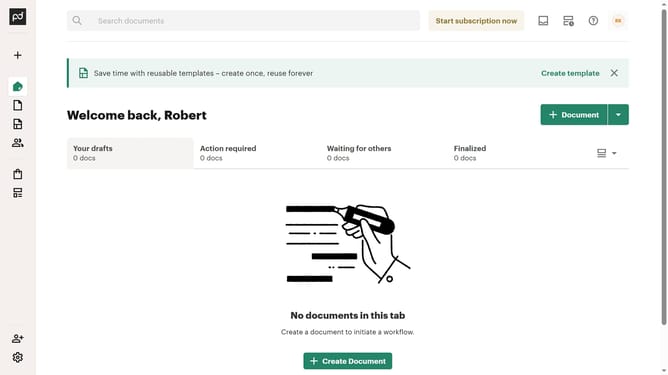
How to filter archived documents by draft status in PandaDoc
Here is how to filter archived documents by draft status in pandadoc
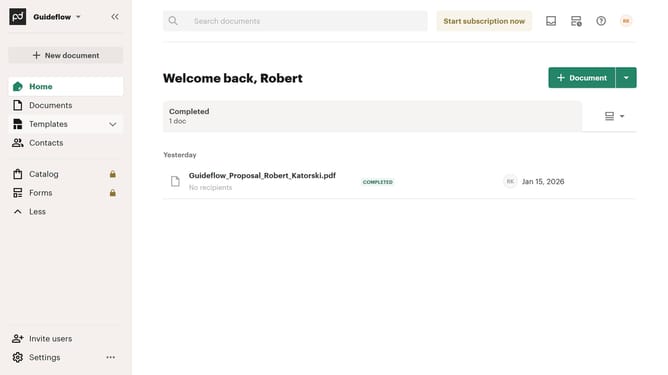
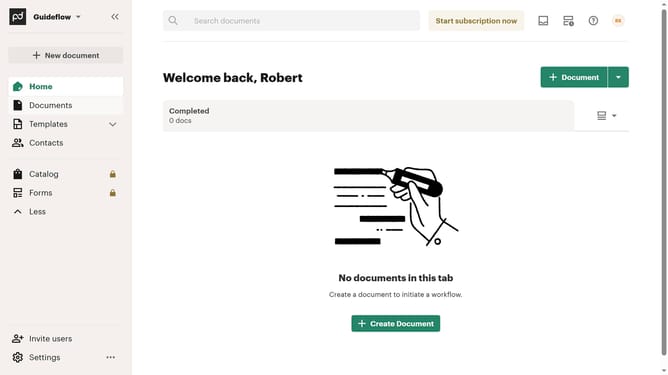
- First click on the "Documents" item in the left sidebar
- Then click on the "Archived" tab in the top navigation menu
- Next click on the "Status" dropdown filter button
- Then click on the "Draft" checkbox option in the status filter dropdown
- Finally click on the "Apply" button to confirm the filter selection
Why should you filter archived documents by draft status in PandaDoc
PandaDoc is a comprehensive document management solution designed to streamline your document workflow.
One valuable feature of PandaDoc is its ability to filter archived documents by draft status, which enhances your document management efficiency.
This feature allows you to quickly locate and organize drafts that have been archived, making document retrieval a breeze.
By focusing only on the drafts, you save time and ensure accuracy, simplifying your workflow and increasing productivity.
Last update