How to remove the suggested edits status filter from archived documents in PandaDoc
Here is how to remove the suggested edits status filter from archived documents in pandadoc
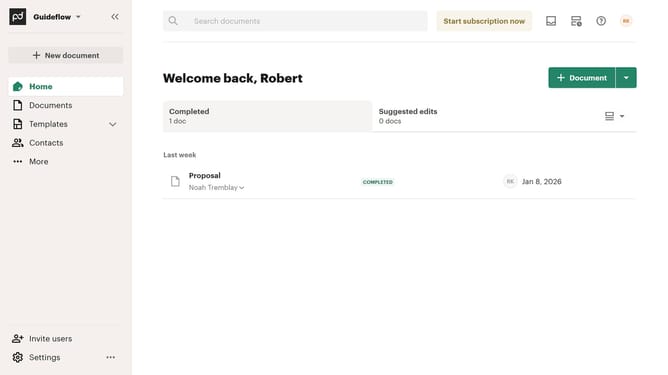
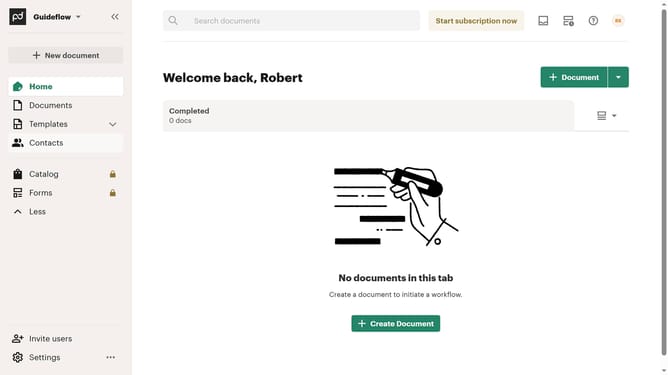
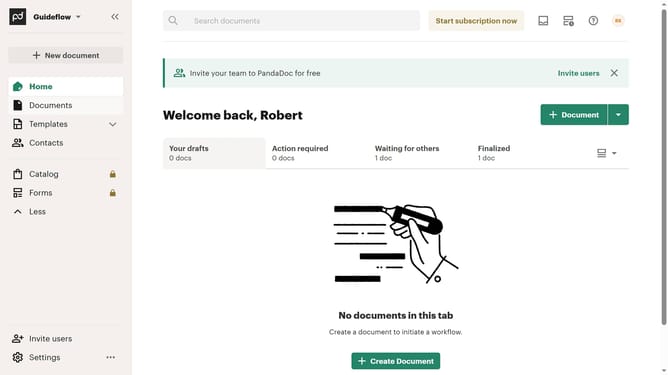
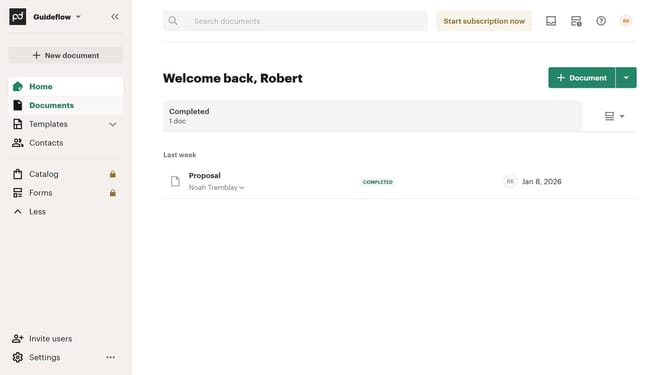
- First click on the "Documents" item in the left sidebar navigation menu
- Then click on the "Archived" tab in the top navigation menu
- Next click on the dropdown filter button in the filter bar
- Then uncheck the "Suggest edits" checkbox option from the dropdown menu
- Finally click on "Apply" button to confirm the filter selection
Why should you remove the suggested edits status filter from archived documents in PandaDoc
PandaDoc revolutionizes document management with its comprehensive digital solutions for businesses.
Removing the suggested edits status filter from archived documents in PandaDoc streamlines the way you access essential records. This feature enhancement ensures your workflow remains unhindered, letting you locate the documents you need without unnecessary restrictions.
By removing these filters, users experience a more efficient interface, paving a smoother path towards better productivity and document accessibility.
Last update