How to filter your created documents by recipients in PandaDoc
Here is how to filter your created documents by recipients in pandadoc
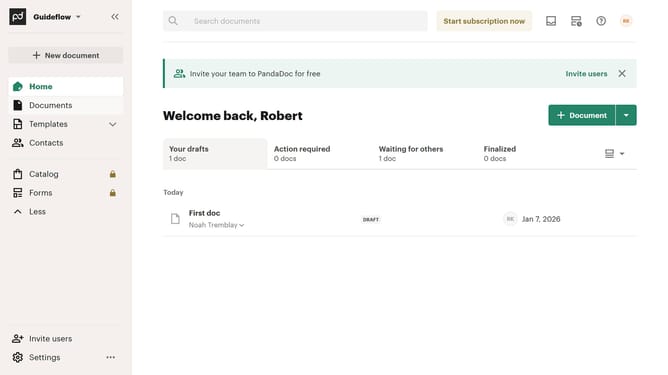
- First click on the "Documents" item in the left sidebar navigation menu
- Then click on the "Created by me" tab in the top navigation bar
- Next click on the "Recipients" dropdown filter button in the filter toolbar
- Then click on the checkbox next to the recipient that you want to filter in the recipients dropdown menu
- Finally click on the "Apply" button to confirm the filter selection
Why should you filter your created documents by recipients in PandaDoc
PandaDoc is a versatile document management tool designed to streamline your document workflow.
With PandaDoc, one of the standout features is the ability to filter your created documents by recipients. This functionality allows users to efficiently navigate through numerous documents by pinpointing those pertinent to specific recipients.
Utilizing this feature not only saves time but also boosts productivity by enabling quick access to necessary documents, facilitating seamless team collaborations, and ensuring nothing falls through the cracks.
Last update