How to track every time a document is opened in PandaDoc
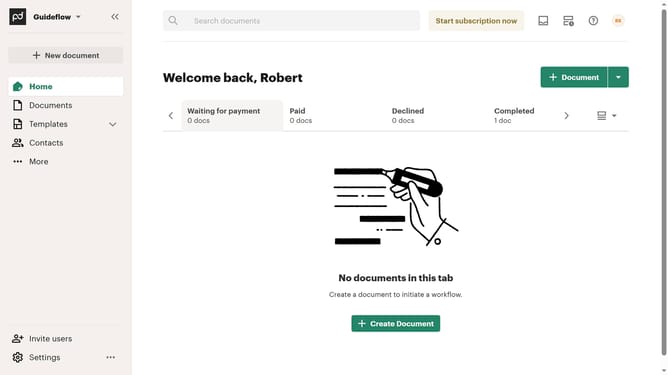
Here is how to track every time a document is opened in pandadoc
- First click on your profile button in the top right corner of the header
- Then click on "Notifications" option in the account dropdown menu
- Finally click on the "Document is opened by a recipient every time" checkbox to toggle the notification setting
Why should you track every time a document is opened in PandaDoc
DocuSign simplifies the electronic signing process for businesses worldwide.
With PandaDoc, the ability to track every time a document is opened offers clear insights and enhances transparency. This feature not only allows you to see when your document is accessed but also gives you an idea of who is showing interest, making it a valuable tool for decision-making.
Knowing how frequently your documents are opened can help in prioritizing follow-ups and tailoring your communication more effectively, ultimately fostering a more proactive business environment.
Last update