How to filter archived documents by viewed status in PandaDoc
Here is how to filter archived documents by viewed status in pandadoc
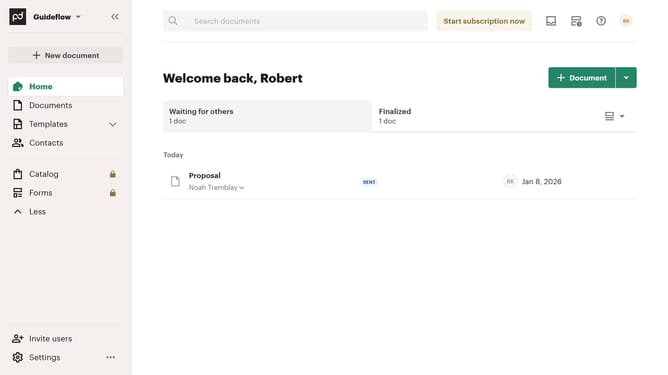
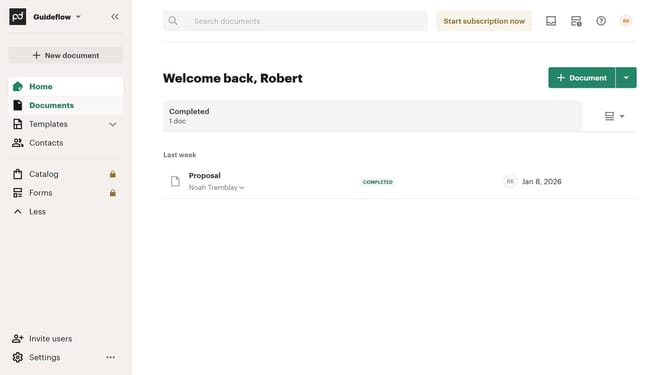
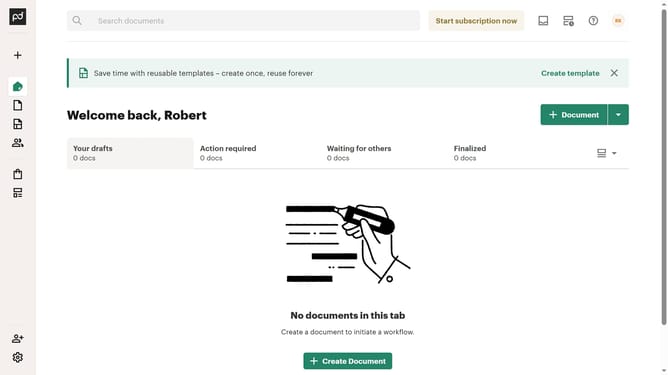
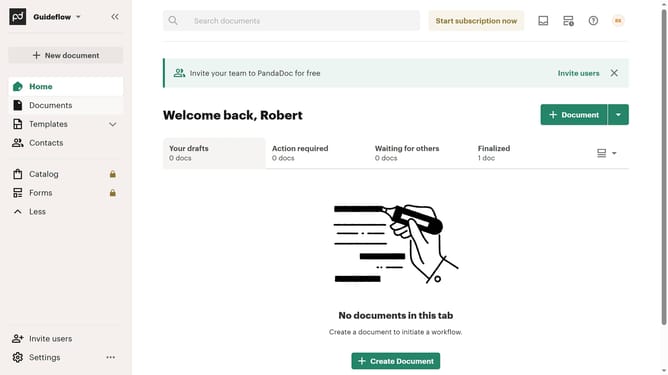
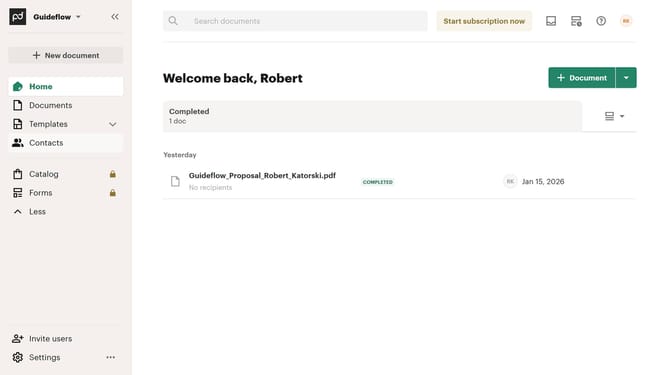
- First click on the "Documents" item in the left sidebar navigation menu
- Then click on the "Archived" tab in the top navigation menu of the documents section
- Next click on the "Status" dropdown filter button in the filter bar
- Then click on the "Viewed" checkbox option in the status filter dropdown menu
- Finally click on "Apply" button to apply the selected status filter
Why should you filter archived documents by viewed status in PandaDoc
PandaDoc is a powerful document management platform designed to streamline your document creation and workflow processes.
Within PandaDoc, filtering archived documents by viewed status is an excellent feature that enhances organizational efficiency. This feature allows you to easily categorize and access documents based on whether they have been previously viewed.
By quickly identifying which documents have been reviewed, teams can prioritize their follow-ups, save time, and maintain an organized archive, ensuring that nothing slips through the cracks.
Last update